in3D vs ImagineMe
In the clash of in3D vs ImagineMe, which AI Avatar Generation tool emerges victorious? We assess reviews, pricing, alternatives, features, upvotes, and more.
When we put in3D and ImagineMe head to head, which one emerges as the victor?
Let's take a closer look at in3D and ImagineMe, both of which are AI-driven avatar generation tools, and see what sets them apart. Both tools have received the same number of upvotes from aitools.fyi users. Your vote matters! Help us decide the winner among aitools.fyi users by casting your vote.
Does the result make you go "hmm"? Cast your vote and turn that frown upside down!
in3D
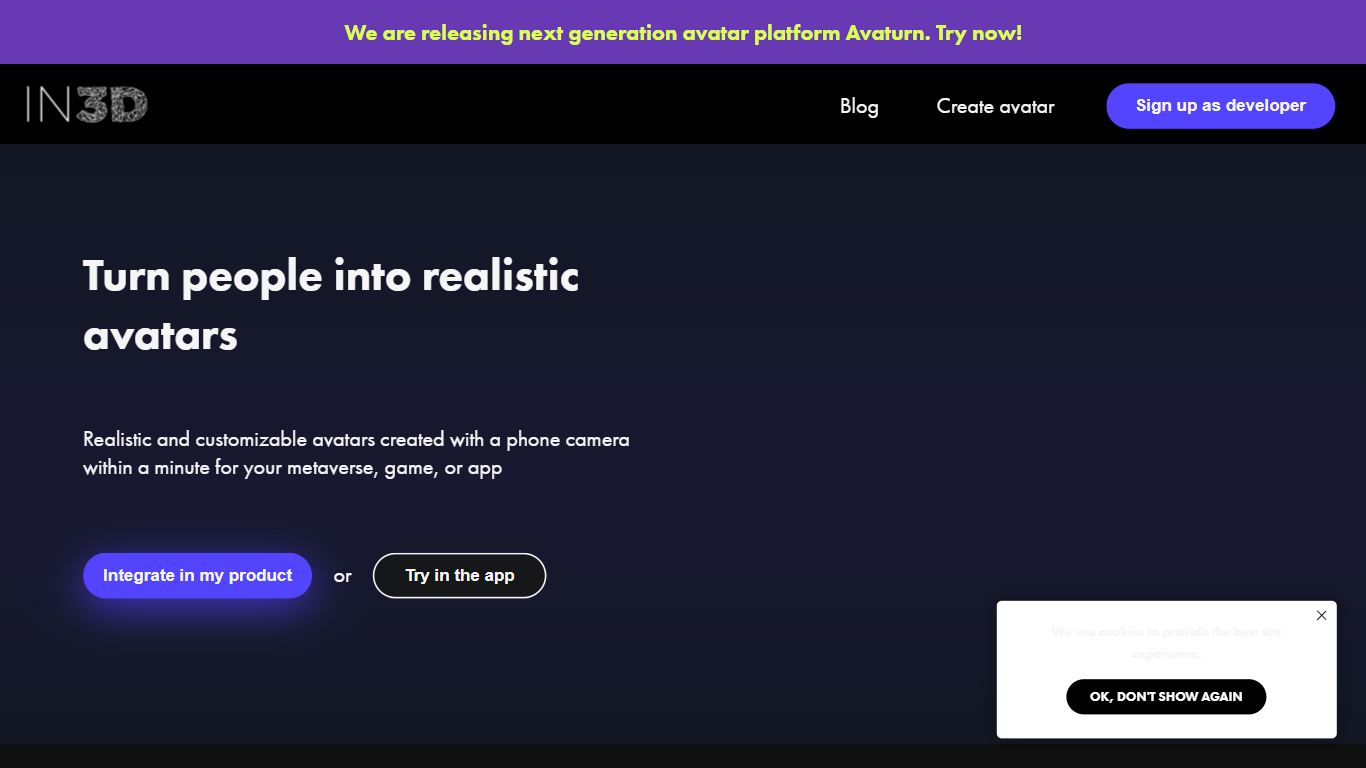

What is in3D?
in3D is a mobile avatar generator that turns a phone camera scan into a realistic 3D character in about a minute. You walk through a short capture, customize the result, and export a rigged model as FBX, GLB, or USDZ for Blender, Unity, Unreal Engine, or MetaHuman pipelines. The app also supports AR previews, clothing try-on, and sharing avatars with friends through deeplinks.
Phone-scan avatar apps usually trade quality for speed. in3D targets photoreal full-body captures from a handheld scan rather than cartoon filters or static selfie meshes. Export paths include game-ready formats plus paid platform packs for VRChat, GTA V, and Second Life when you need a preset rig for a specific world.
Casual creators, indie game developers, and fashion or metaverse teams use in3D to prototype characters without a studio scan booth. Goodsize Inc., the company behind in3d.io, also ships separate Avaturn products for selfie-based web avatars and real-time AI faces.
ImagineMe
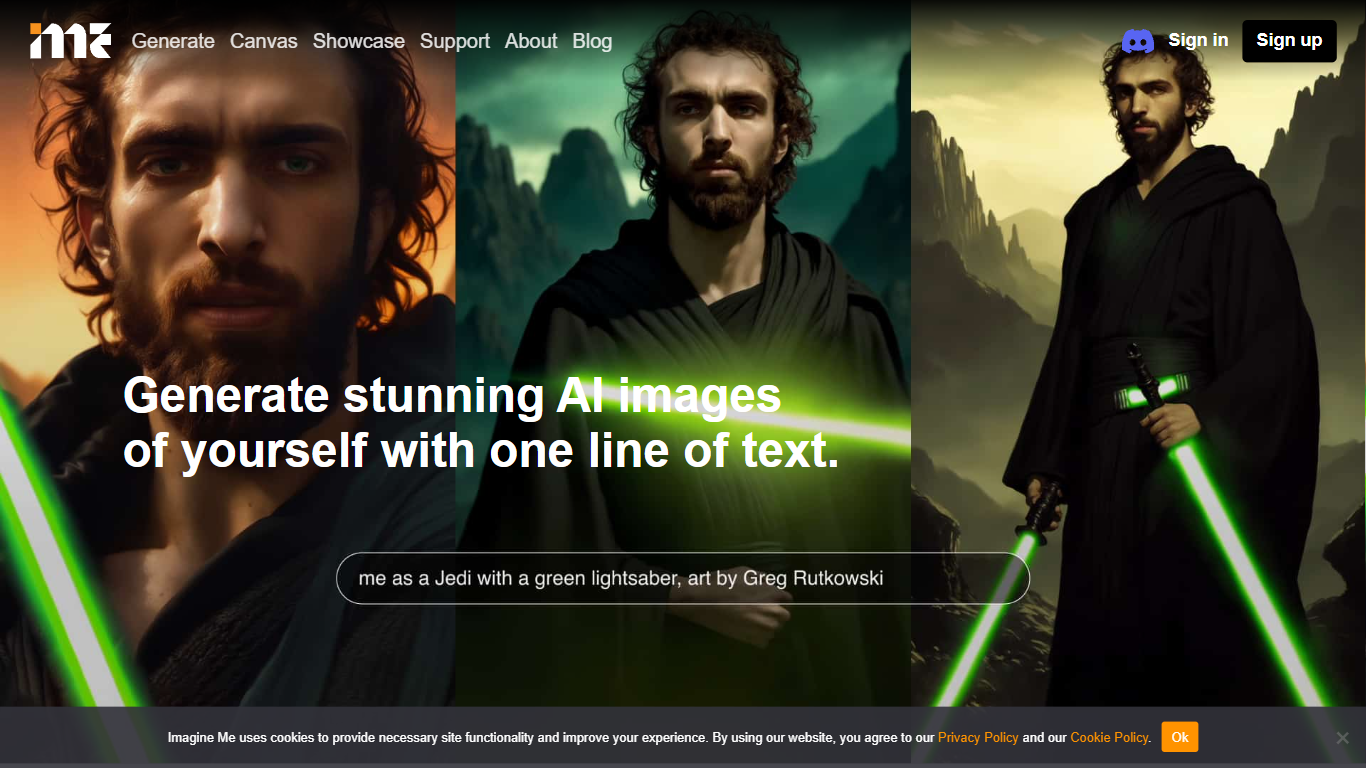
What is ImagineMe?
ImagineMe is a personal avatar generator that trains a private AI model on your own photos, then turns text prompts into images and videos of you. Upload 10 to 20 reference photos, wait for training to finish, and type a scene description to see yourself in fantasy settings, professional headshots, cosplay looks, or cartoon styles.
Most avatar tools apply a one-size filter to your face. ImagineMe trains a separate model per user, so the output is meant to look like you rather than a generic stock face. That per-user training takes up to 5 hours, but once it is done, new images generate in about 10 seconds after a short cold start.
The platform suits creators who want stylized self-portraits, tabletop gamers building D&D character art, pet owners making cartoon versions of their animals, and anyone who wants LinkedIn headshots or social media avatars without a photo shoot. Video, upscale, and Canvas editing tools extend the same trained model beyond still images.
in3D Upvotes
ImagineMe Upvotes
in3D Top Features
Phone camera scan builds a photoreal 3D avatar in about one minute
Export rigged models as FBX, GLB, or USDZ from the app
MetaHuman export sends avatars straight into Epic's character pipeline
in3D SDK imports scans into Unity and Unreal Engine projects
5 Scans Monthly in-app purchase is $19.99 on the App Store listing
60 Scans Yearly in-app purchase is $179.99 on the App Store listing
Platform export packs include VRChat, GTA V, and Second Life options
ImagineMe Top Features
Upload 10 to 20 photos to train a private model that learns your likeness
Generate new images in about 10 seconds after the initial cold start
Credit packs start at $5 for 10 credits, with images from $0.08 each on the 45-credit plan
Create AI videos at 5 or 10 seconds with Fast, Normal, or High Quality modes costing 3 credits
Canvas editor with pose detection, depth view, and inpainting on desktop
Upscale tool to sharpen generated images after creation
Sign in with Google, Facebook, or Apple plus a Discord community for support
in3D Category
- Avatar Generation
ImagineMe Category
- Avatar Generation
in3D Pricing Type
- Freemium
ImagineMe Pricing Type
- Paid