Inari vs Browse AI
In the face-off between Inari vs Browse AI, which AI Research tool takes the crown? We scrutinize features, alternatives, upvotes, reviews, pricing, and more.
When we put Inari and Browse AI head to head, which one emerges as the victor?
If we were to analyze Inari and Browse AI, both of which are AI-powered research tools, what would we find? The upvote count shows a clear preference for Browse AI. Browse AI has attracted 25 upvotes from aitools.fyi users, and Inari has attracted 6 upvotes.
You don't agree with the result? Cast your vote to help us decide!
Inari
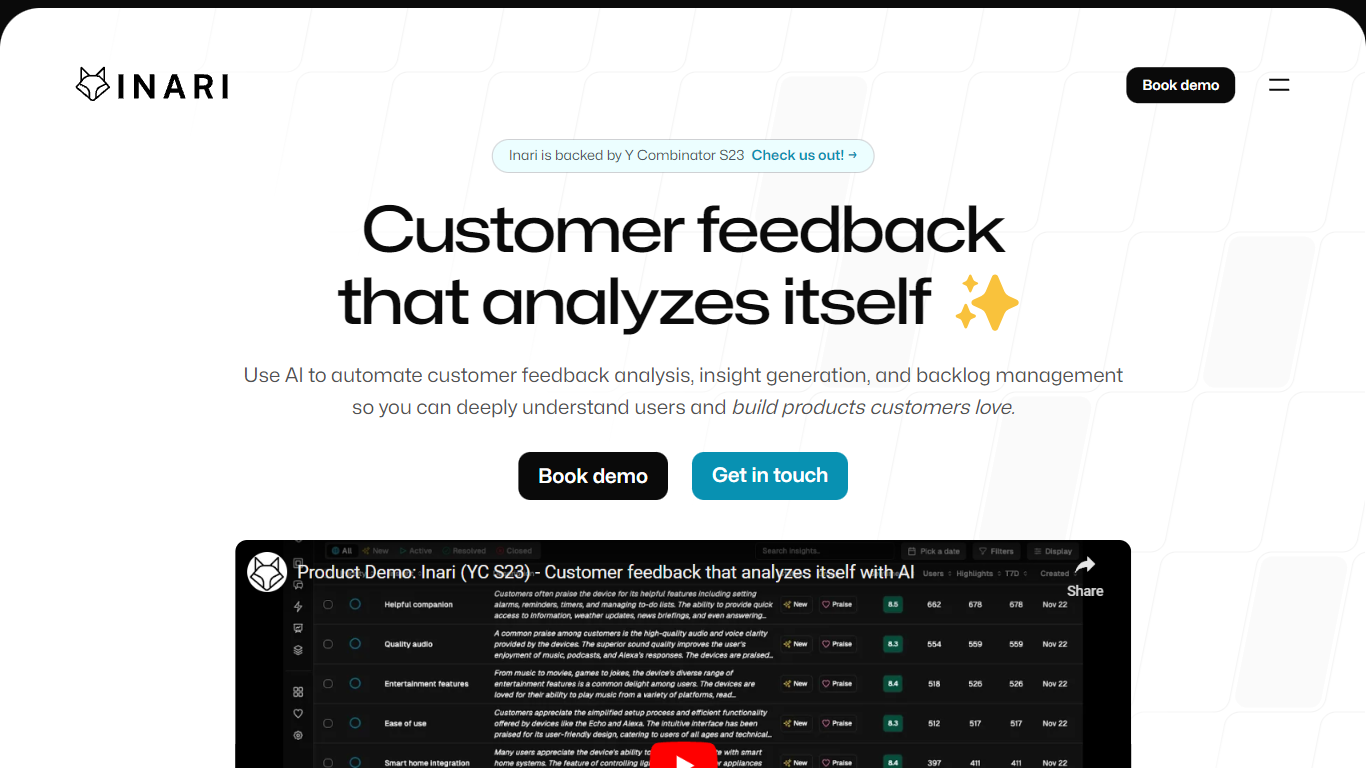

What is Inari?
Inari pulls customer feedback from Slack, Gong, Intercom, CRM records, and uploaded docs, then clusters quotes into requests, defects, praises, and learnings you can tie to backlog items. Product and research teams use it to replace manual tagging in spreadsheets when they need cited themes from messy qualitative input.
General research tools store notes; Inari tries to close the loop between voice-of-customer data and backlog prioritization. The Growth plan syncs CRM fields such as ARR and pipeline stage into issue ranking, and the site claims teams save 32 hours per month on feedback synthesis while improving NPS by 2.4 points after fixing surfaced issues.
Product managers, UX researchers, and CX leaders use Inari to replace spreadsheet tagging with automated clustering, weekly TL;DR reports, and PRD drafts grounded in citations. Inari announced an acquisition by Amplitude, but signup and pricing remain live at app.useinari.com.
Browse AI
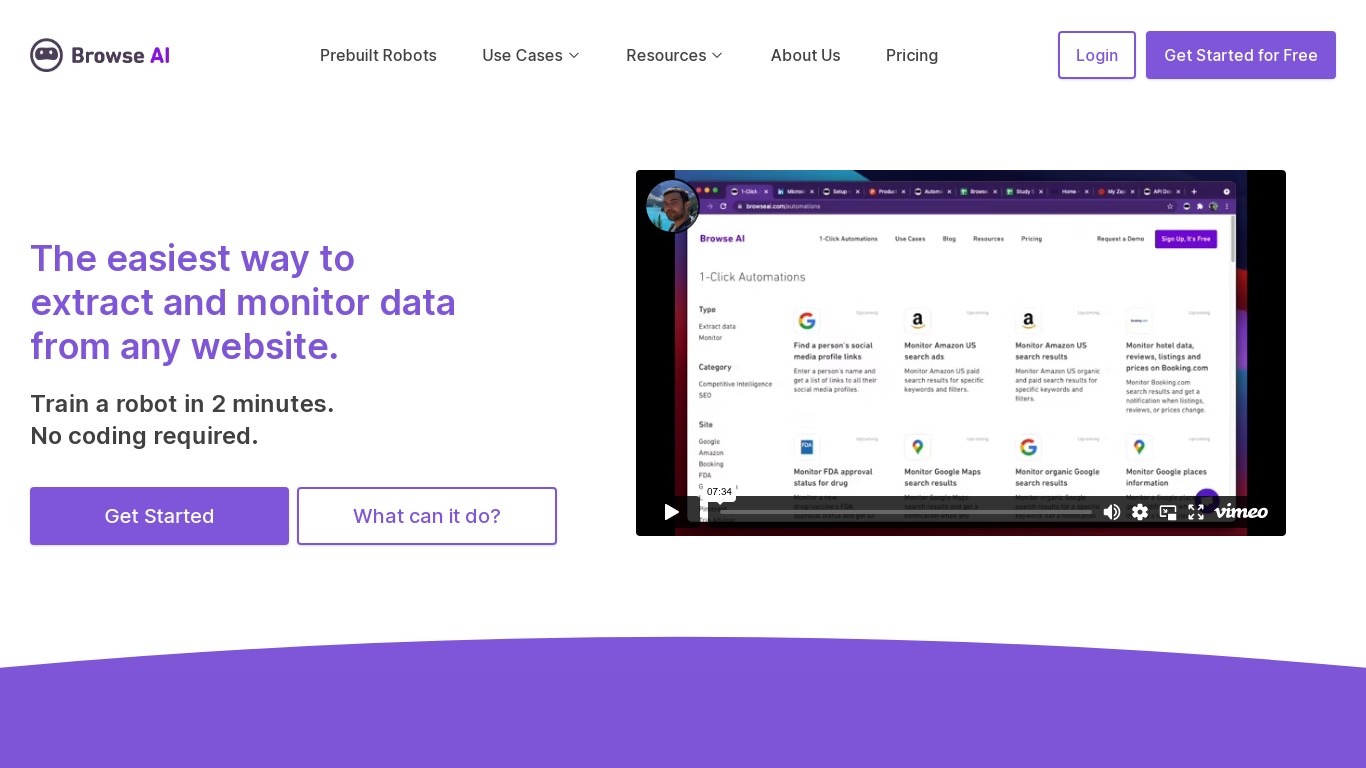
What is Browse AI?
Browse AI is a no-code web scraping and website monitoring platform built for research teams that need structured data from sites they do not control. You train robots with point-and-click actions to extract lists, details, and screenshots, then schedule runs or set change alerts without writing scripts. The platform reports over 770,000 users and has delivered more than 10 billion rows of extracted data.
Where most scrapers break the moment a target site redesigns, Browse AI leans on adaptive change detection that adjusts robot selectors when layouts shift. That trade-off favors operators who monitor competitor pricing or job boards on a schedule and cannot babysit Python scripts every time a CSS class changes. You still get deep scraping workflows, bulk runs across up to 500,000 pages, and exports to Google Sheets, Airtable, Zapier, Make, webhooks, or a REST API.
Browse AI fits ecommerce analysts tracking catalogs, real estate teams pulling listings from Airbnb or Redfin, and growth operators building lead lists from directories. Over 250 prebuilt robots cover Amazon, Indeed, Google Maps, and other high-traffic sites. A Premium tier adds fully managed scraping with custom delivery for high-volume or complex pipelines.
Inari Upvotes
Browse AI Upvotes
Inari Top Features
Startup plan includes 1,000 credits per month at $30 with unlimited seats
Growth plan includes 10,000 credits per month at $300 with Salesforce and HubSpot sync
Connects Slack, Gong, Intercom, Jira, Linear, Notion, and 5,000+ integrations
Auto-links customer quotes to insights with citation-backed clustering
Generates PRDs and backlog issues from tagged requests and defects
SOC 2 Type 2 compliance completed and in auditor observation period
Browse AI Top Features
Point-and-click robot builder trains on any page with no code required
Adaptive change detection adjusts robots when target sites redesign layouts
250+ prebuilt robots for Amazon, Indeed, Google Maps, and other popular sites
Bulk extraction runs across up to 500,000 pages in a single operation
Paid plans monitor sites every 5 minutes; free plans allow hourly checks at minimum
Syncs to Google Sheets, Airtable, Zapier, Make, REST API, webhooks, or Amazon S3
Inari Category
- Research
Browse AI Category
- Research
Inari Pricing Type
- Freemium
Browse AI Pricing Type
- Freemium