Inbox Zero vs Canary Mail
In the contest of Inbox Zero vs Canary Mail, which AI Email Assistant tool is the champion? We evaluate pricing, alternatives, upvotes, features, reviews, and more.
If you had to choose between Inbox Zero and Canary Mail, which one would you go for?
When we examine Inbox Zero and Canary Mail, both of which are AI-enabled email assistant tools, what unique characteristics do we discover? Inbox Zero is the clear winner in terms of upvotes. Inbox Zero has been upvoted 7 times by aitools.fyi users, and Canary Mail has been upvoted 6 times.
You don't agree with the result? Cast your vote to help us decide!
Inbox Zero
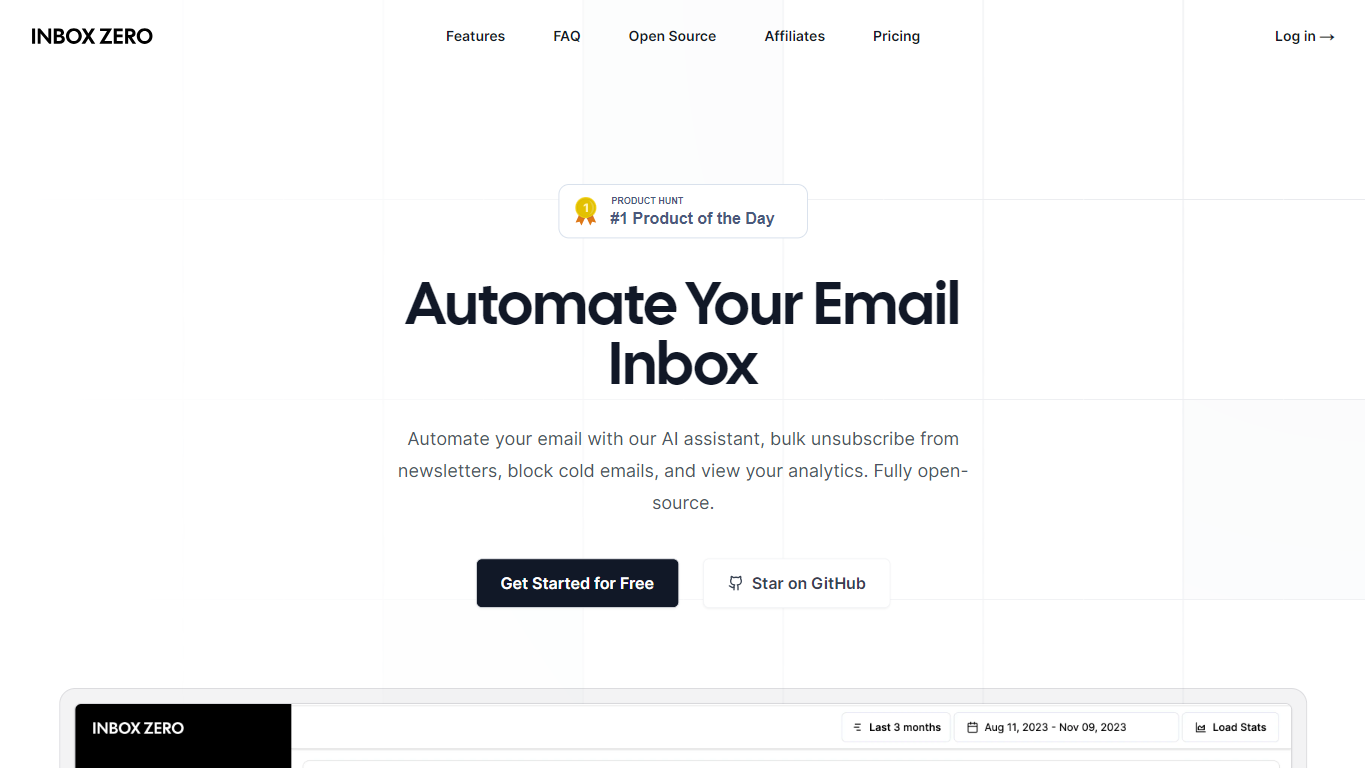

What is Inbox Zero?
Inbox Zero connects to Gmail or Outlook and uses AI to label incoming mail, draft replies in your voice, and surface what needs attention first. You get pre-written responses waiting when you open your inbox, plus bulk unsubscribe tools for newsletters you never read. The product works on web, iOS, Android, Slack, and Telegram so you can triage mail without living in your email tab.
Most email assistants stop at summarization. Inbox Zero also blocks cold emails, files attachments automatically on higher tiers, and pulls calendar and CRM context into drafts so scheduling replies match your real availability. The codebase is open source with 9k GitHub stars, SOC 2 Type 2 certification, and a self-host option for teams that want full control.
Starter plans cover solo operators who want labels, analytics, and reply drafts. Plus adds Slack, Notion, Stripe integrations, and an unlimited knowledge base. Professional adds team analytics and dedicated onboarding. Over 20,000 professionals use Inbox Zero, and every paid plan includes a 7-day free trial.
Canary Mail
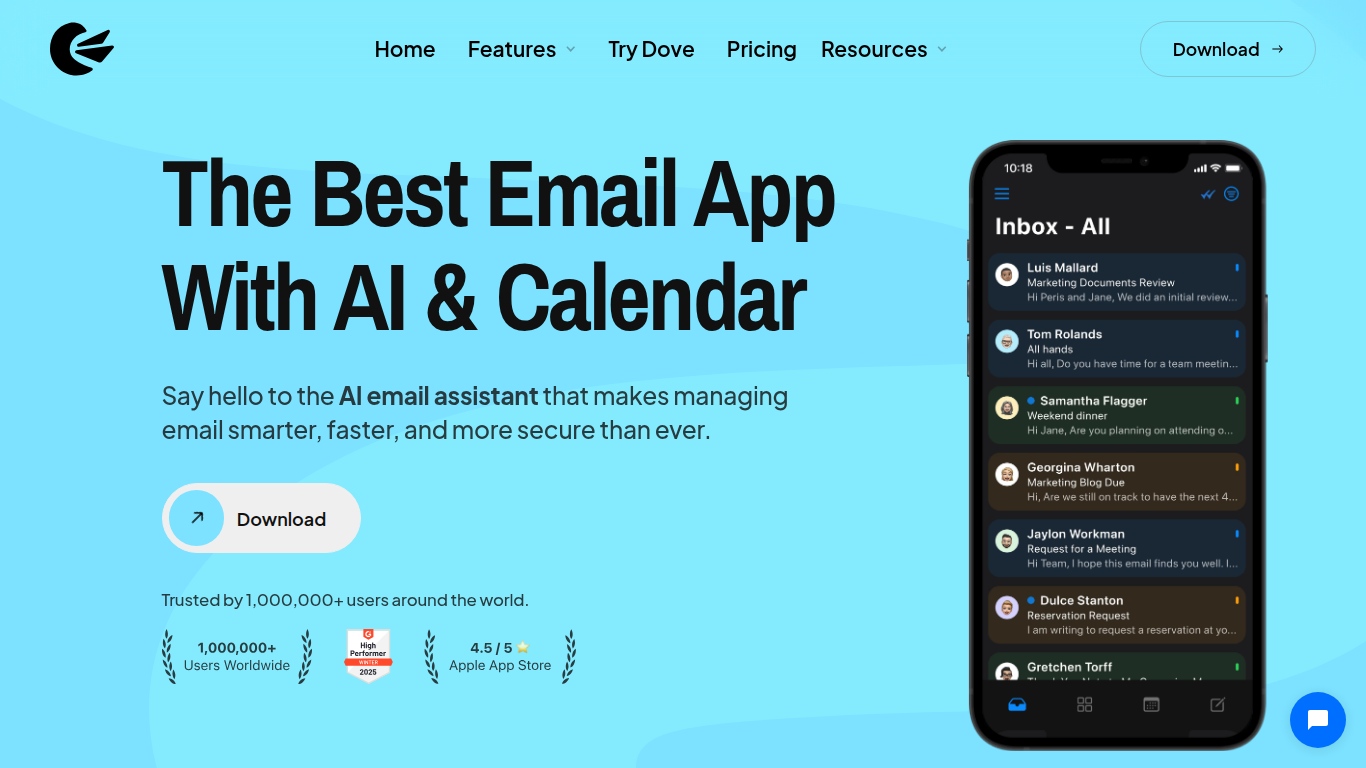
What is Canary Mail?
Canary Mail is an email client for macOS, iOS, Windows, and Android that bundles inbox management with optional AI drafting and calendar scheduling. You connect unlimited mail accounts into one unified inbox, then use snooze, templates, read receipts, and send-later tools to triage messages faster. Growth and Pro+ tiers add an AI Copilot for prioritization, writing help, and summarization without leaving the app.
Superhuman-style clients optimize for speed on a single workflow, while Canary Mail spreads features across a free tier and two paid upgrades with yearly or lifetime billing only. That keeps the entry price low for students and personal users, but teams wanting monthly billing need to commit to annual plans. Pro+ differentiates with PGP encryption, SecureSend for HIPAA-friendly sharing, and phishing and impersonation checks on the client side.
Freelancers, founders, and security-conscious professionals use it when Gmail or Outlook feel cluttered but enterprise gateways only protect work accounts. A 7-day trial unlocks paid features with no credit card, then auto-downgrades to Free. One license covers up to five devices across platforms when you upgrade.
Inbox Zero Upvotes
Canary Mail Upvotes
Inbox Zero Top Features
Connect Gmail or Outlook in two clicks and auto-label mail into categories like To Reply, Newsletter, and Urgent
Pre-drafted replies in your tone appear for every email that needs a response
Bulk unsubscribe and archive shows newsletters you never read with one-click cleanup
Works on Slack, Telegram, iOS, Android, and web without switching apps
Starter plan at $20 per user per month includes analytics and cold email blocking
Open-source codebase with 9k GitHub stars and SOC 2 Type 2 certification
Canary Mail Top Features
Free plan supports unlimited mail accounts on up to 2 devices
Growth plan is $36 per year with AI Copilot and 5-device licensing
Pro+ adds PGP encryption and SecureSend HIPAA-friendly sharing at $100 per year
7-day trial grants all paid features with no credit card required
Unified inbox merges multiple accounts across macOS, iOS, Windows, and Android
Send Later, snooze, templates, and read receipts built into the core client
Inbox Zero Category
- Email Assistant
Canary Mail Category
- Email Assistant
Inbox Zero Pricing Type
- Freemium
Canary Mail Pricing Type
- Freemium