Inbox Zero vs ChatGPT Services
In the clash of Inbox Zero vs ChatGPT Services, which AI Email Assistant tool emerges victorious? We assess reviews, pricing, alternatives, features, upvotes, and more.
When we put Inbox Zero and ChatGPT Services head to head, which one emerges as the victor?
Let's take a closer look at Inbox Zero and ChatGPT Services, both of which are AI-driven email assistant tools, and see what sets them apart. The upvote count favors Inbox Zero, making it the clear winner. Inbox Zero has 7 upvotes, and ChatGPT Services has 6 upvotes.
Feeling rebellious? Cast your vote and shake things up!
Inbox Zero

What is Inbox Zero?
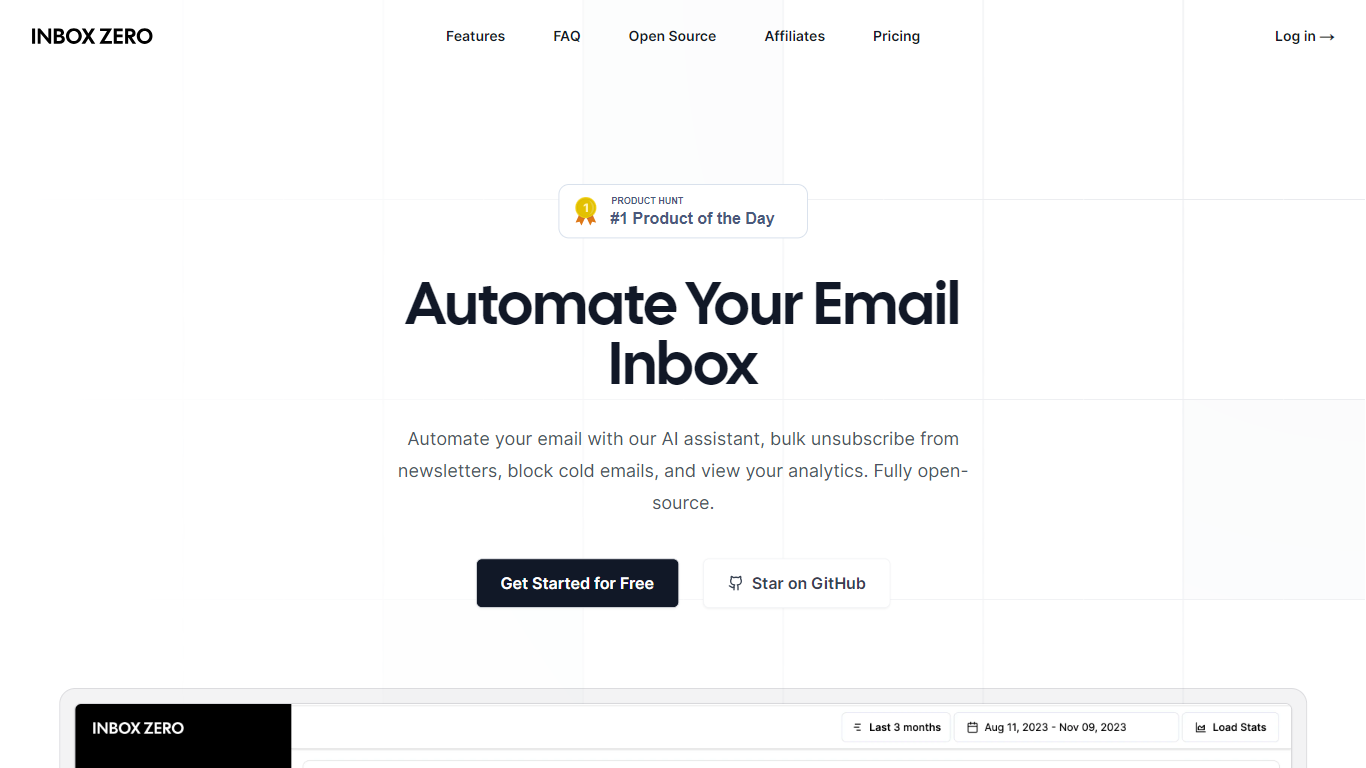
Inbox Zero connects to Gmail or Outlook and uses AI to label incoming mail, draft replies in your voice, and surface what needs attention first. You get pre-written responses waiting when you open your inbox, plus bulk unsubscribe tools for newsletters you never read. The product works on web, iOS, Android, Slack, and Telegram so you can triage mail without living in your email tab.
Most email assistants stop at summarization. Inbox Zero also blocks cold emails, files attachments automatically on higher tiers, and pulls calendar and CRM context into drafts so scheduling replies match your real availability. The codebase is open source with 9k GitHub stars, SOC 2 Type 2 certification, and a self-host option for teams that want full control.
Starter plans cover solo operators who want labels, analytics, and reply drafts. Plus adds Slack, Notion, Stripe integrations, and an unlimited knowledge base. Professional adds team analytics and dedicated onboarding. Over 20,000 professionals use Inbox Zero, and every paid plan includes a 7-day free trial.
ChatGPT Services
What is ChatGPT Services?
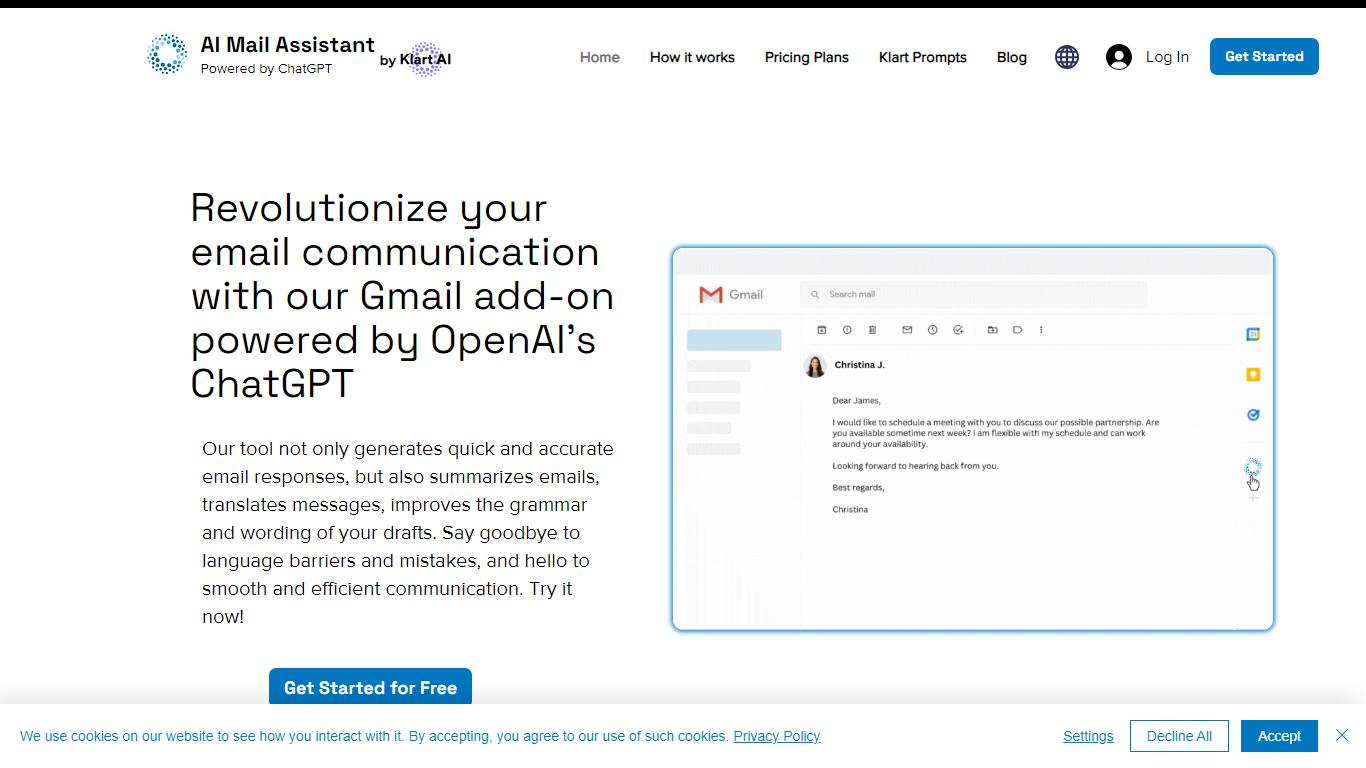
ChatGPT Services hosts Gmail add-ons from Klart AI that write, translate, summarize, and analyze email inside your inbox. AI Mail Assistant adds reply generation, draft polishing, 13-language translation, ChatGPT Q&A, and tone or ethics analysis to Gmail through the Google Workspace Marketplace.
Unlike standalone ChatGPT tabs, these tools live in Gmail's sidebar so you generate replies, insert drafts, and translate threads without switching apps. A separate AI Label Assistant product auto-labels and archives mail on an hourly schedule using your existing Gmail labels, with custom instructions when label titles alone are not specific enough.
The suite also includes Klart Prompts for GPT, Midjourney, and reverse prompt engineering. Plans start with 10 free AI Mail Assistant requests per month, paid tiers from €4.99 monthly, and Stripe or PayPal billing with cancel-anytime subscriptions.
Inbox Zero Upvotes
ChatGPT Services Upvotes
Inbox Zero Top Features
Connect Gmail or Outlook in two clicks and auto-label mail into categories like To Reply, Newsletter, and Urgent
Pre-drafted replies in your tone appear for every email that needs a response
Bulk unsubscribe and archive shows newsletters you never read with one-click cleanup
Works on Slack, Telegram, iOS, Android, and web without switching apps
Starter plan at $20 per user per month includes analytics and cold email blocking
Open-source codebase with 9k GitHub stars and SOC 2 Type 2 certification
ChatGPT Services Top Features
AI Mail Assistant generates Gmail replies, summaries, and draft improvements powered by GPT-4 and GPT-4o
Built-in translation covers 13 languages for both incoming mail and outgoing drafts
Email analysis flags sarcasm, harassment, discrimination, mobbing, and ethical issues in threads
AI Label Assistant auto-labels mail hourly with up to 20 custom labels and optional auto-archiving
Free AI Mail Assistant tier includes 10 requests per month across all compose features
Klart Prompts Pro adds unlimited GPT, Midjourney, and reverse prompt engineering generators
Inbox Zero Category
- Email Assistant
ChatGPT Services Category
- Email Assistant
Inbox Zero Pricing Type
- Freemium
ChatGPT Services Pricing Type
- Freemium