Inbox Zero vs MailMaestro
In the contest of Inbox Zero vs MailMaestro, which AI Email Assistant tool is the champion? We evaluate pricing, alternatives, upvotes, features, reviews, and more.
If you had to choose between Inbox Zero and MailMaestro, which one would you go for?
When we examine Inbox Zero and MailMaestro, both of which are AI-enabled email assistant tools, what unique characteristics do we discover? The community has spoken, Inbox Zero leads with more upvotes. Inbox Zero has garnered 7 upvotes, and MailMaestro has garnered 6 upvotes.
You don't agree with the result? Cast your vote to help us decide!
Inbox Zero
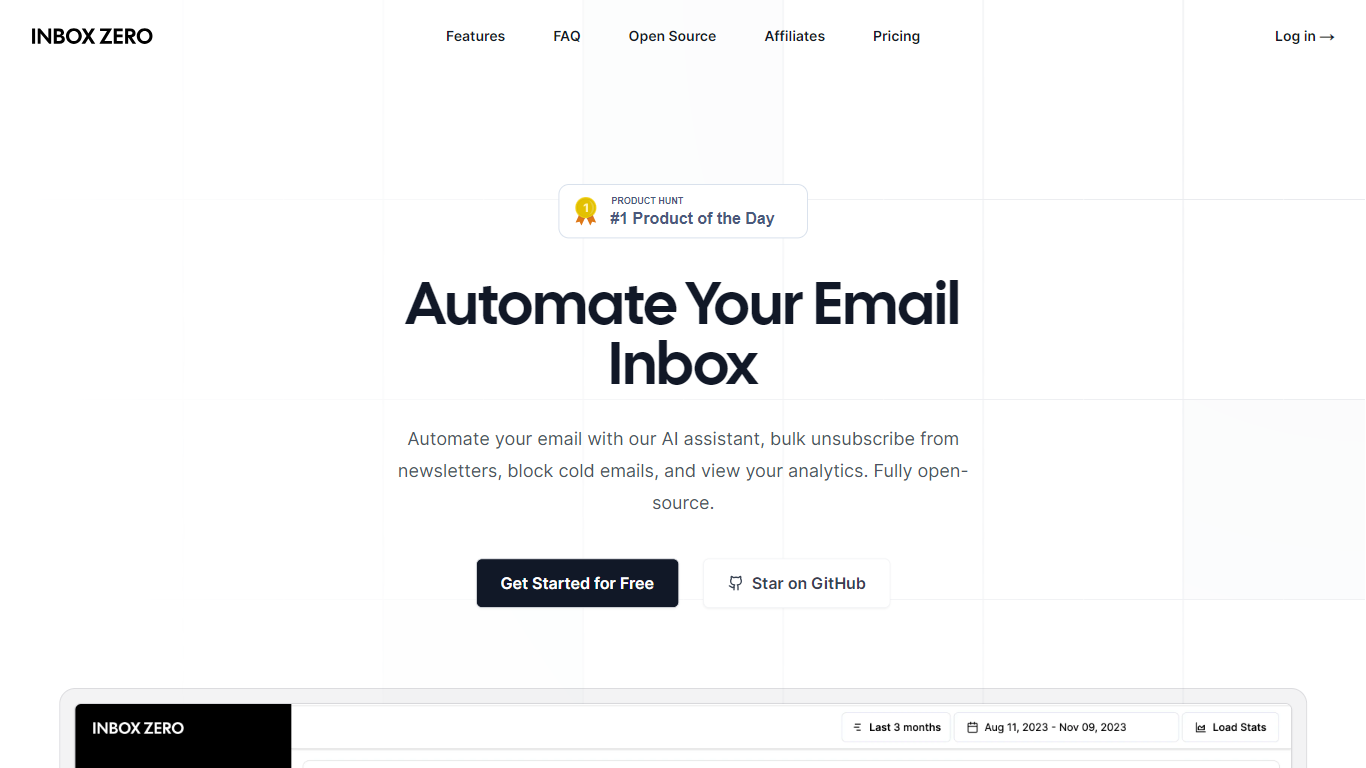

What is Inbox Zero?
Unlock a clutter-free email experience with Inbox Zero, your ultimate solution to managing a bloated inbox swiftly and effectively. Designed to revolutionize email management, Inbox Zero offers a suite of powerful tools, including a newsletter cleaner, AI automation, a cold email blocker, and comprehensive email analytics. Its user-friendly interface allows you to easily unsubscribe from undesired emails or auto-archive them with just a click, making it the quickest way to reach that satisfying state of "inbox zero."
Curate your inbox by prioritizing who to unsubscribe from based on the volume and frequency of received marketing emails. Implement Gmail filters within the tool for a seamless integration that enhances your existing email setup. Inbox Zero is also committed to privacy, being open-source, approved by Google, and offering the possibility of self-hosting.
With full control over your email interactions, you minimize distractions and enhance your productivity. Say goodbye to repetitive email responses; let Inbox Zero's AI agent take over with its smart automation capabilities. Block unwanted cold emails and keep your inbox focused on what truly matters.
MailMaestro
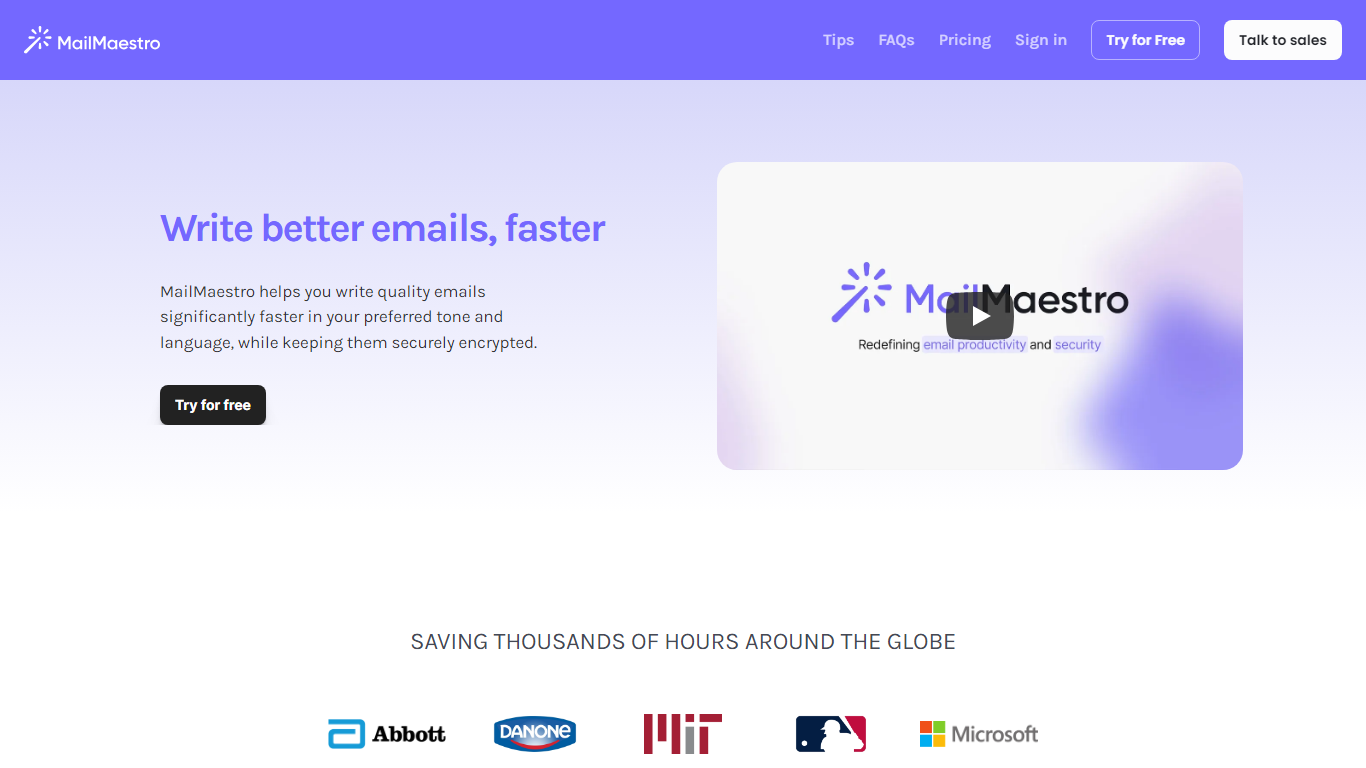
What is MailMaestro?
Transform your email writing experience with MailMaestro, the futuristic email assistant powered by OpenAI's impressive capabilities. This tool is ingeniously designed to help you enhance your email productivity by simplifying inbox management and accelerating the email composition process. MailMaestro stands out with features that allow you to quickly convert simple points into well-crafted emails, personalize your tone and language, and use a user-friendly interface that even learns your unique writing style. Prioritizing security, MailMaestro ensures that your communications are securely encrypted, giving you peace of mind that your sensitive information is well-protected.
The platform boasts tools like Magic Templates and text shortcuts to avoid repetition, ensuring that every email you send is refined and engaging. With MailMaestro, you not only save precious time but also improve the quality of your communications, making it an essential tool for professionals looking to optimize their email strategy.
Inbox Zero Upvotes
MailMaestro Upvotes
Inbox Zero Top Features
Newsletter Cleaner: Easily unsubscribe or auto-archive unwanted subscriptions.
AI Automation: Smart automation for replying, forwarding, or archiving emails.
Cold Email Blocker: Advanced filtering to block unsolicited cold emails.
Email Analytics: Insightful analytics to monitor sender frequency and manage your inbox.
Privacy and Security: Open-source code and Google-approved security measures.
MailMaestro Top Features
Rapid Email Creation: Utilizes AI to transform simple points into professional emails quickly.
Enhanced Personalization: Adapts to your preferred tone language and style for emails that sound like you.
Enterprise-level Security: Uses advanced encryption to protect your sensitive data during email communications.
Intuitive Magic Templates and Shortcuts: Provides tools for fast drafting and reduces repetitive typing with shortcuts.
Smart Scheduling for Meetings: Automatically detects meeting requests and assists in managing your calendar and responses.
Inbox Zero Category
- Email Assistant
MailMaestro Category
- Email Assistant
Inbox Zero Pricing Type
- Freemium
MailMaestro Pricing Type
- Freemium