Inbox Zero vs Superhuman
Dive into the comparison of Inbox Zero vs Superhuman and discover which AI Email Assistant tool stands out. We examine alternatives, upvotes, features, reviews, pricing, and beyond.
When comparing Inbox Zero and Superhuman, which one rises above the other?
When we compare Inbox Zero and Superhuman, two exceptional email assistant tools powered by artificial intelligence, and place them side by side, several key similarities and differences come to light. The upvote count favors Inbox Zero, making it the clear winner. Inbox Zero has attracted 7 upvotes from aitools.fyi users, and Superhuman has attracted 6 upvotes.
Does the result make you go "hmm"? Cast your vote and turn that frown upside down!
Inbox Zero
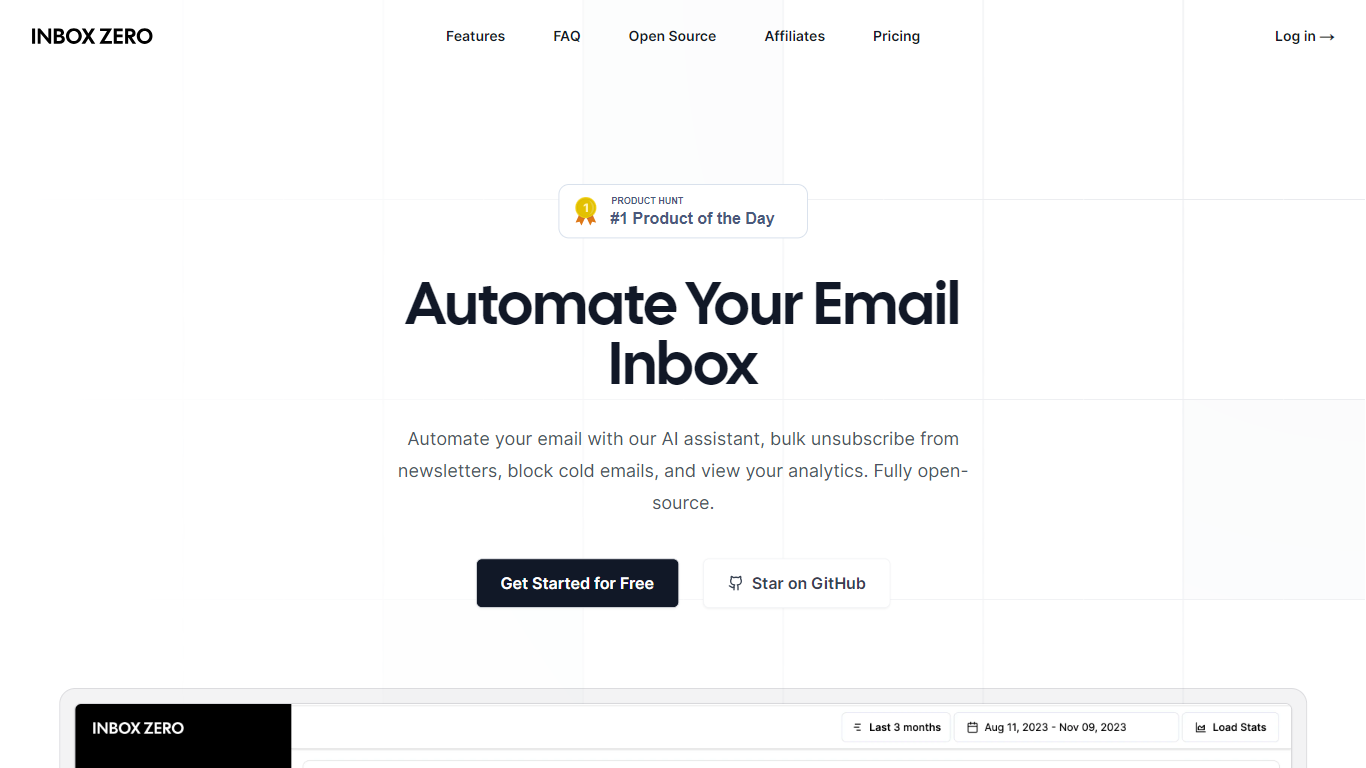

What is Inbox Zero?
Unlock a clutter-free email experience with Inbox Zero, your ultimate solution to managing a bloated inbox swiftly and effectively. Designed to revolutionize email management, Inbox Zero offers a suite of powerful tools, including a newsletter cleaner, AI automation, a cold email blocker, and comprehensive email analytics. Its user-friendly interface allows you to easily unsubscribe from undesired emails or auto-archive them with just a click, making it the quickest way to reach that satisfying state of "inbox zero."
Curate your inbox by prioritizing who to unsubscribe from based on the volume and frequency of received marketing emails. Implement Gmail filters within the tool for a seamless integration that enhances your existing email setup. Inbox Zero is also committed to privacy, being open-source, approved by Google, and offering the possibility of self-hosting.
With full control over your email interactions, you minimize distractions and enhance your productivity. Say goodbye to repetitive email responses; let Inbox Zero's AI agent take over with its smart automation capabilities. Block unwanted cold emails and keep your inbox focused on what truly matters.
Superhuman
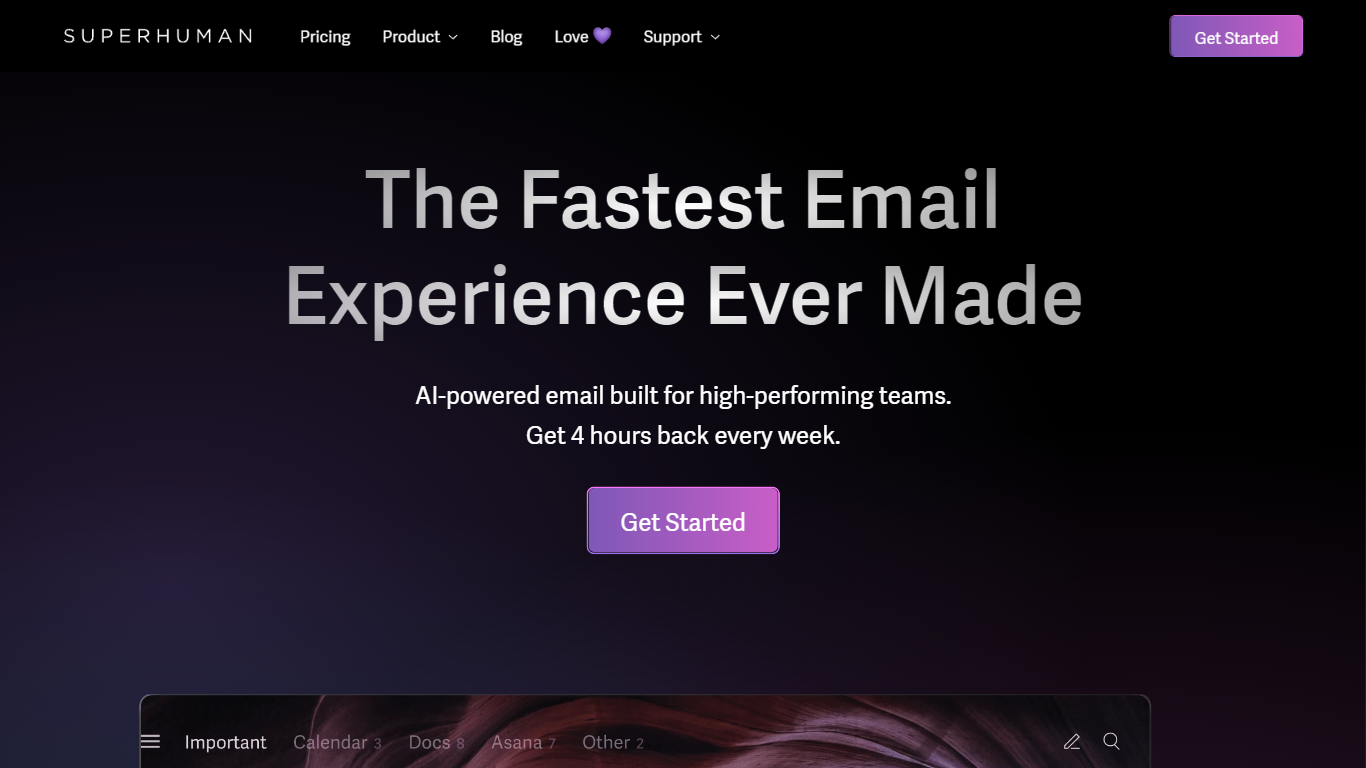
What is Superhuman?
Superhuman is a revolutionary email platform designed to provide users with the fastest and most efficient email experience possible. With its blazingly fast performance, delightful user interface, and stress-free workflow, Superhuman aims to streamline the way people manage their emails and save them valuable time.
One of the standout features of Superhuman is its speed. The platform is engineered to load emails instantly, allowing users to navigate through their inbox with seamless speed and efficiency. With Superhuman, you can say goodbye to frustrating load times and never waste another minute waiting for your emails to load.
In addition to its speed, Superhuman also offers a delightful user experience. The platform is designed with a clean and intuitive interface that makes it easy to organize and manage your emails. From advanced search capabilities to customizable keyboard shortcuts, Superhuman puts you in control of your inbox and helps you stay organized.
But Superhuman doesn't stop at just providing a fast and delightful email experience. It also aims to give users back valuable time. According to their website, Superhuman users report getting an average of 4 hours back every single week. Imagine what you could do with that extra time – whether it's focusing on important tasks, spending time with loved ones, or simply enjoying some well-deserved relaxation.
Whether you're a busy professional, an entrepreneur, or just someone who wants to reclaim their time, Superhuman offers a game-changing solution to email management. Experience the future of email with Superhuman and discover a faster, more efficient way to stay on top of your inbox.
Inbox Zero Upvotes
Superhuman Upvotes
Inbox Zero Top Features
Newsletter Cleaner: Easily unsubscribe or auto-archive unwanted subscriptions.
AI Automation: Smart automation for replying, forwarding, or archiving emails.
Cold Email Blocker: Advanced filtering to block unsolicited cold emails.
Email Analytics: Insightful analytics to monitor sender frequency and manage your inbox.
Privacy and Security: Open-source code and Google-approved security measures.
Superhuman Top Features
No top features listedInbox Zero Category
- Email Assistant
Superhuman Category
- Email Assistant
Inbox Zero Pricing Type
- Freemium
Superhuman Pricing Type
- Paid