InCharge | Shopify App vs PhotoRoom | Shopify App
In the clash of InCharge | Shopify App vs PhotoRoom | Shopify App, which AI Shopify Apps tool emerges victorious? We assess reviews, pricing, alternatives, features, upvotes, and more.
When we put InCharge | Shopify App and PhotoRoom | Shopify App head to head, which one emerges as the victor?
Let's take a closer look at InCharge | Shopify App and PhotoRoom | Shopify App, both of which are AI-driven shopify apps tools, and see what sets them apart. InCharge | Shopify App stands out as the clear frontrunner in terms of upvotes. InCharge | Shopify App has received 7 upvotes from aitools.fyi users, while PhotoRoom | Shopify App has received 6 upvotes.
Disagree with the result? Upvote your favorite tool and help it win!
InCharge | Shopify App
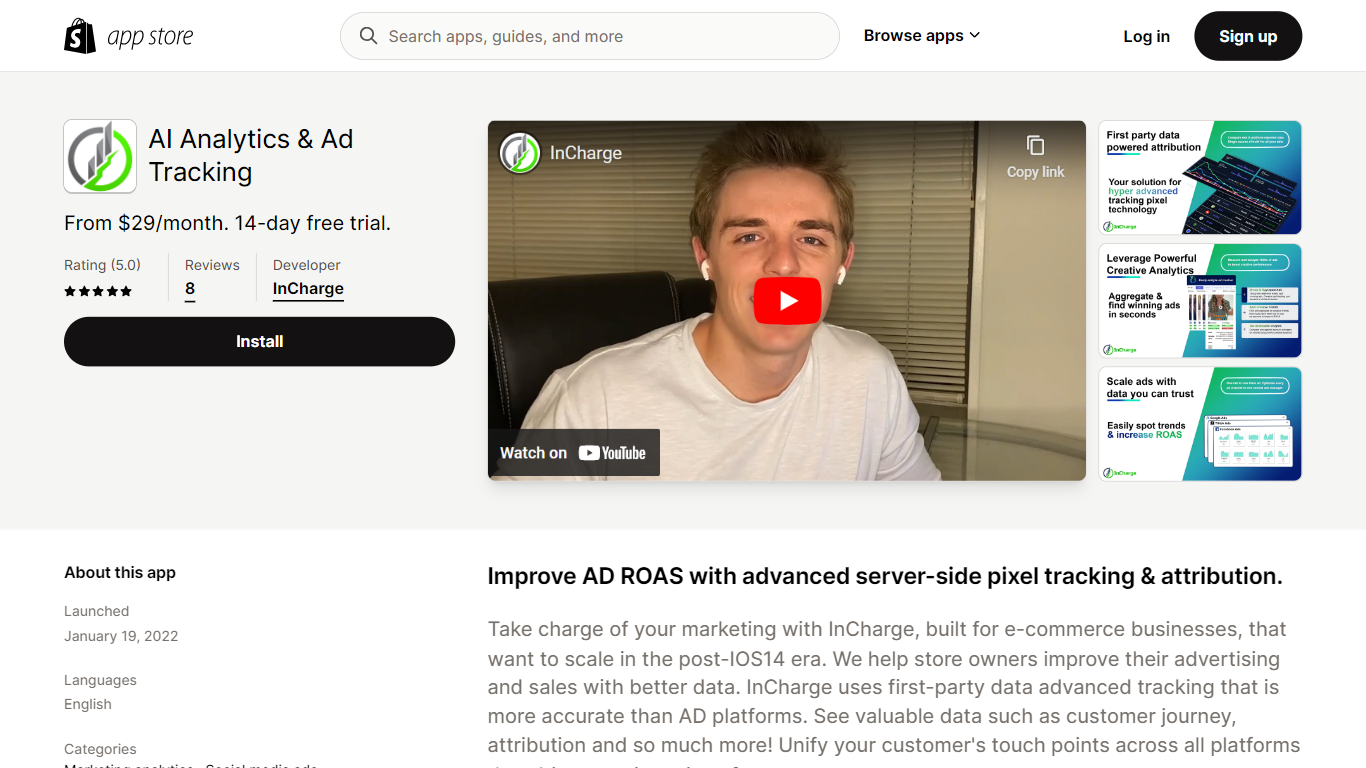

What is InCharge | Shopify App?
InCharge | Shopify App provides advanced multi-channel ad tracking and attribution for e-commerce stores. It collects first-party data and uses server-side tracking to deliver more accurate insights into advertising performance, especially in environments affected by privacy changes like iOS14.
This tool stands out by consolidating customer touchpoints across platforms, offering detailed views of customer journeys and campaign results. Unlike typical ad platforms, InCharge uses creative analytics to quickly analyze thousands of ads and integrates conversion API for reliable server-side data sharing.
InCharge also includes AI-powered features such as SmartReply AI to assist with ad management and optimize ad spend and customer lifetime value. It supports major advertising platforms including Facebook, Google, TikTok, Snapchat, Amazon, and integrates with Klaviyo, making it a comprehensive solution for Shopify merchants aiming to scale marketing with reliable data.
The app offers scalable pricing plans that accommodate ad budgets from $0 to over $100,000 per month, with up to 5 users per plan. Its focus on accurate attribution and actionable insights helps e-commerce store owners improve advertising ROI and better understand customer behavior.
PhotoRoom | Shopify App
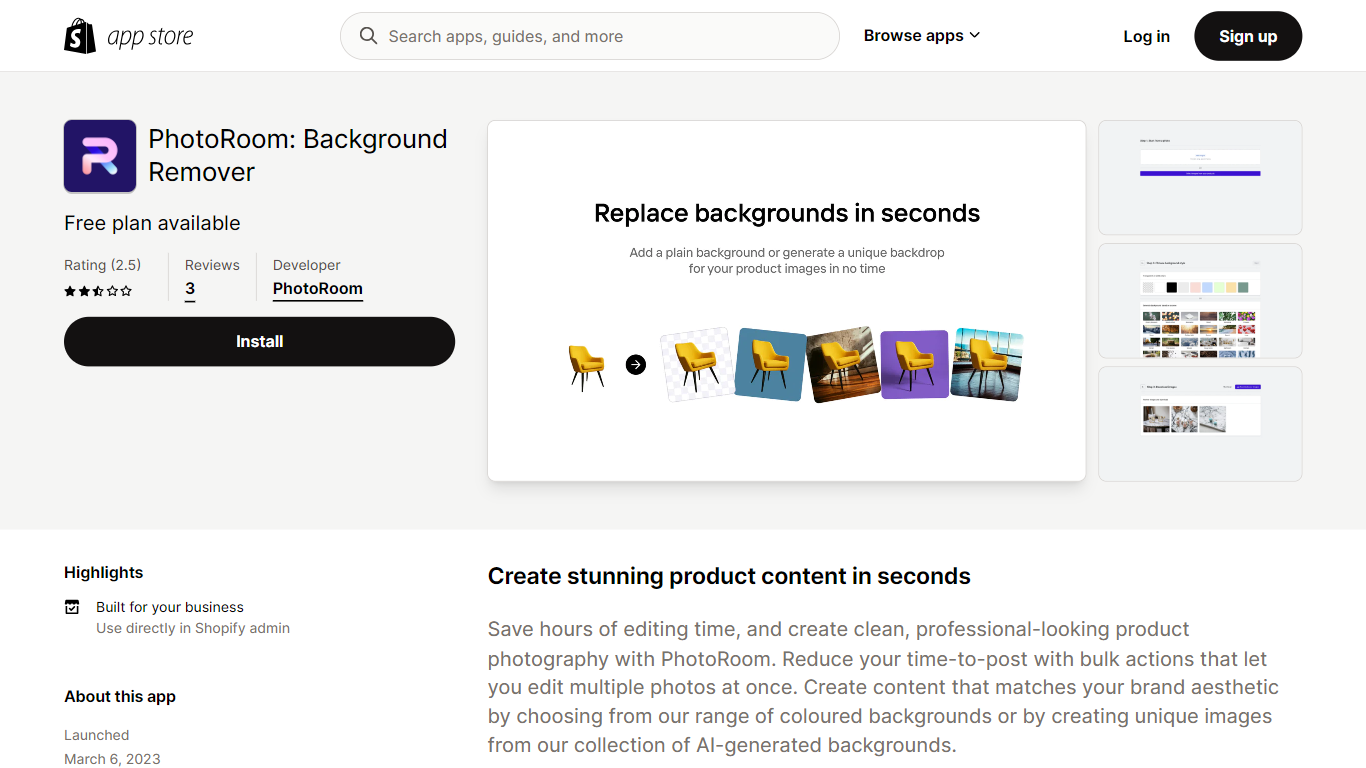
What is PhotoRoom | Shopify App?
Photoroom AI Listing Assistant is a Shopify app that connects to your product catalog so you can edit listings and product images in one workflow. Import products from your store, apply edits across your catalog, and publish the updated images back to Shopify without re-uploading files or jumping between separate tools.
The app centers on listing quality. A built-in listing score tracks which products still need work, and you can edit individual listings or your full catalog from the same interface. On the image side, it handles background removal, custom backgrounds, shadows, object cleanup, compression, and generative fill. It also supports virtual models and studio-style product shots.
Beyond visuals, the app generates SEO descriptions and alt text for product images and optimizes listings for search visibility. It is listed as a Built for Shopify app, carries a 4.7 rating from 26 reviews, and supports English, Spanish, German, Portuguese (Brazil), and French.
It fits Shopify merchants who want faster catalog publishing, more consistent product photography, and less manual image work across large inventories.
InCharge | Shopify App Upvotes
PhotoRoom | Shopify App Upvotes
InCharge | Shopify App Top Features
📊 Advanced server-side pixel tracking for accurate ad data
🎯 Multi-channel attribution to see which ads drive sales
💡 Creative analytics that analyze thousands of ads in seconds
🔗 Conversion API integration for reliable data sharing with ad platforms
🤖 SmartReply AI to assist with ad management and insights
💰 Scalable pricing plans supporting ad spends from $0 to $100,000+ per month
👥 Supports up to 5 users per plan with full feature access
PhotoRoom | Shopify App Top Features
Import your Shopify catalog and publish edited images back without leaving the app
A built-in listing score shows which products still need image or SEO attention
Add virtual models, custom backgrounds, and shadows to product shots in bulk
Generate SEO descriptions and alt text across your entire product catalog
Remove backgrounds, clean up objects, and compress images for faster storefront loads
InCharge | Shopify App Category
- Shopify Apps
PhotoRoom | Shopify App Category
- Shopify Apps
InCharge | Shopify App Pricing Type
- Paid
PhotoRoom | Shopify App Pricing Type
- Free