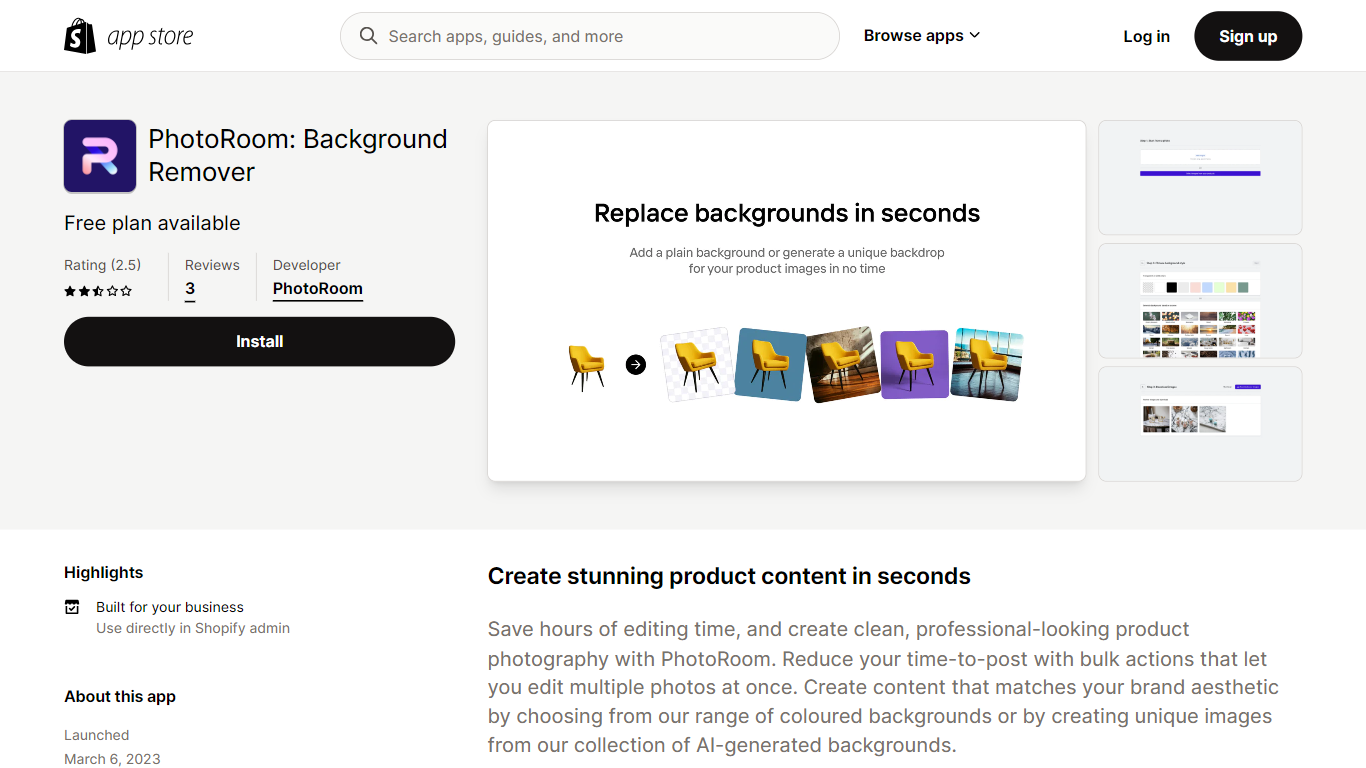

Last updated 07-26-2026
Category:
Reviews:
Join thousands of AI enthusiasts in the World of AI!
PhotoRoom | Shopify App
Photoroom AI Listing Assistant is a Shopify app that connects to your product catalog so you can edit listings and product images in one workflow. Import products from your store, apply edits across your catalog, and publish the updated images back to Shopify without re-uploading files or jumping between separate tools.
The app centers on listing quality. A built-in listing score tracks which products still need work, and you can edit individual listings or your full catalog from the same interface. On the image side, it handles background removal, custom backgrounds, shadows, object cleanup, compression, and generative fill. It also supports virtual models and studio-style product shots.
Beyond visuals, the app generates SEO descriptions and alt text for product images and optimizes listings for search visibility. It is listed as a Built for Shopify app, carries a 4.7 rating from 26 reviews, and supports English, Spanish, German, Portuguese (Brazil), and French.
It fits Shopify merchants who want faster catalog publishing, more consistent product photography, and less manual image work across large inventories.
Import your Shopify catalog and publish edited images back without leaving the app
A built-in listing score shows which products still need image or SEO attention
Add virtual models, custom backgrounds, and shadows to product shots in bulk
Generate SEO descriptions and alt text across your entire product catalog
Remove backgrounds, clean up objects, and compress images for faster storefront loads
Listed as Free on the Shopify App Store with no upfront install fee shown on the listing.
Built for Shopify badge signals Shopify performance, design, and integration standards.
Bulk workflow imports catalog images, edits them, and publishes updates back to Shopify.
Supports five languages, including English, Spanish, German, Portuguese (Brazil), and French.
Requires a Shopify store, so it is not usable outside the Shopify ecosystem.
The App Store listing shows only 26 reviews, so public feedback is still relatively limited.
Needs broad product, file, and order permissions in Shopify admin to edit listings.
Is PhotoRoom free on the Shopify App Store?
Yes. PhotoRoom is listed as Free on the Shopify App Store. You can install Photoroom AI Listing Assistant from the store without an upfront app fee shown on the listing page.
What does the PhotoRoom listing score do?
PhotoRoom includes a built-in listing score that tracks your progress across product listings. It helps you see which products still need image or SEO work so you can prioritize catalog updates.
Can PhotoRoom edit an entire Shopify catalog at once?
Yes. PhotoRoom supports bulk editing across your product catalog. You can import products, apply image and listing changes in bulk, and sync the updates back to your Shopify store.
What languages does PhotoRoom support on Shopify?
PhotoRoom supports English, Spanish, German, Portuguese (Brazil), and French. The Shopify App Store listing lists all five languages for the app.
Is PhotoRoom a Built for Shopify app?
Yes. PhotoRoom carries the Built for Shopify badge on its App Store listing, which Shopify uses for apps that meet its performance, design, and integration standards.
What Shopify data does PhotoRoom need access to?
PhotoRoom requests permissions to edit products, inventory, product feeds, product listings, collections, and Shopify admin files. It can also view order history from the last 60 days and basic store owner contact details needed for app operation.