infoboxAI vs Lightkey
Explore the showdown between infoboxAI vs Lightkey and find out which AI Text Generation tool wins. We analyze upvotes, features, reviews, pricing, alternatives, and more.
When comparing infoboxAI and Lightkey, which one rises above the other?
When we contrast infoboxAI with Lightkey, both of which are exceptional AI-operated text generation tools, and place them side by side, we can spot several crucial similarities and divergences. Both tools have received the same number of upvotes from aitools.fyi users. Since other aitools.fyi users could decide the winner, the ball is in your court now to cast your vote and help us determine the winner.
Does the result make you go "hmm"? Cast your vote and turn that frown upside down!
infoboxAI


What is infoboxAI?
infoboxAI is a personal AI assistant platform from Elevux that lets you train a custom bot on your own documents, web links, and integrations. You import content into a private database, customize the assistant's name and appearance, and deploy it on your website or share a link for collaborative knowledge access.
The platform emphasizes data ownership and privacy. Imported content stays in your private database, and you can add, edit, or delete sources at any time. Integrations include Google Drive and website imports, with filtering options to exclude unwanted pages. An embeddable widget lets visitors query your trained assistant directly on your site.
As of July 2026, infobox.ai is temporarily offline while Elevux rebuilds the platform from the ground up. The homepage states the service will return in a few months with an updated experience. Elevux also offers Blobu, a related AI knowledge app on iOS. For questions during the rebuild, contact [email protected].
Lightkey
What is Lightkey?
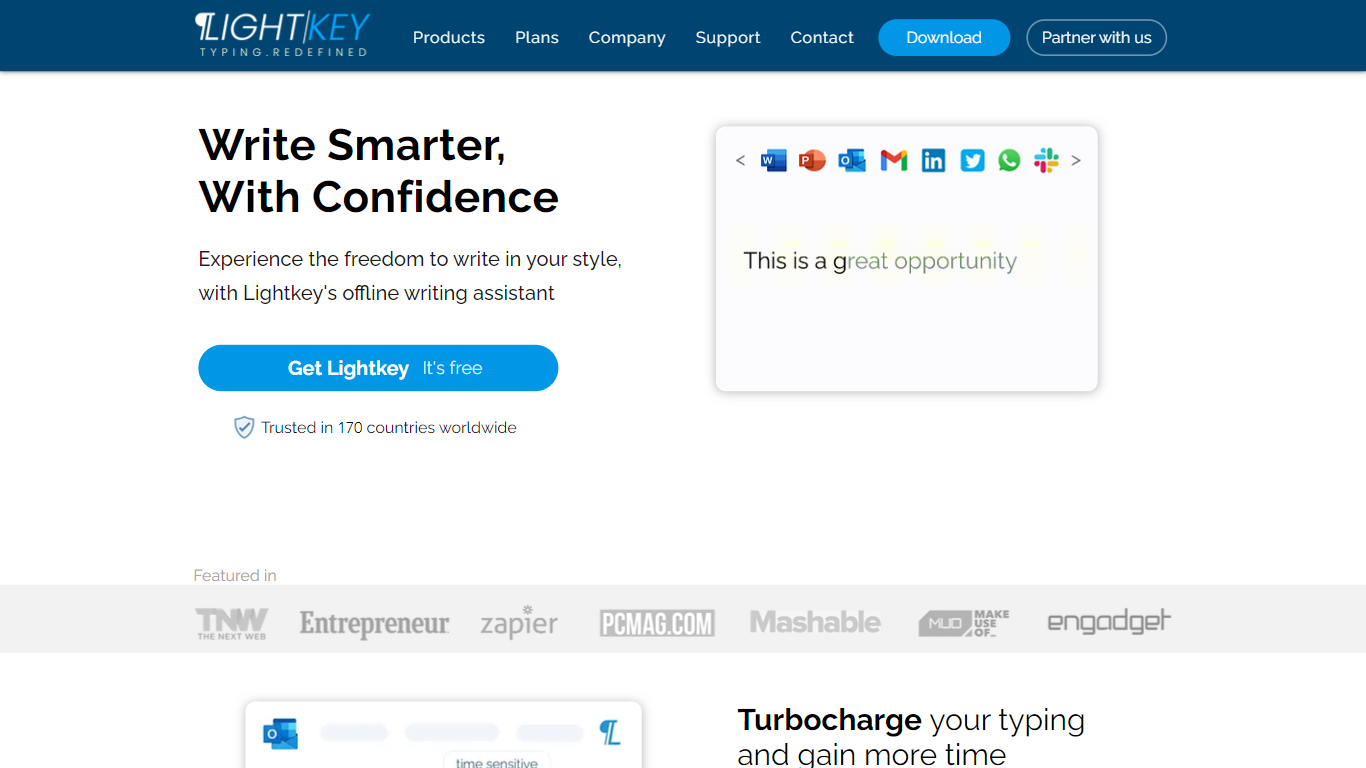
Lightkey learns how you type on Windows and suggests the next words while you write in Office apps or the browser. Accept a prediction with Tab and keep drafting emails, documents, and chat replies without stopping to fix typos.
Cloud writing assistants send keystrokes to remote servers, which is a non-starter for legal, healthcare, and enterprise drafts. Lightkey keeps prediction on your machine, supports 60-plus industry content domains, and offers a business tier with team terminology, which is the trade-off worth knowing if privacy matters more than cross-device sync.
Writers, support reps, and office teams use it in Word, Outlook, Gmail, Slack, Notion, and ChatGPT on the web. A free tier handles basic prediction, while Lightkey Pro unlocks unlimited suggestions and productivity metrics.
infoboxAI Upvotes
Lightkey Upvotes
infoboxAI Top Features
Train a custom AI assistant on uploaded documents, web links, and Google Drive
Private database keeps your proprietary content separate from public AI models
Customize the assistant name, colors, logo, and avatar
Embed an AI widget on your website for visitor Q&A
Filter imported website and Drive content before it enters your knowledge base
Sign in with email/password or Google SSO
Lightkey Top Features
Predicts up to 18 words ahead, including punctuation, from local typing patterns
Runs offline without sending your content to the cloud
Supports Microsoft Office 2010 through 2024 plus Office 365 natively
Chrome and Edge extensions cover Gmail, Slack, Notion, LinkedIn, and ChatGPT on the web
Offers 60-plus industry content domains such as technology, academia, and legal
Lightkey Pro adds unlimited predictions, productivity metrics, and corpus file training
infoboxAI Category
- Text Generation
Lightkey Category
- Text Generation
infoboxAI Pricing Type
- Freemium
Lightkey Pricing Type
- Freemium