Instant vs Befront
Dive into the comparison of Instant vs Befront and discover which AI Design tool stands out. We examine alternatives, upvotes, features, reviews, pricing, and beyond.
When comparing Instant and Befront, which one rises above the other?
When we compare Instant and Befront, two exceptional design tools powered by artificial intelligence, and place them side by side, several key similarities and differences come to light. There's no clear winner in terms of upvotes, as both tools have received the same number. Your vote matters! Help us decide the winner among aitools.fyi users by casting your vote.
Not your cup of tea? Upvote your preferred tool and stir things up!
Instant


What is Instant?
Instant is an AI presentation tool built for Google Slides by VIP Graphics. Instead of exporting decks to a separate editor, you install the Instant extension from Google Workspace and generate slides where you already work.
The product pairs AI-generated outlines and slide copy with a library of 100+ templates designed by presentation specialists. Slides can include diagrams, flowcharts, and infographics rather than plain bullet blocks. You pick presentation length and type, describe the topic, refine the outline, then choose layouts as each slide is drafted.
Instant targets founders, sales teams, and anyone who needs investor or sales decks without hiring a slide designer. The site highlights work from designers trusted by companies such as Disney, Microsoft, and J.P. Morgan, and reports 450+ users worldwide.
Befront
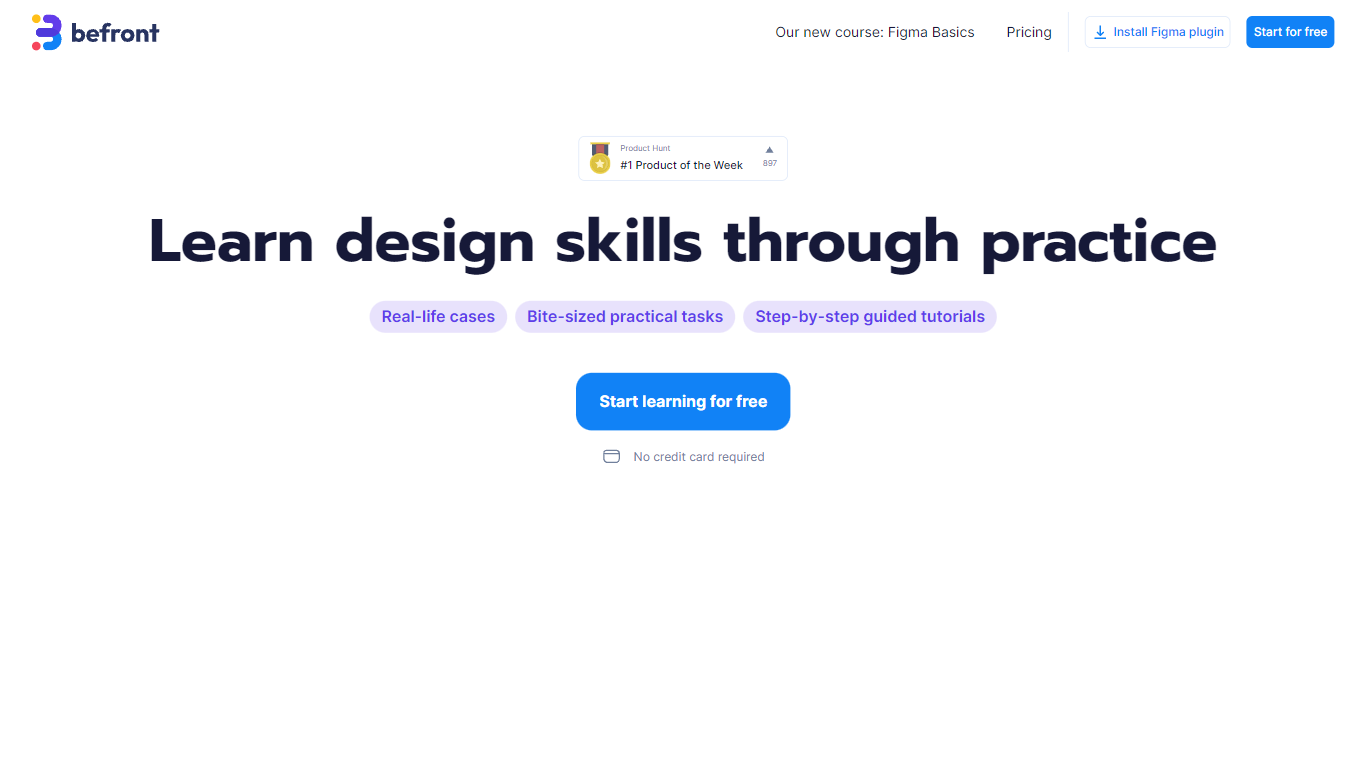
What is Befront?
Befront is a Figma Community plugin that works as a hands-on design trainer. You install it in Figma, pick a skill to train, and complete short UI tasks on real interfaces with instant feedback as you work. It focuses on practical layout and component work rather than passive theory.
Most design courses lean on video lectures that are easy to watch and hard to retain. Befront runs short drills you can finish in about five minutes, with topic picks like Auto Layout and components instead of a fixed syllabus. That makes it closer to a daily gym routine than a semester-long course.
The homepage positions Befront for designers who feel stuck in Figma, working designers who want more speed, and career switchers learning UX/UI from scratch. Developers, product managers, founders, and marketers who need to work confidently in Figma are also called out in the FAQ.
You track progress over time, compete with other designers, and can try design mini-games for quick interactive practice. A free trial offers access to trial lessons, while paid plans start at $11 per week or $30 per month for full access.
Instant Upvotes
Befront Upvotes
Instant Top Features
Runs as a Google Workspace Marketplace extension inside Google Slides
Drafts presentation outlines from your topic, length, and deck type
Apply brand colors and fonts across slides in seconds
100+ expert-designed templates with diagrams, flowcharts, and infographics
Choose suggested layouts after AI writes content for each slide
Befront Top Features
Daily drills you can finish in about five minutes with instant feedback inside Figma
Monthly plan at $30 per month or Weekly plan at $11 per week for full access to all content
Topic-specific training for Auto Layout, components, and other job-ready Figma skills
Design mini-games for quick interactive practice on real interfaces
Free Trial at $0 with access to trial lessons inside the Figma plugin
Instant Category
- Design
Befront Category
- Design
Instant Pricing Type
- Freemium
Befront Pricing Type
- Freemium