Instasize vs Figflow
Dive into the comparison of Instasize vs Figflow and discover which AI Design tool stands out. We examine alternatives, upvotes, features, reviews, pricing, and beyond.
When comparing Instasize and Figflow , which one rises above the other?
When we compare Instasize and Figflow , two exceptional design tools powered by artificial intelligence, and place them side by side, several key similarities and differences come to light. Both tools are equally favored, as indicated by the identical upvote count. Your vote matters! Help us decide the winner among aitools.fyi users by casting your vote.
Disagree with the result? Upvote your favorite tool and help it win!
Instasize

What is Instasize ?
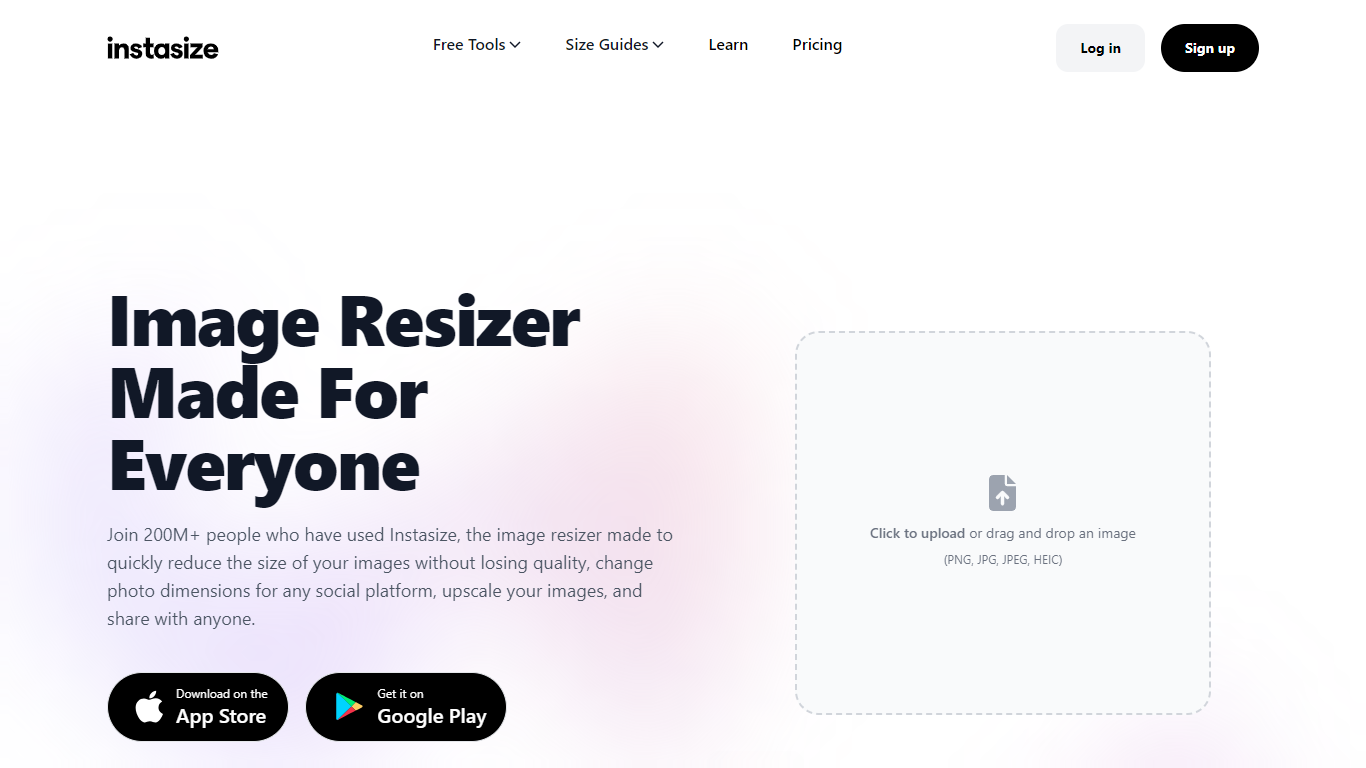
Instasize is an online image resizer that allows users to effortlessly adjust the size of their photos for optimal social media sharing. With over 200 million users, this tool stands out by providing high quality resizing without compromising image clarity. The platform supports various image formats, including PNG, JPG, JPEG, and HEIC, which users can upload through a simple drag and drop interface.
Instasize offers a range of features like AI Image Extender to include missed parts of a photo, Background Remover for a distraction-free backdrop, AI Image Upscaler for improving resolution, and Image Converter for seamless format changes. Instasize caters to both individual creators and creative teams, providing a full digital asset manager for efficient collaboration on visual assets.
To streamline workflow further, an Image Compressor is available for quick optimization and faster uploads. Experience premium features with a free 3-day trial, including advanced resizing options, 200+ photo filters, and more.
Figflow
What is Figflow ?
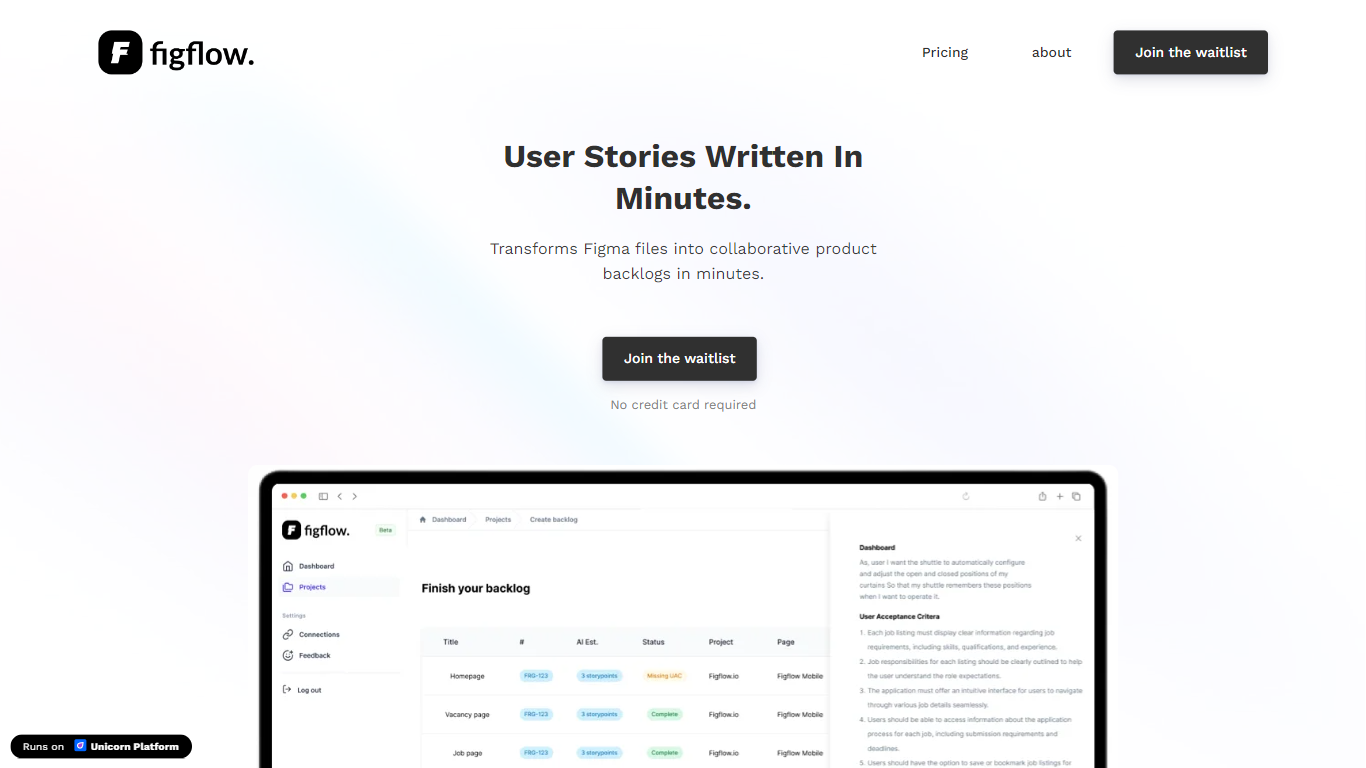
Figflow is an innovative tool designed to simplify the process of creating user stories from design files. It's perfect for product owners, product managers, and product designers who want to save time and enhance collaboration in product development. With Figflow, you can convert your Figma design files into comprehensive product backlogs within minutes, streamlining your sprint planning and execution. This no-hassle solution empowers teams to focus on building, minimizing the tedious task of writing user stories and preparing for development sprints. Whether you're refining user stories for clarity, gathering product requirements, or ensuring that your design smoothly transitions into development, Figflow assists every step of the way. Get ready to enhance your workflow and join the waitlist today—no credit card required!
Instasize Upvotes
Figflow Upvotes
Instasize Top Features
AI-Powered Upscaling: Enhances low-resolution photos to high clarity using advanced AI.
Versatile Image Converter: Offers seamless conversion across popular formats like JPG, PNG, and WEBP.
Background Removal Tool: Quickly removes backgrounds for professional-looking images.
Digital Asset Management: Centralized library for storing, sharing, and managing images collaboratively.
Image Compression: Reduces file sizes without compromising quality for optimized storage and faster uploads.
Figflow Top Features
User Stories Creation: Transforms Figma files into collaborative product backlogs in minutes.
Manual Work Reduction: Refines user stories to streamline sprint planning and execution.
Insights Gathering: Helps product managers easily collect product requirements and communicate with stakeholders.
Design to Development Transition: Seamlessly generates user stories from Figma files for a smooth process.
No Credit Card Required: Join the waitlist without any upfront payment requirement.
Instasize Category
- Design
Figflow Category
- Design
Instasize Pricing Type
- Freemium
Figflow Pricing Type
- Freemium