Integrations | Tability vs Superflow
In the face-off between Integrations | Tability vs Superflow, which AI Project Management tool takes the crown? We scrutinize features, alternatives, upvotes, reviews, pricing, and more.
When we put Integrations | Tability and Superflow head to head, which one emerges as the victor?
If we were to analyze Integrations | Tability and Superflow, both of which are AI-powered project management tools, what would we find? The upvote count reveals a draw, with both tools earning the same number of upvotes. Every vote counts! Cast yours and contribute to the decision of the winner.
You don't agree with the result? Cast your vote to help us decide!
Integrations | Tability

What is Integrations | Tability?
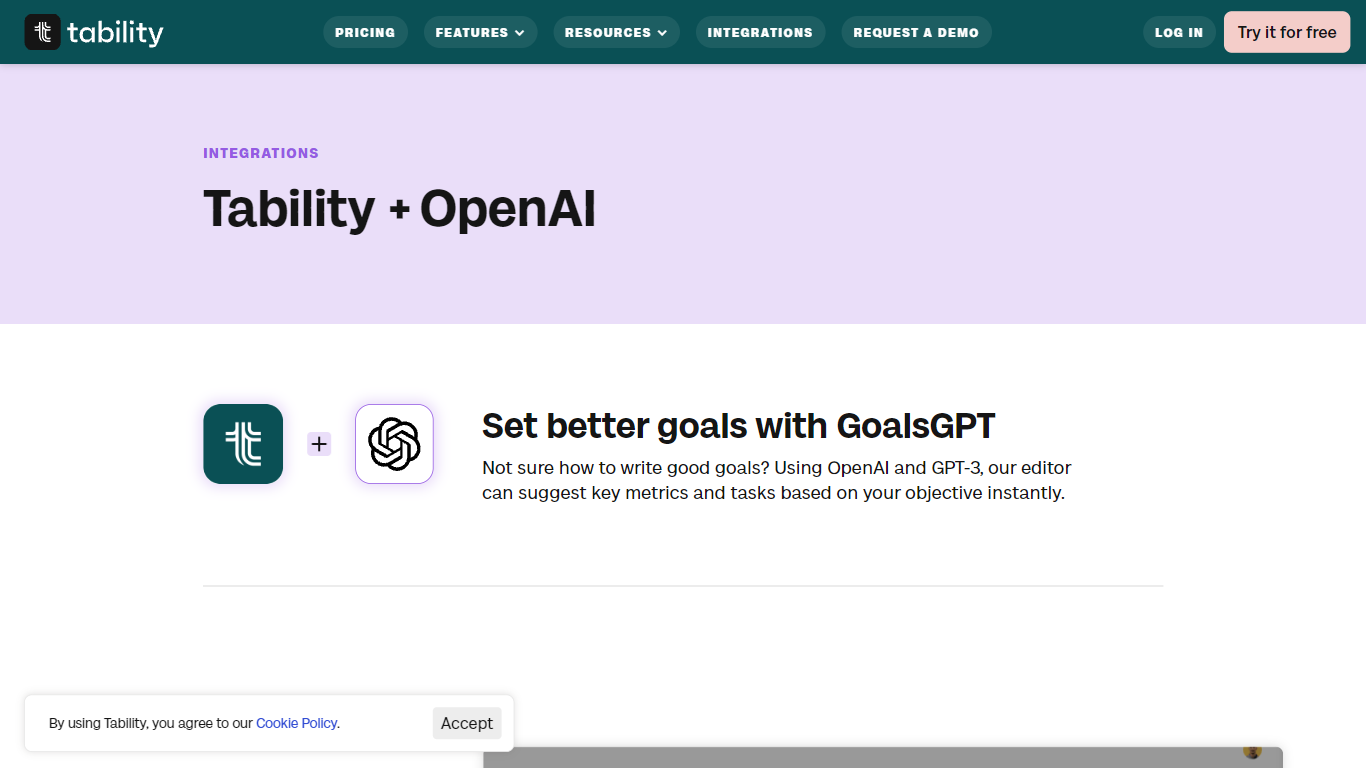
Tability helps teams set, track, and report on OKRs from one workspace, with OpenAI powering goal drafting, coaching tips, and progress insights. The platform covers weekly check-ins, strategy maps, initiative boards, standups, and dashboards so goals stay visible instead of buried in spreadsheets. Integrations page highlights how OpenAI connects to goal editing, data connectors, and Zapier automations.
Compared with heavyweight OKR suites that pack in project management extras, Tability keeps the UI narrow around outcomes and check-ins. Customers on G2 and Capterra rate it 4.7 to 4.8 stars, and What Matters lists it among recommended paid OKR tools. Basic plans start at $6 per user per month on annual billing, which undercuts many enterprise-focused rivals that require sales calls before you see pricing.
Tability fits startups through enterprises running quarterly planning, especially teams that want AI help writing measurable key results and auto-syncing metrics from Jira, Slack, Amplitude, or Google Sheets. Premium adds SAML SSO, data connectors with daily metric sync, and 4,000 AI credits per user per month.
Superflow
What is Superflow?
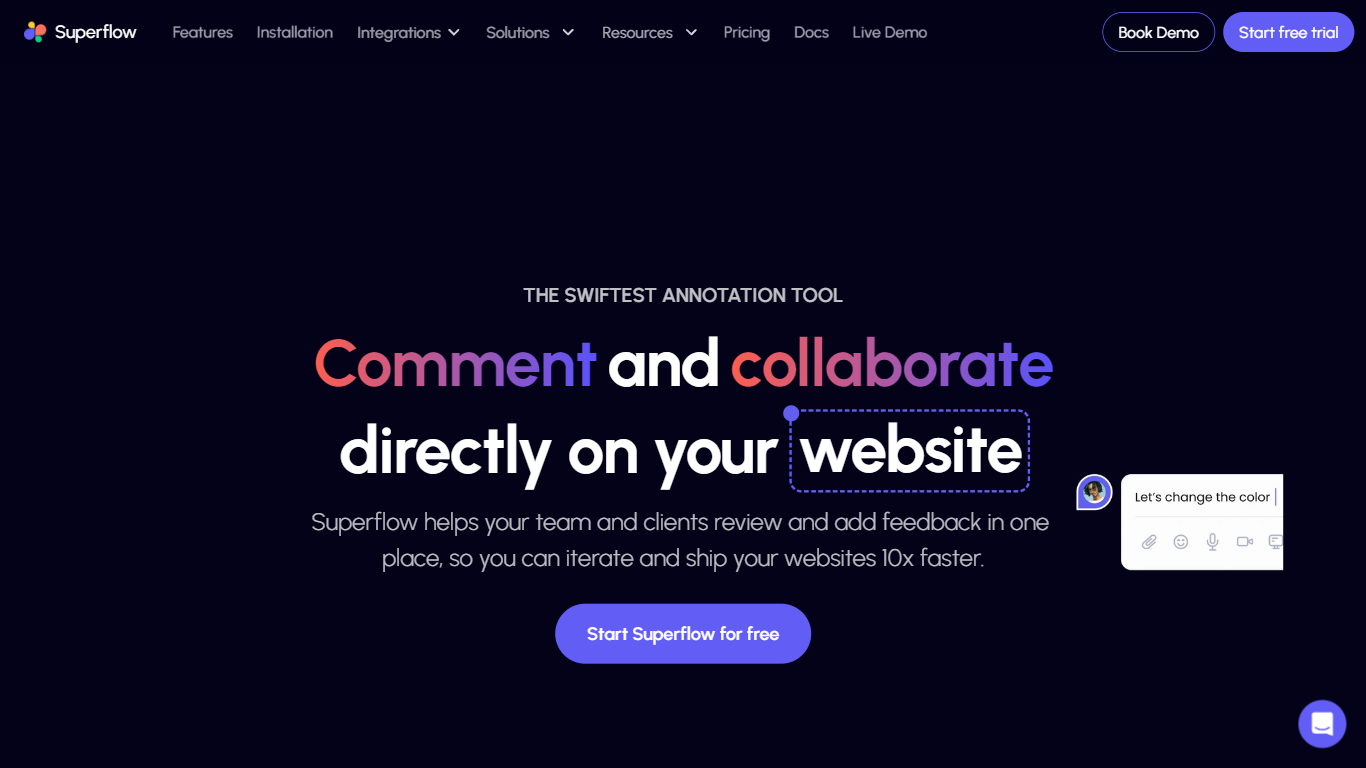
Superflow turns agency QA checklists into AI agents that review websites, emails, PDFs, and ads before anything ships. Agents flag broken links, spelling issues, accessibility basics, and custom rules, then post findings as pinned comments on the live page your team and client can approve.
Markup tools leave every checkbox manual. Superflow runs the first pass automatically, pins notes to the exact DOM element with screenshots, and lets clients approve from a link without creating an account. Memory carries client preferences forward so the next project starts with prior review context.
Starter is free per seat on yearly billing with 60 AI credits monthly. Growth and Scale add more credits, storage, and integrations with Asana, Monday, and ClickUp. Web agencies and in-house brand teams use it to cut QA rounds before launch.
Integrations | Tability Upvotes
Superflow Upvotes
Integrations | Tability Top Features
OpenAI integration drafts and refines OKRs with instant feedback in the goal editor
Premium plan includes 4,000 AI credits per user per month and 25 prompts per user
Data connectors auto-pull metrics from Jira, Slack, Amplitude, GitHub, and 20+ apps
Basic plan at $6 per user per month includes OKRs, check-ins, strategy map, and Slack integration
Zapier integration creates OKR check-ins automatically when events fire in connected apps
14-day free trial on all paid plans with no credit card required at signup
Superflow Top Features
Build review agents from your own QA checklist without engineering setup
Default agents cover accessibility, broken links, spell check, and OG image checks
Clients approve from a guest link with no account, including sites behind SSO
Pinned comments stay on live elements with auto screenshots through redeploys
Growth plan at $24 per seat monthly on yearly billing includes 300 AI credits
Syncs review tasks to Asana, Monday, and ClickUp from the workflow board
SOC 2 Type II and HIPAA with BAA listed for compliance-focused teams
Integrations | Tability Category
- Project Management
Superflow Category
- Project Management
Integrations | Tability Pricing Type
- Freemium
Superflow Pricing Type
- Freemium