IntelliMail vs Ellie
In the battle of IntelliMail vs Ellie, which AI Email Assistant tool comes out on top? We compare reviews, pricing, alternatives, upvotes, features, and more.
Which one is better? IntelliMail or Ellie?
Upon comparing IntelliMail with Ellie, which are both AI-powered email assistant tools, Ellie is the clear winner in terms of upvotes. Ellie has 10 upvotes, and IntelliMail has 6 upvotes.
Want to flip the script? Upvote your favorite tool and change the game!
IntelliMail


What is IntelliMail?
IntelliMail ships as a Chrome extension that drafts full emails from the context you provide, so you skip blank-message typing in the browser. The intellimail.xyz landing page links straight to the Chrome Web Store listing and positions the tool as a personal email assistant.
Many email helpers only suggest snippets inside a web app. IntelliMail installs as a browser extension and generates complete messages after you add context, with a public pledge that the team does not read or store your data on intellimail.xyz.
Professionals who write thank-you notes, internship outreach, and routine replies in Chrome are the natural fit. The site keeps the workflow minimal: download the extension, open your mail client, add context, and generate.
The product is marketed as free on the Chrome Web Store page linked from the homepage. Optional support runs through a Buy Me a Coffee link, and feedback goes to an Airtable form also linked on the site.
IntelliMail.xyz runs on Wix with React, Chakra UI, Cloudflare, Hotjar, and Sentry detected in the page bundle. Version 1.6.9 was the last Chrome Web Store update noted on the linked listing when this page was reviewed.
Ellie
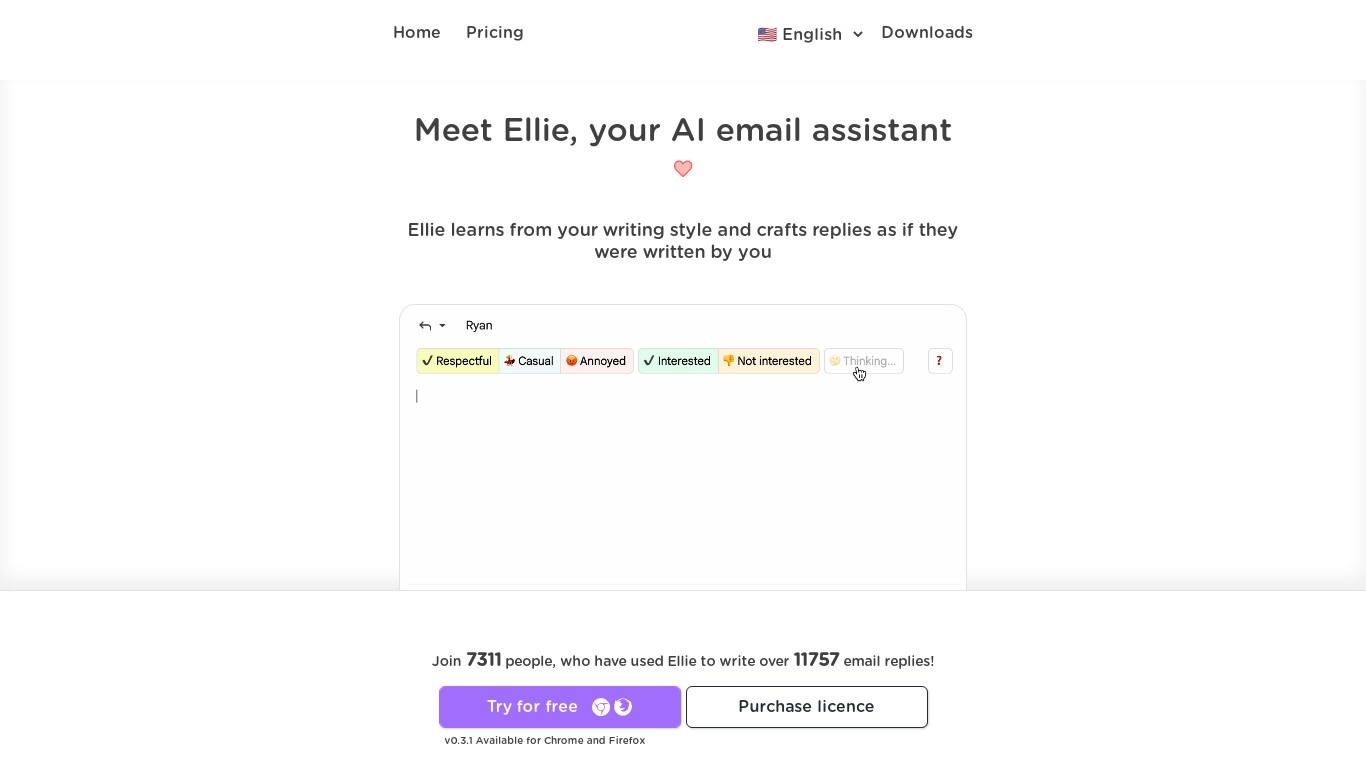
What is Ellie?
Ellie drafts email replies in your voice inside Gmail or Outlook before you hit send. Connect your inbox and wake up to responses already sitting in your Drafts folder, written in the thread context and matched to your tone. You review every message before it goes out; Ellie never sends on its own.
Most email assistants generate generic text you still have to rewrite. Ellie trains on up to 200 of your sent emails on the Casual plan (1,000 on Business) and pulls from a knowledge base you upload so replies cite your actual policies and CRM data. Business and Professional plans add background auto-drafting and auto-categorization, while Casual users trigger replies manually through a browser extension in Gmail, Outlook web, or Fastmail.
Support teams, founders, and sales reps drowning in inbox volume use Ellie to clear reply backlogs. Plans range from $19 per month for 25 daily replies to $79 per month for unlimited replies and up to 3 connected accounts per user. A 7-day free trial requires no credit card, and Microsoft 365 customers can buy through AppSource.
IntelliMail Upvotes
Ellie Upvotes
IntelliMail Top Features
📧 Full email drafts: Extension generates complete messages from the context you supply.
🔒 Privacy pledge: Site states IntelliMail does not read or store user data.
🧩 Chrome install: Distributed through the Chrome Web Store link on intellimail.xyz.
☕ Optional support: Buy Me a Coffee link for voluntary donations on the homepage.
📝 Feedback form: Airtable feedback link collects product input from users.
Ellie Top Features
Auto-drafts replies into your Gmail or Outlook Drafts folder in your voice
7-day free trial with no credit card required
Casual plan includes 25 replies per day via browser extension for $19 per month
Business plan adds background auto-draft, auto-categorize, and 100 daily replies for $39 per month
Professional plan offers unlimited daily replies and 3 connected accounts per user for $79 per month
Knowledge base training from PDFs, documents, or website URLs on Business and Professional
Roles assign different personas and knowledge bases for support, sales, and ops email
IntelliMail Category
- Email Assistant
Ellie Category
- Email Assistant
IntelliMail Pricing Type
- Free
Ellie Pricing Type
- Freemium