
Last updated 08-12-2026
Category:
Reviews:
Join thousands of AI enthusiasts in the World of AI!
Ellie
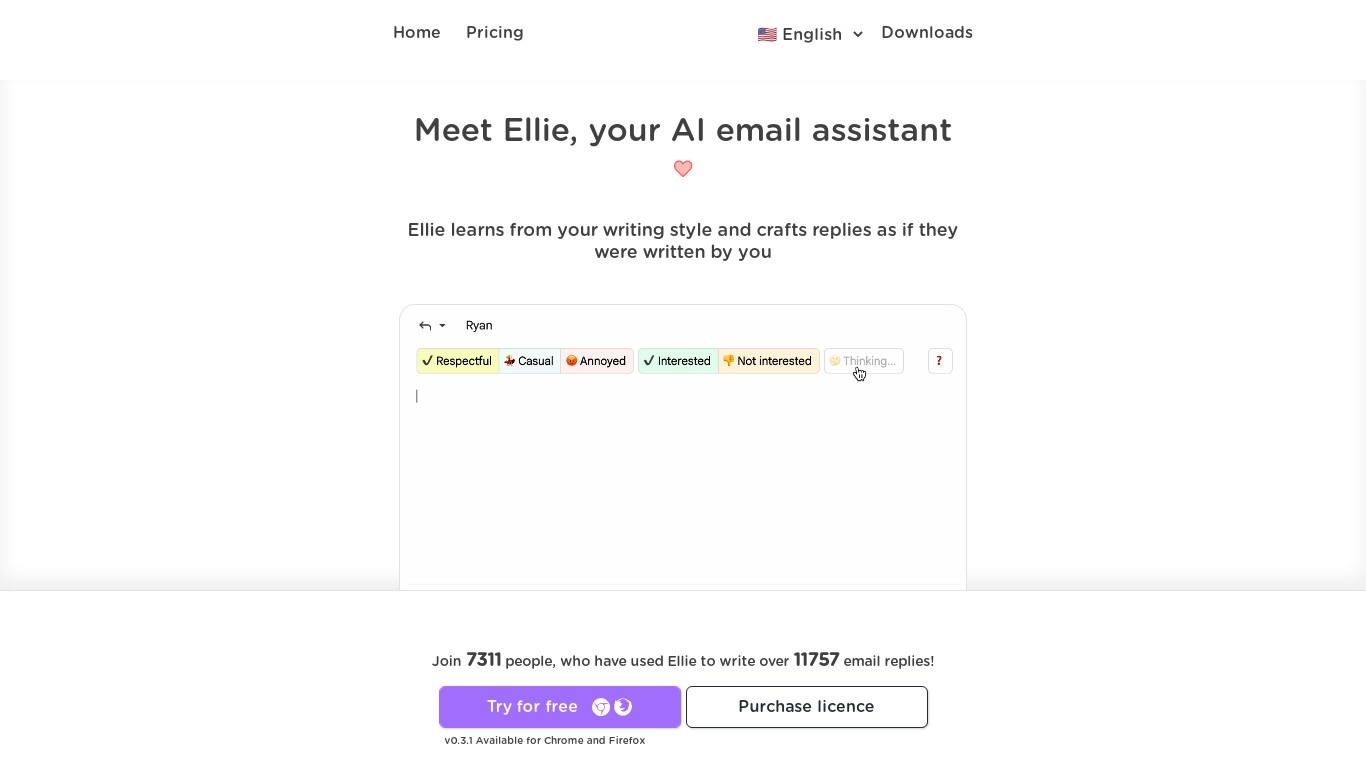
Ellie drafts email replies in your voice inside Gmail or Outlook before you hit send. Connect your inbox and wake up to responses already sitting in your Drafts folder, written in the thread context and matched to your tone. You review every message before it goes out; Ellie never sends on its own.
Most email assistants generate generic text you still have to rewrite. Ellie trains on up to 200 of your sent emails on the Casual plan (1,000 on Business) and pulls from a knowledge base you upload so replies cite your actual policies and CRM data. Business and Professional plans add background auto-drafting and auto-categorization, while Casual users trigger replies manually through a browser extension in Gmail, Outlook web, or Fastmail.
Support teams, founders, and sales reps drowning in inbox volume use Ellie to clear reply backlogs. Plans range from $19 per month for 25 daily replies to $79 per month for unlimited replies and up to 3 connected accounts per user. A 7-day free trial requires no credit card, and Microsoft 365 customers can buy through AppSource.
Auto-drafts replies into your Gmail or Outlook Drafts folder in your voice
7-day free trial with no credit card required
Casual plan includes 25 replies per day via browser extension for $19 per month
Business plan adds background auto-draft, auto-categorize, and 100 daily replies for $39 per month
Professional plan offers unlimited daily replies and 3 connected accounts per user for $79 per month
Knowledge base training from PDFs, documents, or website URLs on Business and Professional
Roles assign different personas and knowledge bases for support, sales, and ops email
Drafts replies in your voice directly inside Gmail or Outlook Drafts.
Never sends email without your review; replies only, no cold outreach.
Knowledge base and Roles tailor replies to support docs and different personas.
Casual plan requires manual browser extension use with no background auto-draft.
Reply limits on Casual (25/day) and Business (100/day) cap heavy inbox volume.
Does not write cold outbound emails; inbound replies only.
Is Ellie free to try?
Yes, Ellie offers a 7-day free trial with no credit card required on all plans. After the trial, Casual costs $19 per month, Business costs $39 per month, and Professional costs $79 per month.
Does Ellie send emails automatically?
No, Ellie only drafts replies and places them in your Drafts folder. You always review and send emails yourself. Ellie writes replies to incoming messages only, not cold outbound emails.
Which email providers does Ellie support?
Ellie connects to Gmail, Google Workspace, Outlook, and Microsoft 365 for auto-drafting on Business and Professional plans. The browser extension also works with Gmail, Outlook on the web, and Fastmail for on-demand replies.
How many replies does Ellie draft per day?
Ellie Casual includes 25 replies per day through the browser extension. Business includes 100 replies per day with auto-draft, and Professional includes unlimited daily replies with up to 3 connected accounts per user.
What is Ellie knowledge base training?
Ellie Casual includes basic knowledge base training for a small amount of custom information. Business and Professional add advanced training where you upload PDFs, documents, or a website URL for Ellie to learn your company facts when drafting replies.
Can teams use Ellie on Microsoft 365?
Yes, Ellie is listed on Microsoft AppSource for SaaS billing alongside Microsoft 365 services. The native Outlook desktop add-in can also be deployed to every mailbox in your tenant by your IT admin.