Clico (formerly Invoko) vs Keep It Shot
In the contest of Clico (formerly Invoko) vs Keep It Shot, which AI Assistant tool is the champion? We evaluate pricing, alternatives, upvotes, features, reviews, and more.
If you had to choose between Clico (formerly Invoko) and Keep It Shot, which one would you go for?
When we examine Clico (formerly Invoko) and Keep It Shot, both of which are AI-enabled assistant tools, what unique characteristics do we discover? In the race for upvotes, Keep It Shot takes the trophy. Keep It Shot has garnered 7 upvotes, and Clico (formerly Invoko) has garnered 6 upvotes.
Not your cup of tea? Upvote your preferred tool and stir things up!
Clico (formerly Invoko)
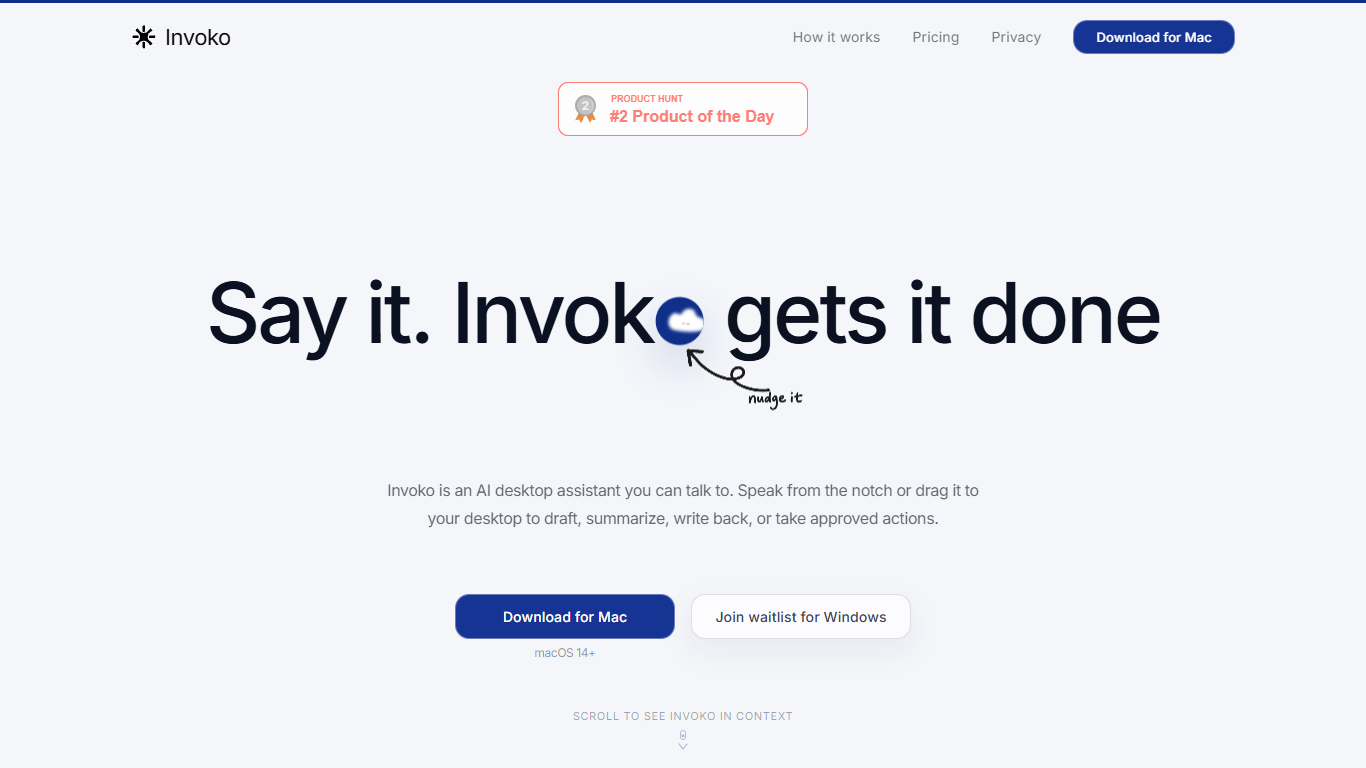

What is Clico (formerly Invoko)?
Clico is a screen-context assistant for Mac, Chrome, and the web. You pick the page, app, file, or selection in front of you, and Clico answers or drafts from that context without copying text into a separate chat window. Hold Fn to ask by voice, double-tap Command for suggestions on what's open, or use the web workspace for longer browser tasks.
Most AI assistants start blank and make you rebuild context by hand. Clico inverts that: the screen you choose is the prompt. It can carry steps across apps but asks before it writes, sends, creates, or clicks, which matters when you're working inside email threads, spreadsheets, or docs where a wrong send is costly.
The product fits knowledge workers who live in tabs and hate tab-hopping: drafting replies from open threads, summarizing dense pages, cleaning selected spreadsheet data, or finding the next step in a multi-app workflow. Free, Pro, and Max plans differ mainly by monthly credit limits shared across Mac, Chrome, and web.
Keep It Shot
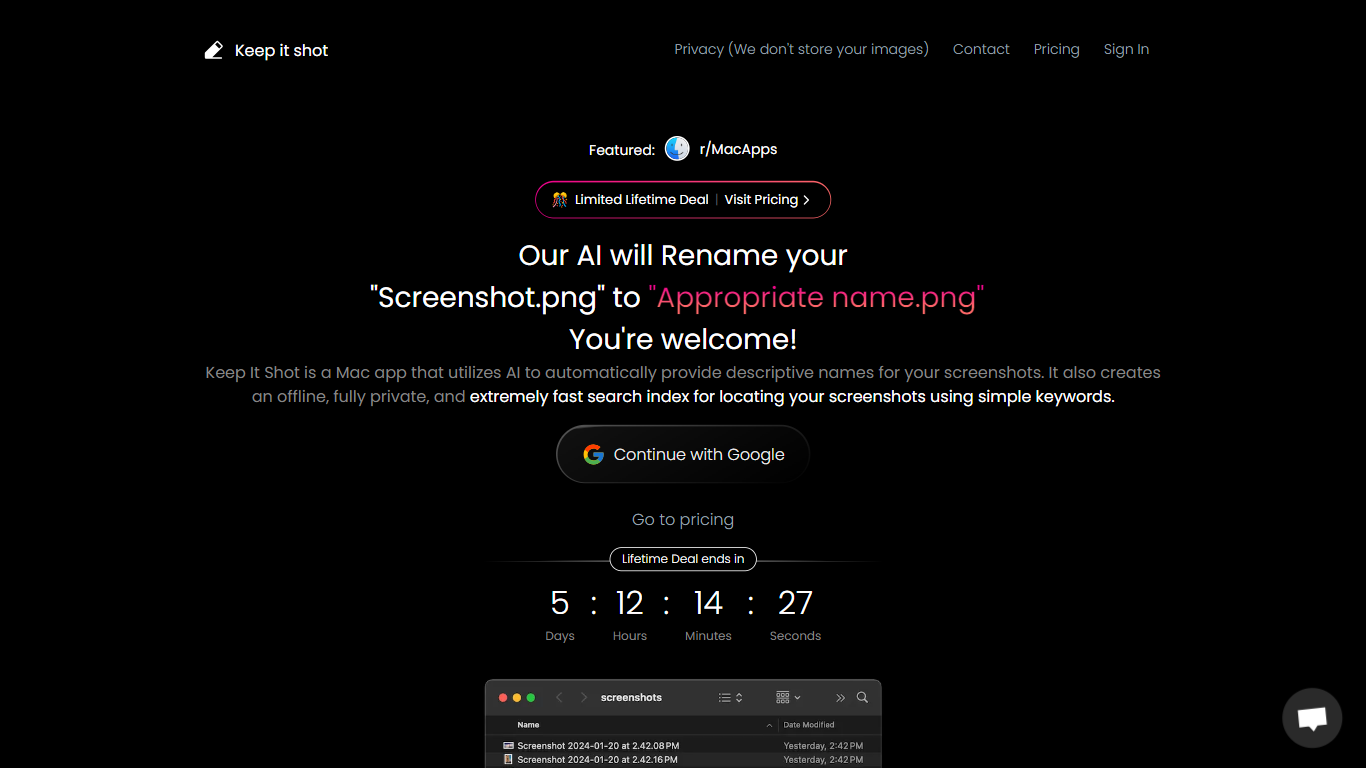
What is Keep It Shot?
Keep It Shot is an innovative Mac application designed to enhance the way users manage their screenshots. It leverages AI technology to auto-generate descriptive names for screenshots, allowing for quick and easy identification. Moreover, it offers a powerful offline search feature, making it swift to locate specific screenshots using simple keywords. The application ensures complete privacy by not uploading any images to the cloud. It's optimized for speed and simplicity, allowing users to efficiently rename large batches of screenshots with minimal effort. Keep It Shot simplifies screenshot management, transforming it from a cluttered collection into a highly organized and accessible library.
Clico (formerly Invoko) Upvotes
Keep It Shot Upvotes
Clico (formerly Invoko) Top Features
Hold Fn to ask about the screen in front of you without copying context into another chat
Double-tap Command for next-step suggestions on the open app, page, or selection
Free plan includes 200 credits per month across Mac, Chrome, and web with no card required
Pro plan at $19.90 per month raises the shared allowance to 2,000 credits per month
Max plan at $49.90 per month includes 5,000 credits per month for heavier daily use
Asks for approval before writing, sending, creating, or clicking on your behalf
Keep It Shot Top Features
Automated Descriptive Naming: Automatically provides descriptive names for screenshots using AI.
Offline and Private Search Index: Creates a fast local search index for screenshots using keywords, with complete privacy.
Bulk Rename in Two Clicks: Quickly rename large batches of screenshots with a progress bar to track changes.
Tailored Renaming Preferences: Customize naming conventions and automate renaming for new screenshots.
Easy Reversion: Single-click option to revert any changes and go back to the original screenshot names.
Clico (formerly Invoko) Category
- Assistant
Keep It Shot Category
- Assistant
Clico (formerly Invoko) Pricing Type
- Freemium
Keep It Shot Pricing Type
- Freemium