Clico (formerly Invoko) vs Microsoft Copilot+ PC
When comparing Clico (formerly Invoko) vs Microsoft Copilot+ PC, which AI Assistant tool shines brighter? We look at pricing, alternatives, upvotes, features, reviews, and more.
Between Clico (formerly Invoko) and Microsoft Copilot+ PC, which one is superior?
When we put Clico (formerly Invoko) and Microsoft Copilot+ PC side by side, both being AI-powered assistant tools, Both tools have received the same number of upvotes from aitools.fyi users. Since other aitools.fyi users could decide the winner, the ball is in your court now to cast your vote and help us determine the winner.
Not your cup of tea? Upvote your preferred tool and stir things up!
Clico (formerly Invoko)
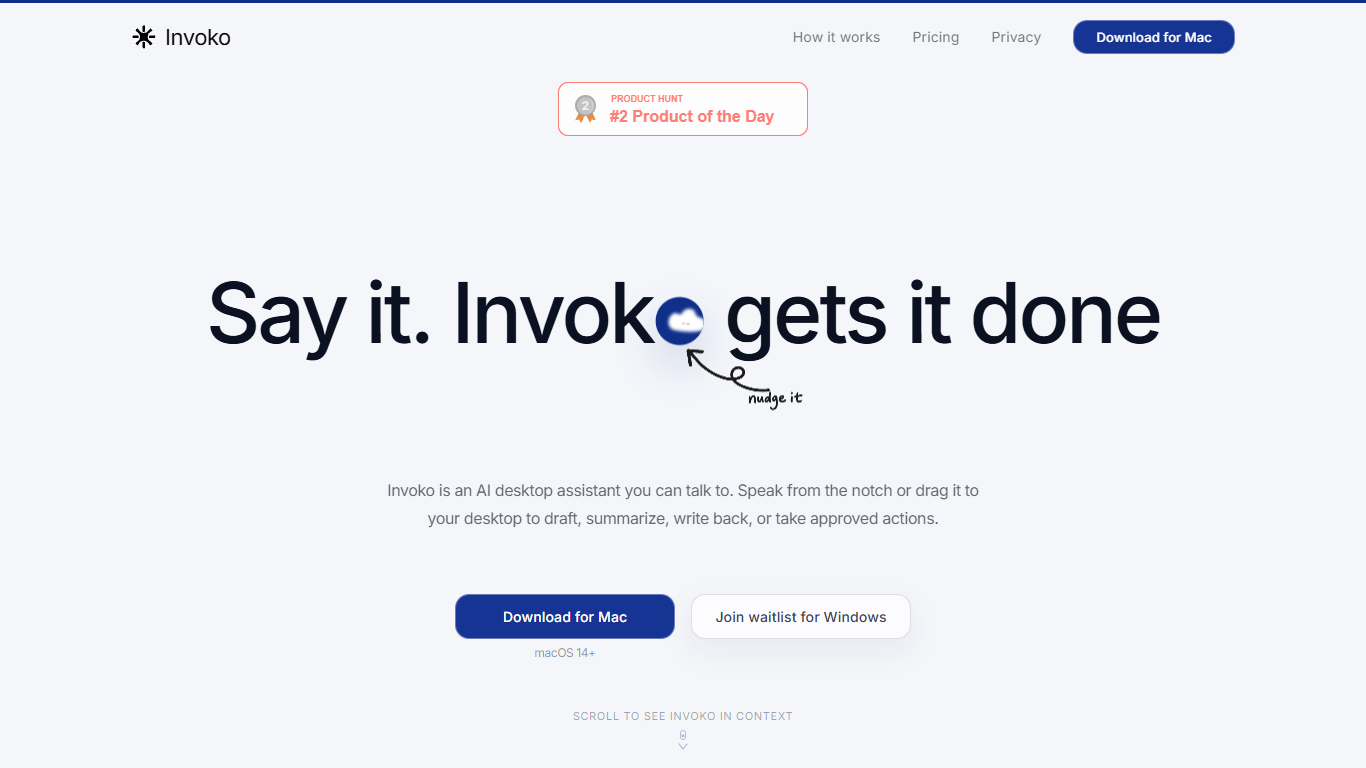

What is Clico (formerly Invoko)?
Clico is a screen-context assistant for Mac, Chrome, and the web. You pick the page, app, file, or selection in front of you, and Clico answers or drafts from that context without copying text into a separate chat window. Hold Fn to ask by voice, double-tap Command for suggestions on what's open, or use the web workspace for longer browser tasks.
Most AI assistants start blank and make you rebuild context by hand. Clico inverts that: the screen you choose is the prompt. It can carry steps across apps but asks before it writes, sends, creates, or clicks, which matters when you're working inside email threads, spreadsheets, or docs where a wrong send is costly.
The product fits knowledge workers who live in tabs and hate tab-hopping: drafting replies from open threads, summarizing dense pages, cleaning selected spreadsheet data, or finding the next step in a multi-app workflow. Free, Pro, and Max plans differ mainly by monthly credit limits shared across Mac, Chrome, and web.
Microsoft Copilot+ PC
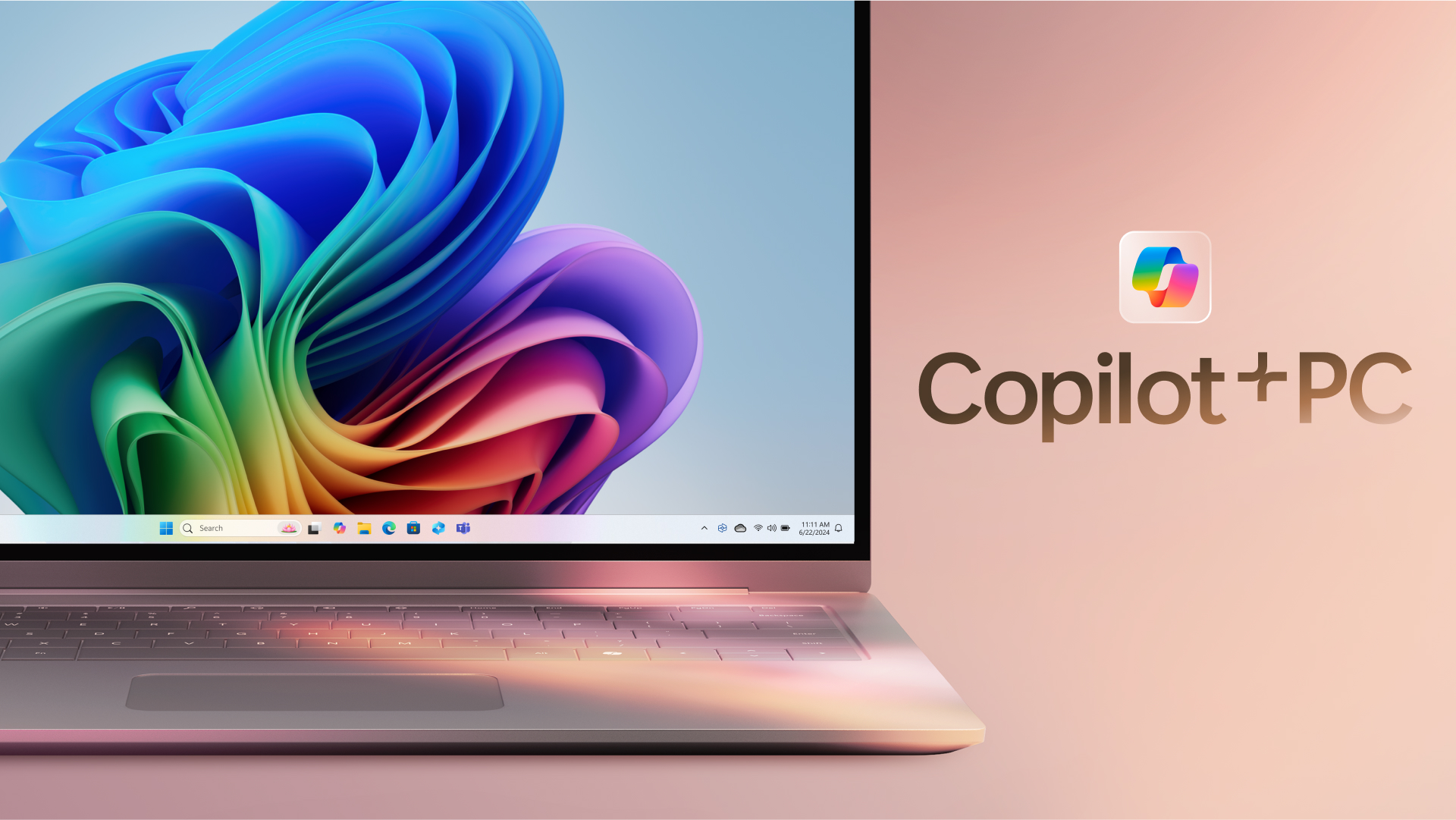
What is Microsoft Copilot+ PC?
Microsoft Copilot+ PC is a Windows PC category built around a dedicated Neural Processing Unit (NPU) for on-device AI workloads. Microsoft introduced the lineup in May 2024 as thin, light laptops and 2-in-1s from Surface and major OEM partners, with silicon that delivers 40+ trillion operations per second alongside all-day battery life.
The hardware pairs CPU, GPU, and NPU with Windows 11 experiences that run locally instead of relying only on the cloud. That includes Recall for finding past activity on your PC, Cocreator for near real-time image generation in Paint and Photos, Live Captions with translation from 40+ languages, Click to Do, improved Windows search, and Windows Studio Effects for video calls.
Copilot+ PCs target students, remote workers, creators, and anyone who wants Windows with built-in local AI. Devices are sold through Microsoft and retailers such as Dell, HP, Lenovo, Samsung, Acer, and ASUS, with Copilot+ PC experiences that vary by device, market, and software updates.
Clico (formerly Invoko) Upvotes
Microsoft Copilot+ PC Upvotes
Clico (formerly Invoko) Top Features
Hold Fn to ask about the screen in front of you without copying context into another chat
Double-tap Command for next-step suggestions on the open app, page, or selection
Free plan includes 200 credits per month across Mac, Chrome, and web with no card required
Pro plan at $19.90 per month raises the shared allowance to 2,000 credits per month
Max plan at $49.90 per month includes 5,000 credits per month for heavier daily use
Asks for approval before writing, sending, creating, or clicking on your behalf
Microsoft Copilot+ PC Top Features
Dedicated NPU rated at 40+ TOPS for on-device AI workloads without constant cloud calls
Recall helps you find apps, sites, and documents you have already seen on your PC
Cocreator in Paint and Photos generates and refines images in near real time on the device
Live Captions translates audio from 40+ languages into English subtitles across apps
Click to Do and improved Windows search speed up common tasks on Copilot+ PCs
Clico (formerly Invoko) Category
- Assistant
Microsoft Copilot+ PC Category
- Assistant
Clico (formerly Invoko) Pricing Type
- Freemium
Microsoft Copilot+ PC Pricing Type
- Paid