Image to Excel (formerly It Excel) vs Arcwise
In the battle of Image to Excel (formerly It Excel) vs Arcwise, which AI Excel tool comes out on top? We compare reviews, pricing, alternatives, upvotes, features, and more.
Between Image to Excel (formerly It Excel) and Arcwise, which one is superior?
Upon comparing Image to Excel (formerly It Excel) with Arcwise, which are both AI-powered excel tools, Interestingly, both tools have managed to secure the same number of upvotes. Be a part of the decision-making process. Your vote could determine the winner.
Think we got it wrong? Cast your vote and show us who's boss!
Image to Excel (formerly It Excel)


What is Image to Excel (formerly It Excel)?
Upload a JPG or PNG and Image to Excel rebuilds the table rows and text inside as a downloadable .xlsx file. The web converter is free, needs no account, and returns results in a few seconds after you click Convert.
Unlike plain OCR tools that dump unstructured text, Image to Excel targets table grids and form layouts in photos. It handles English, Simplified Chinese, and Traditional Chinese, which covers a lot of scanned receipts, invoices, and paperwork that would otherwise need manual retyping.
You can use it in a browser or through dedicated iOS and Android apps. The interface is built around a single upload-and-convert flow, so the whole process takes a few clicks.
It is aimed at accountants, data entry staff, office admins, and anyone who regularly receives table data as screenshots or scanned images instead of native spreadsheet files.
Arcwise
What is Arcwise?
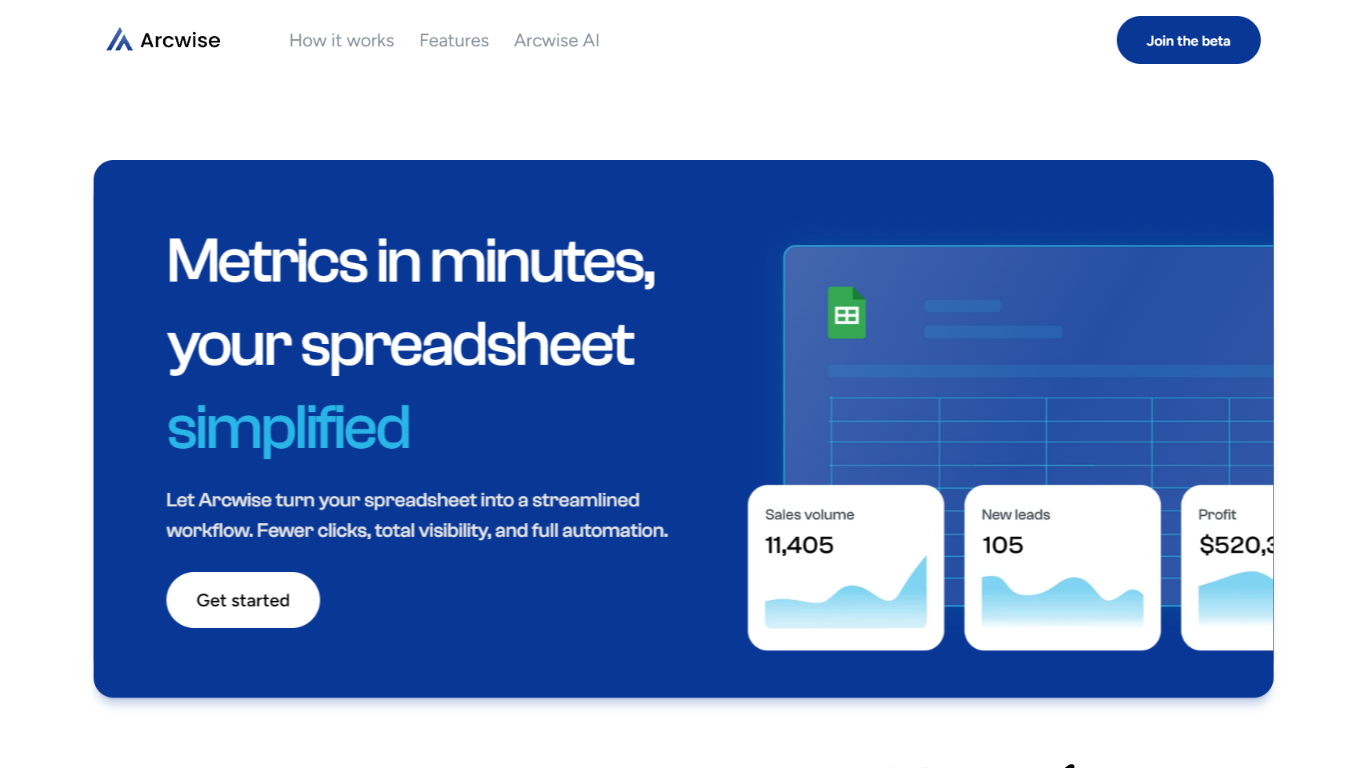
Arcwise flags meaningful KPI shifts in your warehouse data and explains what is driving them before they show up in weekly reviews. It connects to Snowflake, BigQuery, and Databricks, then delivers spreadsheet-ready answers traced to your SQL, tables, and business documentation inside the Google and Microsoft docs your team already uses.
Most analytics stacks stop at dashboards or untraceable chat answers. Arcwise is built around decision-ready output with auditable SQL behind every explanation. It separates signal from noise, names the operational drivers behind a metric move, and saves validated explanations as institutional memory your team can reuse next quarter without filing another analyst ticket.
Operations, finance, and growth leaders at logistics firms, airlines, manufacturers, and other data-heavy businesses use Arcwise to turn metric changes into specific next steps. Industry pages cover margin loss in TMS data, MBR preparation, and white-labeled customer analytics tied to billing and execution systems.
Arcwise is SOC 2 Type II certified, processes only metadata and queries rather than storing sensitive business data, and lets enterprises bring their own LLM API keys through Azure OpenAI or internal models.
Image to Excel (formerly It Excel) Upvotes
Arcwise Upvotes
Image to Excel (formerly It Excel) Top Features
Upload a JPG or PNG and get a downloadable .xlsx file in seconds
Recognizes both table grids and standalone text blocks in photos
Reads English, Simplified Chinese, and Traditional Chinese in the same image
Runs in the browser plus native iOS and Android apps
Built-in sample images show expected input and output before you convert
Arcwise Top Features
Connects to Snowflake, BigQuery, and Databricks plus your existing BI stack
SOC 2 Type II certified with encryption in transit and at rest
Links every explanation to exact SQL, tables, joins, and business definitions
Embeds inside Microsoft and Google docs, slides, and spreadsheets
Supports customer-controlled LLM keys via Azure OpenAI or Arcwise-managed models
Saves validated explanations as reusable institutional memory across teams
Image to Excel (formerly It Excel) Category
- Excel
Arcwise Category
- Excel
Image to Excel (formerly It Excel) Pricing Type
- Free
Arcwise Pricing Type
- Paid