Image to Excel (formerly It Excel) vs Formula Bot
In the clash of Image to Excel (formerly It Excel) vs Formula Bot, which AI Excel tool emerges victorious? We assess reviews, pricing, alternatives, features, upvotes, and more.
When we put Image to Excel (formerly It Excel) and Formula Bot head to head, which one emerges as the victor?
Let's take a closer look at Image to Excel (formerly It Excel) and Formula Bot, both of which are AI-driven excel tools, and see what sets them apart. In the race for upvotes, Formula Bot takes the trophy. The upvote count for Formula Bot is 9, and for Image to Excel (formerly It Excel) it's 6.
Not your cup of tea? Upvote your preferred tool and stir things up!
Image to Excel (formerly It Excel)

What is Image to Excel (formerly It Excel)?
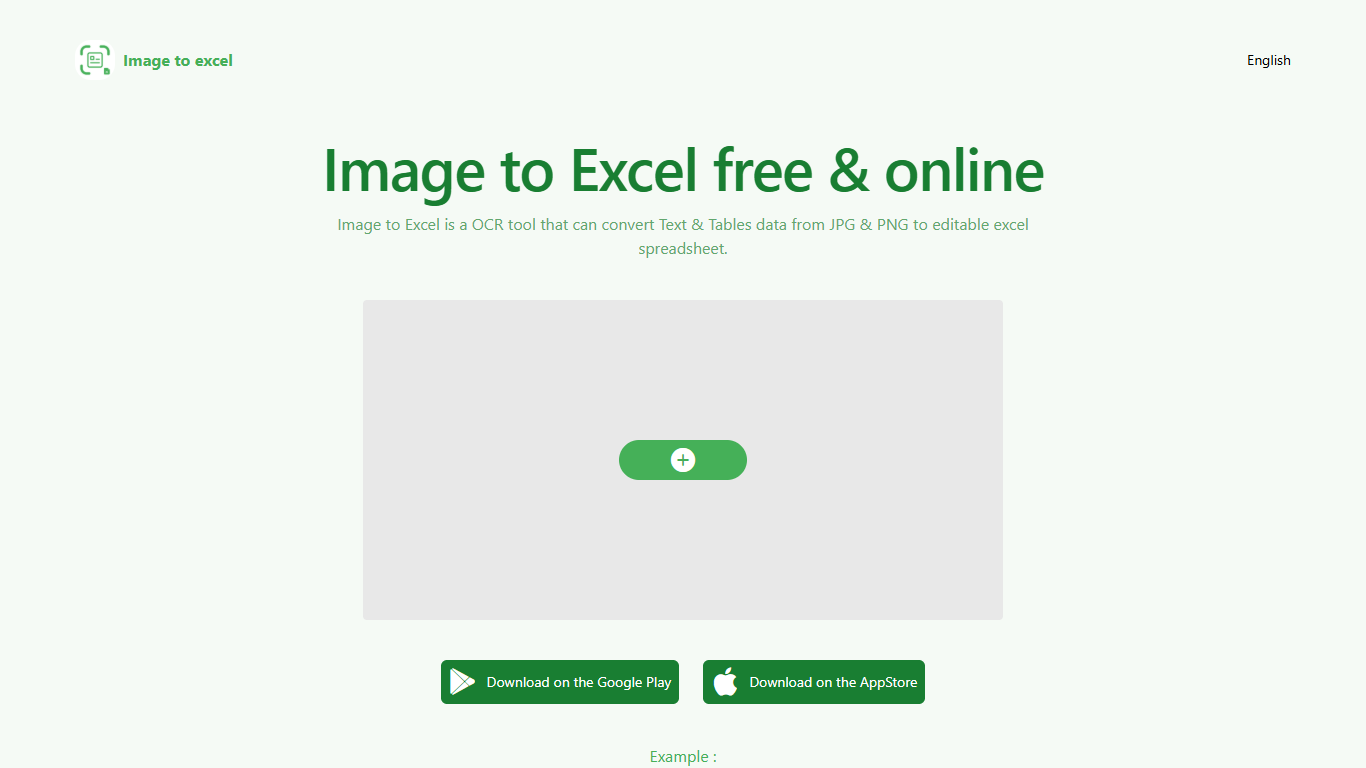
Upload a JPG or PNG and Image to Excel rebuilds the table rows and text inside as a downloadable .xlsx file. The web converter is free, needs no account, and returns results in a few seconds after you click Convert.
Unlike plain OCR tools that dump unstructured text, Image to Excel targets table grids and form layouts in photos. It handles English, Simplified Chinese, and Traditional Chinese, which covers a lot of scanned receipts, invoices, and paperwork that would otherwise need manual retyping.
You can use it in a browser or through dedicated iOS and Android apps. The interface is built around a single upload-and-convert flow, so the whole process takes a few clicks.
It is aimed at accountants, data entry staff, office admins, and anyone who regularly receives table data as screenshots or scanned images instead of native spreadsheet files.
Formula Bot
What is Formula Bot?
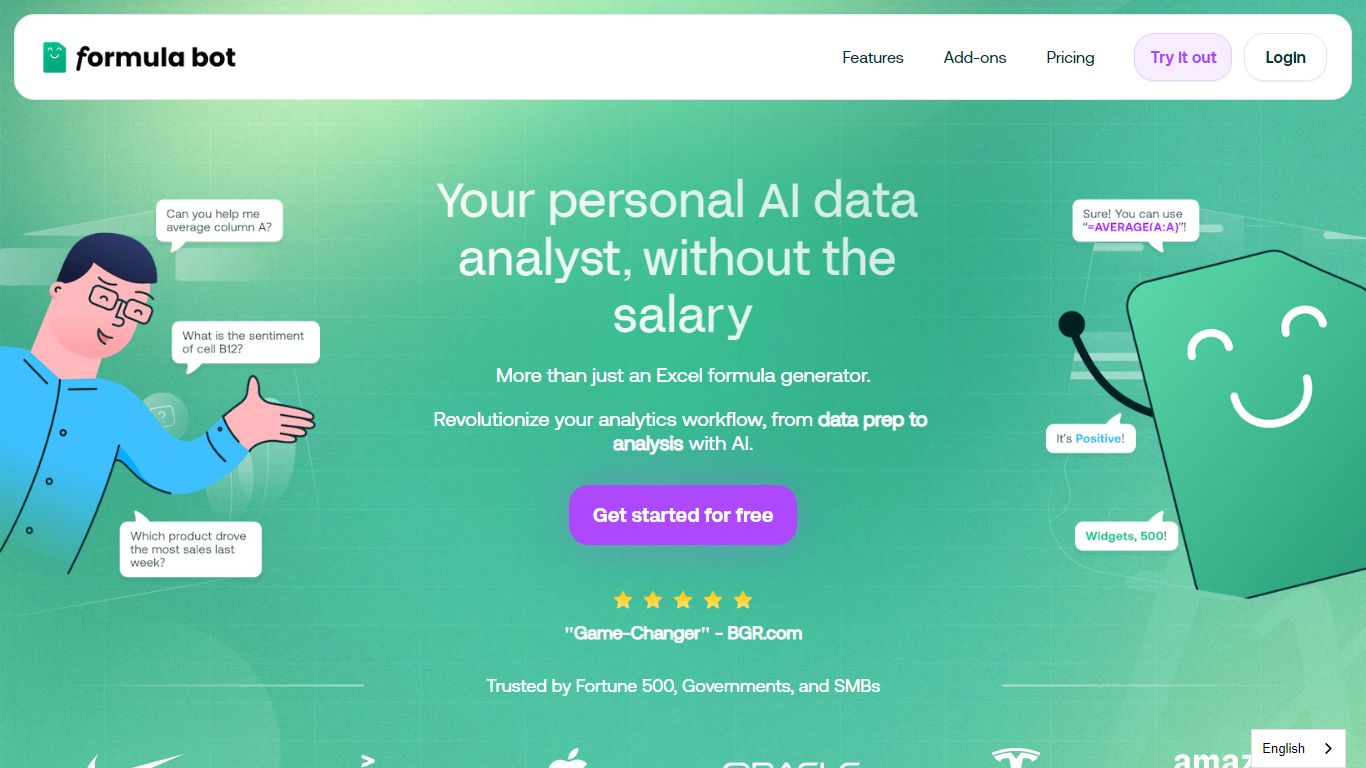
Formula Bot is an Excel and data analytics workspace where you upload spreadsheets or connect databases, then ask questions in plain English to get formulas, charts, cleaned tables, and written insights back in one chat. It handles .xlsx, .csv, and connected sources without requiring Excel plugins or VBA macros.
Most Excel AI helpers stop at formula syntax. Formula Bot also reshapes messy datasets, runs sentiment analysis on text columns, generates dashboards from templates, and shows the Python, SQL, or R code behind each answer so you can verify or export it. That mix targets analysts who want speed without hiding the logic.
Operations teams, BI analysts, and spreadsheet-heavy small businesses are the audience named in site testimonials. The free tier lets you try real questions with no credit card, while paid plans add premium models, scheduled reports, and shared workspaces.
Image to Excel (formerly It Excel) Upvotes
Formula Bot Upvotes
Image to Excel (formerly It Excel) Top Features
Upload a JPG or PNG and get a downloadable .xlsx file in seconds
Recognizes both table grids and standalone text blocks in photos
Reads English, Simplified Chinese, and Traditional Chinese in the same image
Runs in the browser plus native iOS and Android apps
Built-in sample images show expected input and output before you convert
Formula Bot Top Features
Excel AI page generates formulas from plain-English prompts and explains existing formulas in your sheet
Upload .xlsx, .xls, or .csv files or paste data from Excel and Google Sheets with no plugin install
Starter plan at $18 per month includes 250 chat messages and 2,500 AI Actions per month
MAX plan at $29 per month adds unlimited chat messages and 5,000 AI Actions per user
AI dashboard generator builds interactive dashboards from templates with scheduled data refreshes
Shows generated Python, SQL, and R code for every analysis request for verification and export
Connects databases, warehouses, and cloud files with row-level security on Enterprise plans
Image to Excel (formerly It Excel) Category
- Excel
Formula Bot Category
- Excel
Image to Excel (formerly It Excel) Pricing Type
- Free
Formula Bot Pricing Type
- Freemium