Image to Excel (formerly It Excel) vs Formula Dog
Dive into the comparison of Image to Excel (formerly It Excel) vs Formula Dog and discover which AI Excel tool stands out. We examine alternatives, upvotes, features, reviews, pricing, and beyond.
When comparing Image to Excel (formerly It Excel) and Formula Dog, which one rises above the other?
When we compare Image to Excel (formerly It Excel) and Formula Dog, two exceptional excel tools powered by artificial intelligence, and place them side by side, several key similarities and differences come to light. The upvote count reveals a draw, with both tools earning the same number of upvotes. Since other aitools.fyi users could decide the winner, the ball is in your court now to cast your vote and help us determine the winner.
Think we got it wrong? Cast your vote and show us who's boss!
Image to Excel (formerly It Excel)
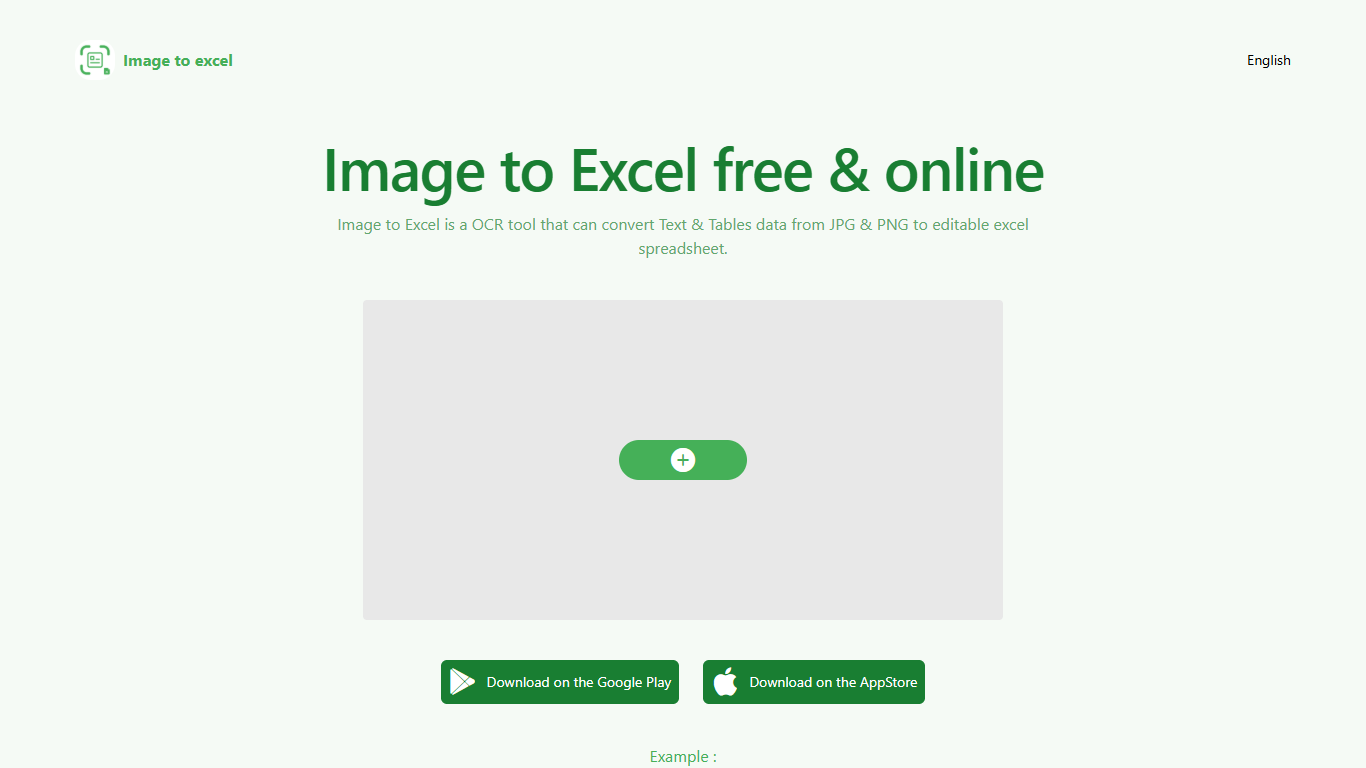

What is Image to Excel (formerly It Excel)?
Upload a JPG or PNG and Image to Excel rebuilds the table rows and text inside as a downloadable .xlsx file. The web converter is free, needs no account, and returns results in a few seconds after you click Convert.
Unlike plain OCR tools that dump unstructured text, Image to Excel targets table grids and form layouts in photos. It handles English, Simplified Chinese, and Traditional Chinese, which covers a lot of scanned receipts, invoices, and paperwork that would otherwise need manual retyping.
You can use it in a browser or through dedicated iOS and Android apps. The interface is built around a single upload-and-convert flow, so the whole process takes a few clicks.
It is aimed at accountants, data entry staff, office admins, and anyone who regularly receives table data as screenshots or scanned images instead of native spreadsheet files.
Formula Dog
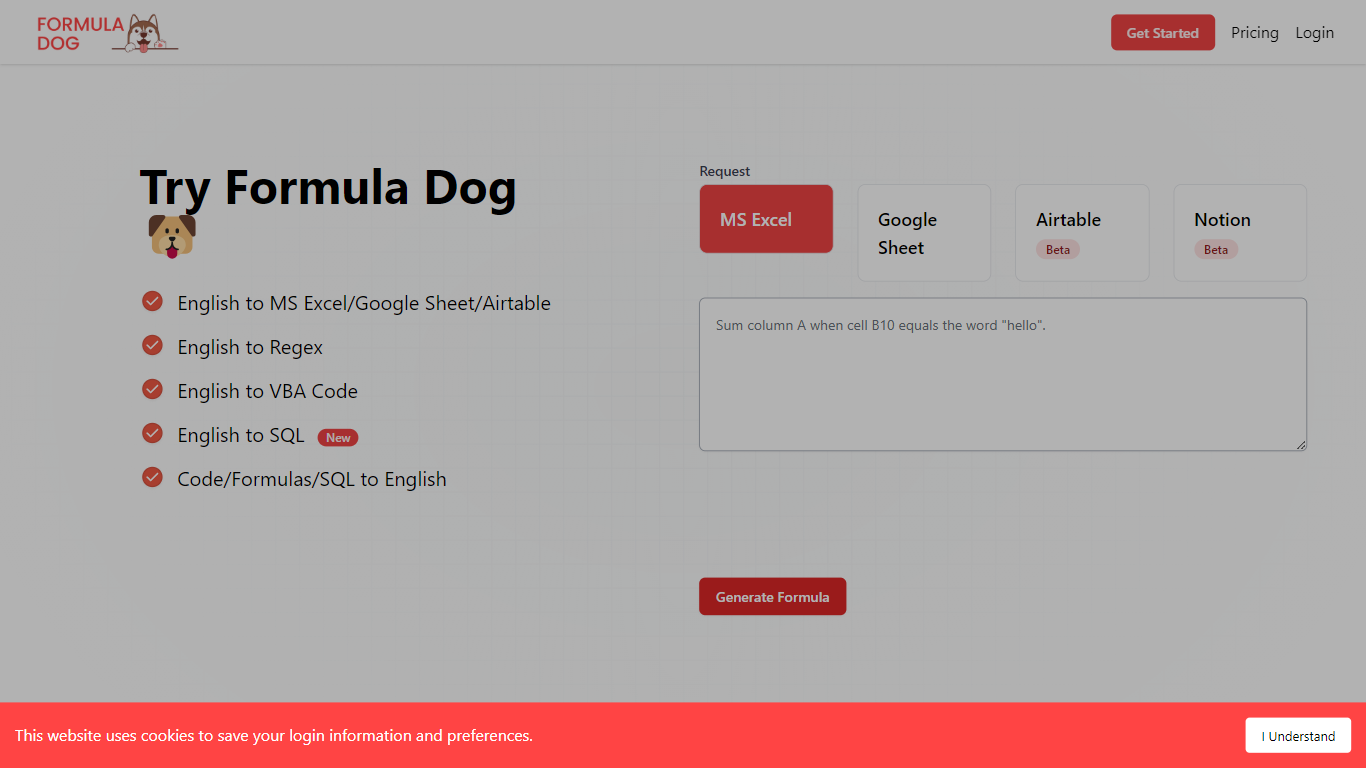
What is Formula Dog?
Formula Dog turns spreadsheet problems written in plain English into working Excel or Google Sheets formulas. You describe what you need, and the tool returns a paste-ready formula, often with a short explanation of how it works. The first five requests each day are free with no account required.
The product centers on a fine-tuned model trained on real spreadsheet formulas paired with human-written descriptions. That focus shows up in the output: fewer invented function names and syntax tuned for Excel, Google Sheets, VBA, regex helpers, and basic Airtable or Notion formulas.
It fits analysts, ops teams, and anyone who lives in spreadsheets but does not want to memorize every function variant. The site also ships a searchable cheat sheet, a playground with worked examples, and support for 12 interface languages.
Image to Excel (formerly It Excel) Upvotes
Formula Dog Upvotes
Image to Excel (formerly It Excel) Top Features
Upload a JPG or PNG and get a downloadable .xlsx file in seconds
Recognizes both table grids and standalone text blocks in photos
Reads English, Simplified Chinese, and Traditional Chinese in the same image
Runs in the browser plus native iOS and Android apps
Built-in sample images show expected input and output before you convert
Formula Dog Top Features
Describe a spreadsheet task in plain English and get a paste-ready formula back
Covers Excel, Google Sheets, VBA macros, regex helpers, and basic Airtable or Notion syntax
Five free formula generations per day with no signup required
Built-in playground with six worked examples from COUNTIF to conditional VBA
Searchable cheat sheet for common sums, lookups, dates, arrays, and VBA snippets
Interface available in 12 languages including English, French, German, Spanish, and Japanese
Image to Excel (formerly It Excel) Category
- Excel
Formula Dog Category
- Excel
Image to Excel (formerly It Excel) Pricing Type
- Free
Formula Dog Pricing Type
- Freemium