Image to Excel (formerly It Excel) vs Numerous.ai
When comparing Image to Excel (formerly It Excel) vs Numerous.ai, which AI Excel tool shines brighter? We look at pricing, alternatives, upvotes, features, reviews, and more.
In a comparison between Image to Excel (formerly It Excel) and Numerous.ai, which one comes out on top?
When we put Image to Excel (formerly It Excel) and Numerous.ai side by side, both being AI-powered excel tools, The upvote count is neck and neck for both Image to Excel (formerly It Excel) and Numerous.ai. The power is in your hands! Cast your vote and have a say in deciding the winner.
Feeling rebellious? Cast your vote and shake things up!
Image to Excel (formerly It Excel)
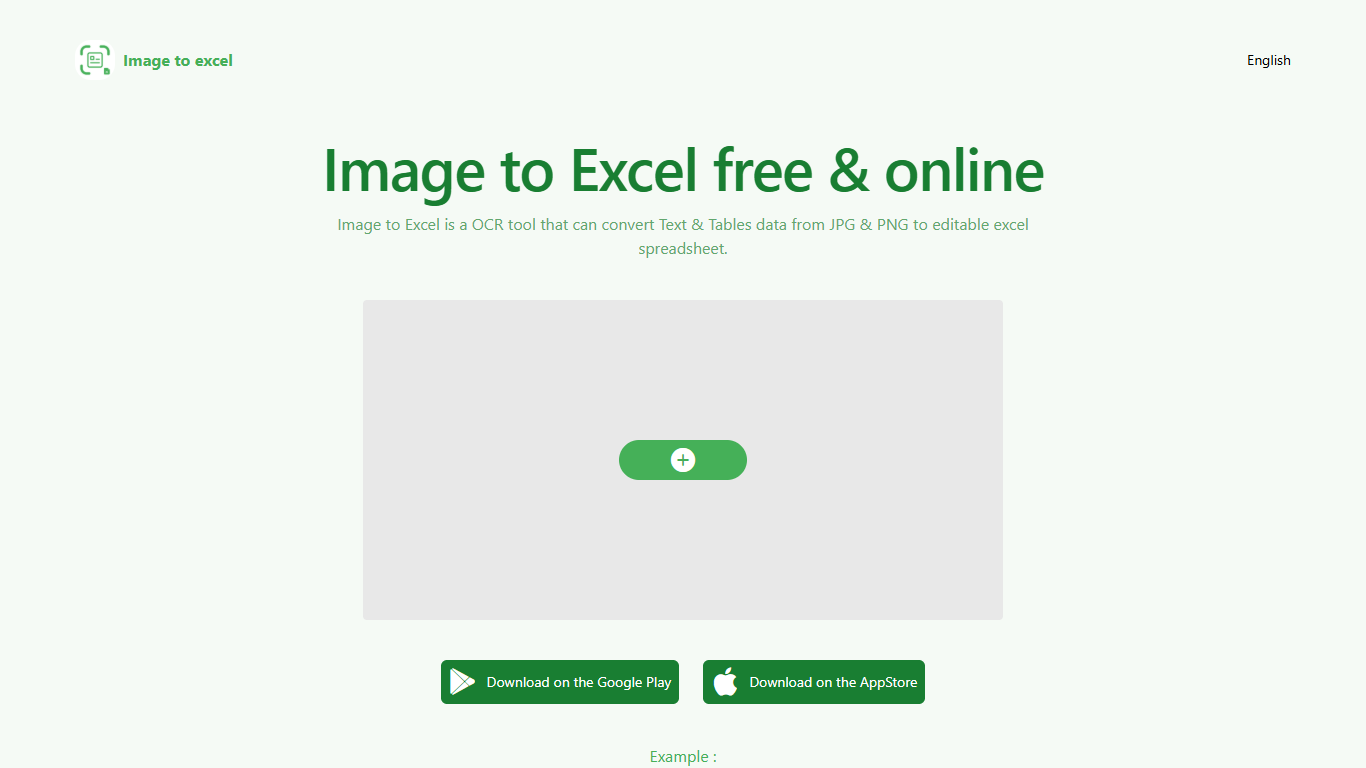

What is Image to Excel (formerly It Excel)?
Upload a JPG or PNG and Image to Excel rebuilds the table rows and text inside as a downloadable .xlsx file. The web converter is free, needs no account, and returns results in a few seconds after you click Convert.
Unlike plain OCR tools that dump unstructured text, Image to Excel targets table grids and form layouts in photos. It handles English, Simplified Chinese, and Traditional Chinese, which covers a lot of scanned receipts, invoices, and paperwork that would otherwise need manual retyping.
You can use it in a browser or through dedicated iOS and Android apps. The interface is built around a single upload-and-convert flow, so the whole process takes a few clicks.
It is aimed at accountants, data entry staff, office admins, and anyone who regularly receives table data as screenshots or scanned images instead of native spreadsheet files.
Numerous.ai
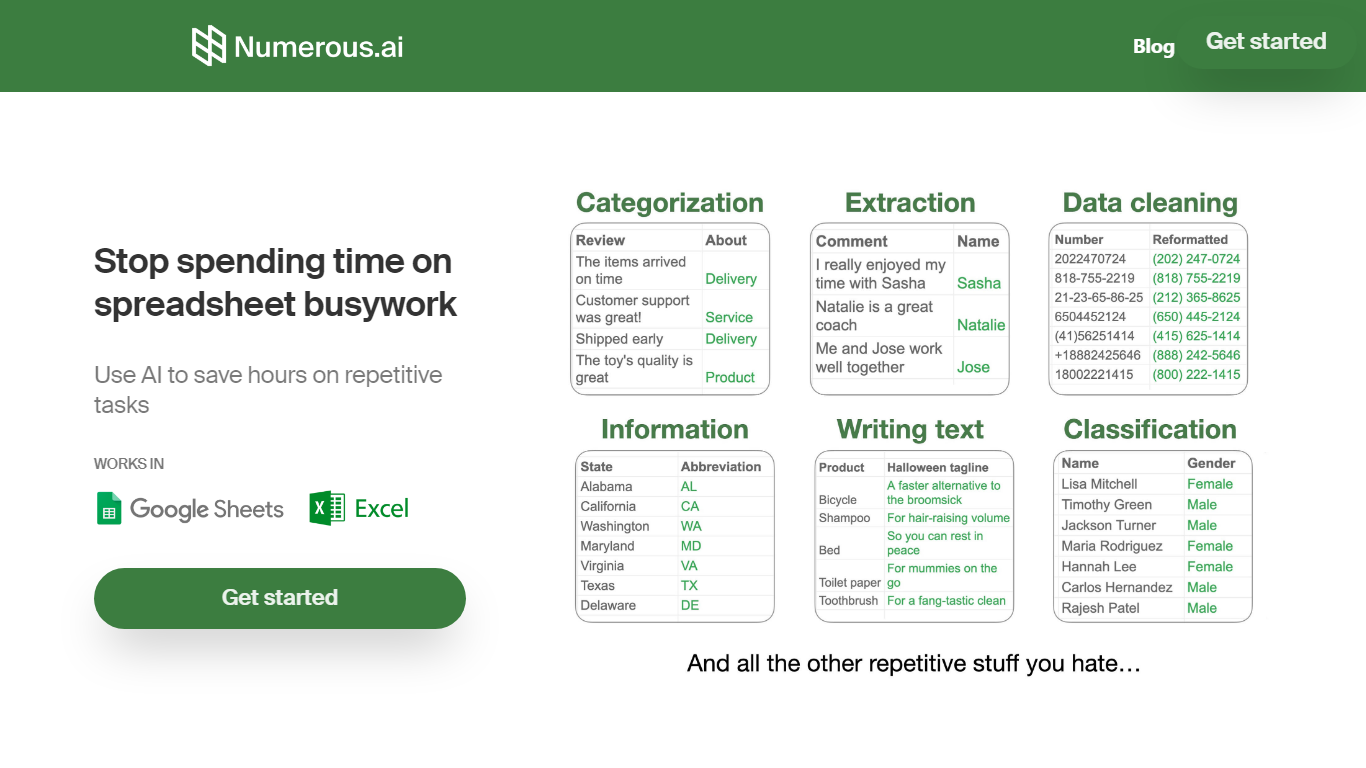
What is Numerous.ai?
Numerous.ai is a spreadsheet add-on that brings ChatGPT into Google Sheets and Microsoft Excel. You install the plugin, type formulas like =AI in any cell, and run language tasks across rows and columns without managing your own API keys.
Where standalone chat tools make you copy answers back into cells one at a time, Numerous.ai treats each row like a batch prompt and caches identical formula inputs so sheet refreshes do not re-bill the same query. That spreadsheet-first design is the trade-off: you get bulk generation and team prototyping inside Sheets or Excel, not a general-purpose chat window.
It fits marketers running campaign research, content teams batching social posts, students organizing research data, and product teams testing prompt structures before shipping features. The team is US-based in San Francisco, and both the Google Sheets and Excel add-ins are listed in their respective official marketplaces.
Image to Excel (formerly It Excel) Upvotes
Numerous.ai Upvotes
Image to Excel (formerly It Excel) Top Features
Upload a JPG or PNG and get a downloadable .xlsx file in seconds
Recognizes both table grids and standalone text blocks in photos
Reads English, Simplified Chinese, and Traditional Chinese in the same image
Runs in the browser plus native iOS and Android apps
Built-in sample images show expected input and output before you convert
Numerous.ai Top Features
No API keys to configure; install the add-on and start using =AI in cells
Custom =AI, =WRITE, and =INFER functions for generation, formulas, and pattern learning
Works in both Google Sheets and Microsoft Excel from one subscription
Caches AI responses so refreshes skip duplicate queries and save tokens
Personal plan includes 1 million characters; Pro includes 5 million
Pro and Enterprise plans let multiple teammates share the same subscription
Image to Excel (formerly It Excel) Category
- Excel
Numerous.ai Category
- Excel
Image to Excel (formerly It Excel) Pricing Type
- Free
Numerous.ai Pricing Type
- Freemium