Image to Excel (formerly It Excel) vs PromptLoop
In the contest of Image to Excel (formerly It Excel) vs PromptLoop, which AI Excel tool is the champion? We evaluate pricing, alternatives, upvotes, features, reviews, and more.
If you had to choose between Image to Excel (formerly It Excel) and PromptLoop, which one would you go for?
When we examine Image to Excel (formerly It Excel) and PromptLoop, both of which are AI-enabled excel tools, what unique characteristics do we discover? There's no clear winner in terms of upvotes, as both tools have received the same number. The power is in your hands! Cast your vote and have a say in deciding the winner.
You don't agree with the result? Cast your vote to help us decide!
Image to Excel (formerly It Excel)
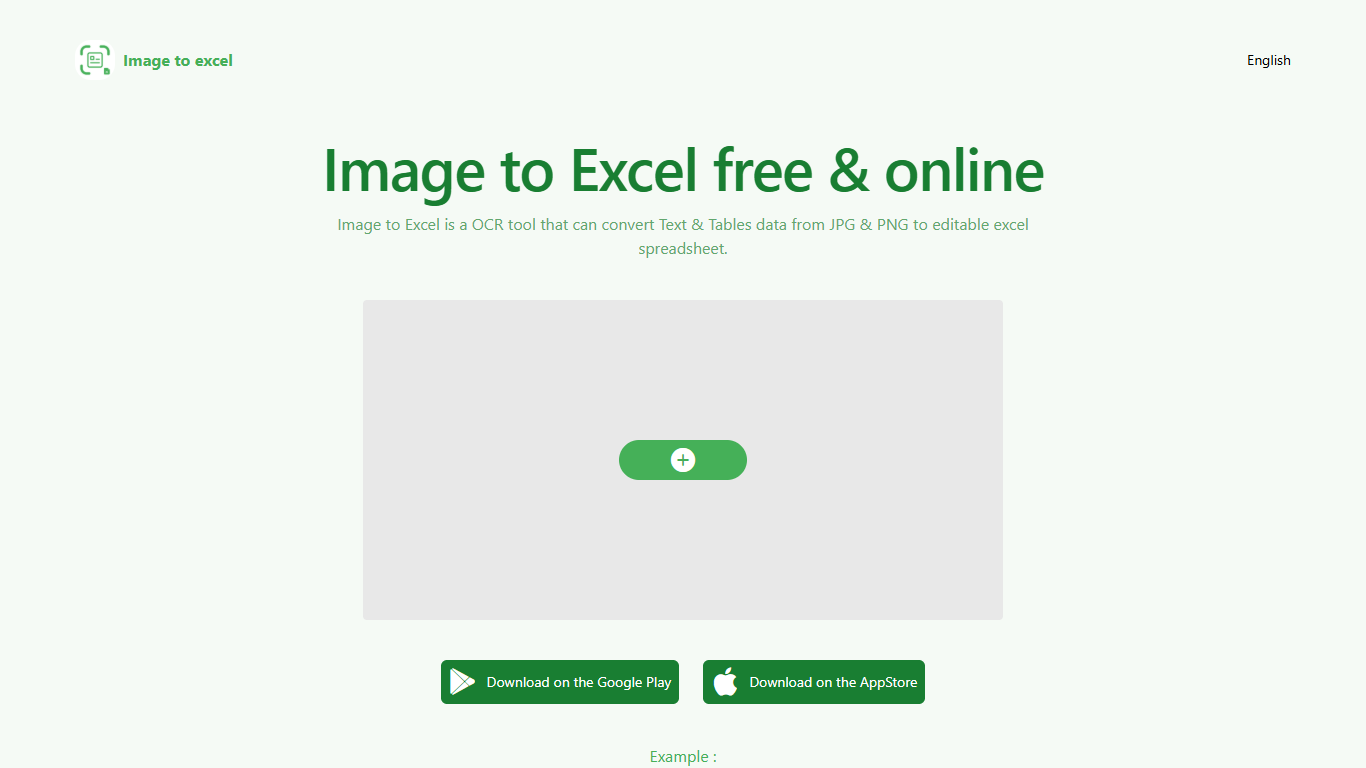

What is Image to Excel (formerly It Excel)?
Upload a JPG or PNG and Image to Excel rebuilds the table rows and text inside as a downloadable .xlsx file. The web converter is free, needs no account, and returns results in a few seconds after you click Convert.
Unlike plain OCR tools that dump unstructured text, Image to Excel targets table grids and form layouts in photos. It handles English, Simplified Chinese, and Traditional Chinese, which covers a lot of scanned receipts, invoices, and paperwork that would otherwise need manual retyping.
You can use it in a browser or through dedicated iOS and Android apps. The interface is built around a single upload-and-convert flow, so the whole process takes a few clicks.
It is aimed at accountants, data entry staff, office admins, and anyone who regularly receives table data as screenshots or scanned images instead of native spreadsheet files.
PromptLoop
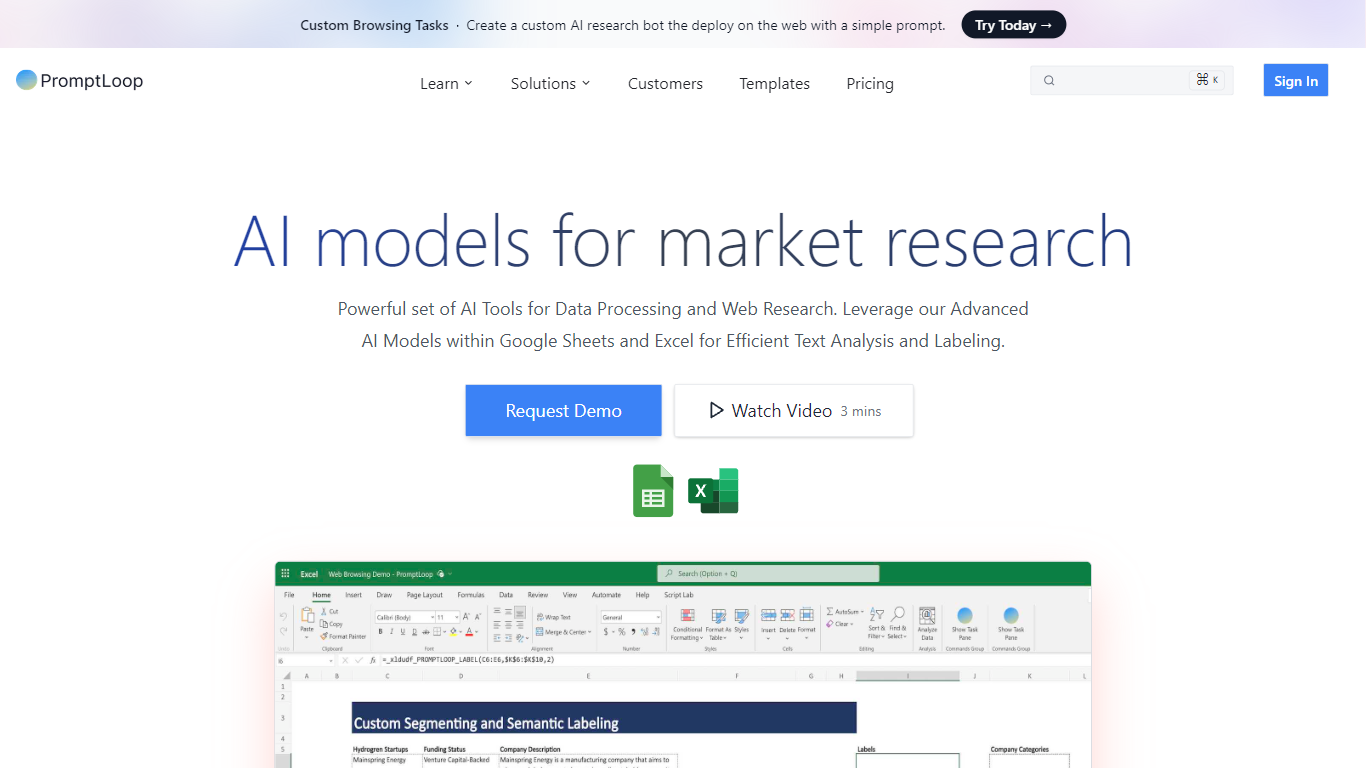
What is PromptLoop?
Upload a CSV or Excel file with company names or URLs, tell PromptLoop what data you need, and AI agents crawl the web to fill new columns in your dataset. The platform targets go-to-market teams who want prospect lists enriched with live web signals rather than hand-researched one row at a time. Results land back in a filterable workspace you can export or sync to HubSpot and Salesforce.
Most Excel AI tools generate formulas or analyze cells you already have. PromptLoop treats each row as a research job instead. Its agents browse live sites with configurable crawl depth, return structured fields like phone numbers or pricing signals, and scale from a single test row to 50,000 inputs per job. That workflow sits closer to Clay-style list enrichment than a copilot inside one spreadsheet cell.
Growth, sales, and revenue teams use PromptLoop to qualify outbound targets, scrape competitor pages at scale, and push enriched records into HubSpot or Salesforce. Customers listed on the site include BCG, Arketa, and Kinside. Excel and Google Sheets integrations remain available for teams that want formula-style access alongside the main dataset builder.
Image to Excel (formerly It Excel) Upvotes
PromptLoop Upvotes
Image to Excel (formerly It Excel) Top Features
Upload a JPG or PNG and get a downloadable .xlsx file in seconds
Recognizes both table grids and standalone text blocks in photos
Reads English, Simplified Chinese, and Traditional Chinese in the same image
Runs in the browser plus native iOS and Android apps
Built-in sample images show expected input and output before you convert
PromptLoop Top Features
Free plan includes 500 credits with 25 rows processed at a time
Individual plan at $18 per month includes 1,000 credits for roughly 200 to 300 companies
Team plan handles 50,000+ rows per job at volume pricing from $0.015 per credit
Website tasks offer Smart Crawl depth that follows relevant links across a domain
Native HubSpot and Salesforce integrations push enriched records into your CRM
Jobs on 20,000 to 50,000 row files usually finish within 90 minutes
Image to Excel (formerly It Excel) Category
- Excel
PromptLoop Category
- Excel
Image to Excel (formerly It Excel) Pricing Type
- Free
PromptLoop Pricing Type
- Freemium