Image to Excel (formerly It Excel) vs SheetGod
In the clash of Image to Excel (formerly It Excel) vs SheetGod, which AI Excel tool emerges victorious? We assess reviews, pricing, alternatives, features, upvotes, and more.
When we put Image to Excel (formerly It Excel) and SheetGod head to head, which one emerges as the victor?
Let's take a closer look at Image to Excel (formerly It Excel) and SheetGod, both of which are AI-driven excel tools, and see what sets them apart. There's no clear winner in terms of upvotes, as both tools have received the same number. The power is in your hands! Cast your vote and have a say in deciding the winner.
Don't agree with the result? Cast your vote and be a part of the decision-making process!
Image to Excel (formerly It Excel)
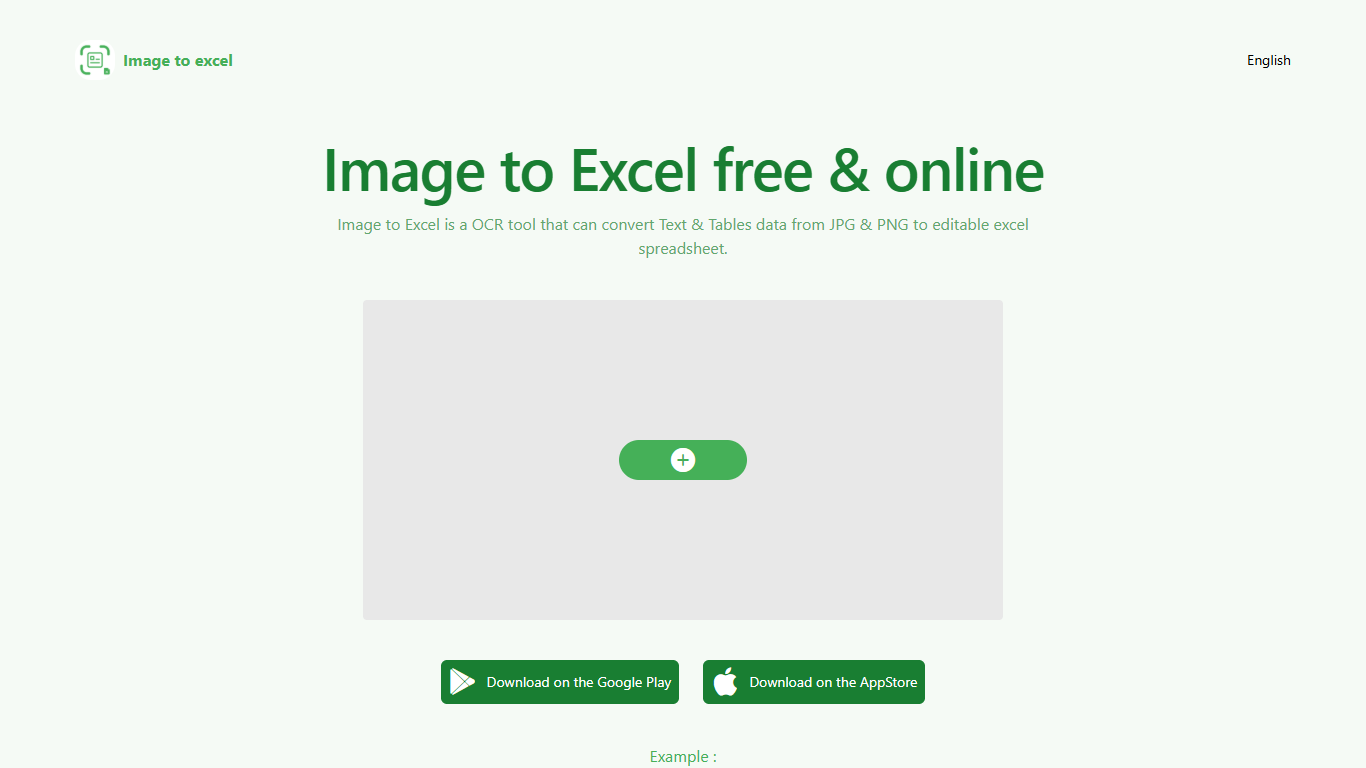

What is Image to Excel (formerly It Excel)?
Upload a JPG or PNG and Image to Excel rebuilds the table rows and text inside as a downloadable .xlsx file. The web converter is free, needs no account, and returns results in a few seconds after you click Convert.
Unlike plain OCR tools that dump unstructured text, Image to Excel targets table grids and form layouts in photos. It handles English, Simplified Chinese, and Traditional Chinese, which covers a lot of scanned receipts, invoices, and paperwork that would otherwise need manual retyping.
You can use it in a browser or through dedicated iOS and Android apps. The interface is built around a single upload-and-convert flow, so the whole process takes a few clicks.
It is aimed at accountants, data entry staff, office admins, and anyone who regularly receives table data as screenshots or scanned images instead of native spreadsheet files.
SheetGod
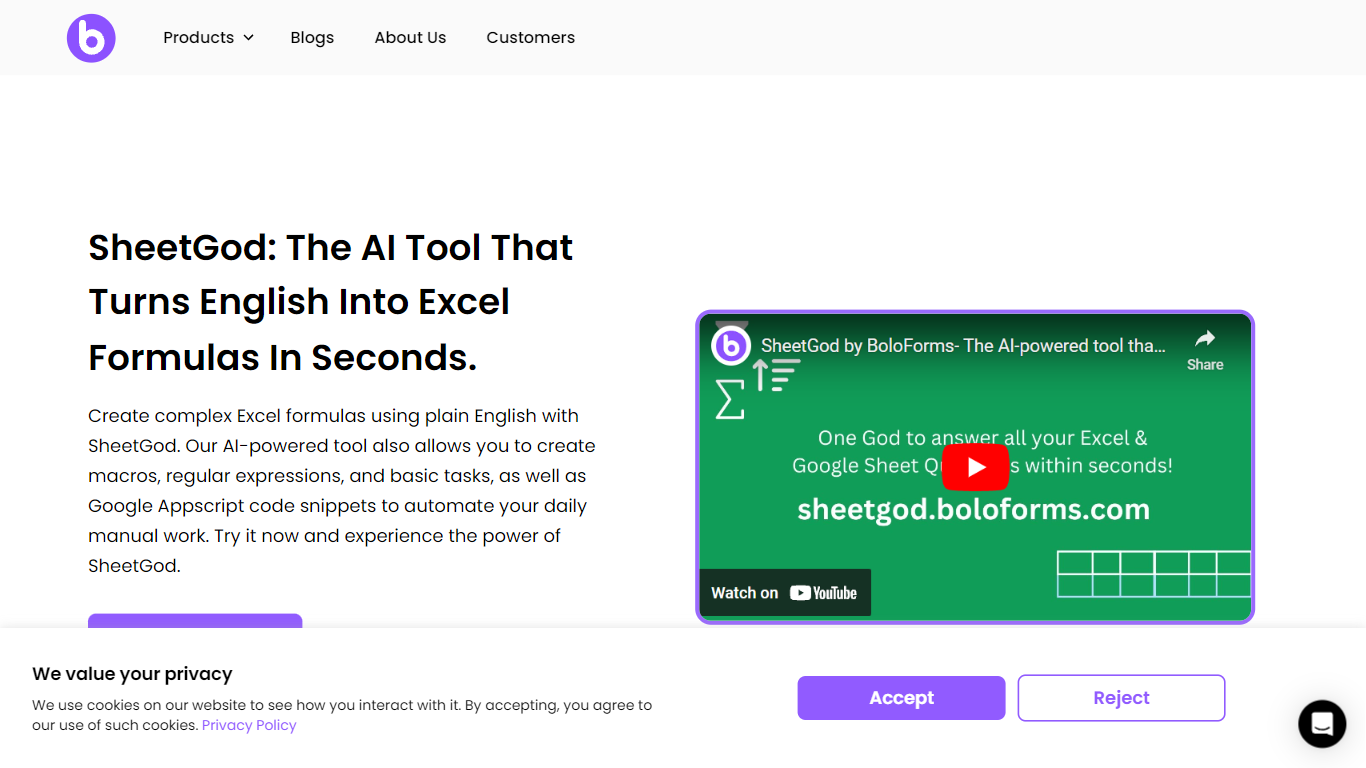
What is SheetGod?
SheetGod is a spreadsheet helper from BoloForms that turns plain English into Excel formulas, VBA macros, Google Apps Script snippets, and regex patterns. You pick one of five categories (Formulas, VBA, Regex, Apps Script, or Basic Tasks), describe what you need, and paste the output into Microsoft Excel or Google Sheets. The product page says more than 50,000 businesses use it.
Most formula generators stop at a single cell calculation. SheetGod stretches further into automation code, regex extraction, built-in tutorials, bulk marketing emails, PDF generation from spreadsheet rows, and add-on scaffolding for Google Workspace and Excel. Its parent company BoloSign is part of the NVIDIA Inception program, though SheetGod itself is a standalone spreadsheet tool rather than an eSignature product.
SheetGod suits beginners who want step-by-step Excel and Sheets tutorials alongside generated answers, and spreadsheet-heavy teams tired of hunting syntax for VBA or Apps Script. Support channels include live chat, email, a help center, and bookable Google Meet sessions, plus one-on-one Zoom and WhatsApp onboarding on signup.
Image to Excel (formerly It Excel) Upvotes
SheetGod Upvotes
Image to Excel (formerly It Excel) Top Features
Upload a JPG or PNG and get a downloadable .xlsx file in seconds
Recognizes both table grids and standalone text blocks in photos
Reads English, Simplified Chinese, and Traditional Chinese in the same image
Runs in the browser plus native iOS and Android apps
Built-in sample images show expected input and output before you convert
SheetGod Top Features
Five request categories: Formulas, VBA, Regex, Apps Script, and Basic Tasks
Generates VBA and Google Apps Script code to automate repetitive spreadsheet work
Regex support for extracting specific values from messy datasets
Built-in step-by-step tutorials for common Excel and Google Sheets tasks
Creates bulk marketing emails and PDFs from spreadsheet data
Builds Google Workspace add-ons and Microsoft Excel add-ins from prompts
Image to Excel (formerly It Excel) Category
- Excel
SheetGod Category
- Excel
Image to Excel (formerly It Excel) Pricing Type
- Free
SheetGod Pricing Type
- Freemium