Image to Excel (formerly It Excel) vs SheetSavvy
In the face-off between Image to Excel (formerly It Excel) vs SheetSavvy, which AI Excel tool takes the crown? We scrutinize features, alternatives, upvotes, reviews, pricing, and more.
In a face-off between Image to Excel (formerly It Excel) and SheetSavvy, which one takes the crown?
If we were to analyze Image to Excel (formerly It Excel) and SheetSavvy, both of which are AI-powered excel tools, what would we find? Interestingly, both tools have managed to secure the same number of upvotes. Since other aitools.fyi users could decide the winner, the ball is in your court now to cast your vote and help us determine the winner.
Think we got it wrong? Cast your vote and show us who's boss!
Image to Excel (formerly It Excel)

What is Image to Excel (formerly It Excel)?
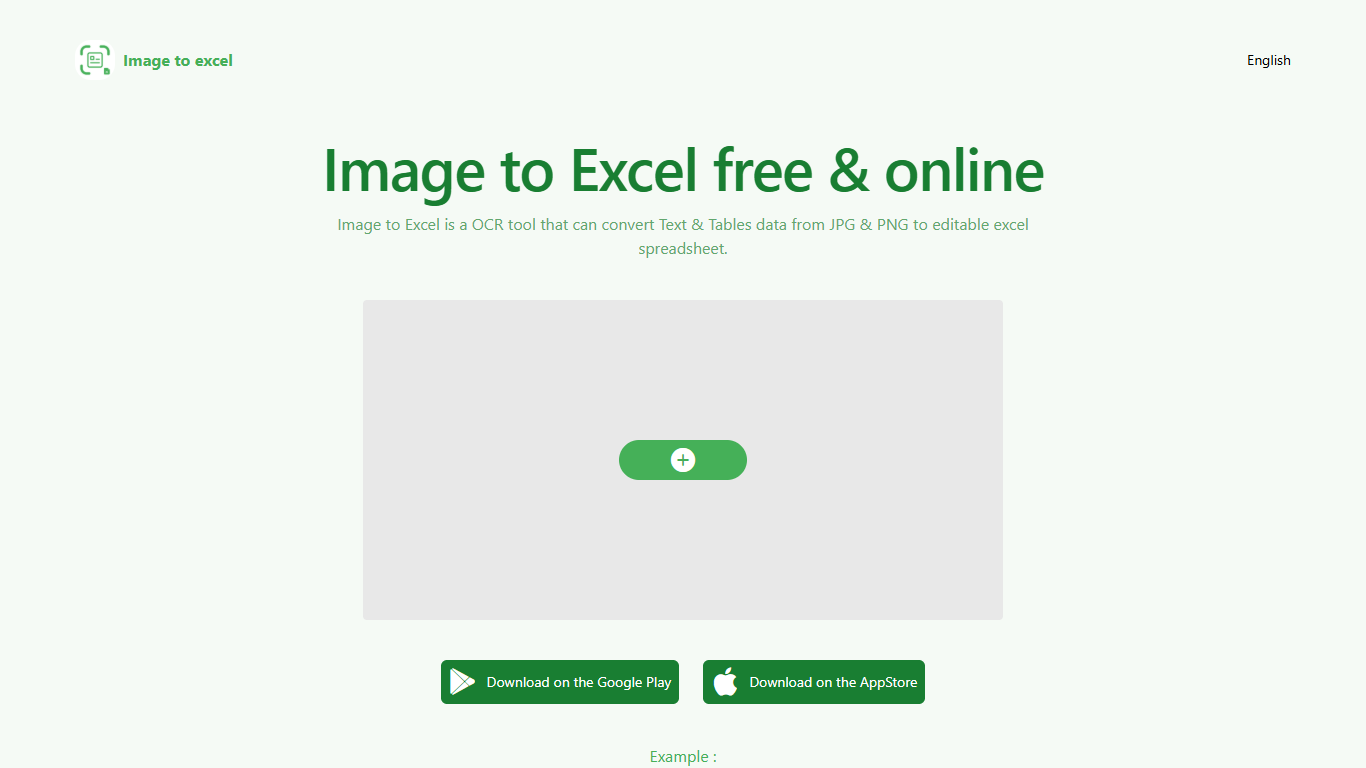
Upload a JPG or PNG and Image to Excel rebuilds the table rows and text inside as a downloadable .xlsx file. The web converter is free, needs no account, and returns results in a few seconds after you click Convert.
Unlike plain OCR tools that dump unstructured text, Image to Excel targets table grids and form layouts in photos. It handles English, Simplified Chinese, and Traditional Chinese, which covers a lot of scanned receipts, invoices, and paperwork that would otherwise need manual retyping.
You can use it in a browser or through dedicated iOS and Android apps. The interface is built around a single upload-and-convert flow, so the whole process takes a few clicks.
It is aimed at accountants, data entry staff, office admins, and anyone who regularly receives table data as screenshots or scanned images instead of native spreadsheet files.
SheetSavvy
What is SheetSavvy?
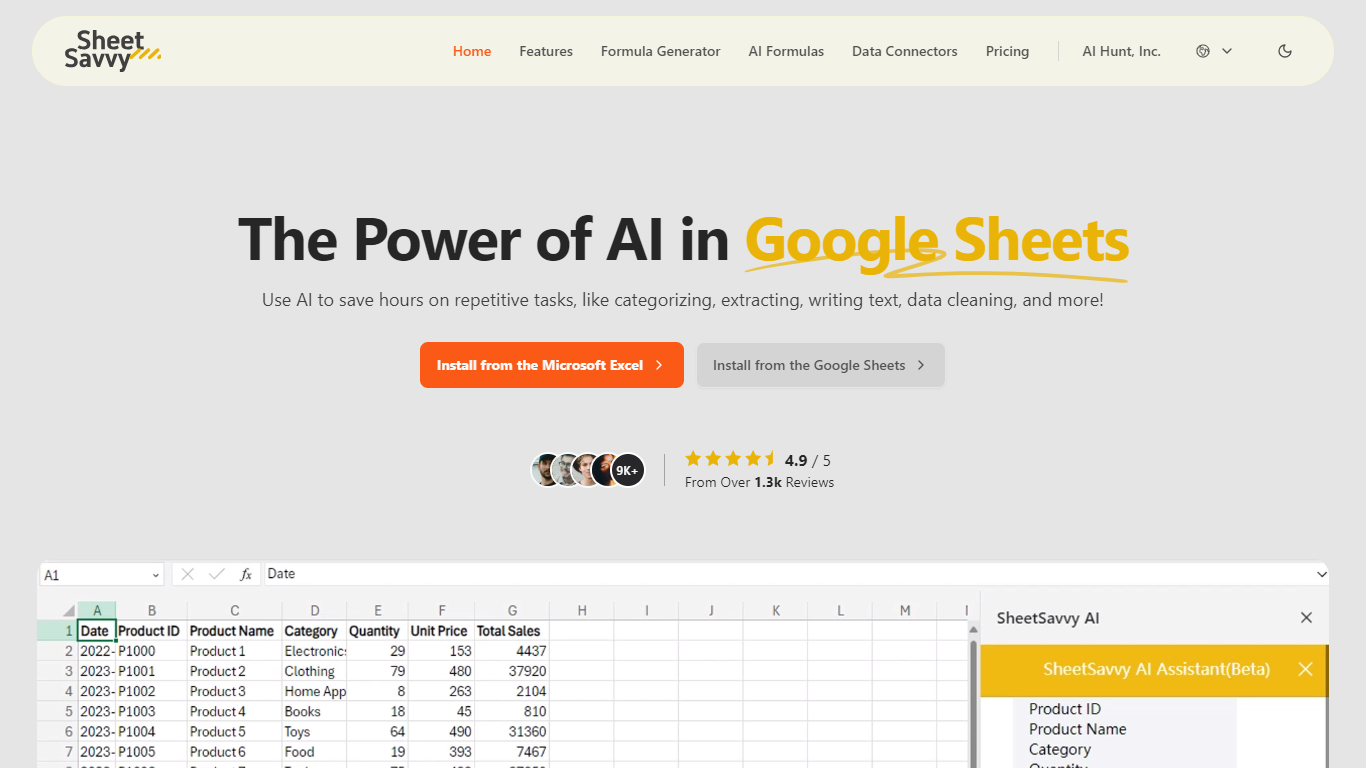
SheetSavvy is a spreadsheet add-in for Microsoft Excel and Google Sheets that adds an AI assistant, formula generator, cell-level AI formulas, and live data connectors inside the workbook you already use. Install it from Microsoft AppSource or the Google Workspace Marketplace, sign in, and run prompts without copying sheets to a separate website.
Unlike browser-based spreadsheet helpers, SheetSavvy stays a plug-in so it can read your file's headers, titles, and cell structure automatically. The vendor says that context lets the assistant and formula tools return answers matched to your workbook instead of making you paste data into a web form.
SheetSavvy fits analysts, operations staff, HR teams, and anyone who spends hours cleaning data, writing nested formulas, or refreshing reports. The free Personal plan runs on GPT-3.5 with tight monthly caps, while Pro ($4.99), Premium ($9.99), and Ultimate ($29.99) unlock GPT-4, higher request limits, more connectors, and stronger support.
Image to Excel (formerly It Excel) Upvotes
SheetSavvy Upvotes
Image to Excel (formerly It Excel) Top Features
Upload a JPG or PNG and get a downloadable .xlsx file in seconds
Recognizes both table grids and standalone text blocks in photos
Reads English, Simplified Chinese, and Traditional Chinese in the same image
Runs in the browser plus native iOS and Android apps
Built-in sample images show expected input and output before you convert
SheetSavvy Top Features
Installs from Microsoft AppSource for Excel and Google Workspace Marketplace for Google Sheets
Formula generator turns plain-English prompts into Excel or Google Sheets formulas
AI formulas summarize data, categorize entries, clean cells, and run sentiment analysis in place
Personal free plan includes 100 AI formula requests, 10 formula generators, and 1 data connector
Pro plan costs $4.99 per month with GPT-4, 1,000 AI formula requests, and 3 data connectors
Ultimate plan unlocks full AI assistant access with 10+ connectors and unlimited formula generators
Image to Excel (formerly It Excel) Category
- Excel
SheetSavvy Category
- Excel
Image to Excel (formerly It Excel) Pricing Type
- Free
SheetSavvy Pricing Type
- Freemium