JotBot AI vs Writer's brew
In the face-off between JotBot AI vs Writer's brew, which AI Writing Assistant tool takes the crown? We scrutinize features, alternatives, upvotes, reviews, pricing, and more.
In a face-off between JotBot AI and Writer's brew, which one takes the crown?
If we were to analyze JotBot AI and Writer's brew, both of which are AI-powered writing assistant tools, what would we find? The upvote count favors JotBot AI, making it the clear winner. JotBot AI has garnered 6 upvotes, and Writer's brew has garnered 4 upvotes.
Disagree with the result? Upvote your favorite tool and help it win!
JotBot AI

What is JotBot AI?
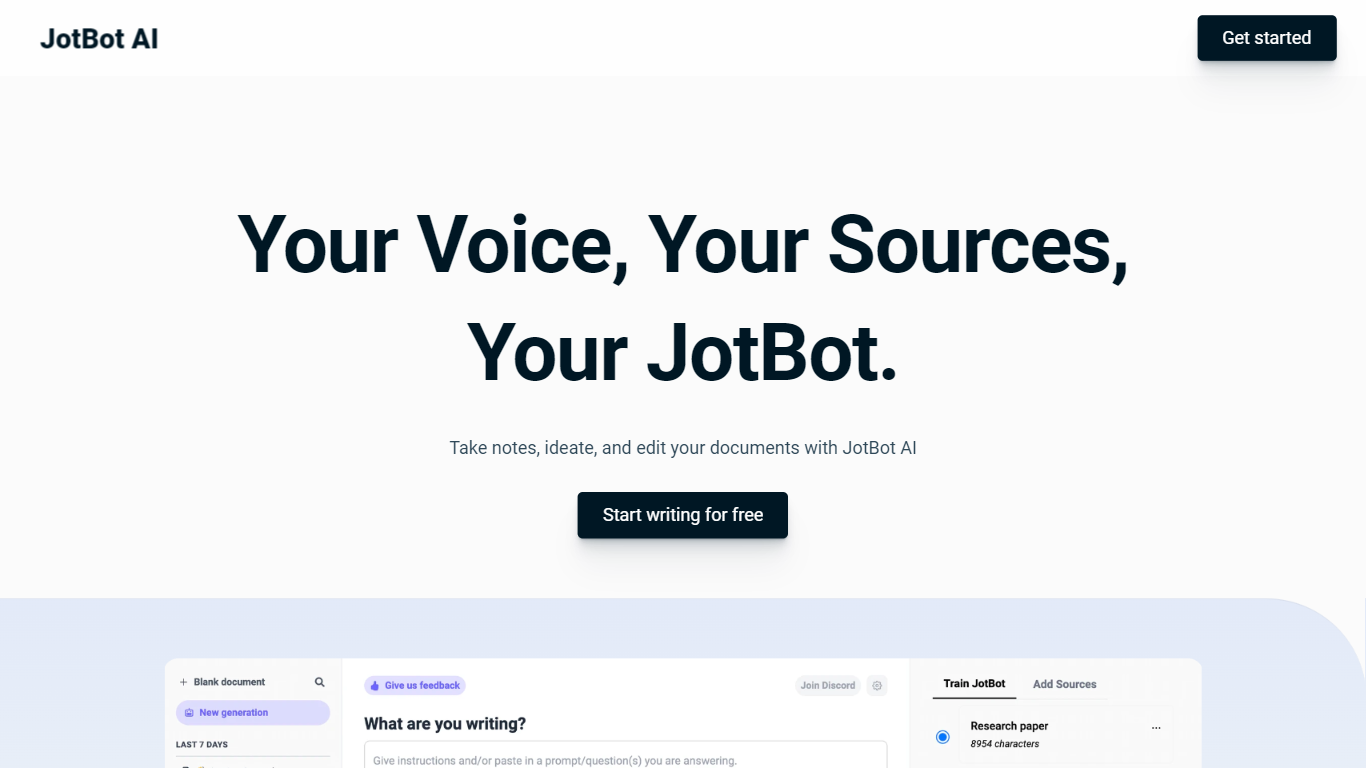
JotBot AI is a document assistant for writing and research. It works inside your document so you can draft, edit, find sources, and cite references without switching tabs.
The homepage highlights six core workflows: autocomplete that continues your draft when you stall, a source finder that pulls academic and web references into your paper, a draft generator that learns your writing voice, in-document chat for research and editing help, AI commands for targeted rewrites, and source chat that lets you question PDFs, websites, or pasted text.
Use-case pages cover essay writing with smart suggestions and first drafts, academic source discovery with APA and MLA citation output, and outline generation. JotBot reports over one million users and lists university and business logos on its marketing site. The product is operated by SLAM Ventures, LLC and offers free access to start writing through app.myjotbot.com.
Writer's brew
What is Writer's brew?
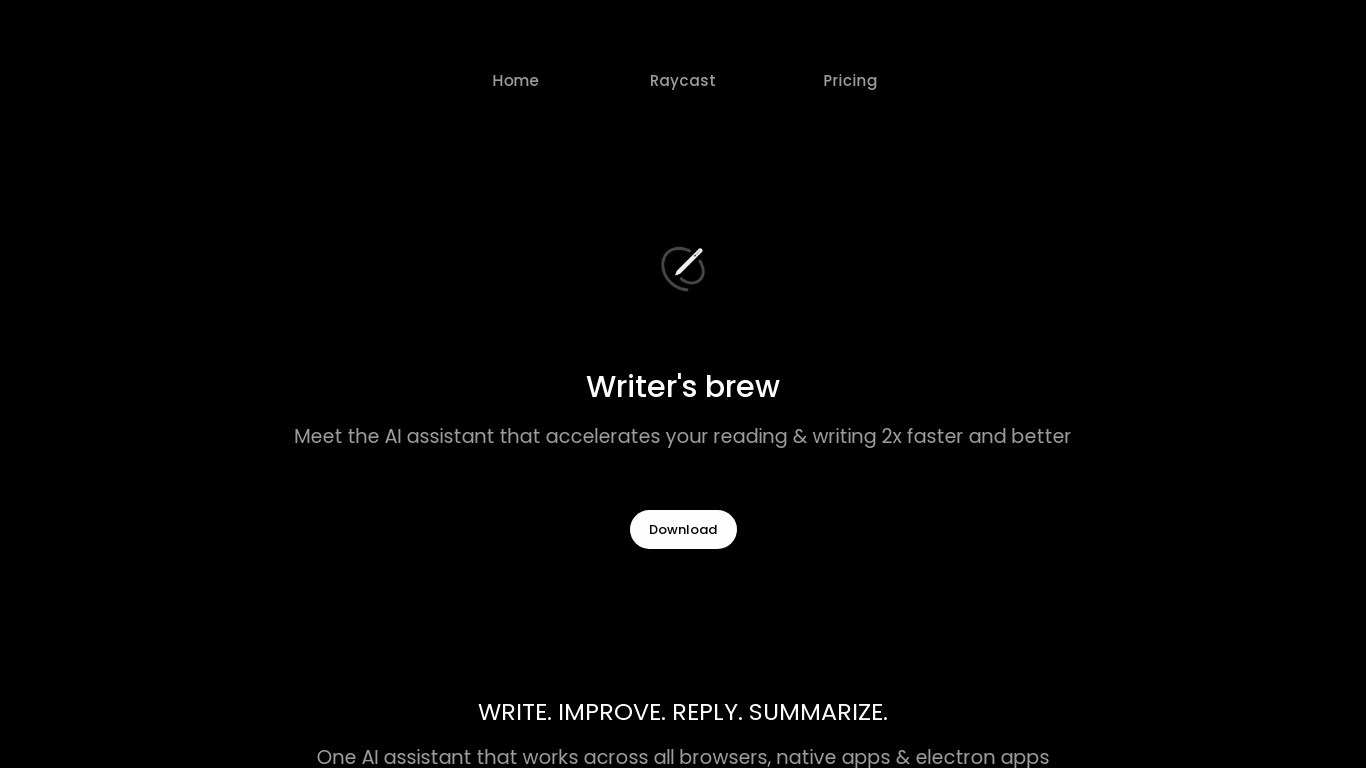
Writer's brew is a macOS writing assistant that rewrites, summarizes, translates, and replies to text you highlight in any app. It runs from the menu bar, a Spotlight-style popup, or keyboard shortcuts, and includes snippets, 15+ text utilities, and OCR that pulls words from images before sending them to AI. You bring your own OpenAI API key, so usage costs go to OpenAI rather than a monthly SaaS bill.
Most writing assistants live inside one browser tab or web editor. Writer's brew works system-wide on macOS 15.0 or later, which suits people who jump between Notes, email, Slack, and docs all day. The trade-off is it is Mac-only, requires your own OpenAI key, and skips the managed cloud workflow that all-in-one web tools provide.
Product managers, founders, and students who draft in multiple native Mac apps are the core audience. Power users pair it with Raycast or PopClip extensions for one-click rewrites, while snippet forms with placeholders like {date} and {clipboard} handle repetitive replies.
JotBot AI Upvotes
Writer's brew Upvotes
JotBot AI Top Features
Autocomplete picks up your draft when you hit writer's block
Find and cite sources from academic journals and the web without leaving your document
Draft generator analyzes your writing and produces text in your voice
In-document chat for research, writing, and editing questions
AI commands let you prompt rewrites or new text in place
Chat with PDFs, websites, or pasted text to summarize and clarify sources
Writer's brew Top Features
30+ AI writing tools plus 50+ community presets for rewrite, summarize, translate, and reply tasks
Works across any macOS app via menu bar, Spotlight-style popup, or custom keyboard shortcuts
Snippet engine with smart placeholders like {date}, {clipboard}, and custom form fields
OCR extracts text from images anywhere on macOS before running AI transforms
Raycast and PopClip integrations add one-click presets from selected text
Pro license covers 2 devices for $29 with lifetime use and requires your own OpenAI API key
Translates highlighted text across 15+ languages from the same popup interface
JotBot AI Category
- Writing Assistant
Writer's brew Category
- Writing Assistant
JotBot AI Pricing Type
- Freemium
Writer's brew Pricing Type
- Paid