Just Prompts vs GitHub Copilot
Compare Just Prompts vs GitHub Copilot and see which AI Code Assistant tool is better when we compare features, reviews, pricing, alternatives, upvotes, etc.
Which one is better? Just Prompts or GitHub Copilot?
When we compare Just Prompts with GitHub Copilot, which are both AI-powered code assistant tools, In the race for upvotes, Just Prompts takes the trophy. The upvote count for Just Prompts is 6, and for GitHub Copilot it's 4.
Want to flip the script? Upvote your favorite tool and change the game!
Just Prompts
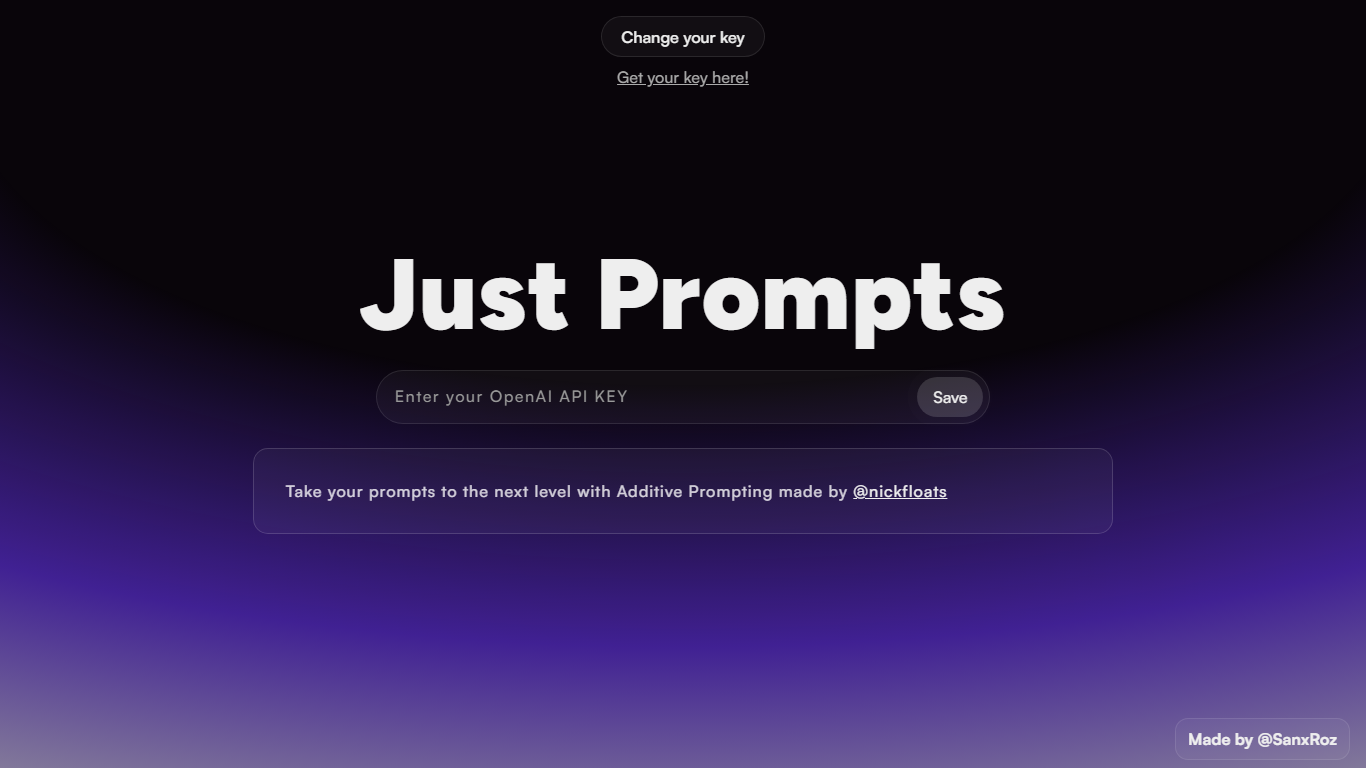

What is Just Prompts?
Just Prompts is an innovative platform designed to enhance your creative processes with advanced Additive Prompting, a technique developed by @nickfloats. The website provides users with a sleek user interface that includes custom styles for web elements such as scrollbars and loaders. Utilizing a rich color palette with a base of deep violet accents, the platform introduces a modern aesthetic through gradients, animations, and glow effects.
User experience is at the core of Just Prompts, which is evident in the meticulous attention to detail in the design elements. Simple yet functional, the website ensures that your visualization is uncompromised by offering a straightforward way to manage prompts with an intuitive save feature. Whether you are a writer, developer, or designer, Just Prompts offers the tools to take your creative prompts to the next level in a visually engaging environment.
GitHub Copilot
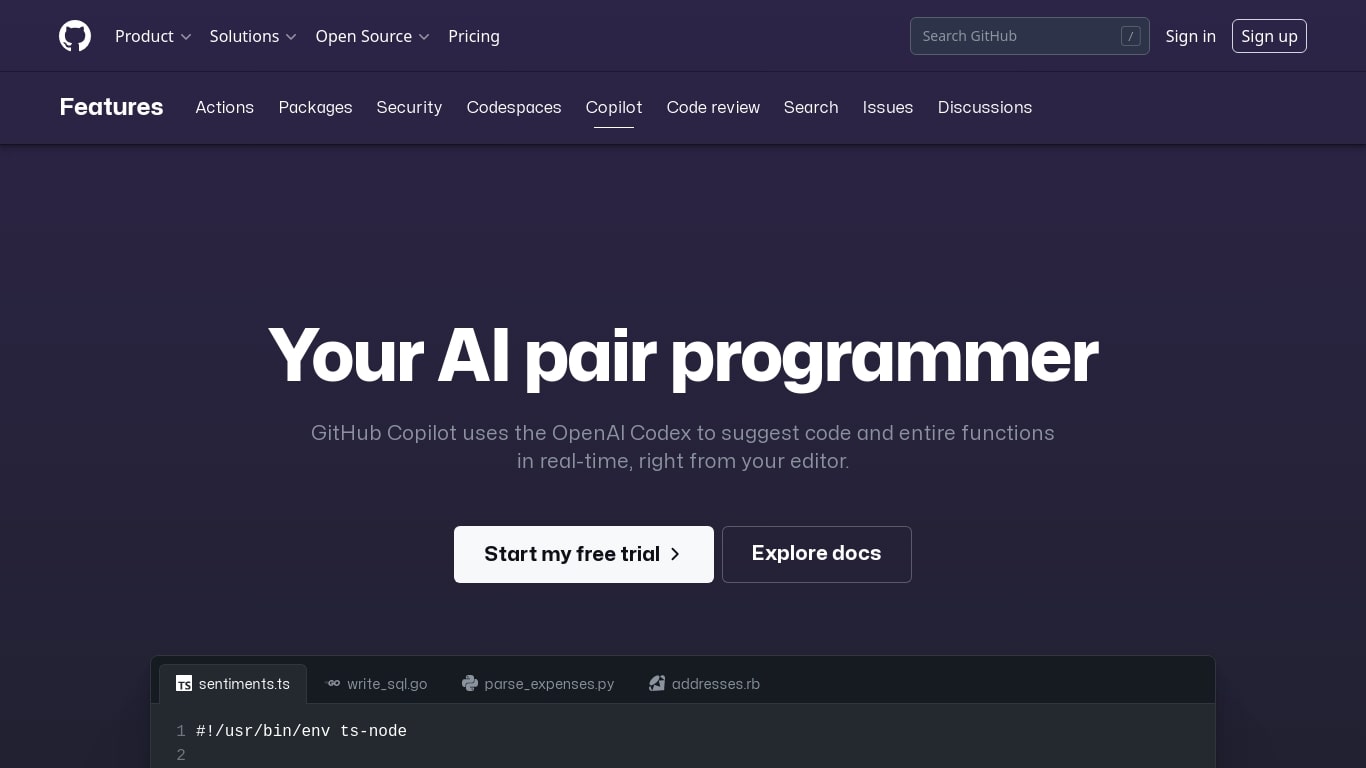
What is GitHub Copilot?
GitHub Copilot is an AI-powered coding assistant that integrates directly into popular code editors like Visual Studio Code, Visual Studio, JetBrains IDEs, and Neovim. It suggests whole lines or entire functions as you type, helping developers write code faster and with fewer errors. Beyond simple code completion, Copilot offers chat-based assistance, code reviews, and multi-file editing capabilities to streamline the development process.
Designed for individual developers, teams, and enterprises, Copilot adapts to your coding style and project context by indexing your codebase and related documentation. It supports a wide range of programming languages, with particularly strong performance in well-represented languages like JavaScript and Python. The tool also includes features like Copilot Chat, which allows switching between AI models for quick or deep coding help, and Agent mode, which can autonomously analyze, edit, test, and validate code across multiple files.
GitHub Copilot emphasizes responsible AI use by generating suggestions probabilistically rather than copying code verbatim. It includes filters to reduce the risk of suggesting copyrighted code and provides transparency when suggestions closely match public repositories. Users maintain control over Copilot’s activity and can configure it per file type or project.
The platform offers multiple subscription tiers, including a free plan with limited completions and chat requests, a Pro plan with unlimited usage and access to more AI models, and enterprise options that add license management, policy controls, and deeper integration with organizational codebases. Copilot also supports privacy and compliance standards, with clear data handling policies and options for data retention.
Overall, GitHub Copilot enhances developer productivity by automating routine coding tasks, offering contextual help, and enabling smarter collaboration, making it a valuable tool for anyone looking to accelerate software development without sacrificing code quality.
Just Prompts Upvotes
GitHub Copilot Upvotes
Just Prompts Top Features
Efficient Design: The website features an aesthetically pleasing design with smooth transitions and customizable visual components for an enhanced user experience.
Additive Prompting: Uses the unique Additive Prompting technique developed by @nickfloats to revolutionize how prompts are utilized and managed.
Custom Scrollbar: Offers a custom-styled scrollbar for a sleek navigation experience.
Interactive Loader: Includes a unique loading animation that ensures users are engaged even when waiting.
Dynamic Colors: Implements a vibrant color scheme with dynamic gradients and glow effects to provide a visually stimulating interface.
GitHub Copilot Top Features
💡 Contextual code suggestions: Offers whole lines or functions based on your current code to speed up writing.
🤖 Copilot Chat: Provides interactive coding help and explanations within supported IDEs.
🛠️ Agent mode: Automates code edits, testing, and validation across multiple files to handle complex changes.
📚 Copilot Spaces: Organizes your code, docs, and notes to deliver tailored AI assistance for your team or project.
🔍 Multi-model support: Switch between AI models like GPT-5, Claude, and Gemini for fast or deep coding tasks.
Just Prompts Category
- Code Assistant
GitHub Copilot Category
- Code Assistant
Just Prompts Pricing Type
- Freemium
GitHub Copilot Pricing Type
- Freemium