
Last updated 08-12-2026
Category:
Reviews:
Join thousands of AI enthusiasts in the World of AI!
Just Prompts
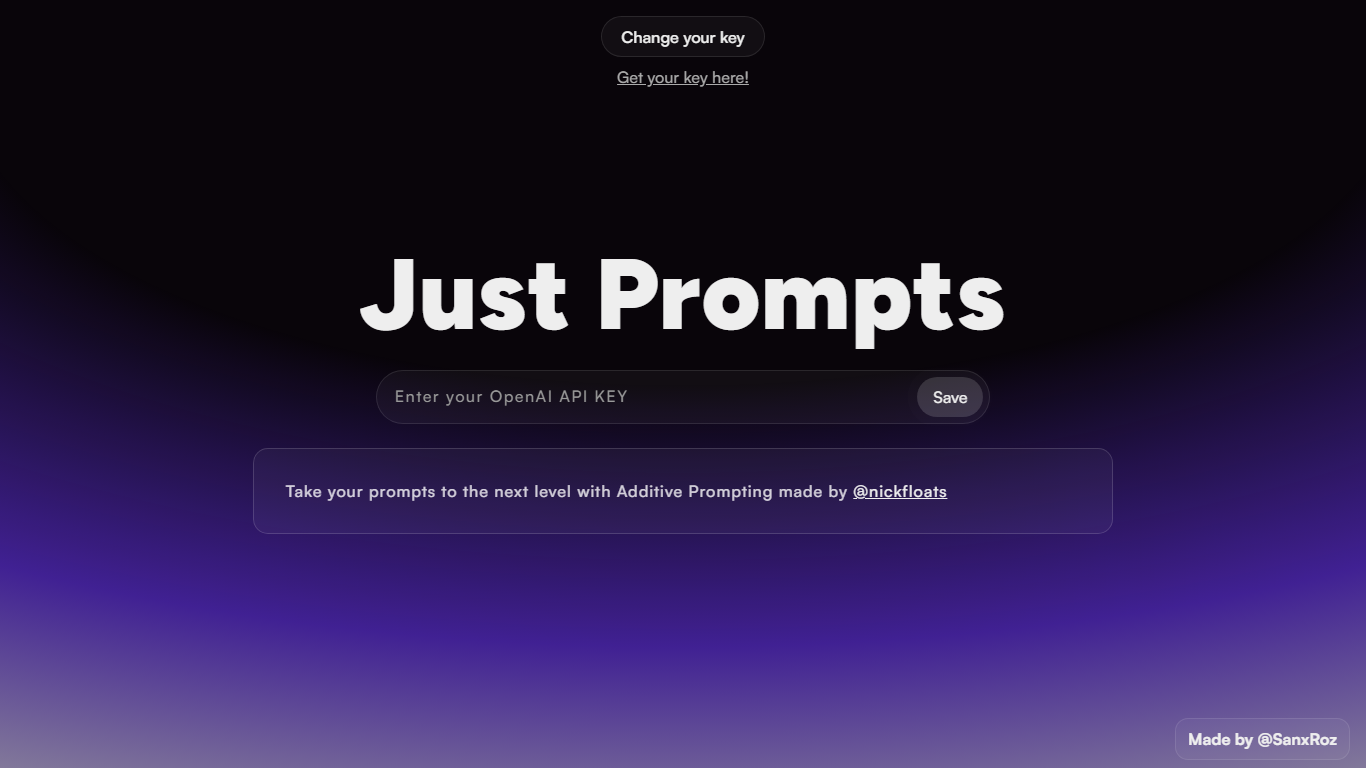
Just Prompts is a browser-based prompt workshop that applies Additive Prompting to whatever you type in. You paste your OpenAI API key once, enter a starting idea in the text field, and hit Prompt to get an expanded version back as formatted markdown in the output panel.
Most prompt playgrounds give you a blank chat box. Just Prompts is built around one specific technique from @nickfloats called Additive Prompting, which layers structure onto a rough idea instead of leaving you to guess what to add next. The whole interface is a single input, one submit button, and a rendered answer area.
Developers and writers who already have an OpenAI key and want a fast way to stretch a half-formed prompt into something more complete will find it useful. There is no account, no pricing page, and no extra features beyond key storage in a browser cookie and markdown output.
Additive Prompting workflow credited to @nickfloats expands a single input into a fuller prompt
Bring-your-own-key setup stores your OpenAI API key in a browser cookie after you click Save
Text input placeholder reads "What is your muse?" with a single Prompt submit button
Responses render as markdown in the output panel using the marked.js parser
Change your key toggle lets you swap API keys without leaving the page
Single-screen workflow with no account signup
Additive Prompting gives structure instead of a blank chat box
API key stays in a browser cookie so repeat visits skip re-entry
Markdown rendering makes longer prompt outputs easy to scan
Requires your own OpenAI API key and usage costs
No pricing tiers or team features on the site itself
Interface exposes only one input field with no prompt history panel
Last published Webflow build dates to March 2023 on the page source
Is Just Prompts free to use?
Just Prompts charges nothing on its own. You supply your own OpenAI API key, and OpenAI bills you for the model calls made when you click Prompt.
What is Additive Prompting in Just Prompts?
Just Prompts uses Additive Prompting, a technique developed by @nickfloats, to take a short starting idea and return an expanded prompt with more structure. The homepage describes it as taking your prompts to the next level.
How do I set up Just Prompts?
Just Prompts asks you to enter your OpenAI API key in the password field and click Save. The key is stored in a browser cookie so you can start submitting prompts from the main text field.
Does Just Prompts require an account?
No. Just Prompts has no signup flow. You only need a valid OpenAI API key, which you can create from the linked OpenAI account page on the site.
What format does Just Prompts return?
Just Prompts sends your input to its /submit endpoint and displays the response as rendered markdown in the output area below the form.
Who built Just Prompts?
Just Prompts was made by @SanxRoz and implements Additive Prompting methods from @nickfloats. Both creators are linked from the site footer.