Just Prompts vs Programming-Helper
Compare Just Prompts vs Programming-Helper and see which AI Code Assistant tool is better when we compare features, reviews, pricing, alternatives, upvotes, etc.
Which one is better? Just Prompts or Programming-Helper?
When we compare Just Prompts with Programming-Helper, which are both AI-powered code assistant tools, In the race for upvotes, Just Prompts takes the trophy. Just Prompts has received 6 upvotes from aitools.fyi users, while Programming-Helper has received 3 upvotes.
You don't agree with the result? Cast your vote to help us decide!
Just Prompts

What is Just Prompts?
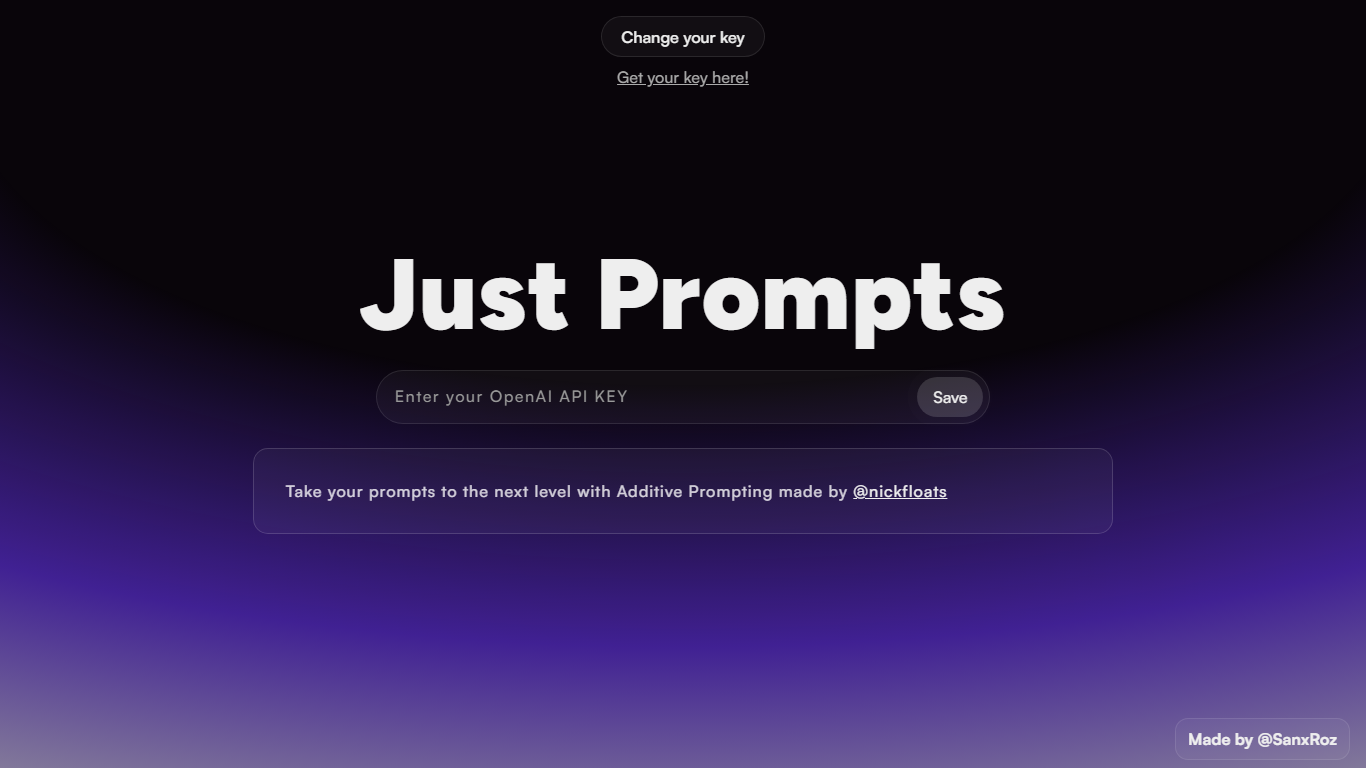
Just Prompts is a browser-based prompt workshop that applies Additive Prompting to whatever you type in. You paste your OpenAI API key once, enter a starting idea in the text field, and hit Prompt to get an expanded version back as formatted markdown in the output panel.
Most prompt playgrounds give you a blank chat box. Just Prompts is built around one specific technique from @nickfloats called Additive Prompting, which layers structure onto a rough idea instead of leaving you to guess what to add next. The whole interface is a single input, one submit button, and a rendered answer area.
Developers and writers who already have an OpenAI key and want a fast way to stretch a half-formed prompt into something more complete will find it useful. There is no account, no pricing page, and no extra features beyond key storage in a browser cookie and markdown output.
Programming-Helper
What is Programming-Helper?
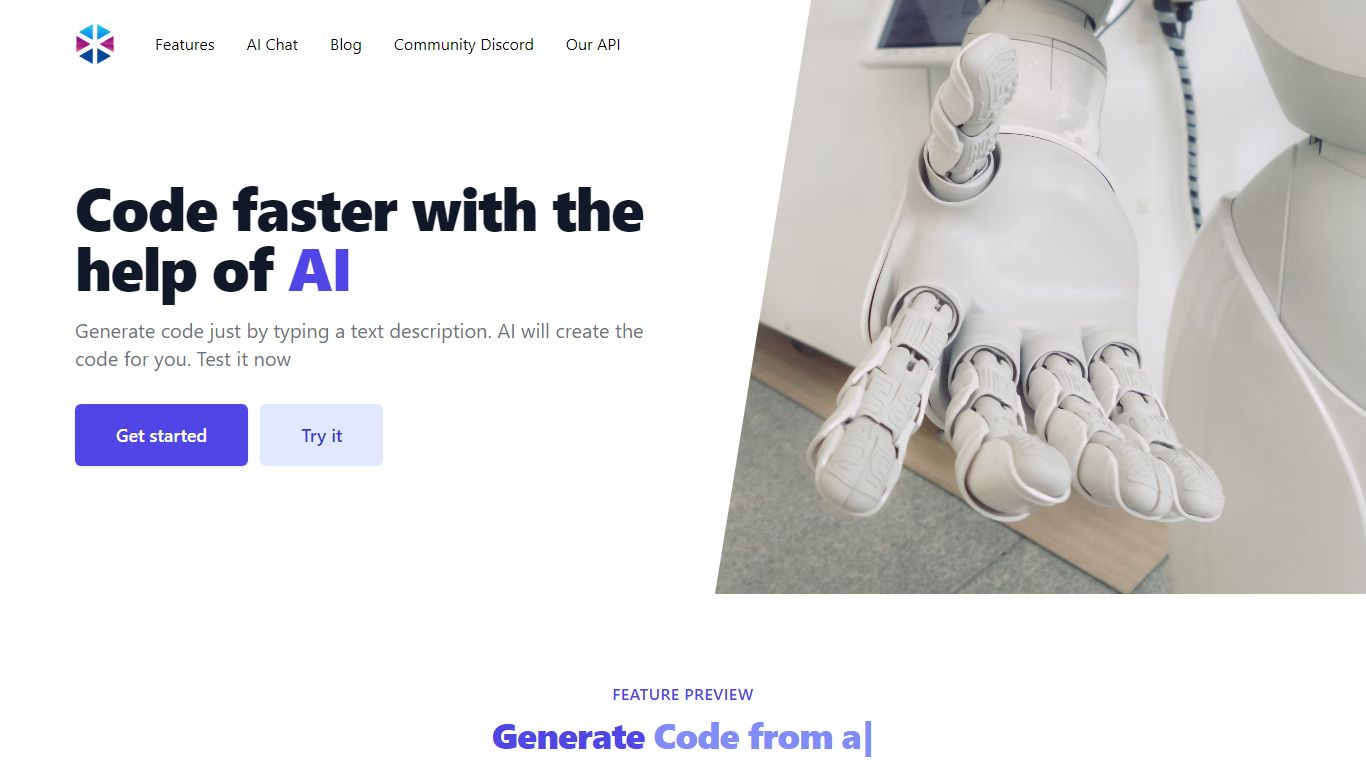
Programming-Helper is a browser-based code assistant that turns plain-English prompts into functions, SQL, HTML, regex, Git commands, and more. You pick a task like generate function or text to SQL, describe what you need, and the site returns code you can copy, with community generations visible to other users.
Most code assistants chase one workflow, usually chat inside an IDE. Programming-Helper spreads dozens of narrow generators across a single site, from docstring-to-function and fix invalid code to Linux command lookup and time-complexity analysis. That breadth trades deep project context for quick one-off answers.
It fits students, indie developers, and analysts who need a specific snippet without opening a full IDE copilot. The newer AI Studio bundles the tools behind one interface with workflows, collaboration, and one-click exports for heavier use.
Just Prompts Upvotes
Programming-Helper Upvotes
Just Prompts Top Features
Additive Prompting workflow credited to @nickfloats expands a single input into a fuller prompt
Bring-your-own-key setup stores your OpenAI API key in a browser cookie after you click Save
Text input placeholder reads "What is your muse?" with a single Prompt submit button
Responses render as markdown in the output panel using the marked.js parser
Change your key toggle lets you swap API keys without leaving the page
Programming-Helper Top Features
Generate functions from text descriptions across many programming languages
Text-to-SQL converts plain English into SQL commands
Translate code between programming languages from a description
Regex from description and regex-to-English explanation tools
Fix invalid code, add typing, and generate unit tests from existing code
AI Studio bundles all generators with workflows, collaboration, and one-click exports
Just Prompts Category
- Code Assistant
Programming-Helper Category
- Code Assistant
Just Prompts Pricing Type
- Free
Programming-Helper Pricing Type
- Freemium