Pixelcode vs Just Prompts
When comparing Pixelcode vs Just Prompts, which AI Code Assistant tool shines brighter? We look at pricing, alternatives, upvotes, features, reviews, and more.
In a comparison between Pixelcode and Just Prompts, which one comes out on top?
When we put Pixelcode and Just Prompts side by side, both being AI-powered code assistant tools, The upvote count reveals a draw, with both tools earning the same number of upvotes. Every vote counts! Cast yours and contribute to the decision of the winner.
Not your cup of tea? Upvote your preferred tool and stir things up!
Pixelcode


What is Pixelcode?
Pixelcode turns code screenshots, YouTube frames, images, and PDFs into editable source text through a Chrome extension. Click the extension, crop the snippet you need, and the extracted code lands on your clipboard formatted for your IDE instead of forcing a manual retype.
Generic OCR tools flatten indentation and miss language syntax. Pixelcode targets developer workflows with automatic language detection across 30 plus languages, precision cropping from a few lines to long blocks, and optional unlimited extraction when you connect your own ChatGPT API key on the $35 lifetime tier instead of buying screenshot credits.
Developers learning from video tutorials, reviewing legacy PDF docs, or capturing snippets from blog images use Pixelcode when they want paste-ready code without rebuilding formatting by hand.
Just Prompts
What is Just Prompts?
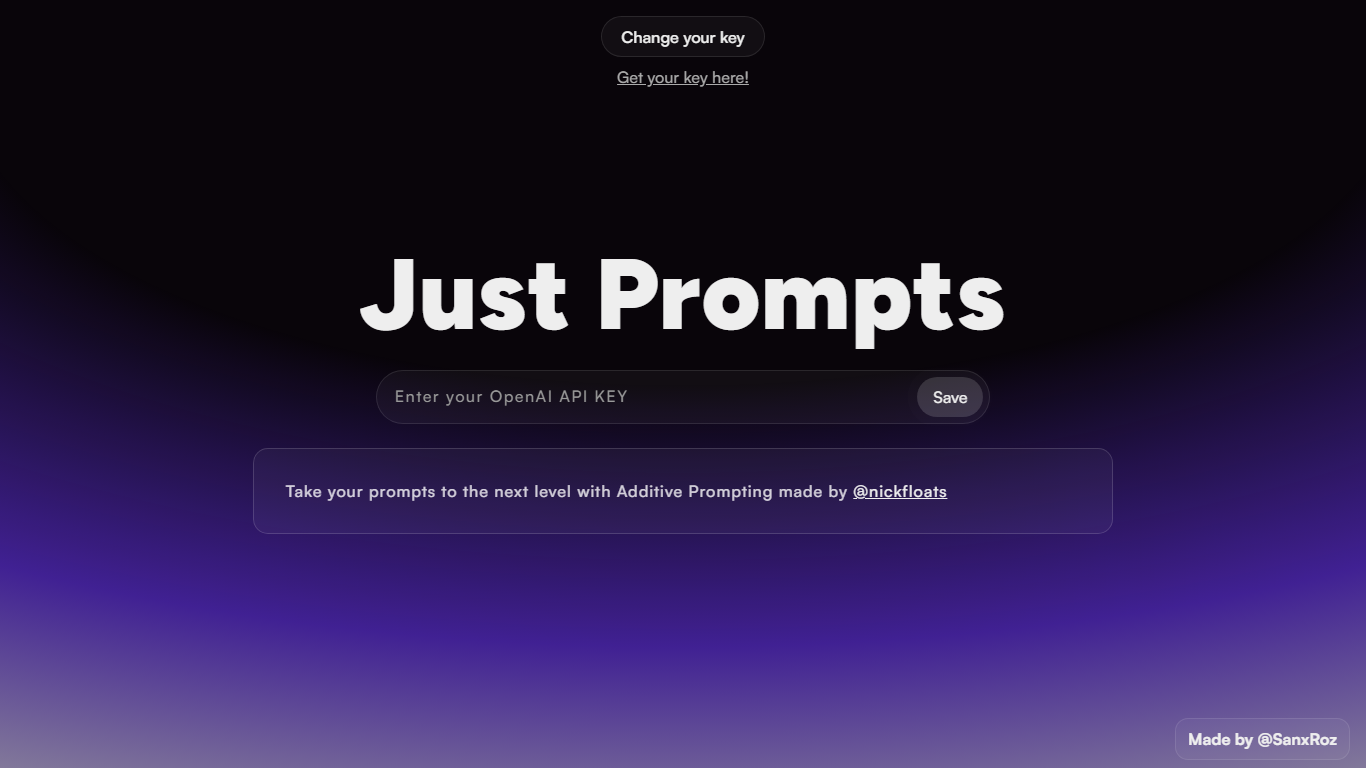
Just Prompts is a browser-based prompt workshop that applies Additive Prompting to whatever you type in. You paste your OpenAI API key once, enter a starting idea in the text field, and hit Prompt to get an expanded version back as formatted markdown in the output panel.
Most prompt playgrounds give you a blank chat box. Just Prompts is built around one specific technique from @nickfloats called Additive Prompting, which layers structure onto a rough idea instead of leaving you to guess what to add next. The whole interface is a single input, one submit button, and a rendered answer area.
Developers and writers who already have an OpenAI key and want a fast way to stretch a half-formed prompt into something more complete will find it useful. There is no account, no pricing page, and no extra features beyond key storage in a browser cookie and markdown output.
Pixelcode Upvotes
Just Prompts Upvotes
Pixelcode Top Features
Chrome extension captures and crops code directly in the browser with clipboard output
Recognizes 30+ programming languages including JavaScript, Python, Java, Swift, and Ruby
Pay-per-use lifetime plan costs $15 with 20 free screenshots and $8 per 100 additional captures
Unlimited lifetime tier at $35 routes extraction through your own ChatGPT API key
Processes code from YouTube video frames, static images, and PDF documents
API keys stay on your device and are not stored on Pixelcode servers per the FAQ
Just Prompts Top Features
Additive Prompting workflow credited to @nickfloats expands a single input into a fuller prompt
Bring-your-own-key setup stores your OpenAI API key in a browser cookie after you click Save
Text input placeholder reads "What is your muse?" with a single Prompt submit button
Responses render as markdown in the output panel using the marked.js parser
Change your key toggle lets you swap API keys without leaving the page
Pixelcode Category
- Code Assistant
Just Prompts Category
- Code Assistant
Pixelcode Pricing Type
- Paid
Just Prompts Pricing Type
- Free