TableSprint vs Just Prompts
Compare TableSprint vs Just Prompts and see which AI Code Assistant tool is better when we compare features, reviews, pricing, alternatives, upvotes, etc.
Which one is better? TableSprint or Just Prompts?
When we compare TableSprint with Just Prompts, which are both AI-powered code assistant tools, The upvote count reveals a draw, with both tools earning the same number of upvotes. Since other aitools.fyi users could decide the winner, the ball is in your court now to cast your vote and help us determine the winner.
Not your cup of tea? Upvote your preferred tool and stir things up!
TableSprint

What is TableSprint?
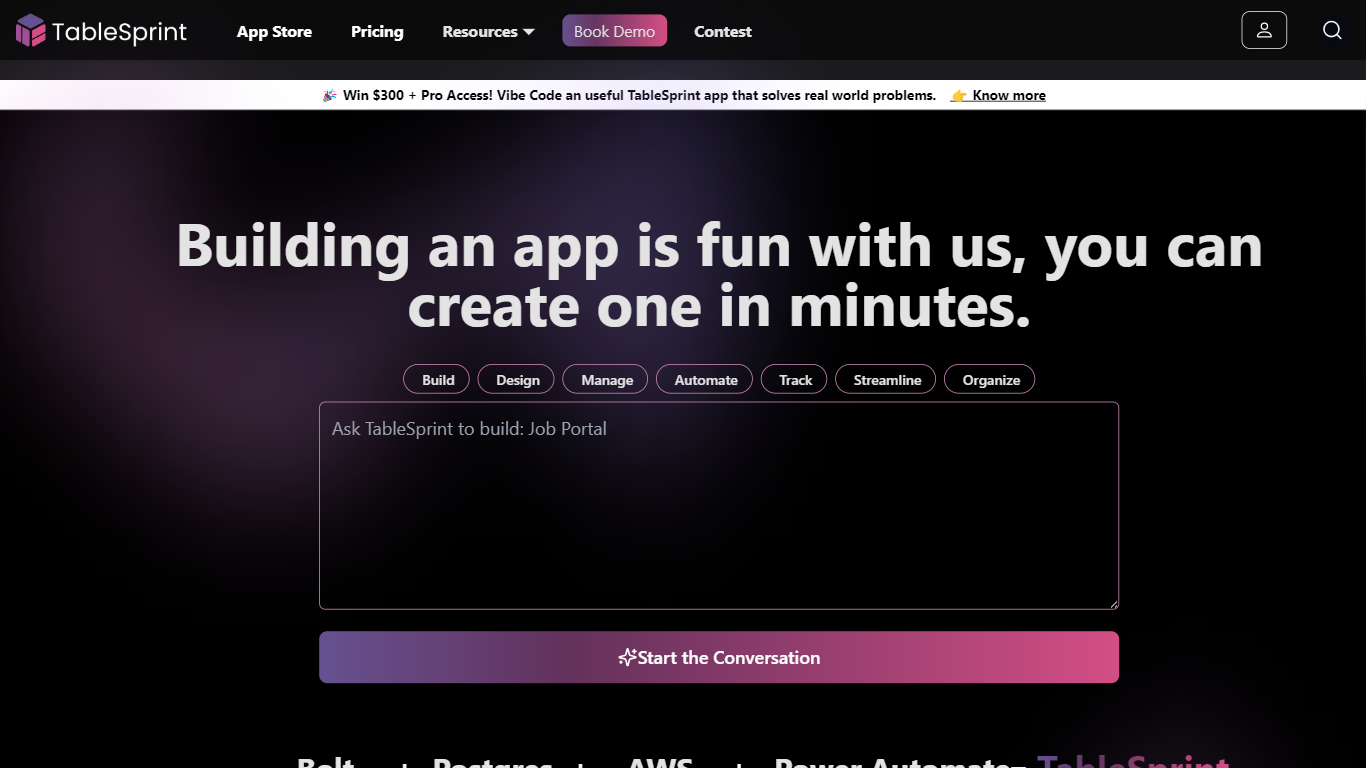
TableSprint lets founders, sales, ops, and enterprise teams deploy voice, chat, email, and workflow agents without engineering bandwidth. The workspace also includes worksheets, forms, live dashboards, admin panels, and mobile views so custom internal apps and agents share one database. The app store ships ready-made agents for outbound SDR calls, chat support, invoicing, and media editing, each tagged free or premium.
Most teams buy a low-code builder and bolt on agent tools later. TableSprint merges agent deployment with worksheets, forms, permissions, and instant deploy in the same stack. Docs pitch replacing five tools and building an operations platform in two weeks instead of six months, with one chat agent claiming up to 60% fewer support tickets.
Founders, sales, ops, and enterprise teams that need agents in production fast fit TableSprint best. It targets teams without spare engineering bandwidth who still want voice and chat automation beside internal apps and live dashboards.
Just Prompts
What is Just Prompts?
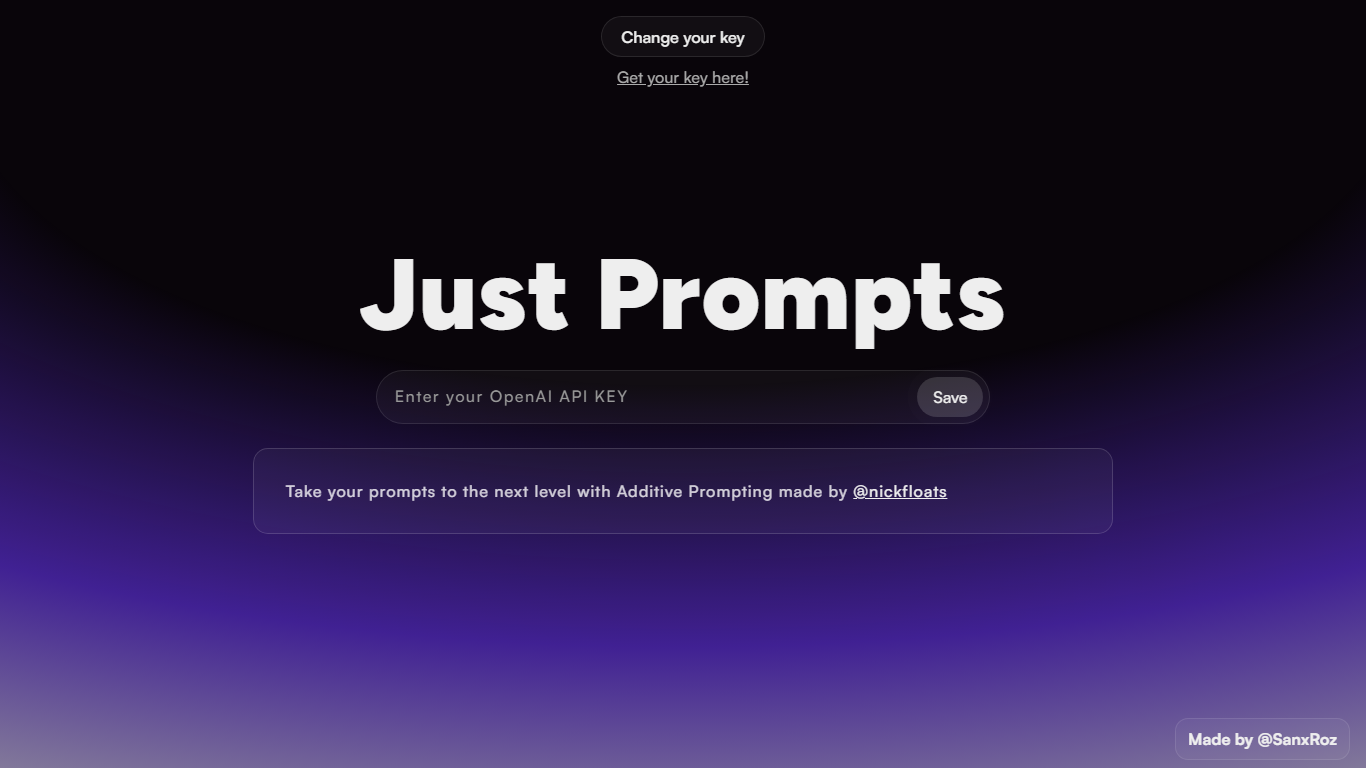
Just Prompts is a browser-based prompt workshop that applies Additive Prompting to whatever you type in. You paste your OpenAI API key once, enter a starting idea in the text field, and hit Prompt to get an expanded version back as formatted markdown in the output panel.
Most prompt playgrounds give you a blank chat box. Just Prompts is built around one specific technique from @nickfloats called Additive Prompting, which layers structure onto a rough idea instead of leaving you to guess what to add next. The whole interface is a single input, one submit button, and a rendered answer area.
Developers and writers who already have an OpenAI key and want a fast way to stretch a half-formed prompt into something more complete will find it useful. There is no account, no pricing page, and no extra features beyond key storage in a browser cookie and markdown output.
TableSprint Upvotes
Just Prompts Upvotes
TableSprint Top Features
App store lists free and premium agents for sales calls, support, and media editing
Chat Support Agent claims up to 60% fewer support tickets with 24/7 FAQ handling
Customer testimonial cites replacing 5 tools and shipping an ops platform in 2 weeks
Funding data lists $1 million raised, founded 2024, and about 10 employees
Outbound Calling SDR agent runs proactive sales calls and books demos into your calendar
Just Prompts Top Features
Additive Prompting workflow credited to @nickfloats expands a single input into a fuller prompt
Bring-your-own-key setup stores your OpenAI API key in a browser cookie after you click Save
Text input placeholder reads "What is your muse?" with a single Prompt submit button
Responses render as markdown in the output panel using the marked.js parser
Change your key toggle lets you swap API keys without leaving the page
TableSprint Category
- Code Assistant
Just Prompts Category
- Code Assistant
TableSprint Pricing Type
- Freemium
Just Prompts Pricing Type
- Free