Just Prompts vs Refraction
Explore the showdown between Just Prompts vs Refraction and find out which AI Code Assistant tool wins. We analyze upvotes, features, reviews, pricing, alternatives, and more.
In a face-off between Just Prompts and Refraction, which one takes the crown?
When we contrast Just Prompts with Refraction, both of which are exceptional AI-operated code assistant tools, and place them side by side, we can spot several crucial similarities and divergences. The upvote count favors Just Prompts, making it the clear winner. Just Prompts has 6 upvotes, and Refraction has 5 upvotes.
You don't agree with the result? Cast your vote to help us decide!
Just Prompts
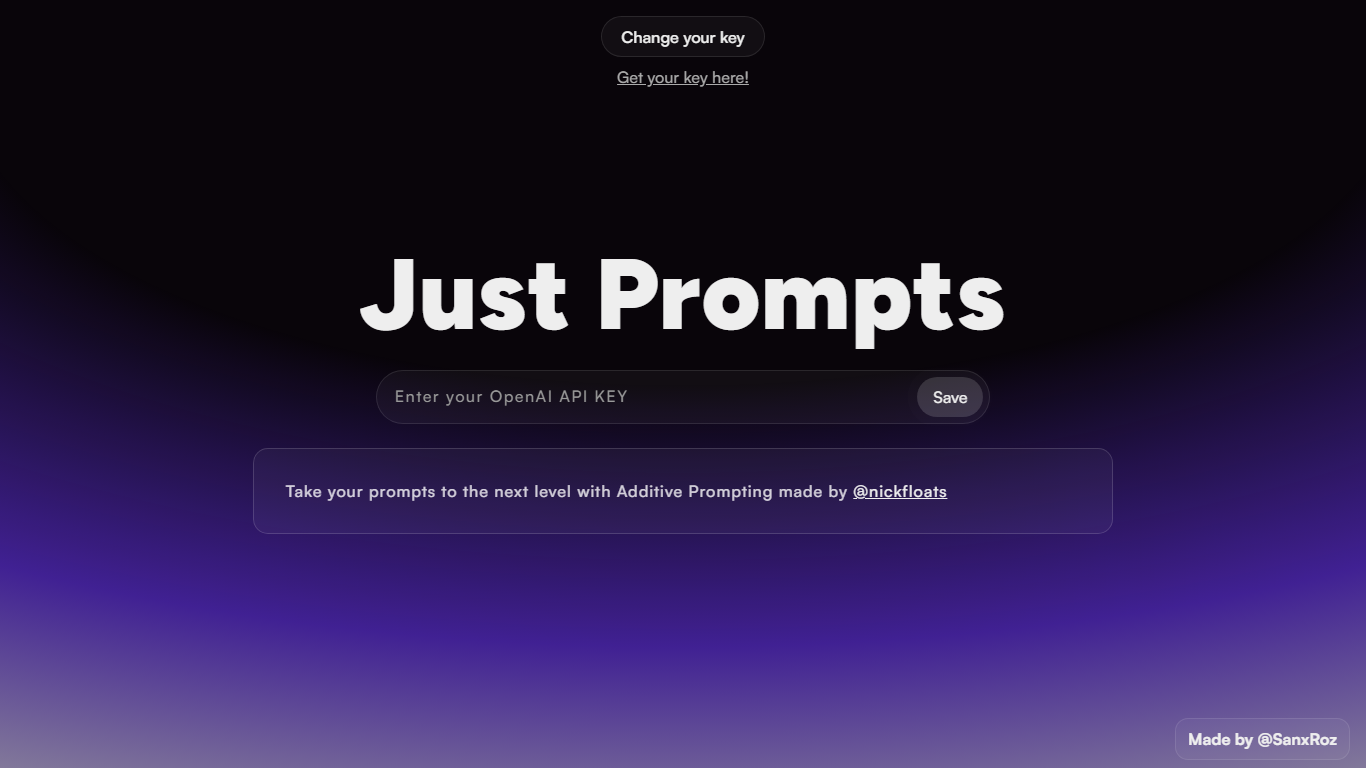

What is Just Prompts?
Just Prompts is a browser-based prompt workshop that applies Additive Prompting to whatever you type in. You paste your OpenAI API key once, enter a starting idea in the text field, and hit Prompt to get an expanded version back as formatted markdown in the output panel.
Most prompt playgrounds give you a blank chat box. Just Prompts is built around one specific technique from @nickfloats called Additive Prompting, which layers structure onto a rough idea instead of leaving you to guess what to add next. The whole interface is a single input, one submit button, and a rendered answer area.
Developers and writers who already have an OpenAI key and want a fast way to stretch a half-formed prompt into something more complete will find it useful. There is no account, no pricing page, and no extra features beyond key storage in a browser cookie and markdown output.
Refraction
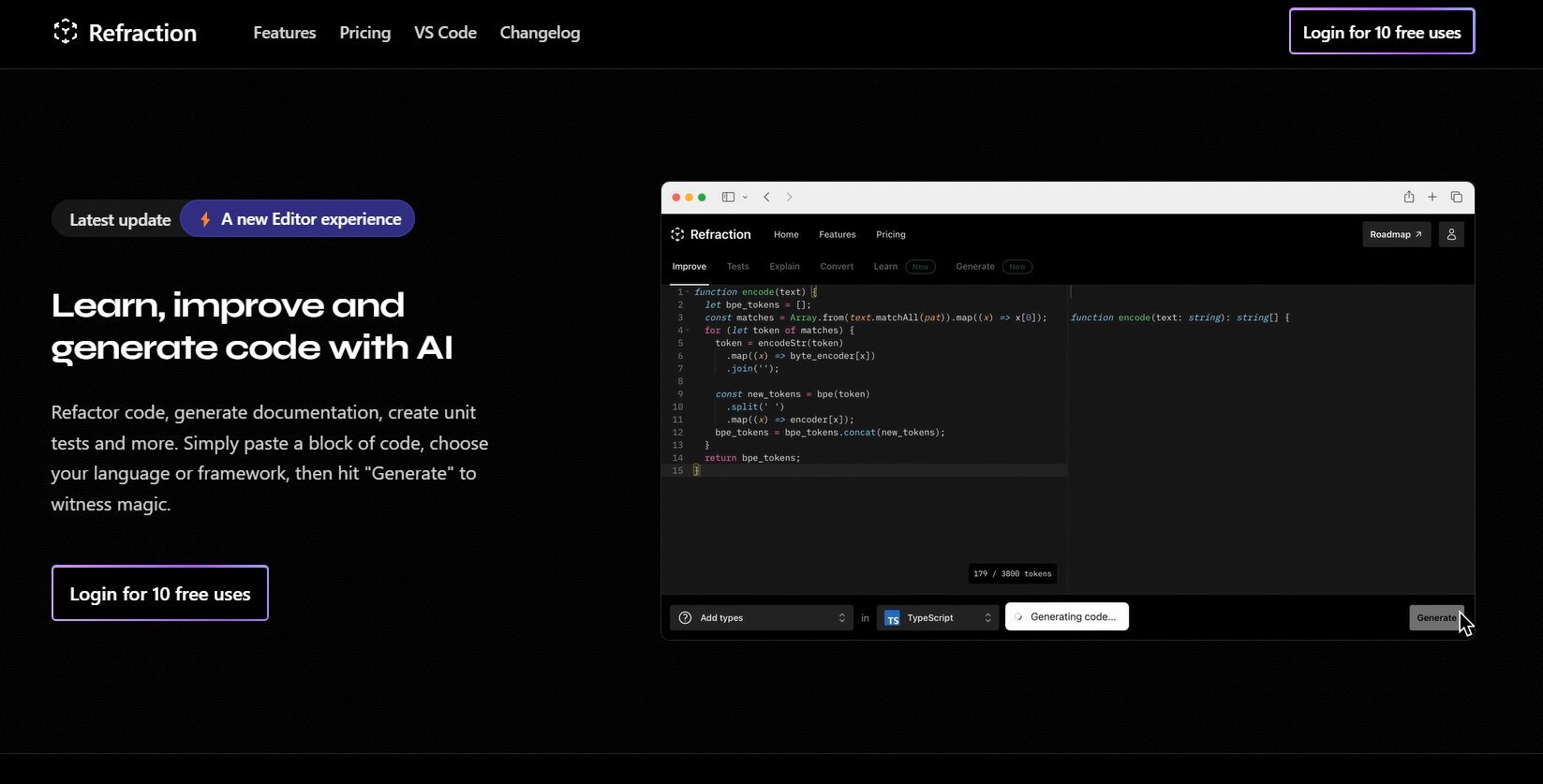
What is Refraction?
Improve and generate code with AI. Refactor code, create documentation, and write unit tests automatically. Simply paste your code, select a language or framework, and click "Generate" to see the magic happen. Refraction is a code generation tool for developers. It harnesses AI to generate code for you. Use it to produce unit tests, documentation, and refactor code.
Just Prompts Upvotes
Refraction Upvotes
Just Prompts Top Features
Additive Prompting workflow credited to @nickfloats expands a single input into a fuller prompt
Bring-your-own-key setup stores your OpenAI API key in a browser cookie after you click Save
Text input placeholder reads "What is your muse?" with a single Prompt submit button
Responses render as markdown in the output panel using the marked.js parser
Change your key toggle lets you swap API keys without leaving the page
Refraction Top Features
No top features listedJust Prompts Category
- Code Assistant
Refraction Category
- Code Assistant
Just Prompts Pricing Type
- Free
Refraction Pricing Type
- Freemium