Kalos.art vs Raycast Pro
In the face-off between Kalos.art vs Raycast Pro, which AI All In One tool takes the crown? We scrutinize features, alternatives, upvotes, reviews, pricing, and more.
In a face-off between Kalos.art and Raycast Pro, which one takes the crown?
If we were to analyze Kalos.art and Raycast Pro, both of which are AI-powered all in one tools, what would we find? In the race for upvotes, Kalos.art takes the trophy. Kalos.art has received 7 upvotes from aitools.fyi users, while Raycast Pro has received 6 upvotes.
Does the result make you go "hmm"? Cast your vote and turn that frown upside down!
Kalos.art

What is Kalos.art?
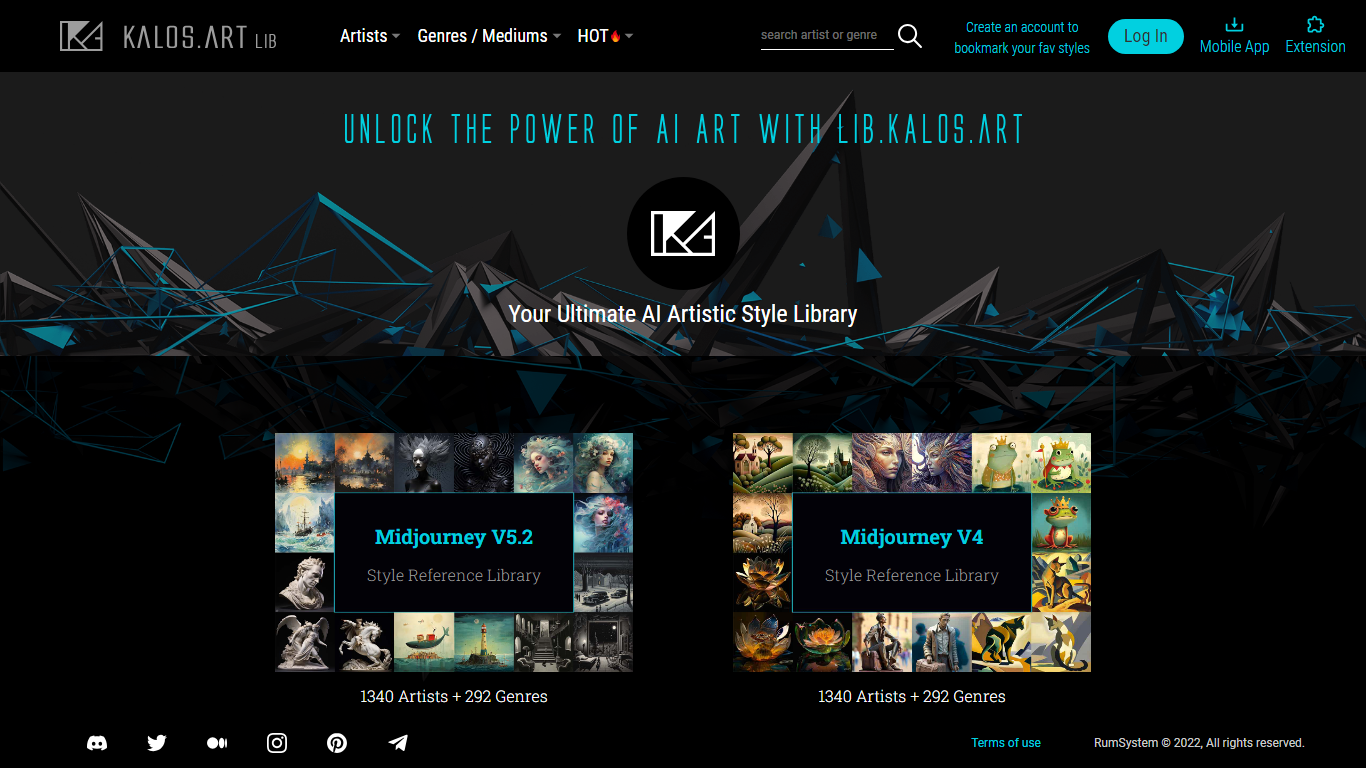
lib.KALOS.art is a browsable style reference library for AI image generation. It catalogs artist names and art genres organized for Midjourney v5.2, Midjourney v4, SDXL, Stable Diffusion 2.1, and Stable Diffusion 1.5. Each model gets its own library slice so you can see which prompts and references work on the engine you actually run.
Most prompt libraries dump the same artist list for every model. lib.KALOS.art sizes each library to what that model recognizes, from 767 artists on SD 2.1 up to 1,340 on MJ v5.2 and SDXL, with 292 genre and medium categories alongside the artist index. Every artist and genre entry ships with 8 to 11 themed example galleries so you compare outcomes before copying a prompt.
AI art hobbyists and working prompt engineers use it to look up a style, copy a tuned prompt through the built-in copier, and save favorites once they log in. It sits beside the broader Kalos.art marketplace but stays focused on reference browsing rather than selling artwork.
Raycast Pro
What is Raycast Pro?
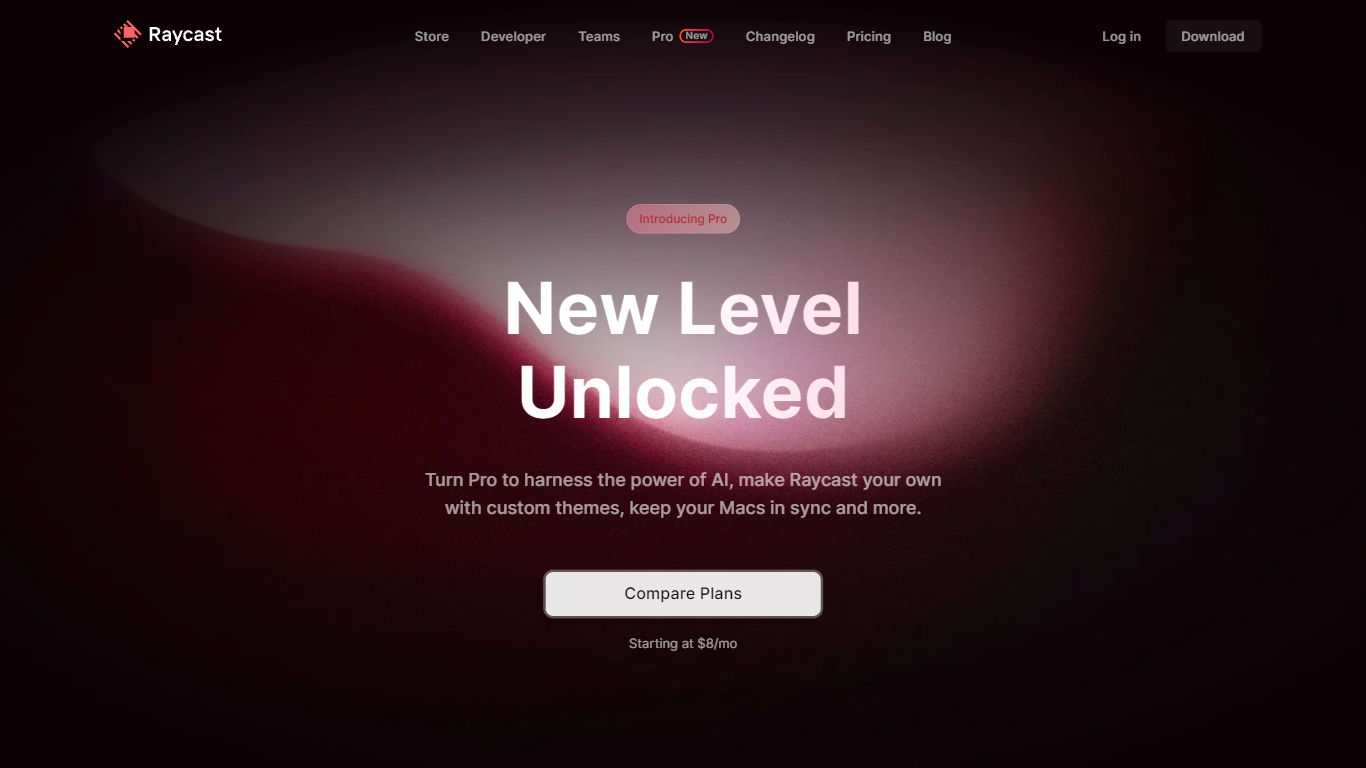
Raycast Pro is the paid tier of Raycast, an all-in-one macOS launcher that adds AI chat, cloud sync, and premium utilities on top of the free Raycast app. It keeps the same command-palette workflow as the base product but unlocks unlimited clipboard history, custom themes, translator access, and synced notes across Mac and iOS.
Compared with Spotlight or Alfred, Raycast Pro pushes deeper into daily workflows with a built-in extension store, native integrations for tools like Jira and GitHub, and OS-level AI that can switch between dozens of models from OpenAI, Anthropic, Google, Mistral, and others. The Pro plan starts at $8 per month on annual billing, with a separate Advanced AI add-on for the highest-tier models.
Developers, designers, and other Mac power users who live in keyboard shortcuts are the core audience. Raycast Pro fits teams that want one launcher for snippets, window management, quicklinks, and coding help without opening a browser tab for every task.
Kalos.art Upvotes
Raycast Pro Upvotes
Kalos.art Top Features
Midjourney v5.2 library lists 1,340 artists and 292 genre categories with separate model-specific indexes
Each artist or genre page shows 8 to 11 themed example galleries before you copy a prompt
Libraries cover five engines: MJ v5.2, MJ v4, SDXL, SD 2.1, and SD 1.5 with counts sized per model
Customizable Prompt Copier copies, edits, and pastes parameters in one step
Popularity rankings surface trending artist styles and theme outcomes across the library
Logged-in accounts can bookmark and build a personal collection of favorite artistic styles
Raycast Pro Top Features
Raycast AI chat with models from OpenAI, Anthropic, Google, Mistral, Perplexity, and xAI
Cloud Sync for snippets, notes, and chats across Mac and iOS devices
Unlimited clipboard history versus the 3-month limit on the free plan
Unlimited Raycast Notes compared with 5 notes on the free tier
Custom window management commands for positioning and resizing app windows
Built-in Translator for on-the-fly text translation and pronunciation checks
Custom themes plus hundreds of community theme options
Kalos.art Category
- All In One
Raycast Pro Category
- All In One
Kalos.art Pricing Type
- Free
Raycast Pro Pricing Type
- Freemium