Karaoke Tracks vs SpeechGPT
In the battle of Karaoke Tracks vs SpeechGPT, which AI Audio Generation tool comes out on top? We compare reviews, pricing, alternatives, upvotes, features, and more.
Between Karaoke Tracks and SpeechGPT, which one is superior?
Upon comparing Karaoke Tracks with SpeechGPT, which are both AI-powered audio generation tools, Interestingly, both tools have managed to secure the same number of upvotes. Join the aitools.fyi users in deciding the winner by casting your vote.
Don't agree with the result? Cast your vote and be a part of the decision-making process!
Karaoke Tracks

What is Karaoke Tracks?
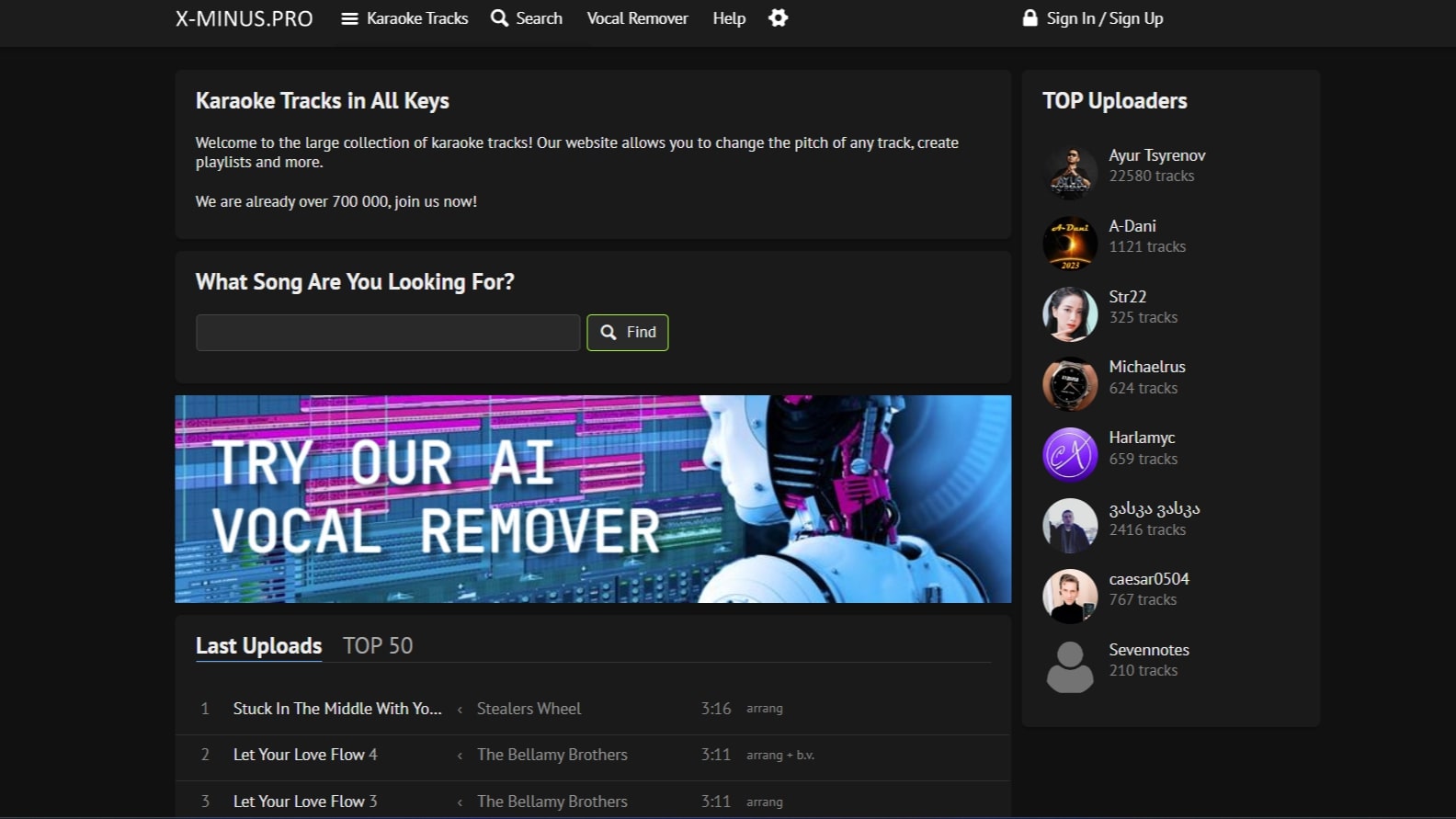
Karaoke Tracks at x-minus.pro is a community karaoke library where you search, stream, and download backing tracks across genres and languages. The catalog lists more than 700,000 tracks, with collections for love songs, movie soundtracks, holiday themes, and dozens of other categories. Each track opens in a web player with on-page pitch and tempo controls.
Where commercial karaoke apps license a fixed catalog, Karaoke Tracks relies on community uploads, so you get regional songs, fan-made arrangements, and obscure titles that rarely appear on Smule or Singa. Track quality and metadata vary by uploader, which is the trade-off for breadth across languages and themes.
Registered users can upload their own backing tracks, build playlists, and browse recent uploads or the TOP 50 chart. The site also hosts separate browser tools for AI vocal removal with stem splitting options and a transpose page for changing pitch or tempo on any uploaded audio file.
SpeechGPT

What is SpeechGPT?
SpeechGPT lets you hold voice conversations in the browser using your own OpenAI API key. You type or record messages, send them through a chat interface, and hear spoken replies without installing desktop software.
Unlike hosted TTS services that bundle model costs into a subscription, SpeechGPT runs in the browser and bills you only through the OpenAI, Azure Speech Services, or Amazon Polly accounts you connect. That makes it a lightweight option for developers and language learners who already have API access and want a simple voice chat front end.
The interface supports English, Spanish, and Chinese UI labels, includes a record button for speech input, and stores session data locally in the browser. It suits developers testing voice chat flows, language learners practicing spoken prompts, and anyone who wants a minimal ChatGPT voice client on mobile or desktop.
Karaoke Tracks Upvotes
SpeechGPT Upvotes
Karaoke Tracks Top Features
Browse a library of 700,000+ karaoke tracks sorted by genre, language, and themed collections
Change pitch and tempo in the web player with semitone and percentage sliders on every track
Upload your own backing tracks after signing in to share with the community
Remove vocals with an AI stem separator that splits drums, bass, guitar, vocals, and backing vocals
Transpose any uploaded audio file with a separate pitch and tempo tool in the browser
Organize favorites into playlists for practice sessions or live events
Track pages show file details such as 320 kbps MP3 quality and backing track type labels
SpeechGPT Top Features
Chat interface accepts typed messages or recorded speech input with Enter to send
Requires your OpenAI API key in settings before the app will run conversations
Optional Azure Speech Services or Amazon Polly access keys for alternate text-to-speech backends
UI available in English, Spanish, and Chinese from the in-app language selector
Shift plus Enter inserts a newline without sending the message
Runs as a web app on Vercel with no separate desktop install required
Karaoke Tracks Category
- Audio Generation
SpeechGPT Category
- Audio Generation
Karaoke Tracks Pricing Type
- Freemium
SpeechGPT Pricing Type
- Free