Kerlig vs AI Rewriter - RewriterPro
In the face-off between Kerlig vs AI Rewriter - RewriterPro, which AI Writing Assistant tool takes the crown? We scrutinize features, alternatives, upvotes, reviews, pricing, and more.
In a face-off between Kerlig and AI Rewriter - RewriterPro, which one takes the crown?
If we were to analyze Kerlig and AI Rewriter - RewriterPro, both of which are AI-powered writing assistant tools, what would we find? The community has spoken, AI Rewriter - RewriterPro leads with more upvotes. The number of upvotes for AI Rewriter - RewriterPro stands at 9, and for Kerlig it's 6.
Think we got it wrong? Cast your vote and show us who's boss!
Kerlig
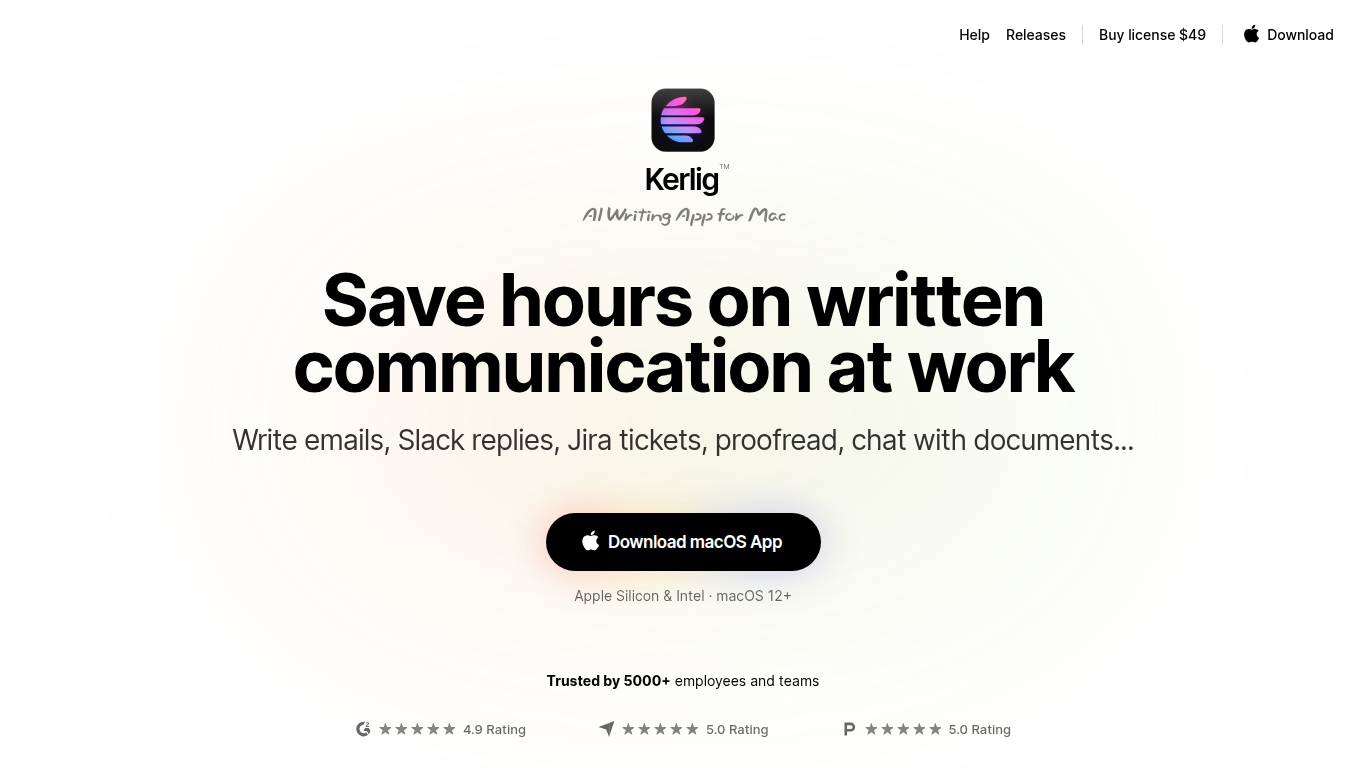

What is Kerlig?
Kerlig is an AI writing assistant designed specifically for macOS that helps users speed up written communication across any application. It enables writing and proofreading emails, Slack replies, and Jira tickets without switching contexts. The tool supports chatting with documents, web pages, images, and ebooks to quickly extract insights and summaries.
What sets Kerlig apart is its deep customization through built-in and user-created actions, allowing workflows tailored to individual needs. It integrates with over 350 AI models including OpenAI, Anthropic, Google Gemini, and local models like Apple Foundation Models and Ollama. The interface is optimized for keyboard shortcuts and fast interaction, making it a natural part of the Mac workflow.
Kerlig also supports team deployment with remote management and priority support. Privacy is a priority, with all API requests sent directly from the user's device and no chat data stored on Kerlig servers.
AI Rewriter - RewriterPro
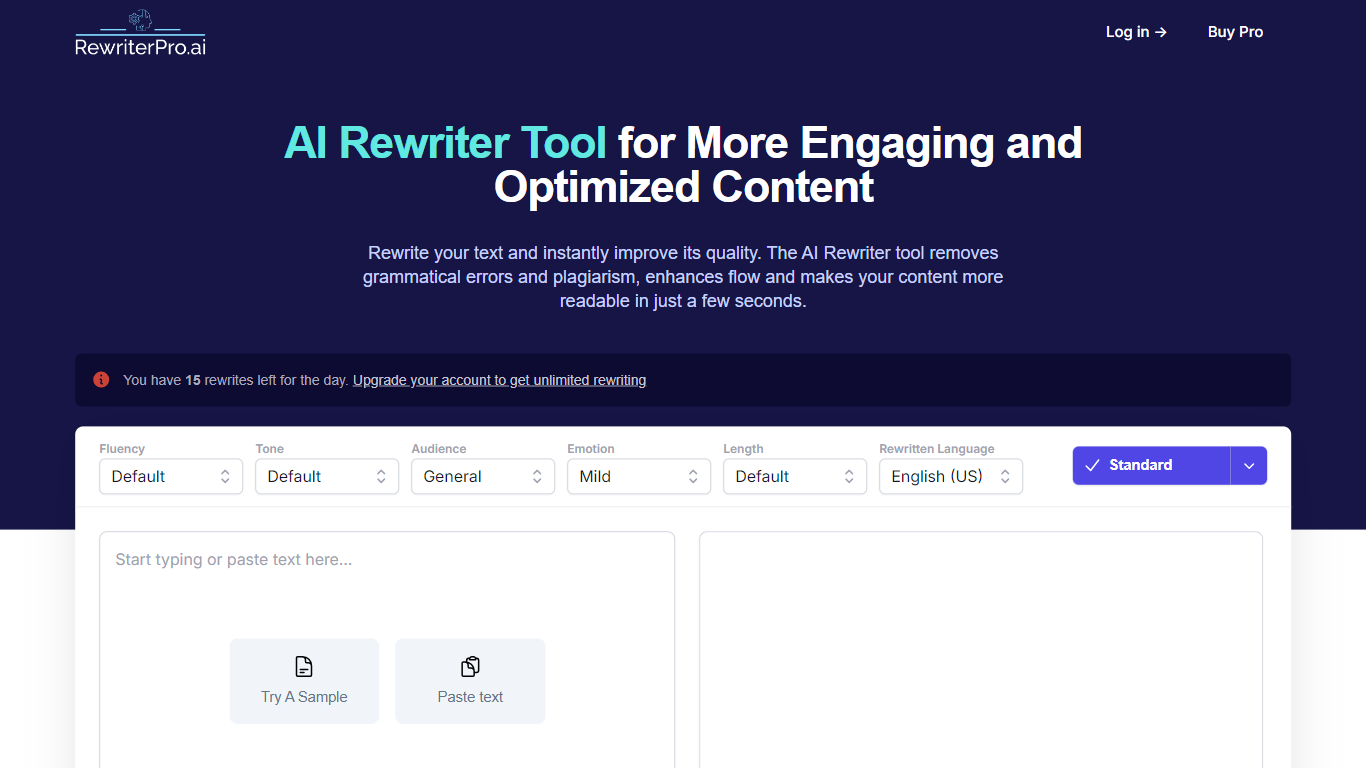
What is AI Rewriter - RewriterPro?
RewriterPro is a writing assistant for turning AI-generated drafts into text that reads more naturally. You paste copy into the editor, pick fluency, tone, audience, and language settings, then run a rewrite or switch on Humanizer mode to reshape robotic phrasing. The same site also hosts a standalone AI Humanizer and a free AI content checker, so you can rewrite, humanize, and test detection risk without leaving the product.
Many humanizer tools stop at one pass of paraphrasing. RewriterPro bundles the rewriter, Humanizer, and checker into one workflow, which matters when you need to tune fluency and tone before checking whether the output still flags on Turnitin, GPTZero, or Originality.ai. The humanizer page offers two models, Pulse 3.0 and LUMENARIS, instead of a single rewrite setting.
Students use it to rework essays and reports. Bloggers and marketers refresh blog posts, ad copy, landing pages, and product descriptions. Business professionals rewrite emails, proposals, and presentations with formal or academic tone presets.
Kerlig Upvotes
AI Rewriter - RewriterPro Upvotes
Kerlig Top Features
📝 Write and proofread emails, Slack messages, and Jira tickets directly in any macOS app
📄 Chat with documents, web pages, images, and ebooks to extract summaries and insights
⚙️ Customize AI workflows with built-in and user-created actions for personalized writing support
🔑 Integrate over 350 AI models including OpenAI, Anthropic, Google Gemini, and local Apple Foundation Models
👥 Support for team deployment with remote management and priority customer support
💬 Use macOS native dictation for voice prompt input
🔒 Strong privacy model with no chat data stored on Kerlig servers
AI Rewriter - RewriterPro Top Features
10 free rewrites per day on the main rewriter editor
Built-in Humanizer with Pulse 3.0 and LUMENARIS model options
Three fluency levels: basic, intermediate, and advanced
Seven tone presets including Formal, Academic, Creative, and Story-like
Free AI checker scans up to 1,800 words per run with 5 daily checks
Outputs in English (US/UK), Spanish, French, and German
Kerlig Category
- Writing Assistant
AI Rewriter - RewriterPro Category
- Writing Assistant
Kerlig Pricing Type
- Paid
AI Rewriter - RewriterPro Pricing Type
- Freemium