
Last updated 07-27-2026
Category:
Reviews:
Join thousands of AI enthusiasts in the World of AI!
Kerlig
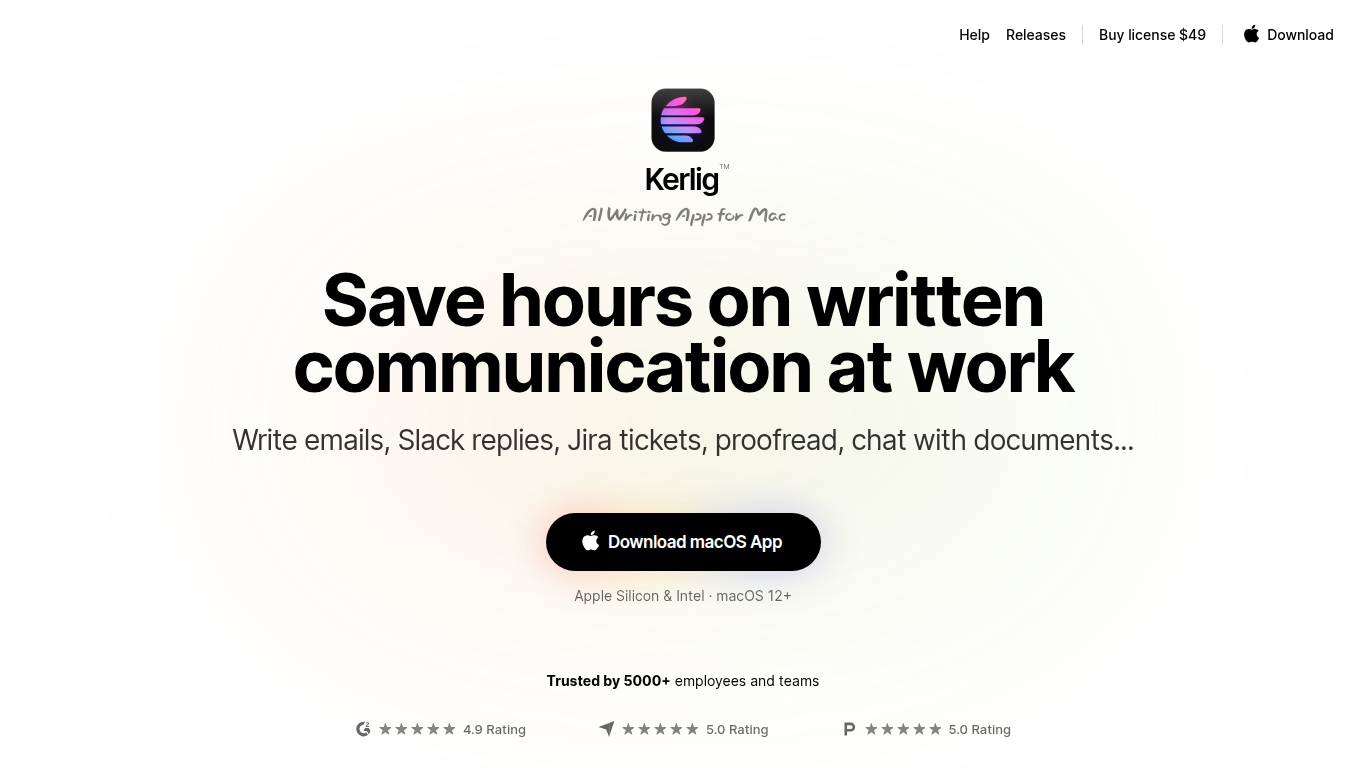
Kerlig is an AI writing assistant designed specifically for macOS that helps users speed up written communication across any application. It enables writing and proofreading emails, Slack replies, and Jira tickets without switching contexts. The tool supports chatting with documents, web pages, images, and ebooks to quickly extract insights and summaries.
What sets Kerlig apart is its deep customization through built-in and user-created actions, allowing workflows tailored to individual needs. It integrates with over 350 AI models including OpenAI, Anthropic, Google Gemini, and local models like Apple Foundation Models and Ollama. The interface is optimized for keyboard shortcuts and fast interaction, making it a natural part of the Mac workflow.
Kerlig also supports team deployment with remote management and priority support. Privacy is a priority, with all API requests sent directly from the user's device and no chat data stored on Kerlig servers.
📝 Write and proofread emails, Slack messages, and Jira tickets directly in any macOS app
📄 Chat with documents, web pages, images, and ebooks to extract summaries and insights
⚙️ Customize AI workflows with built-in and user-created actions for personalized writing support
🔑 Integrate over 350 AI models including OpenAI, Anthropic, Google Gemini, and local Apple Foundation Models
👥 Support for team deployment with remote management and priority customer support
💬 Use macOS native dictation for voice prompt input
🔒 Strong privacy model with no chat data stored on Kerlig servers
Supports over 350 AI models including local and cloud-based options
Highly customizable with user-created actions and presets
Integrates directly into macOS workflows with a hotkey and no context switching
Strong privacy model with no chat data stored on Kerlig servers
Offers team licenses with remote deployment and priority support
Requires users to provide their own API keys for AI models
License updates and support are limited to one year after purchase
Only available for macOS 12 and later
How does Kerlig integrate with macOS apps?
Kerlig launches via a customizable hotkey and uses the selected text from any macOS app as context, allowing you to generate or edit content without leaving your current workflow.
What AI models can I use with Kerlig?
Kerlig supports over 350 AI models including OpenAI, Anthropic Claude, Google Gemini, Groq Cloud, Ollama, and local Apple Foundation Models, all accessible with your own API keys.
Can I customize Kerlig's AI actions?
Yes, Kerlig lets you create and modify custom actions and presets to tailor AI workflows to your specific writing and communication needs.
How does Kerlig handle privacy and data security?
All API requests are sent directly from your device to AI providers over secure HTTPS. Kerlig does not store chat data on its servers, and your API keys and messages remain local.
Is Kerlig suitable for teams?
Kerlig offers a Team License with remote deployment via CLI, multiple seats, and priority support to help teams integrate AI writing assistance efficiently.
What file types can I attach and chat with in Kerlig?
Kerlig supports images (png, jpg, webp, gif), documents and ebooks (pdf, docx, epub), text files (txt, csv, json, md, and many more), screenshots, and URLs.
Does Kerlig support voice dictation?
Yes, Kerlig integrates with macOS native dictation, allowing you to write prompts using your voice and then run them with AI assistance.