Kerlig vs Bearly AI
In the contest of Kerlig vs Bearly AI, which AI Writing Assistant tool is the champion? We evaluate pricing, alternatives, upvotes, features, reviews, and more.
If you had to choose between Kerlig and Bearly AI, which one would you go for?
When we examine Kerlig and Bearly AI, both of which are AI-enabled writing assistant tools, what unique characteristics do we discover? The upvote count shows a clear preference for Bearly AI. Bearly AI has garnered 130 upvotes, and Kerlig has garnered 6 upvotes.
Think we got it wrong? Cast your vote and show us who's boss!
Kerlig

What is Kerlig?
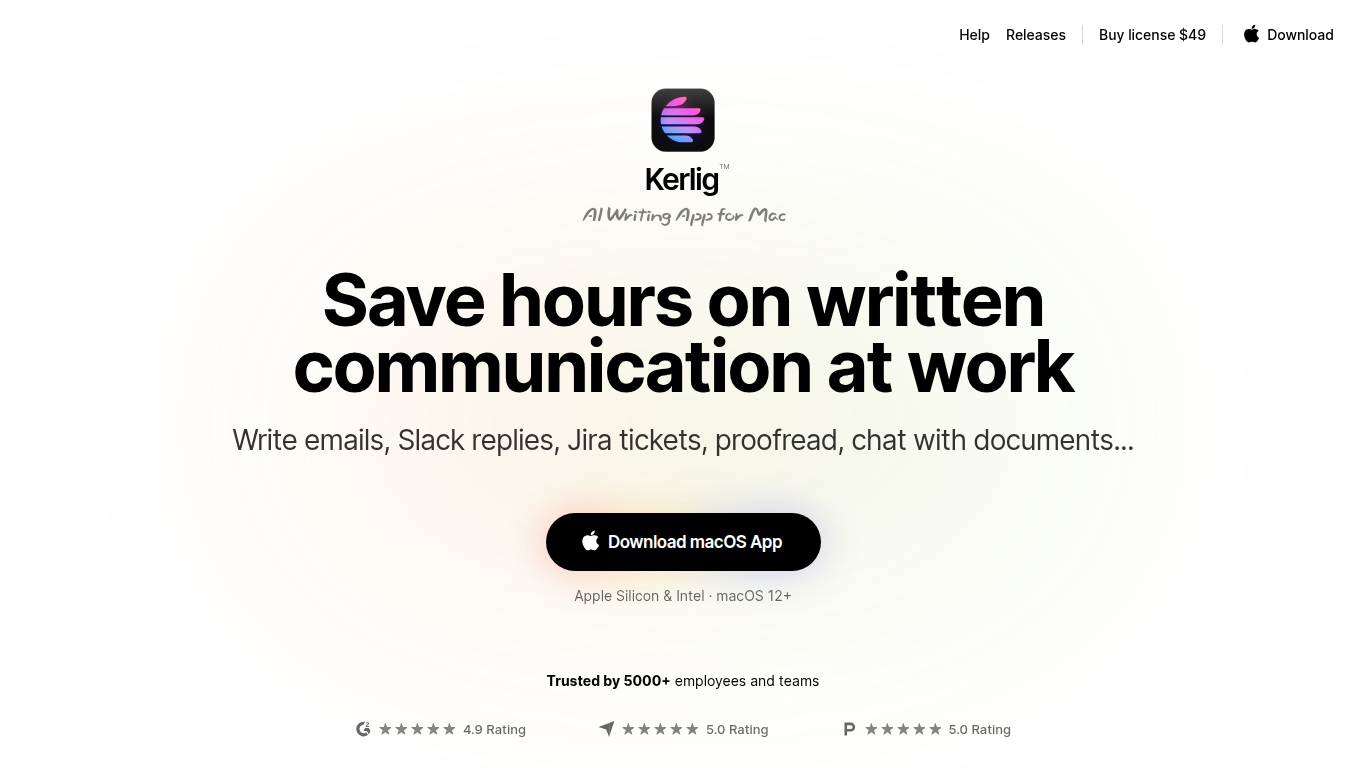
Kerlig is an AI writing assistant designed specifically for macOS that helps users speed up written communication across any application. It enables writing and proofreading emails, Slack replies, and Jira tickets without switching contexts. The tool supports chatting with documents, web pages, images, and ebooks to quickly extract insights and summaries.
What sets Kerlig apart is its deep customization through built-in and user-created actions, allowing workflows tailored to individual needs. It integrates with over 350 AI models including OpenAI, Anthropic, Google Gemini, and local models like Apple Foundation Models and Ollama. The interface is optimized for keyboard shortcuts and fast interaction, making it a natural part of the Mac workflow.
Kerlig also supports team deployment with remote management and priority support. Privacy is a priority, with all API requests sent directly from the user's device and no chat data stored on Kerlig servers.
Bearly AI

What is Bearly AI?
Bearly AI is a private AI workspace that puts chat models, agents, research tools, code interpreters, and media generators behind one login. You can switch between Claude, GPT, Gemini, Grok, GLM, Kimi, and Minimax, run deep research or document Q&A, and build artifacts without opening separate apps. Desktop, mobile, browser extension, web, and CLI clients share the same account.
Most multi-model tools cap messages per hour or slow you down at peak times. Bearly sells paid plans as dollar-for-dollar AI credits at cost and does not throttle usage once you have credits. Every chat and uploaded file is individually encrypted, and Bearly states it does not train on your data or show ads.
It suits writers, researchers, founders, and engineers who want one encrypted workspace for writing, analysis, coding, and meetings instead of juggling separate AI subscriptions. Team admins can assign seats from one billing account, and enterprise customers can add SSO, SAML, and spend controls.
Kerlig Upvotes
Bearly AI Upvotes
Kerlig Top Features
📝 Write and proofread emails, Slack messages, and Jira tickets directly in any macOS app
📄 Chat with documents, web pages, images, and ebooks to extract summaries and insights
⚙️ Customize AI workflows with built-in and user-created actions for personalized writing support
🔑 Integrate over 350 AI models including OpenAI, Anthropic, Google Gemini, and local Apple Foundation Models
👥 Support for team deployment with remote management and priority customer support
💬 Use macOS native dictation for voice prompt input
🔒 Strong privacy model with no chat data stored on Kerlig servers
Bearly AI Top Features
Switch between Claude, GPT, Gemini, Grok, GLM, Kimi, and Minimax inside one workspace
Pro plan at $20 per month converts to $20 in credits at cost with no rate limits or cooldowns
Desktop v5.0.8 builds for Mac, Windows, and Linux, plus iOS and a Chrome extension
Skills store and Routines let you install workflows and schedule saved prompts on desktop
Every chat and file is individually encrypted with no ads or training on your data
Built-in Browser, People Search, meeting transcription, and SEO research in the same chat
Kerlig Category
- Writing Assistant
Bearly AI Category
- Writing Assistant
Kerlig Pricing Type
- Paid
Bearly AI Pricing Type
- Freemium