TinaMind vs Bearly AI
Compare TinaMind vs Bearly AI and see which AI Writing Assistant tool is better when we compare features, reviews, pricing, alternatives, upvotes, etc.
Which one is better? TinaMind or Bearly AI?
When we compare TinaMind with Bearly AI, which are both AI-powered writing assistant tools, The community has spoken, Bearly AI leads with more upvotes. Bearly AI has 130 upvotes, and TinaMind has 6 upvotes.
You don't agree with the result? Cast your vote to help us decide!
TinaMind
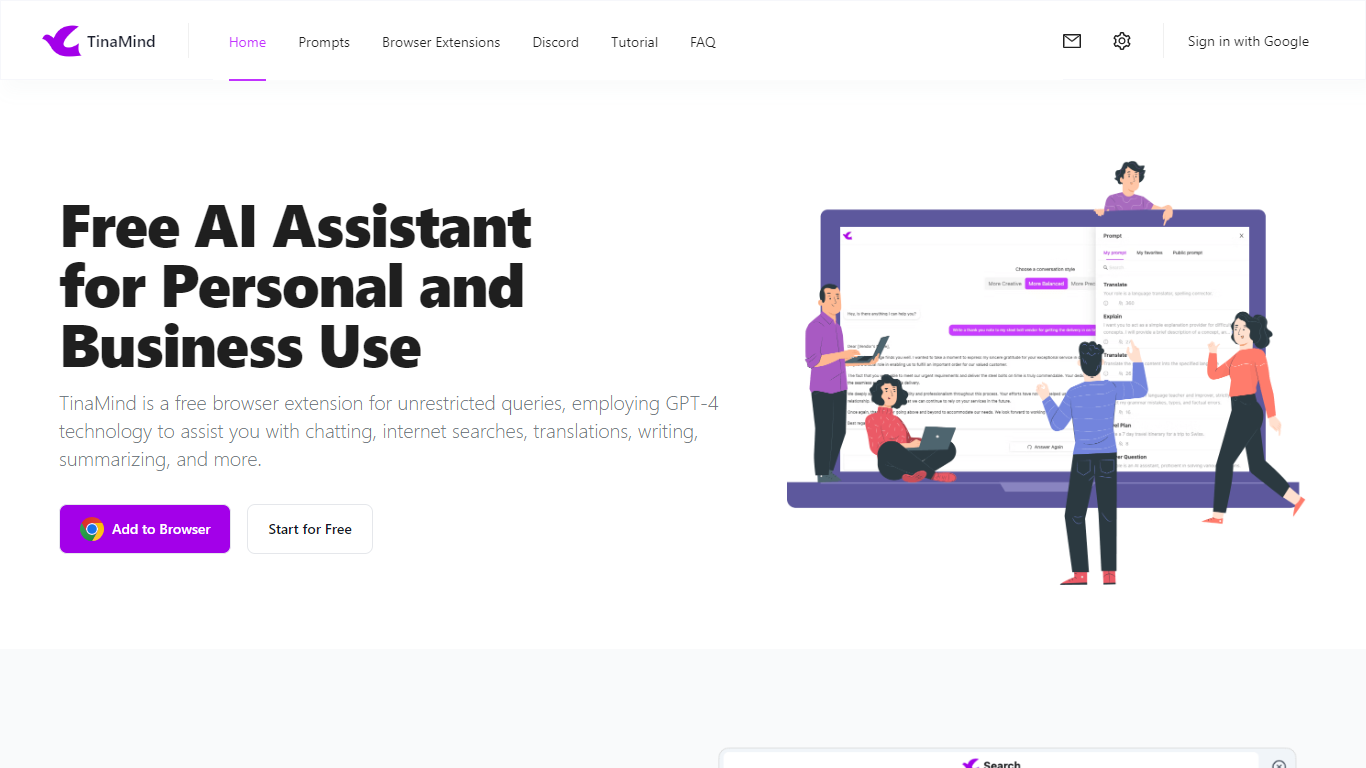

What is TinaMind?
TinaMind is an all-in-one workspace for thinking, writing, and collaborating. The platform centers on WiseInks, a unified app for chat, mind maps, whiteboards, and documents, plus Chrome extensions and TubeLens, a YouTube learning assistant that keeps research and creation in one ecosystem.
WiseInks combines four modules you can switch between without losing context: conversational AI that remembers your files, XMind-compatible mind maps, infinite whiteboards for real-time collaboration, and smart documents with collaborative editing. The idea is to move from brainstorm to visual plan to finished output in one place.
The TinaMind browser extension turns any webpage into a working surface. It summarizes articles, builds mind maps from page content, translates text, drafts emails, analyzes PDF and Office documents, and connects to GPT, Gemini, and Claude through a library of 800+ prompts.
TubeLens extends that workflow to YouTube with structured video summaries, mind maps from video content, comment sentiment analysis, and natural-language video search. Videos of any length or language are supported.
TinaMind, Inc. built the platform for professionals, creators, students, and teams who want research, brainstorming, and content output together rather than across separate chat, notes, and design tools.
Bearly AI

What is Bearly AI?
Bearly AI is a private AI workspace that puts chat models, agents, research tools, code interpreters, and media generators behind one login. You can switch between Claude, GPT, Gemini, Grok, GLM, Kimi, and Minimax, run deep research or document Q&A, and build artifacts without opening separate apps. Desktop, mobile, browser extension, web, and CLI clients share the same account.
Most multi-model tools cap messages per hour or slow you down at peak times. Bearly sells paid plans as dollar-for-dollar AI credits at cost and does not throttle usage once you have credits. Every chat and uploaded file is individually encrypted, and Bearly states it does not train on your data or show ads.
It suits writers, researchers, founders, and engineers who want one encrypted workspace for writing, analysis, coding, and meetings instead of juggling separate AI subscriptions. Team admins can assign seats from one billing account, and enterprise customers can add SSO, SAML, and spend controls.
TinaMind Upvotes
Bearly AI Upvotes
TinaMind Top Features
Four WiseInks modules in one workspace: chat, mind maps, whiteboards, and documents
XMind-compatible mind maps with export and import across your workflow
Chrome extension summarizes webpages, analyzes documents, and transcribes audio up to 20MB
TubeLens pulls structured summaries and mind maps from any YouTube video
800+ prompt library with one-click hooks into ChatGPT, Gemini, and Claude
Personal knowledge base links conversations, documents, and web research
Paid tiers unlock GPT-5, Gemini 3.1 Pro, and Claude 4.6 Sonnet for advanced queries
Bearly AI Top Features
Switch between Claude, GPT, Gemini, Grok, GLM, Kimi, and Minimax inside one workspace
Pro plan at $20 per month converts to $20 in credits at cost with no rate limits or cooldowns
Desktop v5.0.8 builds for Mac, Windows, and Linux, plus iOS and a Chrome extension
Skills store and Routines let you install workflows and schedule saved prompts on desktop
Every chat and file is individually encrypted with no ads or training on your data
Built-in Browser, People Search, meeting transcription, and SEO research in the same chat
TinaMind Category
- Writing Assistant
Bearly AI Category
- Writing Assistant
TinaMind Pricing Type
- Freemium
Bearly AI Pricing Type
- Freemium