Yomu AI vs Kerlig
When comparing Yomu AI vs Kerlig, which AI Writing Assistant tool shines brighter? We look at pricing, alternatives, upvotes, features, reviews, and more.
In a comparison between Yomu AI and Kerlig, which one comes out on top?
When we put Yomu AI and Kerlig side by side, both being AI-powered writing assistant tools, The upvote count reveals a draw, with both tools earning the same number of upvotes. You can help us determine the winner by casting your vote and tipping the scales in favor of one of the tools.
Not your cup of tea? Upvote your preferred tool and stir things up!
Yomu AI
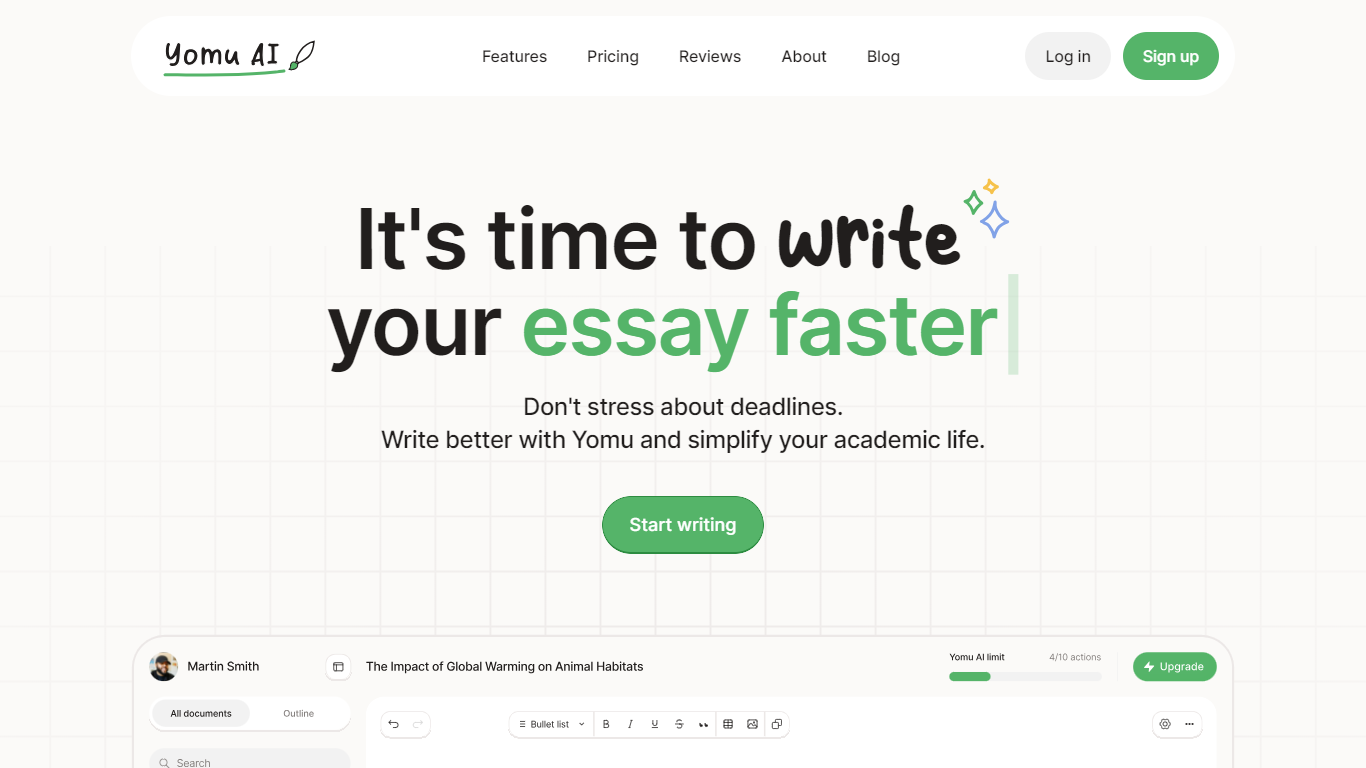

What is Yomu AI ?
Yomu AI offers an advanced AI-powered writing assistant designed to simplify and enhance the process of academic writing. By utilizing Yomu AI, users can seamlessly write papers and essays with higher efficiency, creativity, and integrity.
The platform features a variety and innovative tools including a smart Document Assistant, AI autocomplete for essay writing, comprehensive editing functionalities, and an AI-powered citation tool that streamlines the referencing process. Additionally, Yomu AI ensures the originality of your work with an advanced plagiarism checker, thereby maintaining academic integrity.
With a focus on multiple language support and accessibility, Yomu AI aims to empower writers to produce high-quality content effortlessly. Embrace the future of academic writing with Yomu AI.
Kerlig
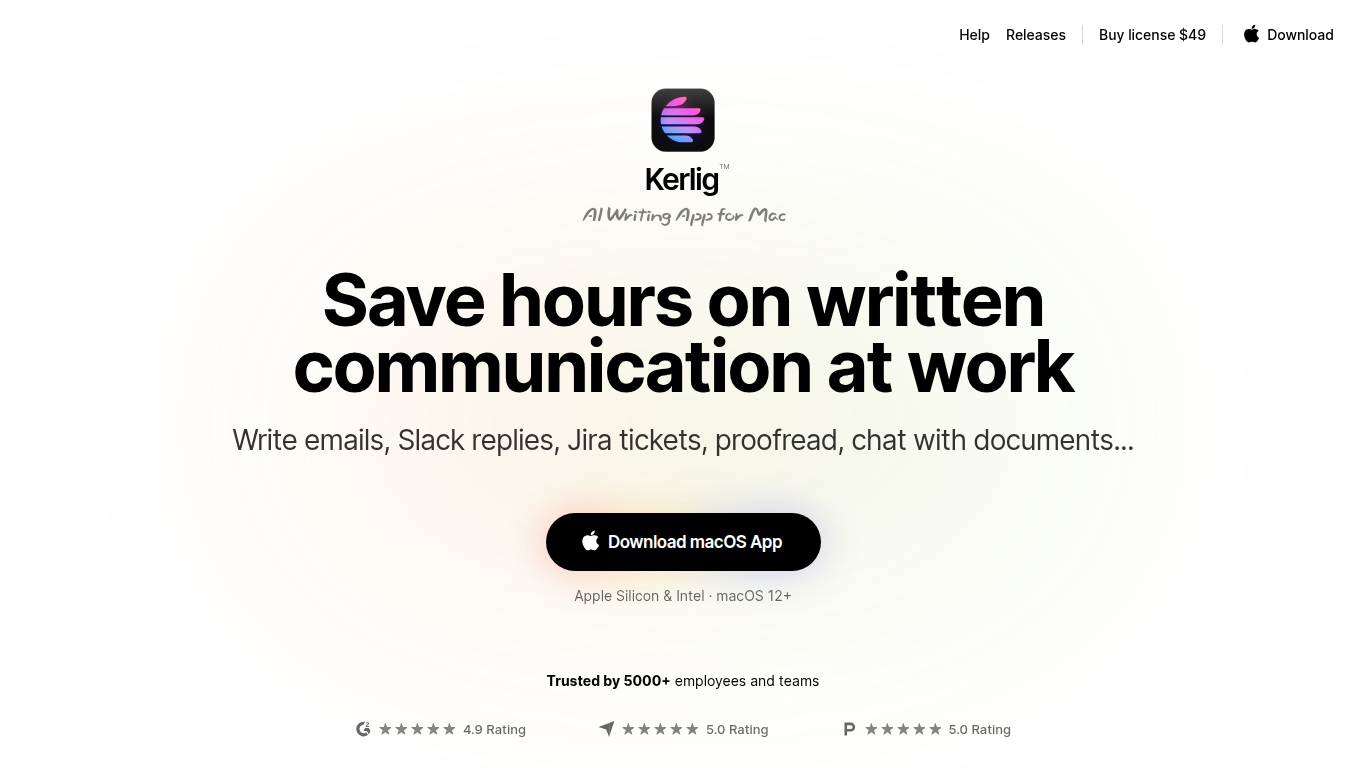
What is Kerlig?
Kerlig is an AI writing assistant designed specifically for macOS that helps users speed up written communication across any application. It enables writing and proofreading emails, Slack replies, and Jira tickets without switching contexts. The tool supports chatting with documents, web pages, images, and ebooks to quickly extract insights and summaries.
What sets Kerlig apart is its deep customization through built-in and user-created actions, allowing workflows tailored to individual needs. It integrates with over 350 AI models including OpenAI, Anthropic, Google Gemini, and local models like Apple Foundation Models and Ollama. The interface is optimized for keyboard shortcuts and fast interaction, making it a natural part of the Mac workflow.
Kerlig also supports team deployment with remote management and priority support. Privacy is a priority, with all API requests sent directly from the user's device and no chat data stored on Kerlig servers.
Yomu AI Upvotes
Kerlig Upvotes
Yomu AI Top Features
Intelligent Document Assistant: A tool to help write entire sections and provide feedback.
AI Autocomplete: Completes sentences and paragraphs to elevate essay writing.
Advanced Editing Tools: Includes paraphrasing, expanding, shortening, summarizing, and transforming bullet points into detailed text.
AI-Powered Citation Tool: Easily find, include, and format citations in your paper, powered by Sourcely.
Plagiarism Checker: Advanced tool to ensure original work and provide insights on maintaining authenticity.
Kerlig Top Features
📝 Write and proofread emails, Slack messages, and Jira tickets directly in any macOS app
📄 Chat with documents, web pages, images, and ebooks to extract summaries and insights
⚙️ Customize AI workflows with built-in and user-created actions for personalized writing support
🔑 Integrate over 350 AI models including OpenAI, Anthropic, Google Gemini, and local Apple Foundation Models
👥 Support for team deployment with remote management and priority customer support
💬 Use macOS native dictation for voice prompt input
🔒 Strong privacy model with no chat data stored on Kerlig servers
Yomu AI Category
- Writing Assistant
Kerlig Category
- Writing Assistant
Yomu AI Pricing Type
- Freemium
Kerlig Pricing Type
- Paid