KidsColoringPage vs Face Distortion
Compare KidsColoringPage vs Face Distortion and see which AI Fun tool is better when we compare features, reviews, pricing, alternatives, upvotes, etc.
Which one is better? KidsColoringPage or Face Distortion?
When we compare KidsColoringPage with Face Distortion, which are both AI-powered fun tools, The users have made their preference clear, KidsColoringPage leads in upvotes. The upvote count for KidsColoringPage is 10, and for Face Distortion it's 6.
Does the result make you go "hmm"? Cast your vote and turn that frown upside down!
KidsColoringPage
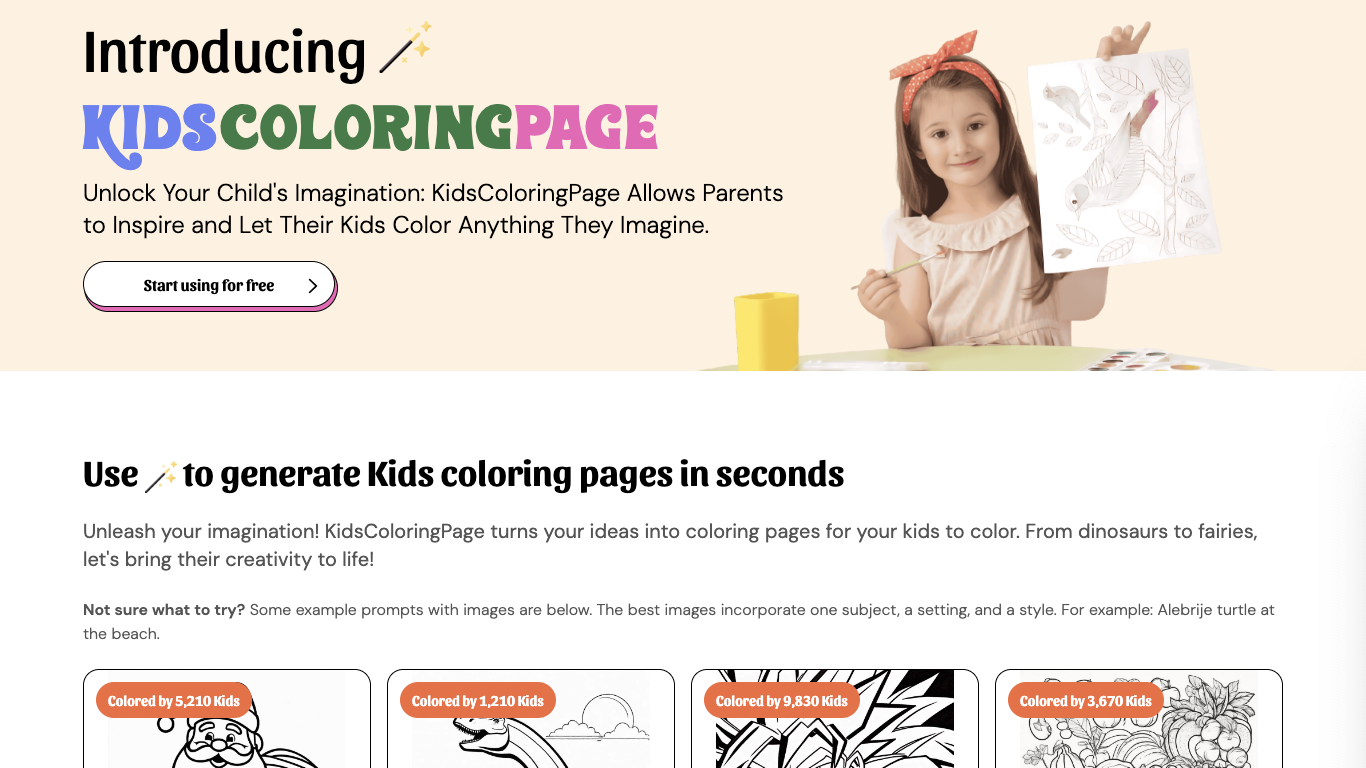

What is KidsColoringPage?
KidsColoringPage was an online coloring page generator that turned text prompts into printable black-and-white sheets for kids. Parents, teachers, and Sunday school instructors could describe a subject like a dinosaur at the beach or friendly Santa Claus, generate the page in seconds, and download it for printing.
The archived product offered five free images, pay-as-you-go credits at $5 for 20 pages, and unlimited monthly or yearly plans. Generated images were cleared for commercial use, including coloring books. As of July 2026 the live domain no longer serves this tool and instead hosts unrelated third-party content.
The listing is marked inactive because kidscoloringpage.com was repurposed away from the original AI coloring service documented on the December 2024 Wayback snapshot.
Face Distortion
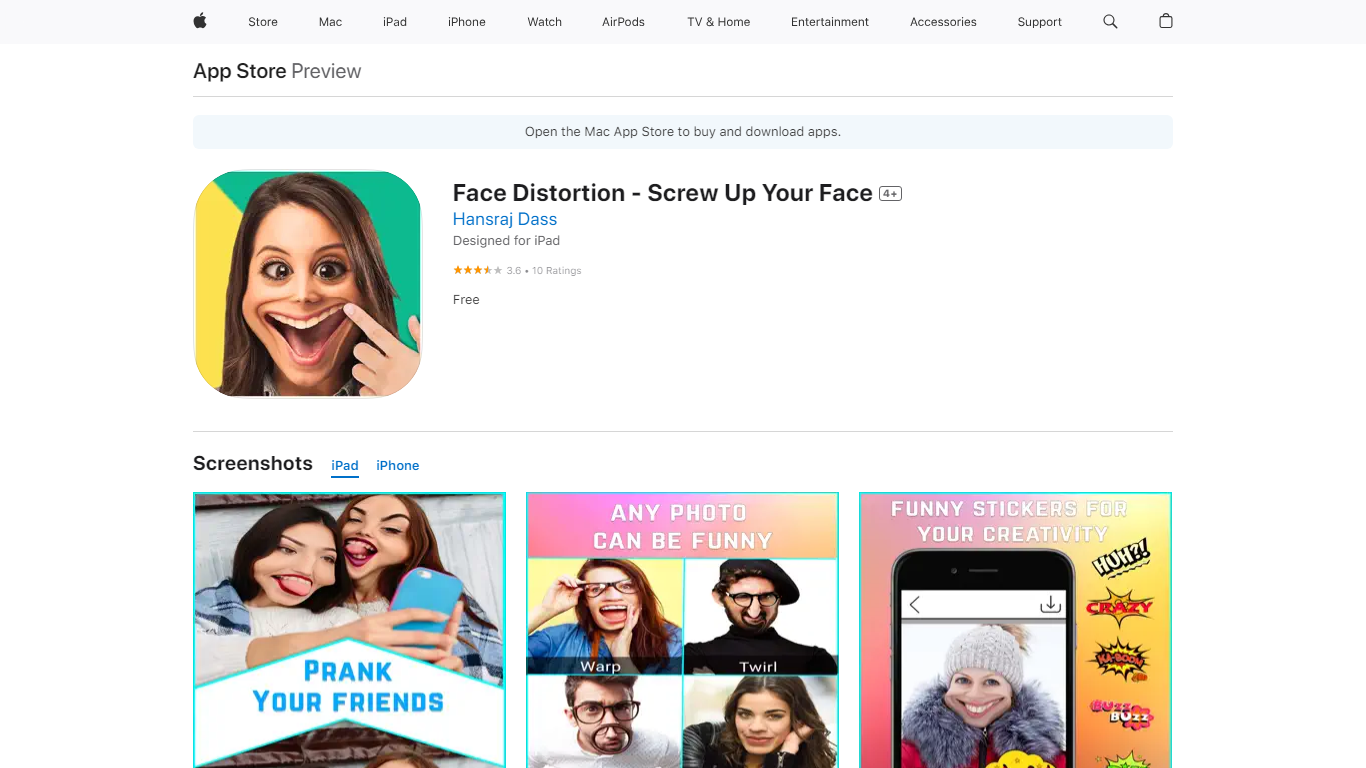
What is Face Distortion?
Face Distortion is a fun iOS photo warping app that bends selfies and portraits with finger-touch controls on iPhone and iPad. You pinch, bump, twirl, or glitch any part of a photo to build exaggerated faces, swap features, or morph body shapes for jokes you can share right away.
Most face filters apply preset stickers. Face Distortion gives you eight manual warp modes, including pinch, bump, linear distortion, hole distortion, glitch, and twirl, so you control exactly how far a nose stretches or a smile puckers. That makes it closer to a pocket caricature tool than a one-tap beauty filter.
Party hosts, meme makers, and anyone who pranks friends on iMessage use it to warp group photos, add funny stickers, and post results to Facebook, email, or MMS. The base app is free on the App Store with optional Pro subscriptions for premium features.
KidsColoringPage Upvotes
Face Distortion Upvotes
KidsColoringPage Top Features
Text prompts generated printable coloring pages in seconds
Five free images before paid plans on the archived product
Pay-as-you-go pack at $5 for 20 images
Monthly unlimited plan at $7.99 and yearly at $79.99 on archive
Commercial use allowed on generated coloring images
Face Distortion Top Features
Eight distortion modes: pinch, bump, linear distortion, hole distortion, glitch, and twirl face effects
Finger-touch warping lets you bend any part of a photo in real time on iPhone or iPad
Funny sticker pack included for extra caricature effects beyond manual warps
Share warped images to Facebook, email, or MMS directly from the app
Requires iOS 15.0 or iPadOS 15.0 or later; app size is 32 MB
Face Distortion Pro Annual in-app purchase listed at $34.99 on the App Store
Developer Pankaj Kumar; App Store rating 3.8 out of 5 from 9 ratings
KidsColoringPage Category
- Fun
Face Distortion Category
- Fun
KidsColoringPage Pricing Type
- Paid
Face Distortion Pricing Type
- Freemium