Kimi.ai vs Ai Helper
When comparing Kimi.ai vs Ai Helper, which AI Companion tool shines brighter? We look at pricing, alternatives, upvotes, features, reviews, and more.
In a comparison between Kimi.ai and Ai Helper, which one comes out on top?
When we put Kimi.ai and Ai Helper side by side, both being AI-powered companion tools, The upvote count reveals a draw, with both tools earning the same number of upvotes. The power is in your hands! Cast your vote and have a say in deciding the winner.
Disagree with the result? Upvote your favorite tool and help it win!
Kimi.ai
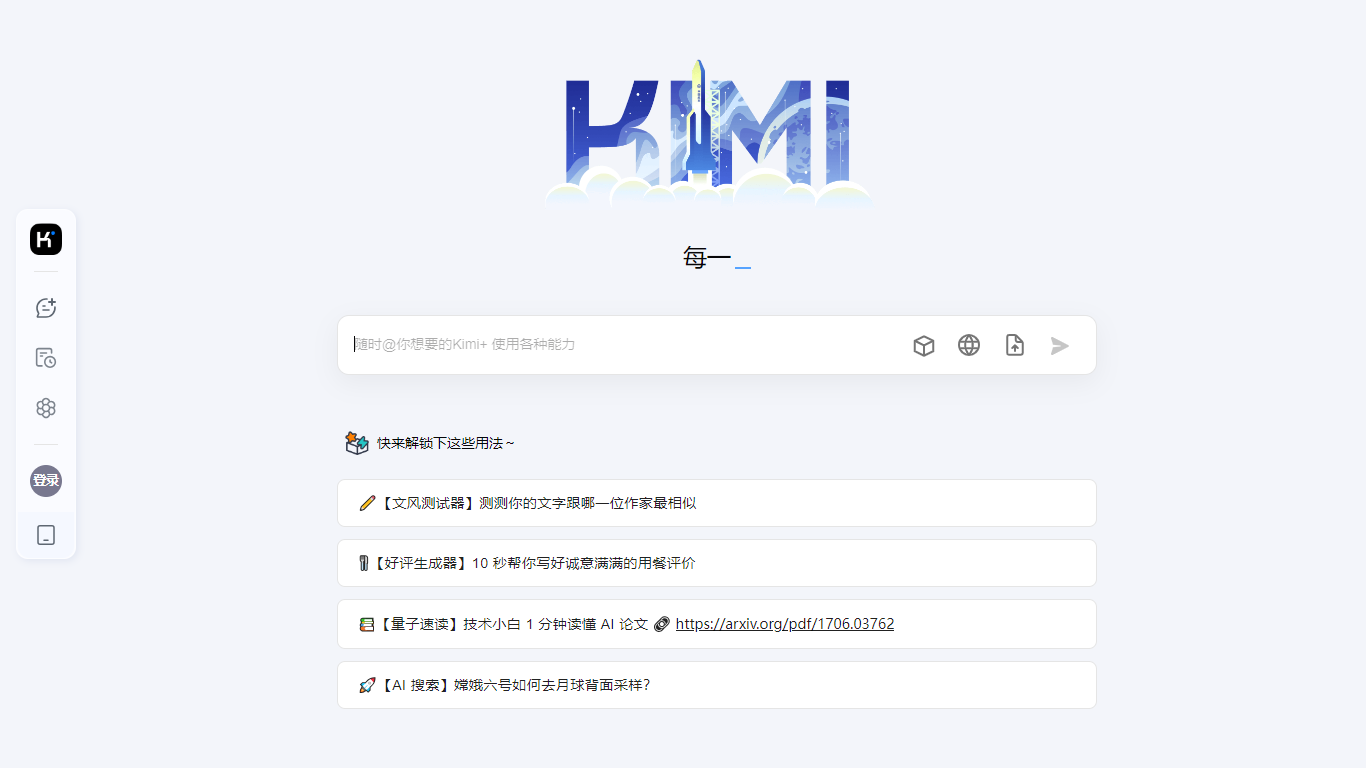

What is Kimi.ai ?
Kimi is Moonshot AI's conversational assistant built around the K3 model, designed for agentic coding and knowledge work. You can chat, delegate multi-step tasks to specialized agents, and generate slides, documents, spreadsheets, and even playable games from a single prompt.
The platform spans a web app, a desktop agent called Kimi Work, and Kimi Code, a CLI that drops into terminal and IDE workflows. Agent modes include Swarm for parallel tasks, Deep Research for investigation, and dedicated tools for slides, websites, docs, and sheets.
Kimi Work extends the assistant to your desktop with local file access, browser automation through WebBridge, scheduled cron tasks, and built-in market data for A-shares, Hong Kong, and US equities. Kimi Code targets developers with up to 1 million context tokens, shell command execution, and subagent support for parallel coding tasks.
Ai Helper
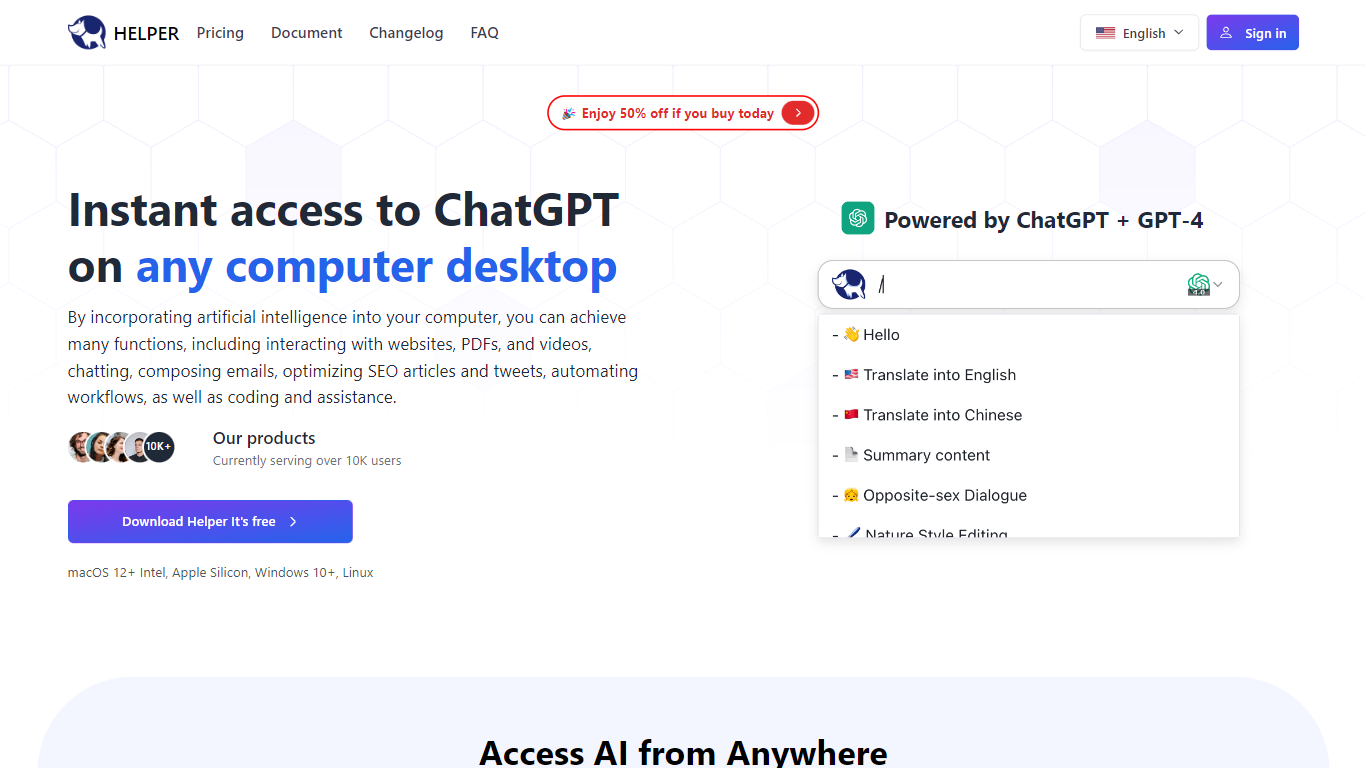
What is Ai Helper?
Ai Helper is a desktop AI companion that puts ChatGPT on macOS, Windows, and Linux. Summon it with Option+X on Mac or Alt+X on Windows and Linux, then chat, run slash prompts, or paste answers into whatever app already has focus. You connect your own OpenAI API key, so usage bills through OpenAI rather than a bundled credit pool.
Unlike browser tabs or the official ChatGPT app, Ai Helper is built for in-flow work. It offers three output modes: continuous Ai Chat, fast typewriter streaming, and paste mode that keeps code formatting intact in editors. Version 1.3 added Gemini Pro and Markdown preview, while v1.3.0 brought 30+ model engines you can switch between without leaving the overlay.
Entrepreneurs, developers, and marketers use Ai Helper to draft emails, debug code inside IDEs, and reuse custom assistant personas. The prompt library and built-in assistants let you standardize repetitive tasks, and Chinese plus English UI support makes it workable for bilingual teams.
Kimi.ai Upvotes
Ai Helper Upvotes
Kimi.ai Top Features
K3 model with up to 1 million context tokens for long documents and codebases
Agent Swarm coordinates parallel agents for complex multi-step tasks
Kimi Code CLI installs in terminal and IDE with shell and web search tools
Kimi Work desktop agent automates local files, cron tasks, and browser actions
Built-in modes for slides, deep research, websites, docs, and spreadsheets
Ai Helper Top Features
Global hotkey overlay: Option+X on macOS and Alt+X on Windows or Linux
Three output modes: Ai Chat, typewriter streaming, and paste mode for code editors
Slash prompts let you pick saved instructions without leaving the active window
Supports 30+ model engines plus Gemini Pro per the v1.3 changelog
Custom AI assistants with tailored instructions for writing, coding, or brainstorming
English and Chinese interface with API proxy docs for restricted regions
Kimi.ai Category
- Companion
Ai Helper Category
- Companion
Kimi.ai Pricing Type
- Freemium
Ai Helper Pricing Type
- Freemium