Kits AI vs SpeechGPT
When comparing Kits AI vs SpeechGPT, which AI Audio Generation tool shines brighter? We look at pricing, alternatives, upvotes, features, reviews, and more.
In a comparison between Kits AI and SpeechGPT, which one comes out on top?
When we put Kits AI and SpeechGPT side by side, both being AI-powered audio generation tools, There's no clear winner in terms of upvotes, as both tools have received the same number. Your vote matters! Help us decide the winner among aitools.fyi users by casting your vote.
Does the result make you go "hmm"? Cast your vote and turn that frown upside down!
Kits AI

What is Kits AI ?
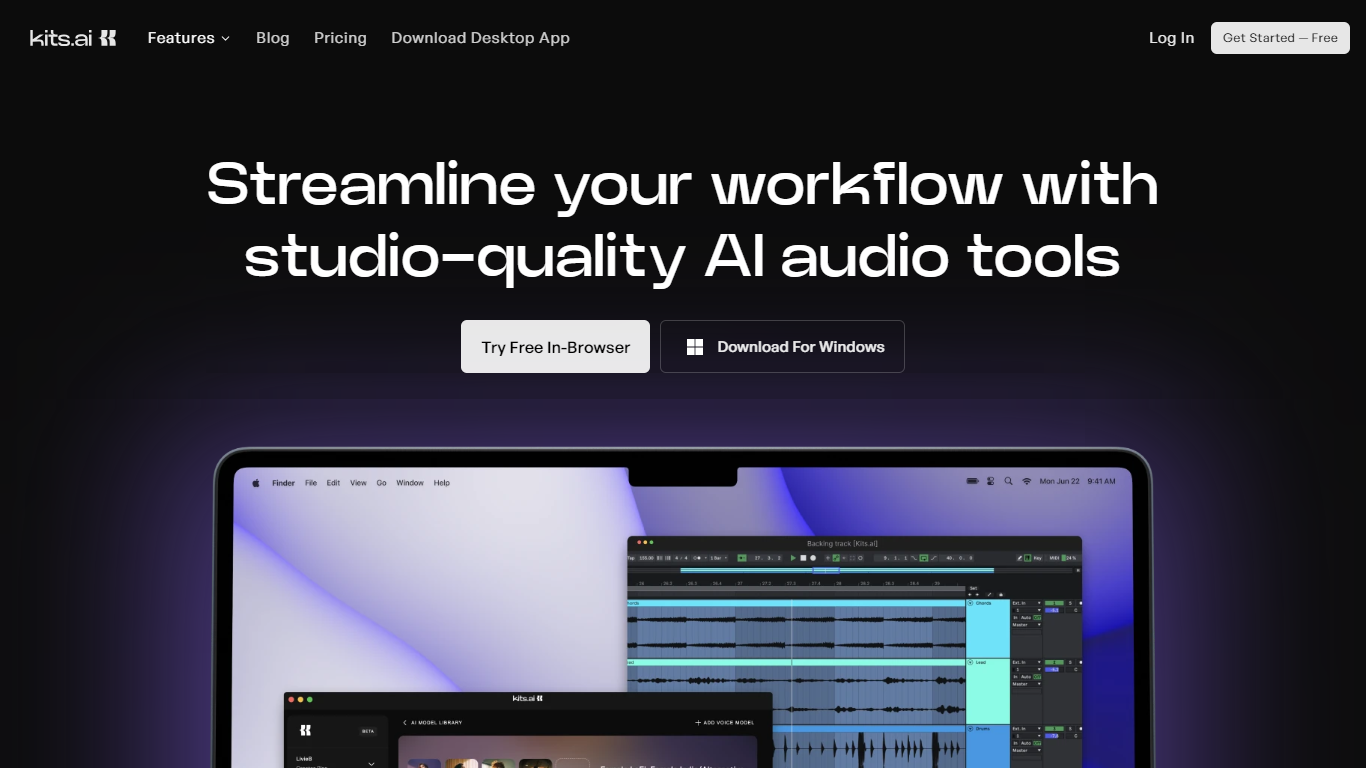
Kits AI is a studio-quality audio platform for music producers who need vocals, instruments, and mixing tools in one place. You can clone voices, sing through royalty-free artist models, separate stems, master tracks, and sketch instrument parts without booking a studio session. Outputs are royalty-free, which matters when you are pitching demos or releasing finished work.
The product spans a browser studio, a Windows desktop app with drag-and-drop into your DAW, and a developer API. Kits also runs an artist voice library where vocalists license their data and earn through revenue sharing, with Fairly Trained certification on models in the library.
It fits producers, songwriters, and composers who want to prototype toplines, test vocal directions, or finish tracks faster. Theater composers, label-facing producers, and bedroom beatmakers all show up in Kits' customer stories for demoing ideas before hiring session vocalists.
SpeechGPT

What is SpeechGPT?
SpeechGPT lets you hold voice conversations in the browser using your own OpenAI API key. You type or record messages, send them through a chat interface, and hear spoken replies without installing desktop software.
Unlike hosted TTS services that bundle model costs into a subscription, SpeechGPT runs in the browser and bills you only through the OpenAI, Azure Speech Services, or Amazon Polly accounts you connect. That makes it a lightweight option for developers and language learners who already have API access and want a simple voice chat front end.
The interface supports English, Spanish, and Chinese UI labels, includes a record button for speech input, and stores session data locally in the browser. It suits developers testing voice chat flows, language learners practicing spoken prompts, and anyone who wants a minimal ChatGPT voice client on mobile or desktop.
Kits AI Upvotes
SpeechGPT Upvotes
Kits AI Top Features
Build custom singing voices with instant or professional cloning methods
Browse 100+ royalty-free artist voices across pop, R&B, rap, gospel, and voiceover styles
One-click AI mastering for full mixes, stems, or samples
Stem splitter isolates vocals, drums, bass, and other instruments from a track
Windows desktop app supports drag-and-drop into your DAW and multimodel auditioning
Developer API covers voice conversion, voice blending, and vocal separation
SpeechGPT Top Features
Chat interface accepts typed messages or recorded speech input with Enter to send
Requires your OpenAI API key in settings before the app will run conversations
Optional Azure Speech Services or Amazon Polly access keys for alternate text-to-speech backends
UI available in English, Spanish, and Chinese from the in-app language selector
Shift plus Enter inserts a newline without sending the message
Runs as a web app on Vercel with no separate desktop install required
Kits AI Category
- Audio Generation
SpeechGPT Category
- Audio Generation
Kits AI Pricing Type
- Freemium
SpeechGPT Pricing Type
- Free