Kolorize vs AI Image Upscaler on AI Image Enlarger
Dive into the comparison of Kolorize vs AI Image Upscaler on AI Image Enlarger and discover which AI Photo Editing tool stands out. We examine alternatives, upvotes, features, reviews, pricing, and beyond.
In a comparison between Kolorize and AI Image Upscaler on AI Image Enlarger, which one comes out on top?
When we compare Kolorize and AI Image Upscaler on AI Image Enlarger, two exceptional photo editing tools powered by artificial intelligence, and place them side by side, several key similarities and differences come to light. With more upvotes, Kolorize is the preferred choice. The upvote count for Kolorize is 7, and for AI Image Upscaler on AI Image Enlarger it's 6.
Does the result make you go "hmm"? Cast your vote and turn that frown upside down!
Kolorize

What is Kolorize?
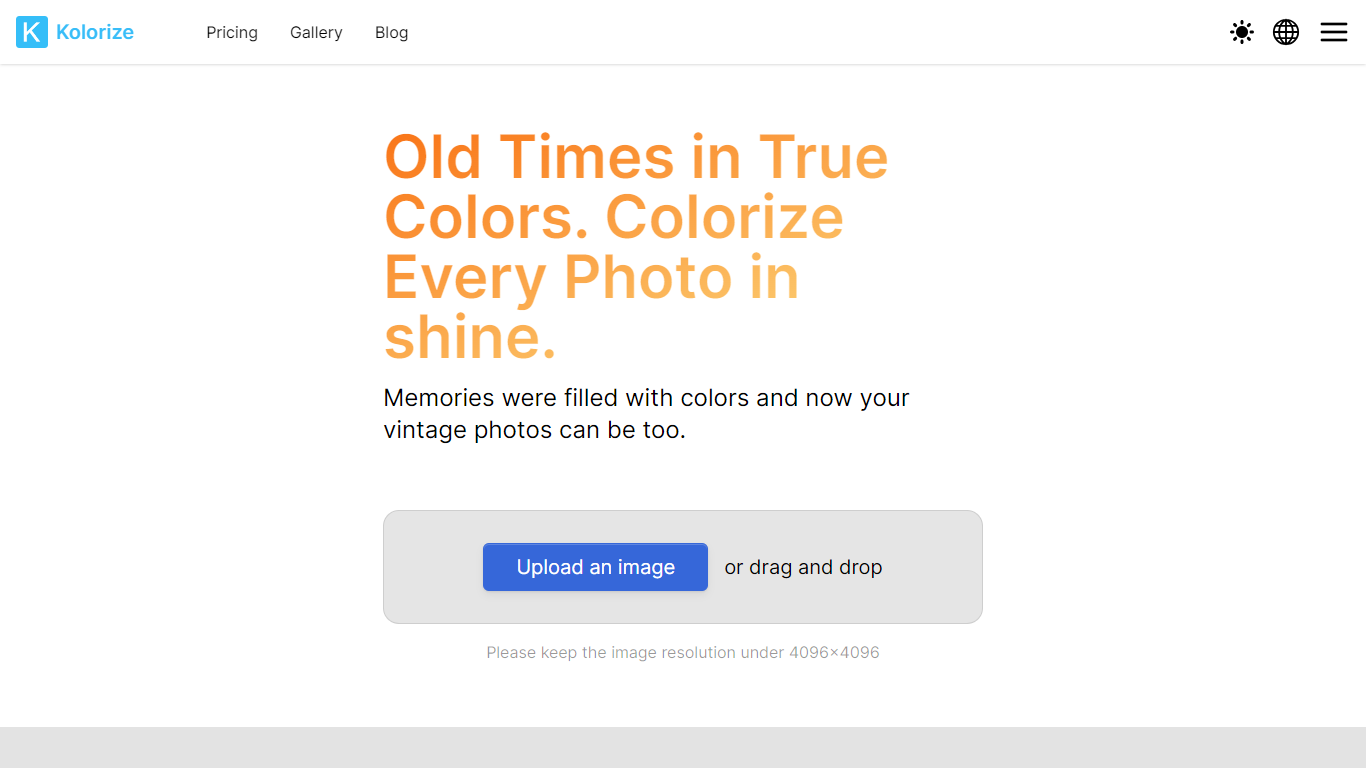
Kolorize is an online photo colorizer that turns black-and-white and vintage images into full-color restorations using proprietary AI models. Upload a photo up to 4096×4096, preview unlimited variations for free, and pay only when you download a result you want to keep.
The service handles family portraits, historical archives, and sepia or yellowed vintage prints. Processing typically takes three to eight seconds per image, with grain and resolution preserved rather than painted over.
Kolorize also offers video colorization and sells credit packs instead of subscriptions. Credits last two years, cover commercial use, and are charged only on download, not preview.
AI Image Upscaler on AI Image Enlarger

What is AI Image Upscaler on AI Image Enlarger?
This Imglarger photo editing tool enlarges JPG, PNG, or WebP images to 2x or 4x resolution in your browser. You upload a file up to 10 MB and 1024 px wide, pick a scale factor, and the model sharpens edges and textures for 4K screens, product catalogs, or social posts. It handles portraits, AI art, anime frames, and product shots without installing desktop software.
Standard resize tools stretch pixels and leave blurry blocks. Imglarger's upscaler rebuilds detail with a focused workflow: upload, choose 200% or 400%, preview side by side, then download. You give up local batch power on the free tier and must trust cloud processing, though files auto-delete within six hours.
E-commerce teams batch-prepare catalog assets on paid plans. Digital artists upscale Midjourney or Stable Diffusion outputs, and photographers rescue compressed client files before print runs.
Kolorize Upvotes
AI Image Upscaler on AI Image Enlarger Upvotes
Kolorize Top Features
Proprietary AI colorization for black-and-white, sepia, and faded vintage photos up to 4096×4096
Unlimited free previews with pay-per-download credits and no subscription required
Files deleted after processing over a 2048-bit encrypted connection
Batch upload up to 20 photos on paid credit plans
Video colorization available with 1 credit covering 160 video frames
AI Image Upscaler on AI Image Enlarger Top Features
Upscale images to 200% or 400% with a single upload step
Accepts JPG, PNG, and WebP files up to 10 MB and 1024 px input width
Preview upscaled output beside the original before downloading
Batch upscale multiple images on paid plans starting at $4.99 per month
Processed files are automatically deleted within six hours
Dedicated anime upscaler and enlarger tools live on the same Imglarger site
Kolorize Category
- Photo Editing
AI Image Upscaler on AI Image Enlarger Category
- Photo Editing
Kolorize Pricing Type
- Freemium
AI Image Upscaler on AI Image Enlarger Pricing Type
- Freemium