Kolorize vs Background Remover - Stockphotos.com
Explore the showdown between Kolorize vs Background Remover - Stockphotos.com and find out which AI Photo Editing tool wins. We analyze upvotes, features, reviews, pricing, alternatives, and more.
When comparing Kolorize and Background Remover - Stockphotos.com, which one rises above the other?
When we contrast Kolorize with Background Remover - Stockphotos.com, both of which are exceptional AI-operated photo editing tools, and place them side by side, we can spot several crucial similarities and divergences. In the race for upvotes, Background Remover - Stockphotos.com takes the trophy. Background Remover - Stockphotos.com has attracted 8 upvotes from aitools.fyi users, and Kolorize has attracted 7 upvotes.
Does the result make you go "hmm"? Cast your vote and turn that frown upside down!
Kolorize
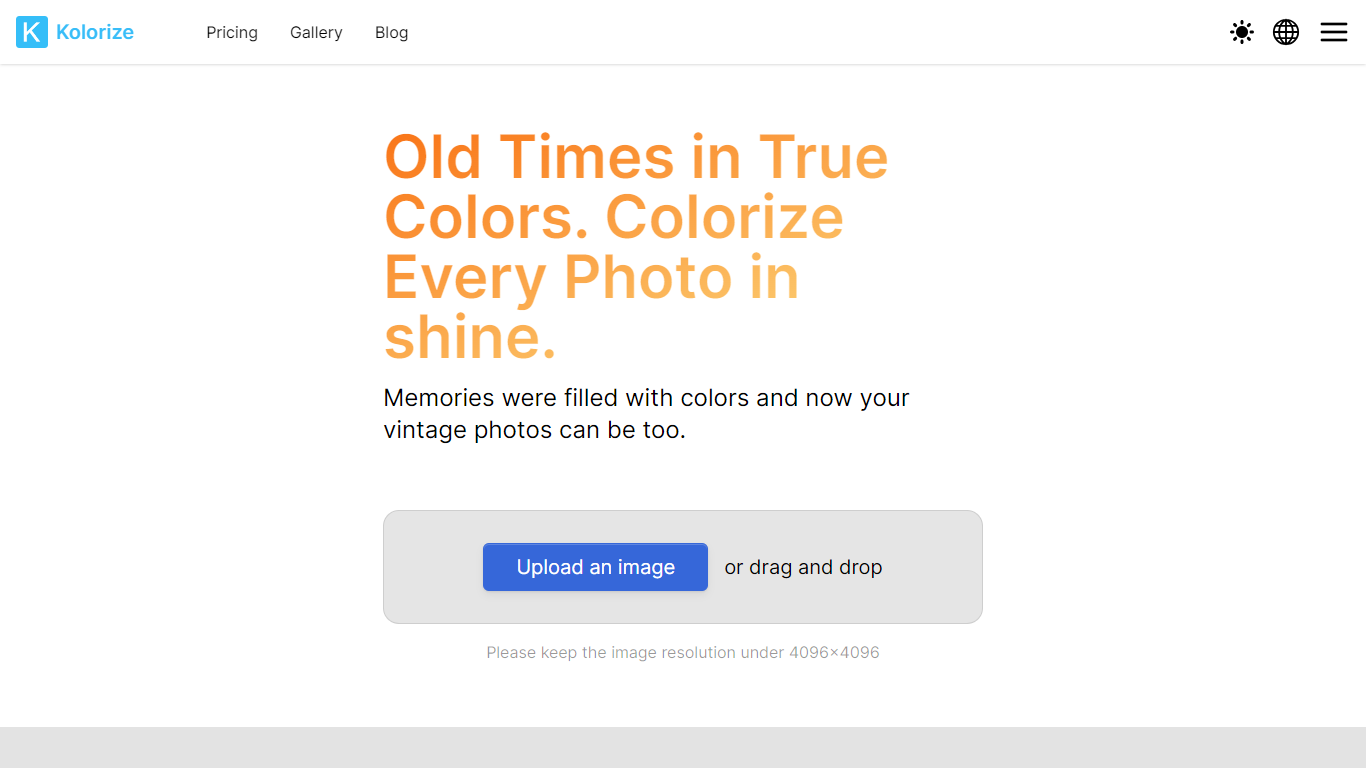

What is Kolorize?
Kolorize is an online photo colorizer that turns black-and-white and vintage images into full-color restorations using proprietary AI models. Upload a photo up to 4096×4096, preview unlimited variations for free, and pay only when you download a result you want to keep.
The service handles family portraits, historical archives, and sepia or yellowed vintage prints. Processing typically takes three to eight seconds per image, with grain and resolution preserved rather than painted over.
Kolorize also offers video colorization and sells credit packs instead of subscriptions. Credits last two years, cover commercial use, and are charged only on download, not preview.
Background Remover - Stockphotos.com
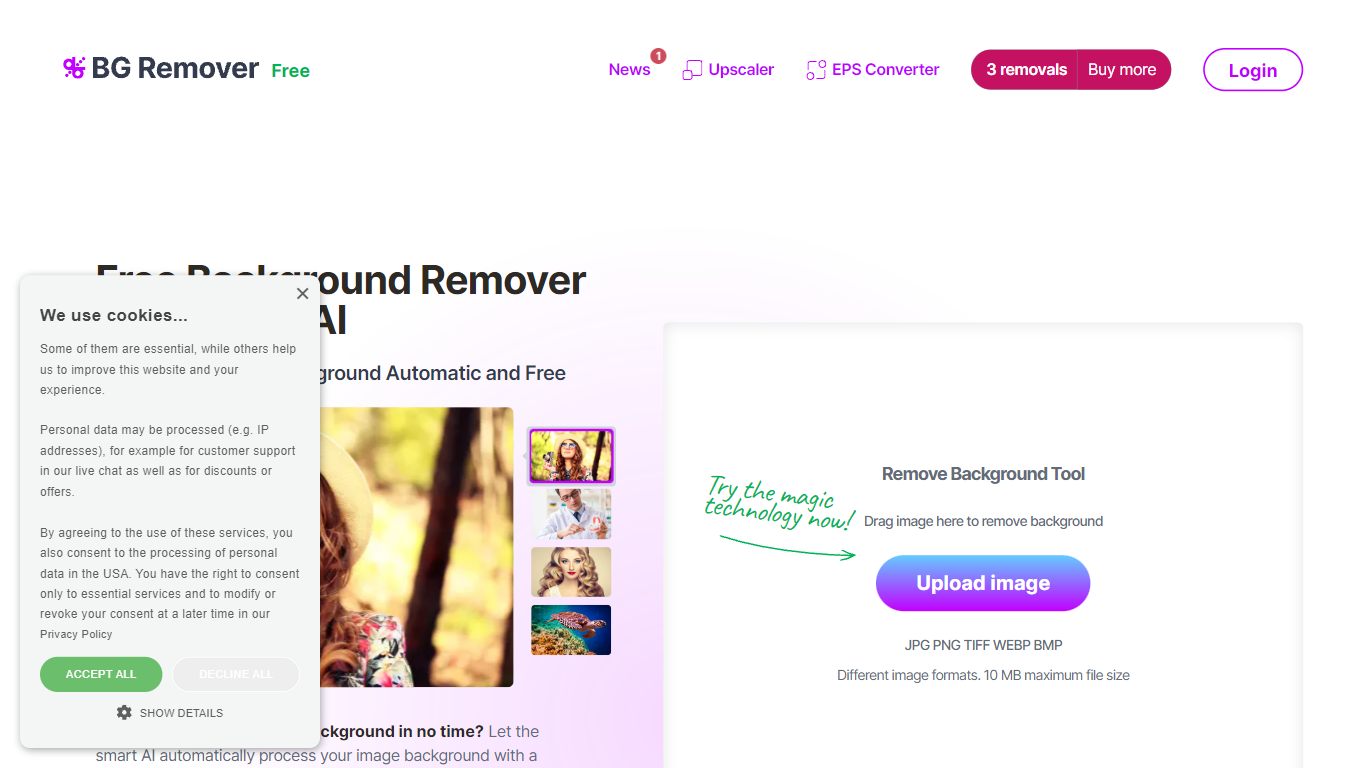
What is Background Remover - Stockphotos.com?
Discover the effortless way to remove image backgrounds with Stockphotos.com's AI Image Background Remover. This free online tool utilizes advanced artificial intelligence to swiftly and accurately extract objects from images, erasing backgrounds in an impressive 8 seconds per image. Compatible with multiple image formats such as JPG, PNG, TIFF, WEBP, and BMP, the tool simplifies the task without the need for manual image manipulation.
Enhance your creative process with capabilities like replacing backgrounds with ease, creating transparent PNG files, and upscaling images for finer detail. The AI technology seamlessly smoothens edges and ensures no pixelation, providing you a clean slate to place any new background. Furthermore, Stockphotos.com offers an API for easy integration into various web and mobile applications, expanding its use into e-commerce and designers' toolsets.
Kolorize Upvotes
Background Remover - Stockphotos.com Upvotes
Kolorize Top Features
Proprietary AI colorization for black-and-white, sepia, and faded vintage photos up to 4096×4096
Unlimited free previews with pay-per-download credits and no subscription required
Files deleted after processing over a 2048-bit encrypted connection
Batch upload up to 20 photos on paid credit plans
Video colorization available with 1 credit covering 160 video frames
Background Remover - Stockphotos.com Top Features
Automatic Removal: AI-powered removal process that clears backgrounds in seconds.
File Format Support: Works with a wide range of image formats including JPG PNG TIFF WEBP and BMP.
Free to Use: Offers 3 free removals with additional perks like 10 free upscales for image enlargement.
API for Integration: An accessible API to integrate background removal in other products and workflows.
Instant Download: Create and download images with new backgrounds or transparent PNGs immediately.
Kolorize Category
- Photo Editing
Background Remover - Stockphotos.com Category
- Photo Editing
Kolorize Pricing Type
- Freemium
Background Remover - Stockphotos.com Pricing Type
- Free