Krock.io vs GitMind
When comparing Krock.io vs GitMind, which AI Project Management tool shines brighter? We look at pricing, alternatives, upvotes, features, reviews, and more.
In a comparison between Krock.io and GitMind, which one comes out on top?
When we put Krock.io and GitMind side by side, both being AI-powered project management tools, Interestingly, both tools have managed to secure the same number of upvotes. Your vote matters! Help us decide the winner among aitools.fyi users by casting your vote.
Don't agree with the result? Cast your vote and be a part of the decision-making process!
Krock.io
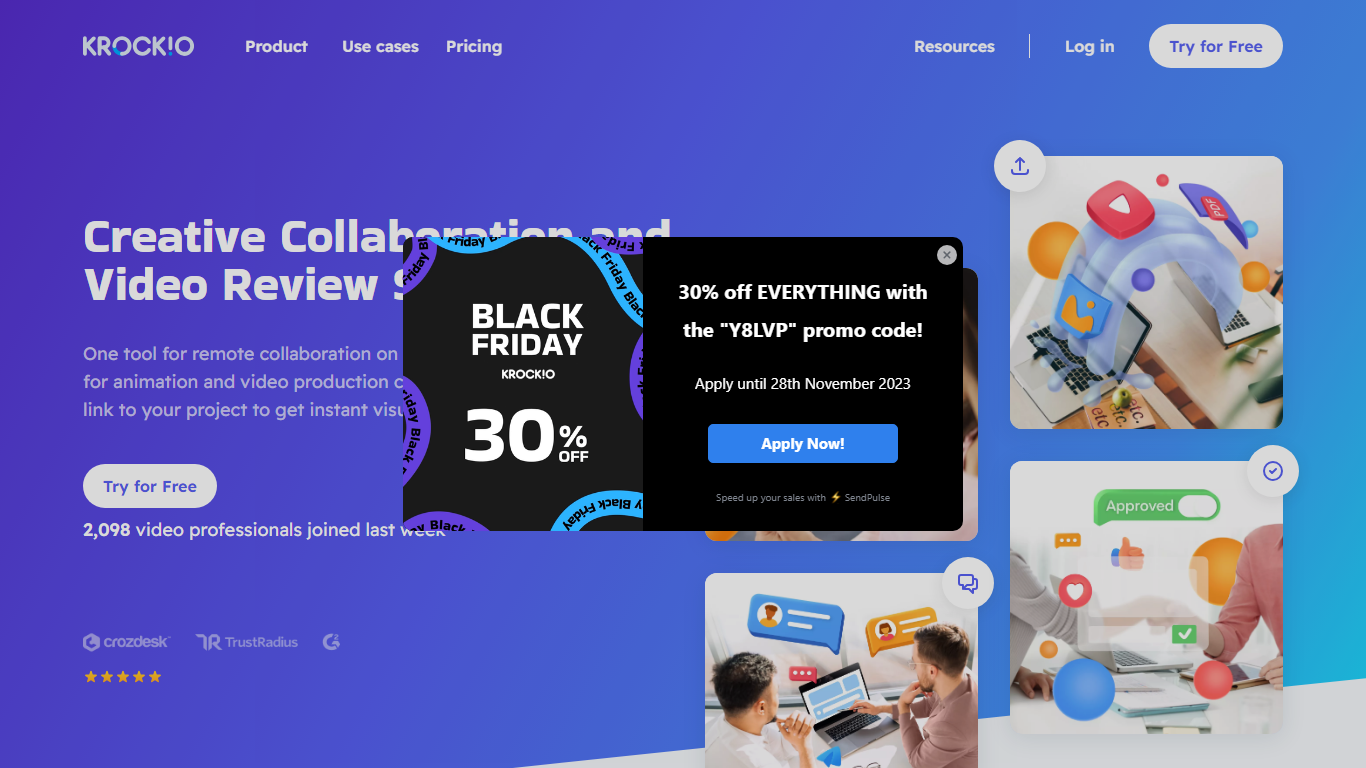

What is Krock.io?
Krock.io gives creative teams one place to upload video, collect frame-accurate feedback, and approve final cuts without email threads. You add time-coded comments, compare versions with overlay or auto-compare modes, and invite unlimited reviewers without per-seat fees. Project management boards cover storyboards, animatics, and scripts alongside the review workflow.
Frame.io popularized client video review, but Krock.io leans into flat pricing with unlimited reviewers on every tier and editor plugins for DaVinci Resolve, Adobe Creative Cloud, and Final Cut Pro. That combination targets studios tired of paying per external reviewer while still needing NLE timeline sync for markers and playhead alignment.
Animation studios, ad agencies, and video production shops use it for explainer videos, TV series, and film dailies. The free plan includes two projects and media review, while Pro adds 4K playback and unlimited workspaces at $10 per user per month.
GitMind
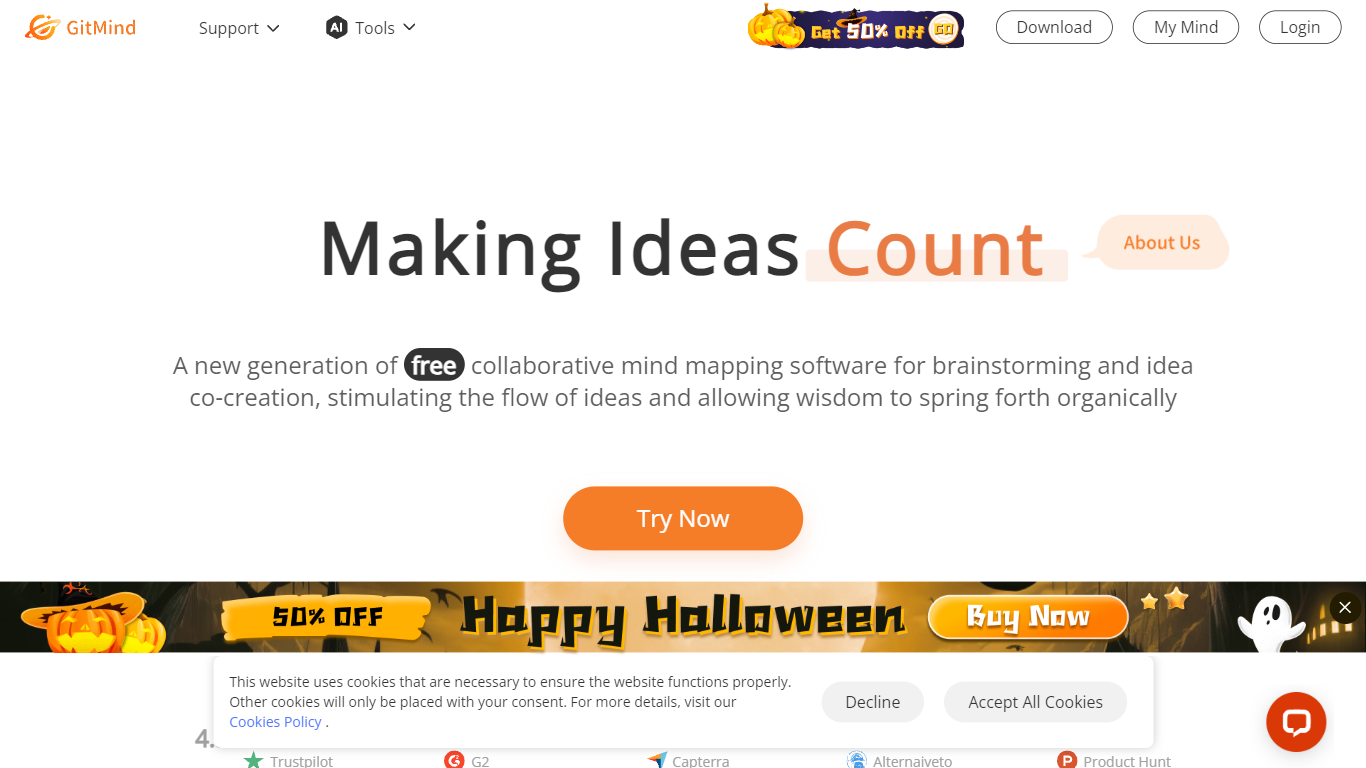
What is GitMind?
GitMind turns text, videos, audio, PDFs, websites, and images into mind maps, summaries, flowcharts, and infographics inside one visual workspace. Upload a file or paste a link, and the tool structures the content into editable diagrams you can share or present. Desktop and mobile apps sync projects across platforms for studying, research, and project planning.
Standalone mind map apps stop at diagram editing. GitMind bundles summarizers, OCR, YouTube transcript tools, and AI chat with ChatGPT, Claude, Gemini, and DeepSeek in the same canvas. That combination suits teams who want source material converted into visuals without switching between a note app, a diagram tool, and a separate AI chat tab.
Project managers, teachers, students, and researchers use GitMind to plan campaigns, summarize lectures, and generate UML or flowchart diagrams from prompts. The site reports 10 million users across 160 countries. Real-time collaboration and presentation mode support team workshops and classroom reviews.
Krock.io Upvotes
GitMind Upvotes
Krock.io Top Features
Unlimited reviewers on every plan with no per-reviewer fees
Frame-accurate video comments with overlay and auto-compare version modes
Plugins sync playhead, markers, and comments with DaVinci Resolve, Adobe CC, and Final Cut Pro
Free plan includes 2 projects, 2 GB storage, and 50 AI storyboard tokens
Pro plan costs $10 per user per month with 4K playback from 2 TB storage
Board tools cover storyboards, animatics, and scripts in one workspace
GitMind Top Features
Converts videos, PDFs, audio, websites, and images into mind maps or summaries
Free tier includes up to 10 mind maps and whiteboards
YouTube summarizer handles 20 minutes of one video per day on the free plan
Generates flowcharts, UML diagrams, ERDs, and infographics from text prompts
Integrates ChatGPT, Claude, Gemini, and DeepSeek inside the workspace
Real-time collaboration with presentation mode for team reviews
Krock.io Category
- Project Management
GitMind Category
- Project Management
Krock.io Pricing Type
- Freemium
GitMind Pricing Type
- Freemium