LanguageGUI vs Graphy
Compare LanguageGUI vs Graphy and see which AI Design tool is better when we compare features, reviews, pricing, alternatives, upvotes, etc.
Which one is better? LanguageGUI or Graphy?
When we compare LanguageGUI with Graphy, which are both AI-powered design tools, Both tools are equally favored, as indicated by the identical upvote count. The power is in your hands! Cast your vote and have a say in deciding the winner.
Want to flip the script? Upvote your favorite tool and change the game!
LanguageGUI
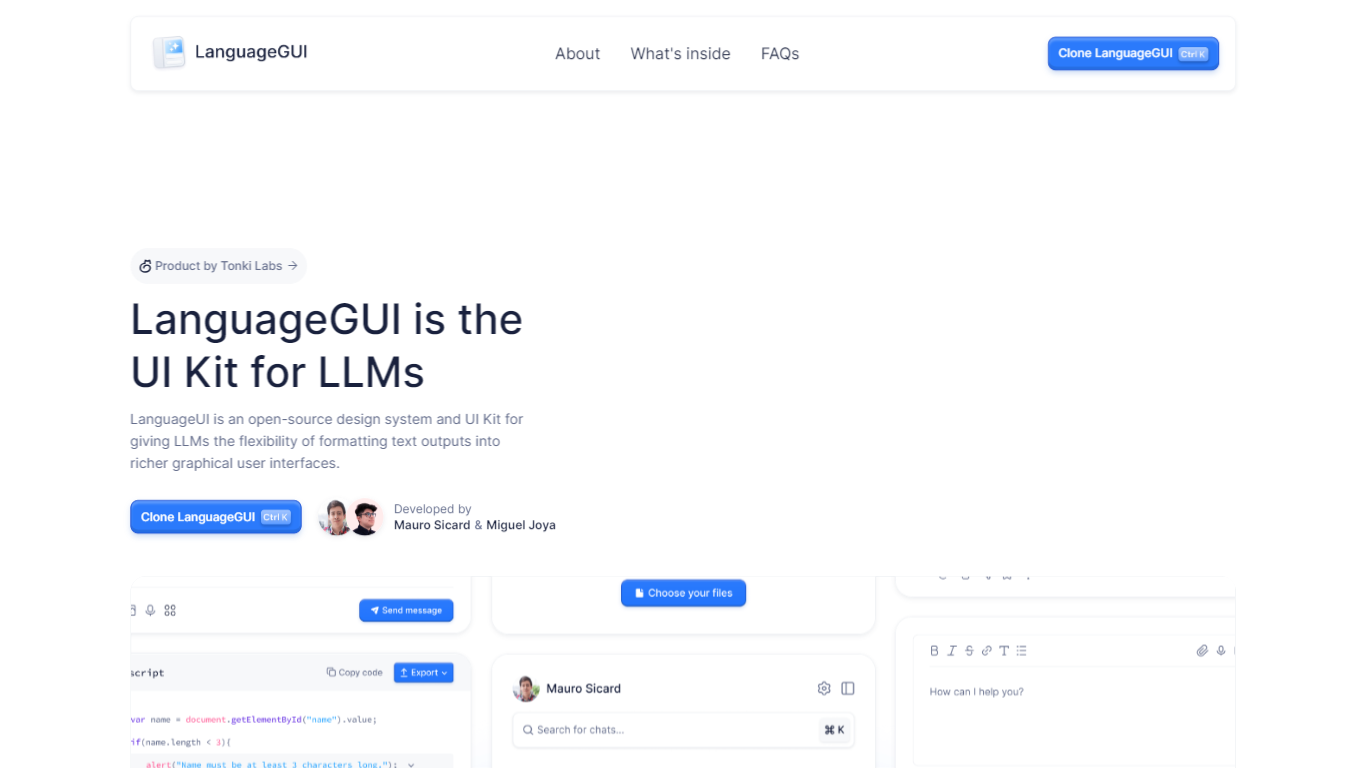

What is LanguageGUI ?
LanguageGUI is an open-source Figma UI kit and design system from Tonki Labs for building richer graphical interfaces around LLM text outputs. It gives developers and designers pre-built components to turn plain chat responses into dashboards, charts, forms, and structured conversational screens.
The kit includes 100+ UI components, 10+ conversational widgets, 20+ chat bubbles, 30+ pre-built screens, multi-prompt workflow designs, and dark mode support. Everything is built with Figma variables, styles, and Auto Layout for easy customization.
LanguageGUI is free under the MIT license for personal and commercial use. Clone it from Figma Community to start designing LLM-powered apps with more visual depth than standard text-only chat UIs.
Graphy
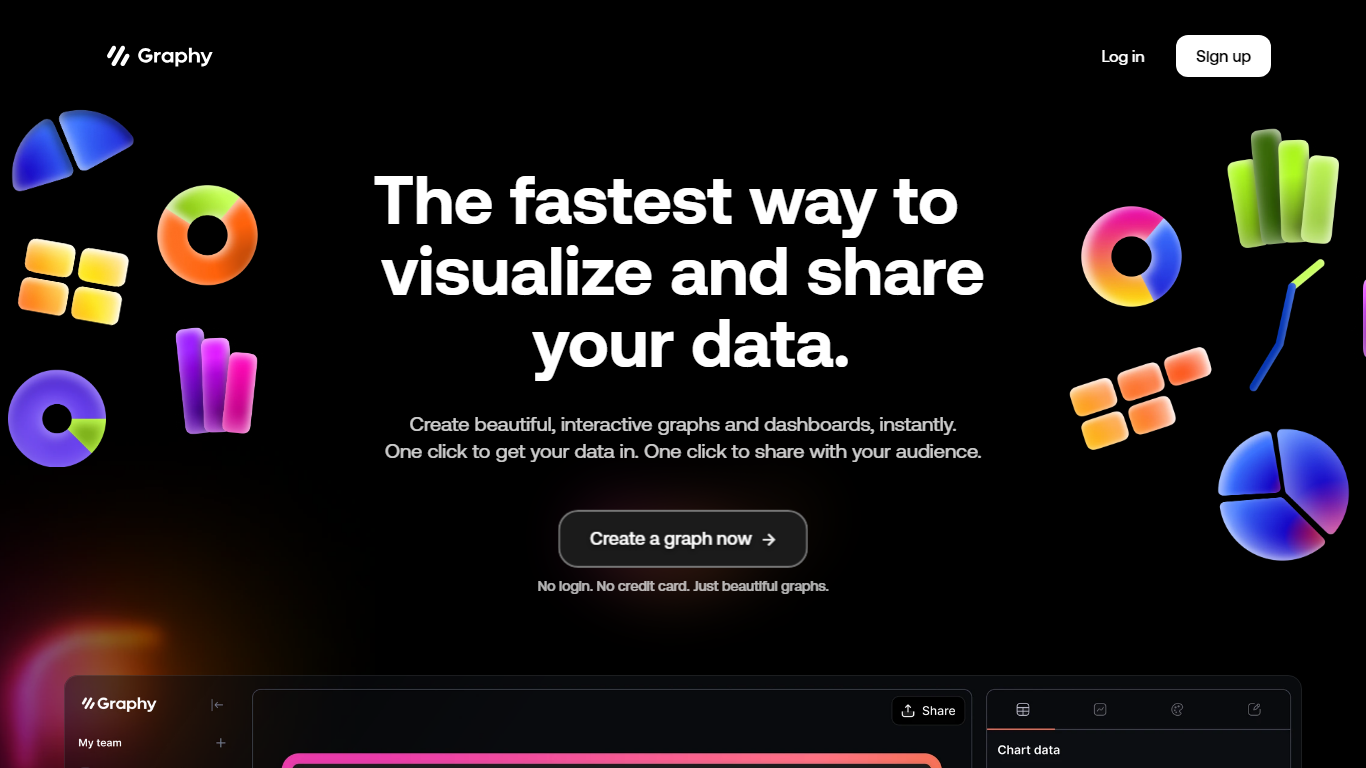
What is Graphy?
Graphy is an online chart and graph maker that turns raw data into branded, shareable visuals. You can link a Google Sheet, upload CSV or Excel files, paste values, call the Chart API, or ask AI to find data, then get interactive bar, line, pie, funnel, and heatmap charts without spreadsheet formatting.
Unlike static screenshot tools or rigid BI dashboards, Graphy pairs an AI data engine with editable charts you can annotate, brand, and export to slides, social posts, or embedded docs. The free plan caps you at 5 charts with limited AI, while paid tiers remove the watermark and add unlimited charts plus Google Sheets auto-refresh on Business.
Graphy fits marketers building campaign reports, founders sharing board metrics, and analysts who need polished visuals fast instead of default spreadsheet charts. The same company also ships a React chart library and enterprise SDK at graphy.dev for teams embedding charts inside their own products.
LanguageGUI Upvotes
Graphy Upvotes
LanguageGUI Top Features
100+ UI components and customizable screens for LLM apps
10+ conversational widgets and 20+ chat bubble styles
30+ pre-built screens and multi-prompt workflow designs
Dark mode, Figma variables, and Auto Layout included
Free MIT-licensed Figma file for personal and commercial use
Graphy Top Features
Imports Google Sheets, CSV, Excel, pasted values, or API data without manual formatting
AI engine highlights insights and suggests chart types from your dataset
Supports bar, line, pie, funnel, heatmap, and 20+ other chart templates
Free plan includes 5 charts; Plus at $16 per user per month removes limits
Business plan at $36 per user per month adds auto Google Sheets refresh and password-protected links
LanguageGUI Category
- Design
Graphy Category
- Design
LanguageGUI Pricing Type
- Free
Graphy Pricing Type
- Freemium