LanguageTool vs Pictory AI
Dive into the comparison of LanguageTool vs Pictory AI and discover which AI Video Generation tool stands out. We examine alternatives, upvotes, features, reviews, pricing, and beyond.
In a comparison between LanguageTool and Pictory AI, which one comes out on top?
When we compare LanguageTool and Pictory AI, two exceptional video generation tools powered by artificial intelligence, and place them side by side, several key similarities and differences come to light. With more upvotes, Pictory AI is the preferred choice. Pictory AI has garnered 41 upvotes, and LanguageTool has garnered 6 upvotes.
Feeling rebellious? Cast your vote and shake things up!
LanguageTool
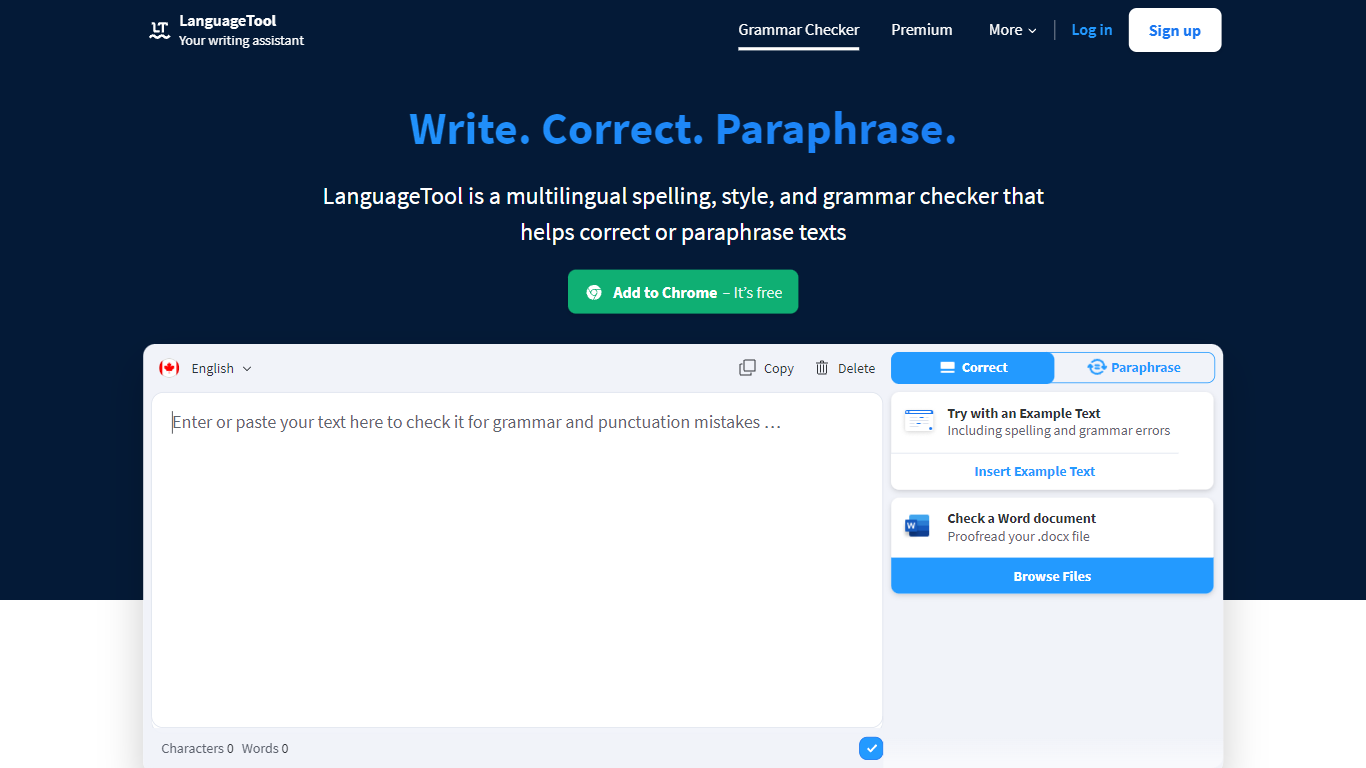

What is LanguageTool?
LanguageTool checks grammar, spelling, punctuation, and style in more than 30 languages through a web editor and browser extensions. Paste or type text to get underlined suggestions for subject-verb agreement, comma placement, word choice, and casing, plus a paraphrasing mode that rewrites sentences to be more formal or concise.
Compared with built-in spell checkers that catch typos only, LanguageTool adds over 20,000 extra style and grammar rules on Premium for English, German, French, Spanish, Dutch, Polish, and Portuguese. Picky Mode pushes even further on advanced punctuation and typography, and Premium raises the per-field character limit to 150,000 for long articles or emails.
Writers, students, and teams use LanguageTool inside Chrome, Firefox, Safari, Edge, Google Docs, Microsoft Word, LibreOffice, Slack, and macOS apps. The free Basic tier covers core grammar checks, while Premium and Team plans add shared style guides, team dictionaries, and unlimited AI paraphrasing.
Pictory AI
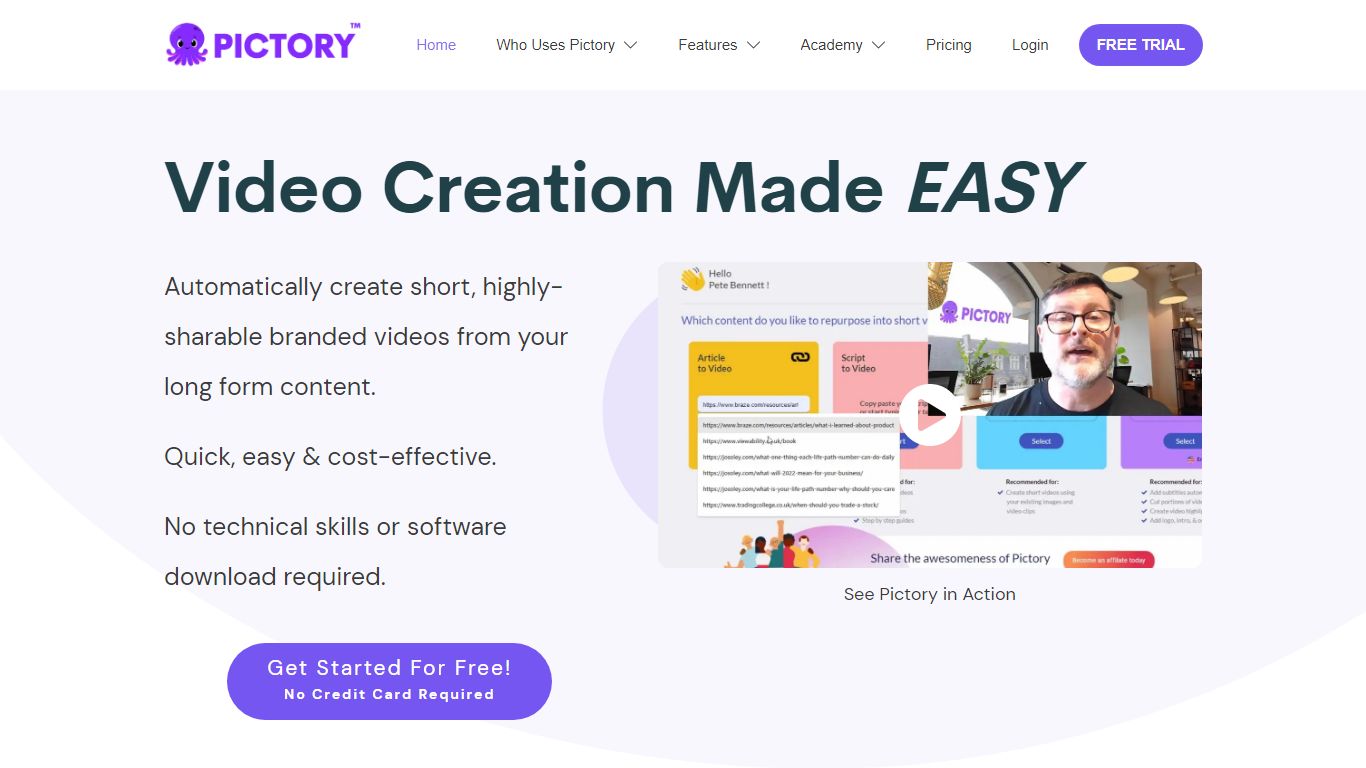
What is Pictory AI?
Pictory AI turns scripts, blog posts, PowerPoint decks, URLs, audio files, and screen recordings into finished marketing videos without a traditional timeline editor. You feed text or existing media into Pictory, and it builds scenes with stock footage, Gen AI visuals, automatic captions, realistic voices, and optional AI avatars ready for social or training channels.
Desktop editors expect you to hunt B-roll and manually chop long webinars into clips. Pictory automates structure, highlights key moments from long recordings, and resizes exports for multiple platforms, which is why teams use it to repurpose Zoom calls and articles instead of rebuilding each cut by hand.
Marketers, course creators, and enterprise video teams adopt Pictory to ship more video from content they already own. The homepage advertises a 14-day free trial with no credit card required and plans that start at $25 per month on annual billing.
LanguageTool Upvotes
Pictory AI Upvotes
LanguageTool Top Features
Checks grammar and spelling in 30+ languages with automatic language detection
Premium adds 20,000+ extra checks for English, German, French, Spanish, Dutch, Polish, and Portuguese
Browser extensions for Chrome, Firefox, Safari, Edge, and Opera with 4M+ Chrome users
Premium supports up to 150,000 characters per text field
AI paraphrasing rewrites sentences to be more formal, fluid, or shorter
Pictory AI Top Features
14-day free trial includes 3 video project exports on pictory.ai
Starter plan is $25 per month billed annually with 2,400 video minutes per year
Professional plan adds custom avatars and voice cloning at $35 per month annually
Library includes 5 million Getty Images and Storyblocks clips on Starter
Rated 4.7 out of 5 on G2 according to the Pictory homepage
LanguageTool Category
- Video Generation
Pictory AI Category
- Video Generation
LanguageTool Pricing Type
- Freemium
Pictory AI Pricing Type
- Freemium