Lazy AI (formerly Lazy apps) vs NocoAI
Compare Lazy AI (formerly Lazy apps) vs NocoAI and see which AI Web Apps tool is better when we compare features, reviews, pricing, alternatives, upvotes, etc.
Which one is better? Lazy AI (formerly Lazy apps) or NocoAI?
When we compare Lazy AI (formerly Lazy apps) with NocoAI, which are both AI-powered web apps tools, The users have made their preference clear, Lazy AI (formerly Lazy apps) leads in upvotes. The upvote count for Lazy AI (formerly Lazy apps) is 9, and for NocoAI it's 6.
Don't agree with the result? Cast your vote and be a part of the decision-making process!
Lazy AI (formerly Lazy apps)
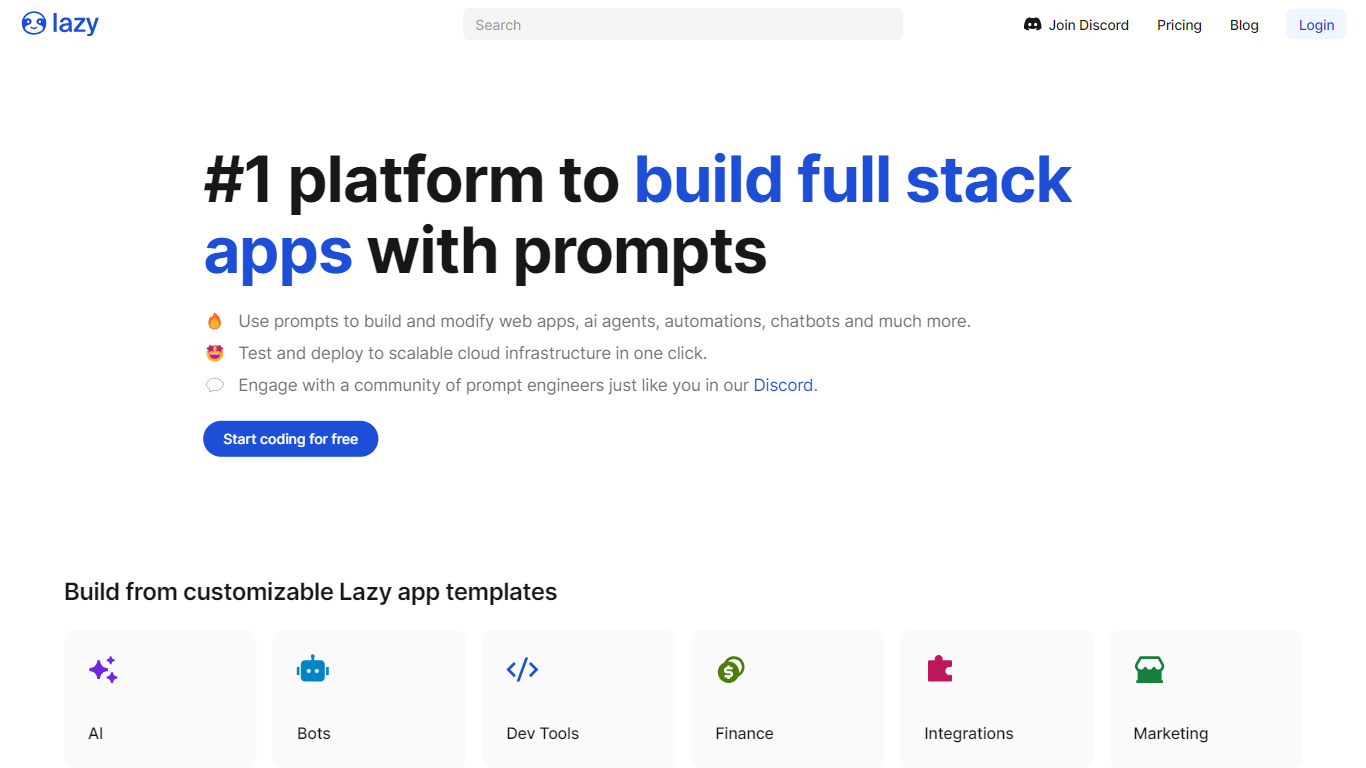

What is Lazy AI (formerly Lazy apps)?
Lazy AI turns plain-language prompts into deployed full-stack software with frontend, backend logic, and a database already wired together. You describe what you want, the platform generates the app structure, and production builds run on Google Cloud. Teams reach for it when they need working internal tools, chatbots, dashboards, or API endpoints without staffing a full engineering sprint.
Where most no-code tools stop at UI mockups or single-purpose automations, Lazy AI ships the whole stack in one workspace. The comparison page positions it against Cursor, Bolt.new, V0, Replit, Lovable, and Zapier by bundling database setup, deployment, and integrations like Google Sheets and CRMs instead of making you wire those pieces together elsewhere.
Marketing and sales teams use it to prototype business apps quickly, while non-technical staff can start from community templates for login flows, scrapers, or chatbots. Published apps stay online through Lazy AI managed hosting, with usage billed per gigabyte of RAM per day on top of the monthly subscription.
NocoAI
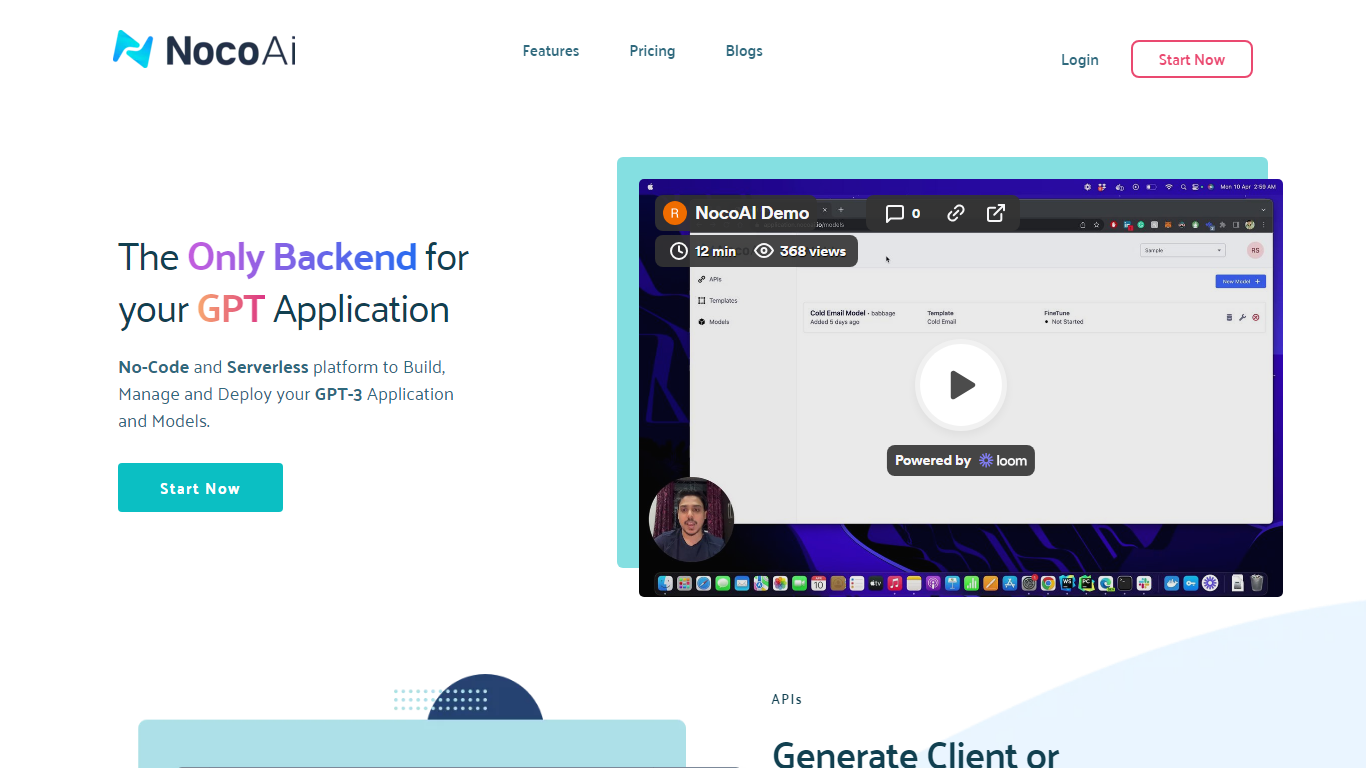
What is NocoAI?
NocoAI revolutionizes the deployment of GPT-based applications with its no-code, serverless platform, designed for simplicity and effectiveness. It empowers businesses to create custom models and API endpoints that cater to the client or backend needs. With NocoAI, you gain the ability to define prompt templates using the Mustache template engine, leading to highly personalized input for fine-tuning applications. The platform offers a unique feature enabling you to control OpenAI costs with request and user limits on your APIs, while the upcoming feature to analyze API usage promises an even more refined custom model optimization. Moreover, the NocoAI team stands ready to assist non-developers in adding datasets for further model fine-tuning via a user-friendly interface.
Lazy AI (formerly Lazy apps) Upvotes
NocoAI Upvotes
Lazy AI (formerly Lazy apps) Top Features
Describe an app in plain language and Lazy AI generates frontend, backend, and database code together
Deploy production apps to Google Cloud with 99.9% uptime stated on the pricing page
Community template library includes login flows, scrapers, and chatbot starters at getlazy.ai/explore
Pro plan includes 250 million tokens per month plus custom domain deployment
Published app hosting costs $1.56 per GB of RAM allocated per day on top of subscription fees
Integrates with Google Sheets, external APIs, and CRMs from the launch step on the homepage
NocoAI Top Features
No-Code Platform: Utilize a serverless environment to build and deploy GPT applications without coding.
API Generation: Easily generate client or backend APIs with custom or inbuilt models.
Template Customization: Define prompt templates and variables with the Mustache template engine for personalized API inputs.
Cost Control: Implement request and user limits to manage OpenAI costs effectively.
Non-Developer Friendly: Engage the NocoAI team for assistance in dataset addition and model fine-tuning.
Lazy AI (formerly Lazy apps) Category
- Web Apps
NocoAI Category
- Web Apps
Lazy AI (formerly Lazy apps) Pricing Type
- Paid
NocoAI Pricing Type
- Freemium