Learning Studio AI vs ScreenApp
In the contest of Learning Studio AI vs ScreenApp, which AI Education tool is the champion? We evaluate pricing, alternatives, upvotes, features, reviews, and more.
If you had to choose between Learning Studio AI and ScreenApp, which one would you go for?
When we examine Learning Studio AI and ScreenApp, both of which are AI-enabled education tools, what unique characteristics do we discover? ScreenApp is the clear winner in terms of upvotes. ScreenApp has attracted 7 upvotes from aitools.fyi users, and Learning Studio AI has attracted 6 upvotes.
Not your cup of tea? Upvote your preferred tool and stir things up!
Learning Studio AI
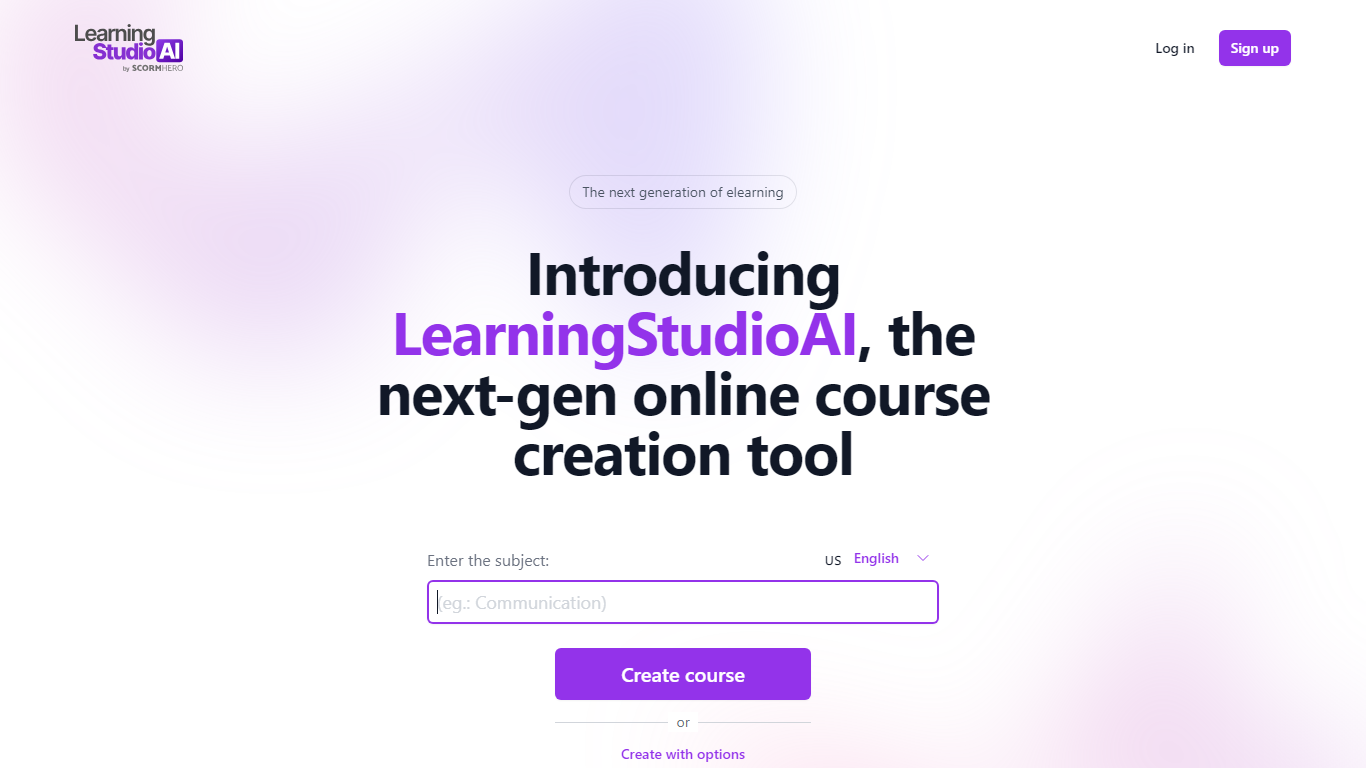

What is Learning Studio AI?
Maximize the potential of AI in education by mastering the creation of dynamic, comprehensive courses. Dive into the world of teaching with breakthrough artificial intelligence tools designed to innovate and streamline course development. Our platform offers everything you need to create, manage, and deliver top-tier educational content that keeps students engaged. With intuitive design and easy-to-use features, educators can now focus on what matters most—their students.
Harness the power of AI to design courses that are optimized for a variety of learning styles. Our revolutionary approach to course creation utilizes the latest AI technology to ensure you deliver content that's not only informative but also captivating. Our platform supports educators in their mission to provide a personalized learning experience that motivates and empowers students.
Step into the future of education by leveraging AI to elevate your course material. Our robust toolkit enables you to craft courses that are rich in multimedia, interactive elements, and intelligent assessments. Take pride in offering a unique educational experience that’s as compelling as it is educational. Join us in transforming the realm of education with AI-driven solutions.
ScreenApp
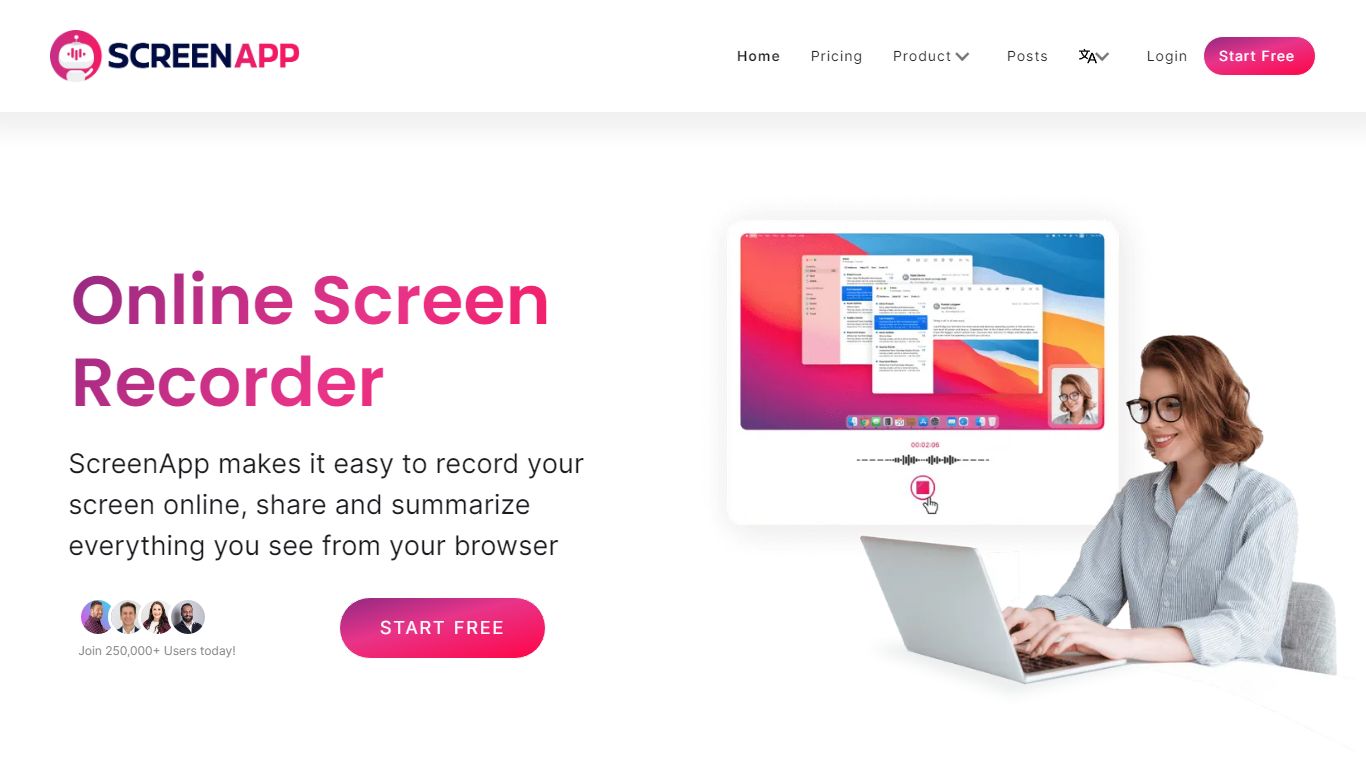
What is ScreenApp?
ScreenApp is a comprehensive online tool for screen recording and transcription, designed to convert your digital content into a valuable reservoir of knowledge. This platform streamlines productivity and collaboration, making it an ideal choice for individuals and teams participating in online meetings, webinars, presentations, and virtual training sessions.
Key Features: Unlimited Recordings: ScreenApp offers the freedom of unlimited screen recordings with the option to include or exclude a webcam, desktop, microphone, and system audio. This feature is ideal for producing thorough instructional videos, interactive presentations, and detailed webinars.
Video Transcription: The platform transforms video content into written documents, providing a user-friendly way to review discussions and share key information from meetings or webinars.
GPT Enabled: ScreenApp utilizes advanced GPT AI technology to summarize, simplify, compare, and derive insights from your videos, making it a valuable tool for tech tutorials, training sessions, or any scenario where digesting complex information is crucial.
Secure Sharing and Storage: ScreenApp prioritizes the security of your content, allowing you to store recordings securely and share them with your team. With your permission, team members can access and edit your recordings, promoting a secure and collaborative working environment.
Cloud Storage: With ScreenApp's cloud backup feature, your recordings are safe and easily accessible. You can create and share a link to the recordings or access them later as needed.
Business Video Deployment: ScreenApp facilitates the deployment of asynchronous videos and screen recordings through a powerful, customizable platform. This feature ensures the reliable and secure sharing of high-quality business videos across your organization.
Knowledge Extraction from Transcription: The tool transcribes videos, enabling users to extract valuable insights and convert spoken words into written text. This opens up opportunities for creating accurate closed captions, analyzing customer feedback, and unearthing insights for market research.
AI Functionality: ScreenApp offers AI functionality capable of extracting information and insights from videos. This promotes collaboration, idea sharing, and informed decision-making within teams.
Use Cases: Online Meetings: Record and transcribe essential discussions from online meetings. Webinars and Presentations: Capture and transcribe content from webinars and presentations for future reference. Virtual Training: Use the screen recording and transcription features to facilitate effective virtual training sessions. Content Creation: Create engaging and informative videos for various purposes including education or marketing. ScreenApp provides free service for all users for up to an hour. To use, simply select your preferred layout and audio options, hit the record button, choose what to share, and start recording. To stop, simply press the record button again. Once recorded, videos can be located in the user's library where they can be edited, saved, and exported in MP4 or WebM format. Sharing videos is as simple as clicking 'Share' and distributing the link directly via email or copying the link for use elsewhere. ScreenApp is compatible with Google Chrome, Opera, and Firefox browsers and doesn't require any software download or installation
Learning Studio AI Upvotes
ScreenApp Upvotes
Learning Studio AI Top Features
Intuitive Design: Simplify the course creation process with user-friendly tools.
Diverse Learning Styles: Tailor content to various learner preferences using AI insights.
Interactive Elements: Engage students with interactive coursework components.
Intelligent Assessments: Employ smart evaluation methods to measure student progress effectively.
AI Technology: Harness cutting-edge AI to enhance the educational experience.
ScreenApp Top Features
Online Screen Recorder
Transcription
Video Summization
Download
Video to Text
Learning Studio AI Category
- Education
ScreenApp Category
- Education
Learning Studio AI Pricing Type
- Freemium
ScreenApp Pricing Type
- Freemium