Legasite vs GitBook
Explore the showdown between Legasite vs GitBook and find out which AI Developer tool wins. We analyze upvotes, features, reviews, pricing, alternatives, and more.
When comparing Legasite and GitBook , which one rises above the other?
When we contrast Legasite with GitBook , both of which are exceptional AI-operated developer tools, and place them side by side, we can spot several crucial similarities and divergences. Neither tool takes the lead, as they both have the same upvote count. You can help us determine the winner by casting your vote and tipping the scales in favor of one of the tools.
Don't agree with the result? Cast your vote and be a part of the decision-making process!
Legasite
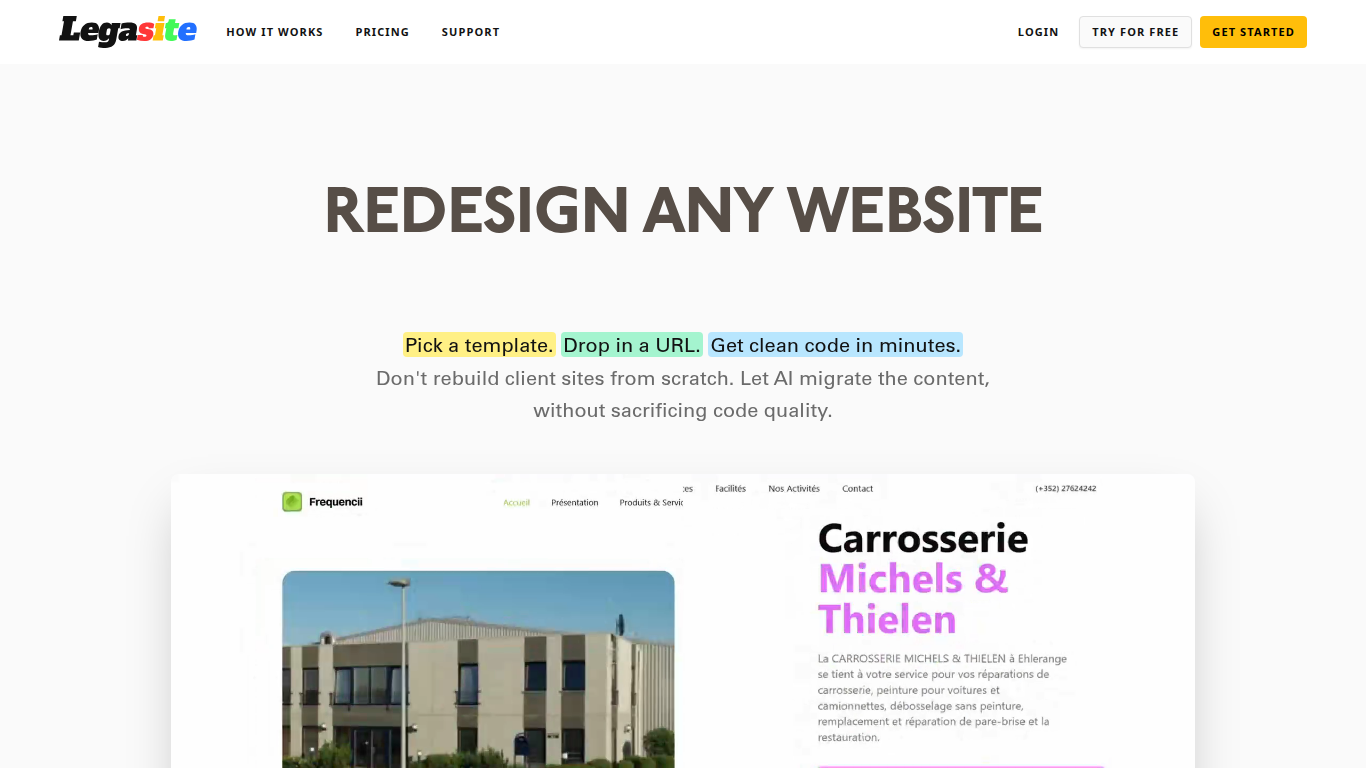

What is Legasite?
Legasite moves legacy websites into modern React and Next.js templates without rebuilding from scratch. You pick a template, drop in an existing site URL, and the platform extracts content, maps it to the layout, and generates downloadable source code in about 10 to 20 minutes.
The workflow centers on automated content extraction rather than manual copy-paste. Legasite pulls text, structure, and images from the source site, then populates a human-written template so the output follows component-based patterns with Tailwind CSS styling. You get a ZIP of real code you can deploy to Vercel, Netlify, or your own server.
It targets web agencies, freelance developers, and in-house dev teams handling client redesigns or internal UI modernization. The pitch is cutting migration grunt work so you spend time on customization and features instead of transferring content page by page.
GitBook
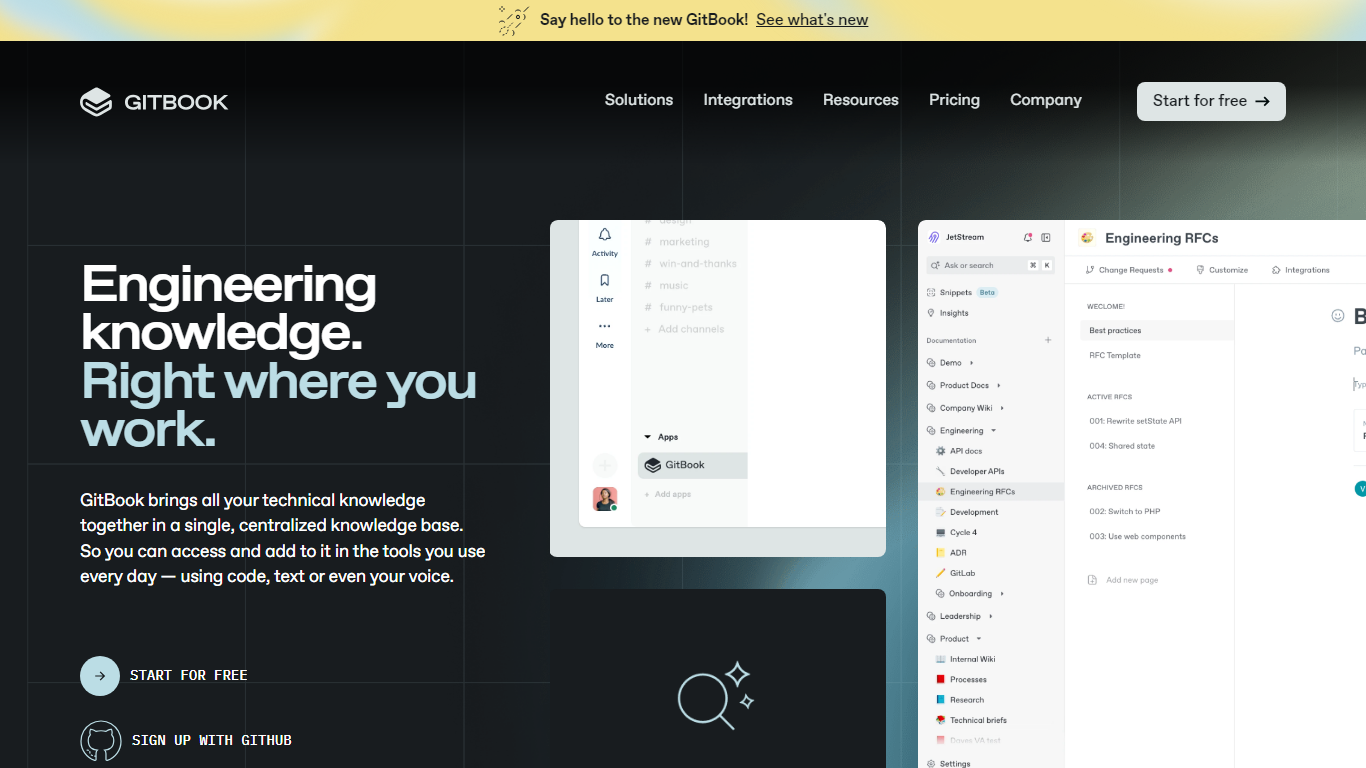
What is GitBook ?
GitBook hosts product and API documentation with a block editor, GitHub and GitLab sync, and interactive API playgrounds. Teams publish branded docs sites, preview deployments, and add LLM optimizations so AI tools can cite accurate answers from your content.
Most doc tools stop at publishing pages. GitBook layers an AI Assistant sidebar on Ultimate plans, AI insights that flag knowledge gaps, and a GitBook Agent that writes and updates docs from Slack, Linear, and GitHub. Its MCP server at mcp.gitbook.com also lets coding agents publish docs directly from your IDE.
Engineering and product teams use it for public docs, developer portals, and help centers. The free plan covers individuals with Git sync and API playgrounds, while Premium starts at $65 per site per month plus $12 per user on annual billing.
Legasite Upvotes
GitBook Upvotes
Legasite Top Features
Drop in a URL and get React or Next.js code in 10 to 20 minutes
Content, structure, and images pulled automatically from the old site
Download a full ZIP you can deploy anywhere with no platform lock-in
Free plan includes 3 demo credits for single-page previews on signup
Basic plan at $20 per month supports about 20 pages with downloadable code
Agency plan at $100 per month supports about 200 pages per month
Tokens reset monthly with roughly 500K tokens consumed per generated page
GitBook Top Features
Free plan includes GitHub and GitLab sync with interactive API playgrounds
Premium starts at $65 per site per month plus $12 per user on annual billing
Ultimate adds an AI Assistant sidebar and GitBook Agent for $249 per site per month
GitBook MCP server lets coding agents publish docs from Cursor, Claude, and Codex
Block editor supports custom blocks, preview deployments, and LLM optimizations
Ultimate plan includes adaptive content and authenticated access controls
Enterprise adds SAML SSO, white-glove migration, and dedicated support
Legasite Category
- Developer
GitBook Category
- Developer
Legasite Pricing Type
- Freemium
GitBook Pricing Type
- Freemium