Letterly vs Sudowrite
In the contest of Letterly vs Sudowrite, which AI Writing Assistant tool is the champion? We evaluate pricing, alternatives, upvotes, features, reviews, and more.
If you had to choose between Letterly and Sudowrite, which one would you go for?
When we examine Letterly and Sudowrite, both of which are AI-enabled writing assistant tools, what unique characteristics do we discover? Both tools are equally favored, as indicated by the identical upvote count. Since other aitools.fyi users could decide the winner, the ball is in your court now to cast your vote and help us determine the winner.
Feeling rebellious? Cast your vote and shake things up!
Letterly

What is Letterly?
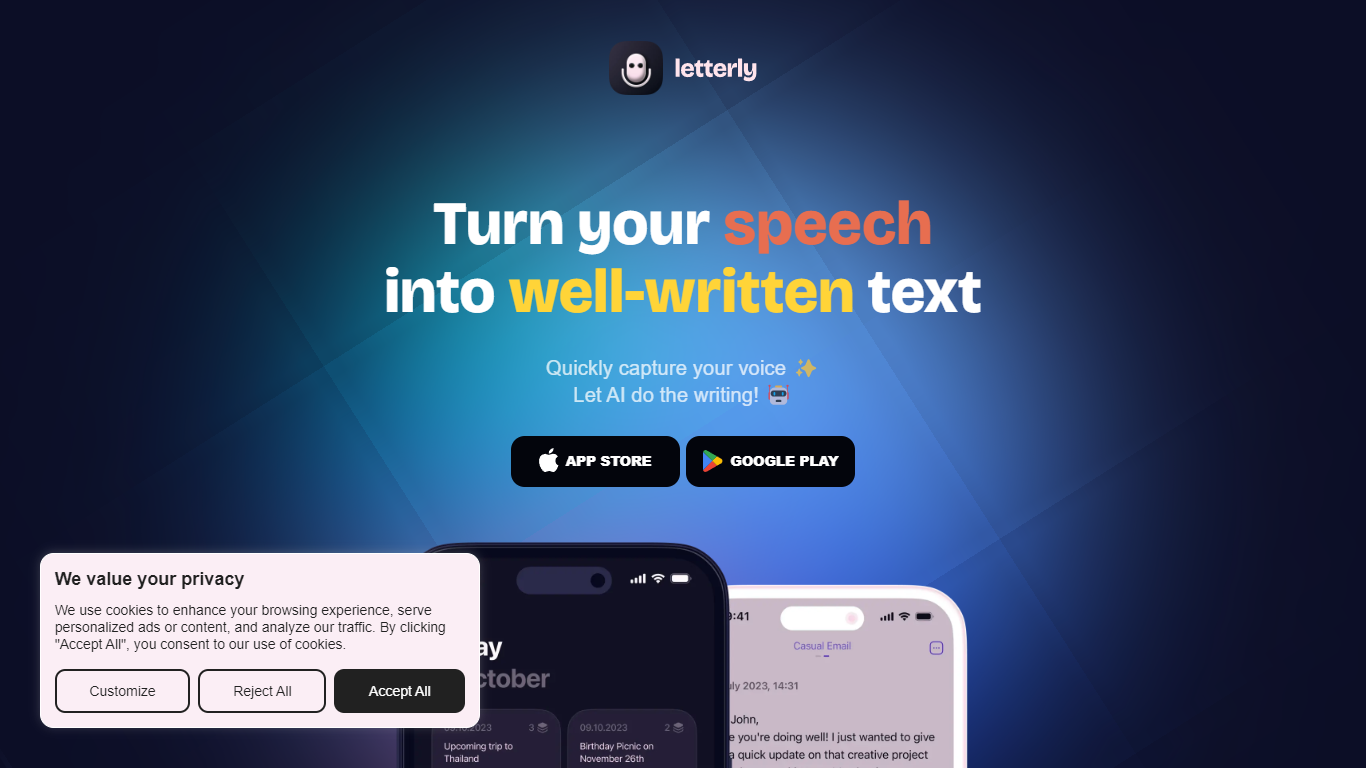
Letterly turns spoken words into polished text you can paste, send, or save. You record on your phone, Mac, Windows, or browser, and the app transcribes what you said, then runs it through rewrite styles tuned for emails, meeting recaps, journal entries, or social posts. It sits between a voice memo app and a writing assistant, built for people who think faster out loud than on a keyboard.
Most dictation tools either transcribe or summarize, but rarely both in the same workflow. Letterly layers three jobs: system-wide dictation that pipes text into Gmail, Slack, and Notion; standalone note capture with rewrite prompts; and long-form meeting recording with speaker-separated transcripts up to 90 minutes. The Letterly MCP connector lets Claude, ChatGPT, or Cursor search and rewrite your stored notes without leaving those tools.
Freelancers, managers, and creators who capture ideas while walking or between calls are the clearest fit. A product manager dictating Slack updates, a writer turning walk monologues into blog drafts, or anyone who records lectures and wants labeled speaker notes can stay in one app instead of chaining separate transcription and rewrite tools.
Sudowrite
What is Sudowrite?
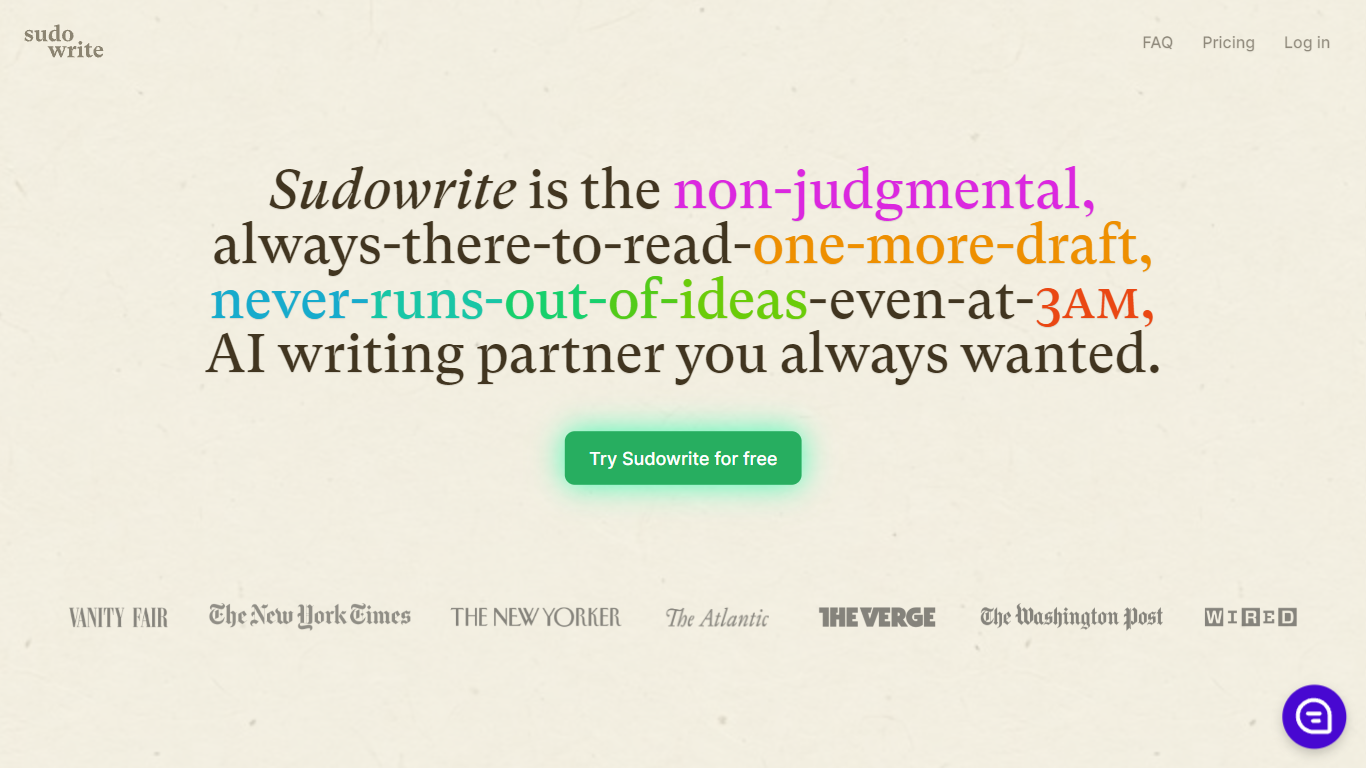
Sudowrite is an AI writing partner designed especially for novelists and creative writers. It helps you write faster and overcome writer's block by suggesting the next 300 words in your voice, expanding scenes, and providing vivid descriptions that bring your story to life. The tool guides you from idea to outline to full draft with features like Story Bible, Brainstorm, and Canvas, which help organize plot points, character arcs, and themes.
Sudowrite also offers revision assistance with Rewrite and actionable Feedback to improve your drafts. It supports over 30 languages and lets you visualize characters and worlds with AI-generated art. Created by writers for writers, Sudowrite aims to make storytelling more enjoyable and productive.
Letterly Upvotes
Sudowrite Upvotes
Letterly Top Features
Dictate inside Gmail, Slack, Notion, or any app without opening Letterly
Recordings up to 90 minutes with speaker-separated transcripts for meetings
Rewrite library with 25+ premade styles plus custom prompts you can build
Auto-detects 90+ languages and switches mid-sentence without manual settings
Letterly MCP connects notes to Claude, ChatGPT, Cursor, and other AI tools
No caps on recordings or AI rewrites according to the homepage
Syncs live across iOS, Android, Mac, Windows, and Web
Sudowrite Top Features
📝 Write: Autocomplete that suggests the next 300 words in your style to keep your story flowing.
🌟 Expand: Build out scenes to improve pacing and add depth without losing momentum.
🎨 Visualize: Generate artwork from your character and world descriptions to bring your story to life.
🧠 Brainstorm: Infinite idea generator that learns your preferences to spark fresh plot points and character secrets.
🔄 Rewrite: Flexible revision tool that takes direction and helps you rephrase sentences effortlessly.
Letterly Category
- Writing Assistant
Sudowrite Category
- Writing Assistant
Letterly Pricing Type
- Freemium
Sudowrite Pricing Type
- Paid