
Last updated 07-29-2026
Category:
Reviews:
Join thousands of AI enthusiasts in the World of AI!
Letterly
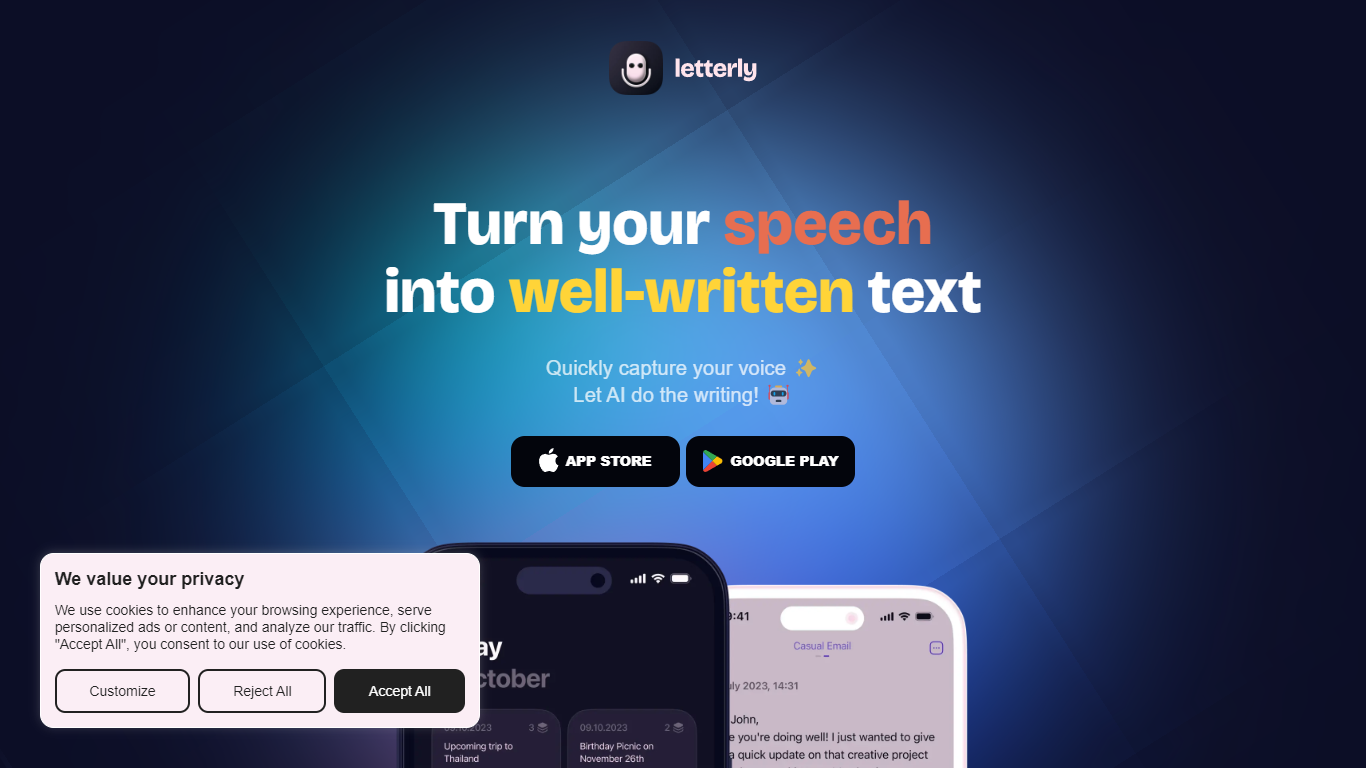
Letterly turns spoken words into polished text you can paste, send, or save. You record on your phone, Mac, Windows, or browser, and the app transcribes what you said, then runs it through rewrite styles tuned for emails, meeting recaps, journal entries, or social posts. It sits between a voice memo app and a writing assistant, built for people who think faster out loud than on a keyboard.
Most dictation tools either transcribe or summarize, but rarely both in the same workflow. Letterly layers three jobs: system-wide dictation that pipes text into Gmail, Slack, and Notion; standalone note capture with rewrite prompts; and long-form meeting recording with speaker-separated transcripts up to 90 minutes. The Letterly MCP connector lets Claude, ChatGPT, or Cursor search and rewrite your stored notes without leaving those tools.
Freelancers, managers, and creators who capture ideas while walking or between calls are the clearest fit. A product manager dictating Slack updates, a writer turning walk monologues into blog drafts, or anyone who records lectures and wants labeled speaker notes can stay in one app instead of chaining separate transcription and rewrite tools.
Dictate inside Gmail, Slack, Notion, or any app without opening Letterly
Recordings up to 90 minutes with speaker-separated transcripts for meetings
Rewrite library with 25+ premade styles plus custom prompts you can build
Auto-detects 90+ languages and switches mid-sentence without manual settings
Letterly MCP connects notes to Claude, ChatGPT, Cursor, and other AI tools
No caps on recordings or AI rewrites according to the homepage
Syncs live across iOS, Android, Mac, Windows, and Web
Dictates directly inside Slack, Gmail, and Notion without switching apps
90-minute recordings with speaker separation for multi-person talks
Notes sync live across iPhone, Android, Mac, Windows, and Web
MCP integration lets Claude, ChatGPT, and Cursor search your voice notes
Offline recording with transcription once you reconnect
Pro dictation sessions cap at 15 minutes per take on paid plans
Subscription prices vary across App Store tiers with multiple annual options
Cancellation requires emailing [email protected] rather than in-app self-serve
Is Letterly free to use?
Letterly is free to download with in-app Pro subscriptions. New users get a 7-day free trial when they register, and the App Store lists Pro at $19.99 per month or $79.99 per year.
What platforms does Letterly support?
Letterly runs on iOS, Android, Mac, Windows, and Web. Notes sync across devices when you sign in, and the homepage also lists Apple Watch support for on-the-go recording.
How long can Letterly recordings be?
Letterly supports recordings up to 90 minutes per note with unlimited recordings. Pro users can dictate for up to 15 minutes in a single system-wide dictation session on Windows.
Does Letterly work inside other apps?
Yes. Letterly dictation works inside Gmail, Slack, Notion, Messages, WhatsApp, and other apps through its keyboard on iPhone, a dictation bubble on Android, and a floating bar on Windows and Mac.
What languages does Letterly support?
Letterly detects more than 90 languages automatically when you start speaking. You can also switch languages mid-sentence without changing a setting, and translate notes into other languages from the app.
Does Letterly train AI on my notes?
No. Letterly states on its homepage that your words are private by default and are never used to train AI. The privacy policy on letterly.app covers how recordings and account data are handled.
Can Letterly connect to ChatGPT or Claude?
Yes. Letterly MCP lets Claude, ChatGPT, Cursor, Perplexity, and other AI clients search, rewrite, translate, and create notes from your Letterly library through a documented connector on letterly.app/mcp.